A home management binder is one physical place for the information your household runs on: contacts, calendars, bills, cleaning routines, maintenance records and the emergency details someone else might need. The best binders are small enough to keep up with and specific enough to answer real questions fast.
Here's what to put in yours, how to set it up in an afternoon, and the printable sets we make for it.
The sections worth including
Skip anything you won't update. These are the sections people actually open:
| Tab | What goes in it | How often you'll use it |
|---|---|---|
| Family info | Names, birthdays, doctors, school and work contacts | Monthly |
| Emergency | Who to call, meeting spot, insurance numbers, shutoff locations | Rarely, but critically |
| Calendar | Monthly calendar and weekly plan | Weekly |
| Meals | Meal plan and grocery list | Weekly |
| Cleaning | Daily, weekly and seasonal lists | Daily |
| Bills | Due dates, autopay notes, paid checkmarks | Monthly |
| Home maintenance | Filter changes, appliance info, repair history | Monthly and seasonally |
| Accounts | Logins with hints rather than full passwords | As needed |
| Sitter notes | Routines, allergies, bedtime, house rules | When you go out |
If you're starting from nothing, begin with Emergency, Bills and Calendar. Those three cover most "where is that?" moments.
A one-afternoon setup plan
- Get a 1.5-inch binder and 9 tab dividers. Bigger binders turn into junk drawers.
- Print only the first page of each section. Add more pages after a month, once you know what you use.
- Fill in Emergency first while you're motivated: water and gas shutoff locations, insurance policy numbers, a neighbor's number.
- List every bill with its due date and whether it's on autopay. Most people find one subscription they forgot.
- Write the appliance list. Model and serial numbers are on a sticker inside the door or on the back. Take a photo too.
- Pick a home for the binder that's visible, like the kitchen counter or a shelf by the door, and tell the family where it lives.
- Set a 10-minute weekly check on the same day you meal plan.
Printable binder sets we make
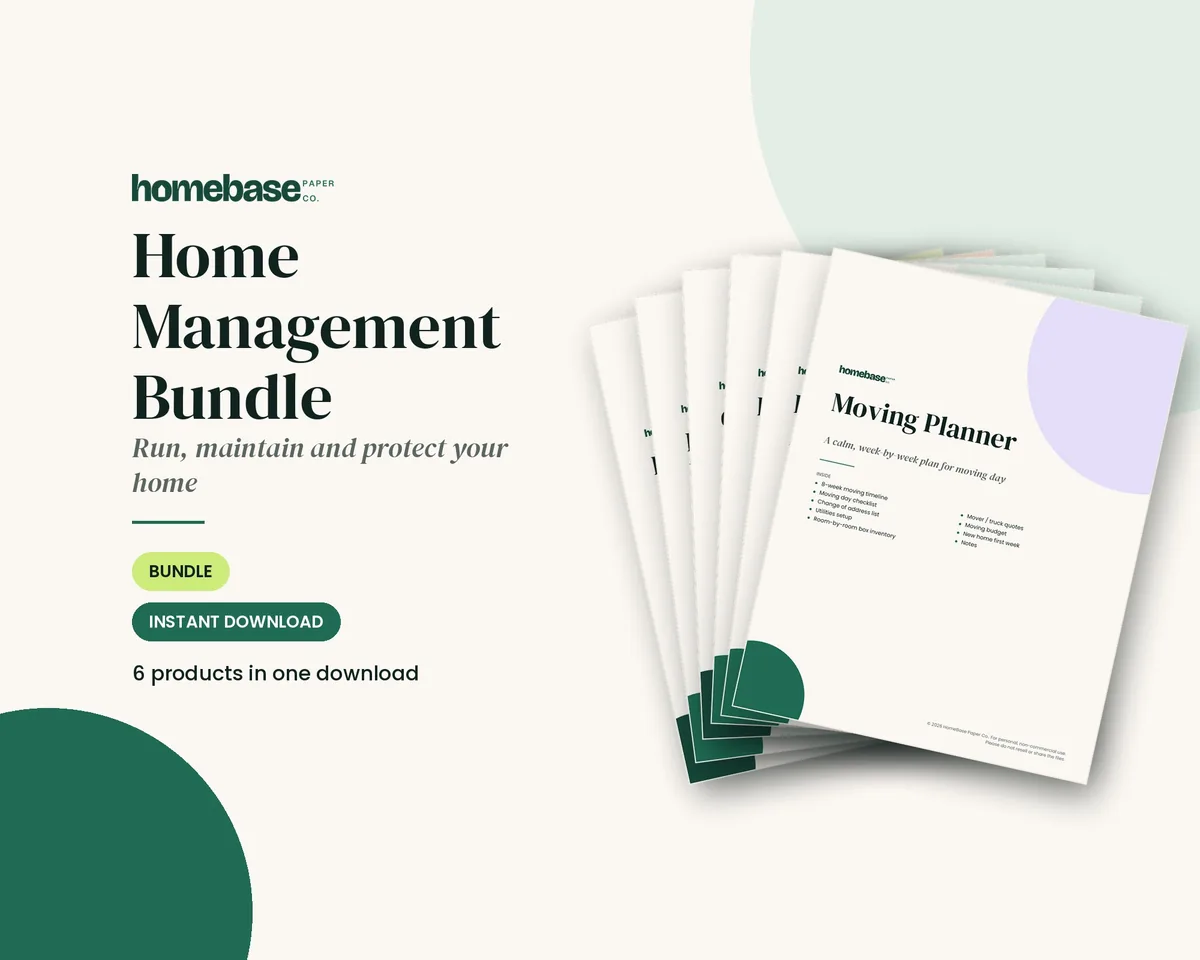
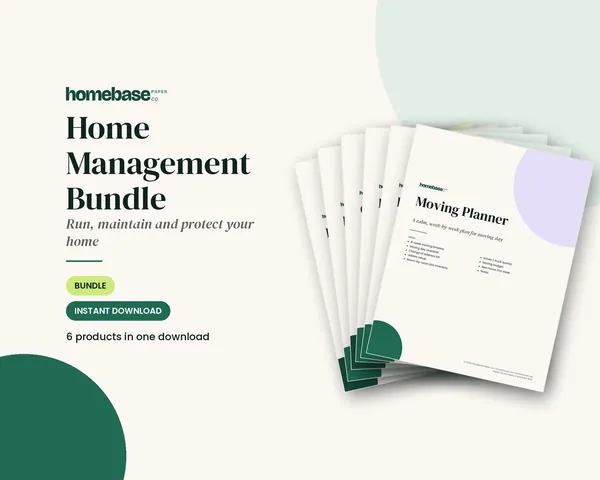
The Home Management Bundle ($16.99) is the complete set: the Household Binder, Home Maintenance Log, Home Inventory, Cleaning Schedule, Password & Accounts Log and Moving Planner, all in one download.
Prefer to start smaller?
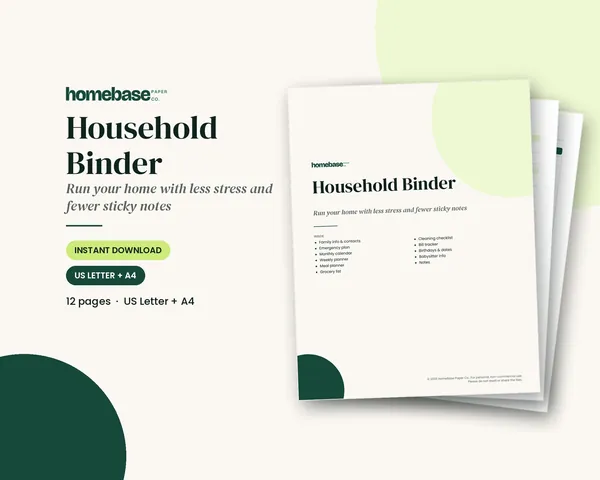
- The Household Binder ($6.99) covers family info, emergency plan, calendars, meals, groceries, cleaning, bills, birthdays and sitter notes in 12 pages.
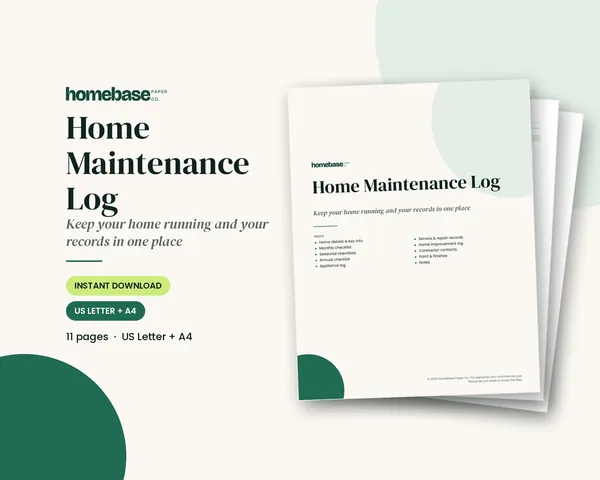
- The Home Maintenance Log ($5.99) adds monthly, seasonal and annual checklists, an appliance log, service and repair records, contractor contacts and paint colors.
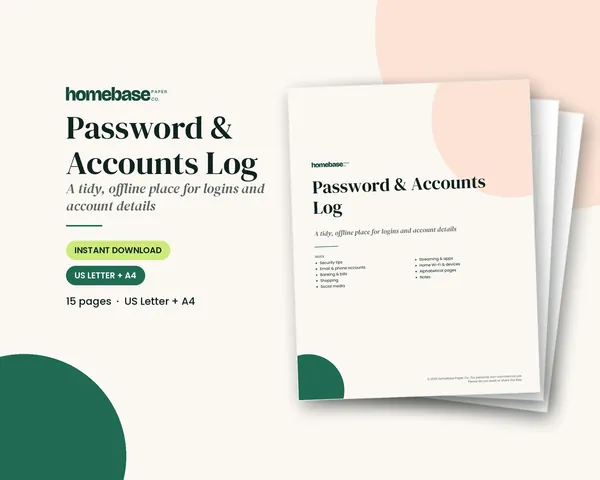
- The Password & Accounts Log ($3.99) organizes logins by category and A to Z, with room for hints instead of full passwords.
| Product | Pages | Best for |
|---|---|---|
| Household Binder | 12 | Day-to-day family organization |
| Home Maintenance Log | 11 | Homeowners keeping repair records |
| Password & Accounts Log | 15 | Anyone tired of password resets |
| Home Management Bundle | 6 products | Setting up the whole binder at once |
All pages come in US Letter and A4 and print fine on a home printer.
How to keep the binder from going stale
A binder fails when it's set up once and never touched. Three habits keep it alive:
- Tie it to something you already do. If you meal plan on Sundays, open the binder then.
- Write in pencil for anything that changes, like sitter routines or the grocery staples list.
- Purge in January. Pull out last year's calendars and paid bill pages and file them away.
Is a paper binder better than an app?
For shared household information, often yes. A binder works when the Wi-Fi is down, a babysitter can use it without a login, and a partner can find the water shutoff without asking. Many families keep the binder for the shared, slow-changing information and use a phone calendar for daily scheduling. The two work well together.
What to leave out
Some things make a binder heavier without making it more useful. Skip printed manuals (save the PDF on your computer instead and note the model number), old receipts you'll never return, and long to-do lists that belong in your phone. Coupons and takeout menus tend to take over a binder fast; give them a pocket folder of their own.
A note on sensitive information
Don't write full passwords, Social Security numbers or account numbers in a binder that sits on the counter. Use hints, the last four digits, or a note like "in the safe." Keep the most sensitive pages in a separate folder in a locked drawer.
Frequently asked questions
What should be in a home management binder?
Start with emergency information, bills with due dates, and a family calendar. Then add meal planning, cleaning routines, home maintenance records, account hints and babysitter notes. Only include sections you'll update; a smaller binder that stays current is more useful than a thick one that goes stale.
How big should a home management binder be?
A 1.5-inch, three-ring binder with eight to ten tab dividers is enough for most households. Larger binders tend to collect old papers. Print a few pages per section at first and add more once you see which sections you actually use.
Can I print the binder pages on A4 paper?
Yes. Our binder printables come as PDFs in both US Letter and A4 sizes. Print at 100 percent or actual size on any home printer, and reprint pages like the meal plan, cleaning checklist or bill tracker as often as you need for your household.
Should I put passwords in a household binder?
Avoid full passwords for important accounts in a binder that sits out. Write hints or partial details instead, and keep sensitive pages in a separate folder stored somewhere secure. A password manager is another option for the most important logins.
Free download
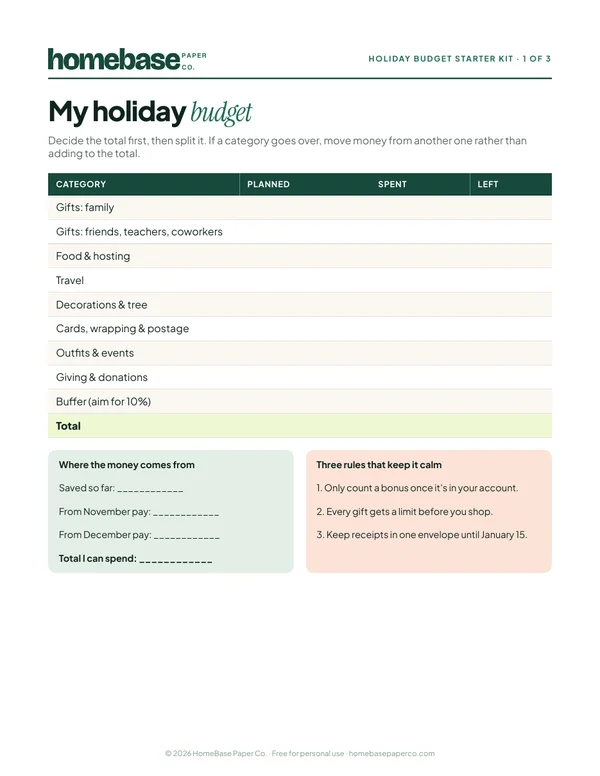
The Holiday Budget Starter Kit
A one-page holiday budget, a gift list with a spending limit for every person, and a 6-week countdown so December stays calm and paid for.
Free, no sign-up needed.