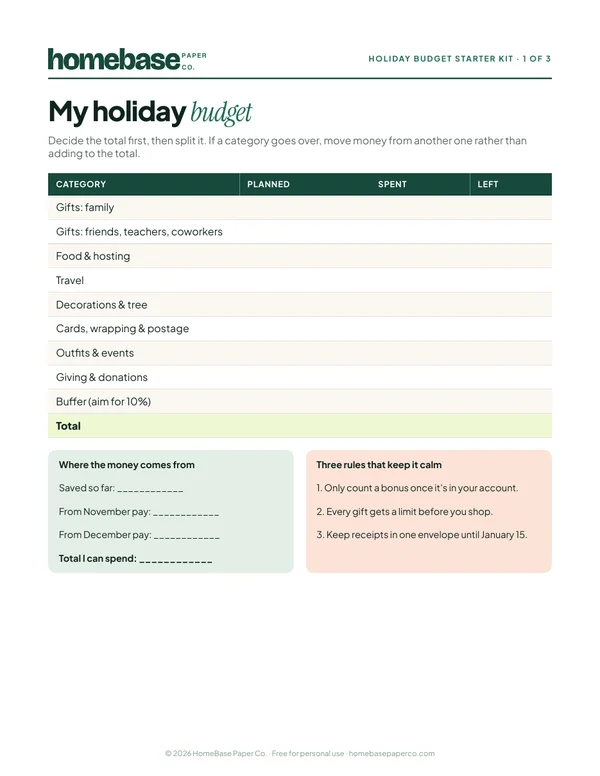
To track rental property income and expenses, give the property its own bank account, log every rent payment and expense in one place with a date, property and category, and review cash flow once a month. That's the whole system. Most small landlords don't need accounting software for one to ten units; they need a consistent habit and a spreadsheet built for rentals.
Here's how to set it up and keep it running.
Step 1: Separate the money
Open a checking account used only for your rentals. Rent goes in, property expenses come out. This one change does more than any template:
- Your bank statement becomes a second record of every transaction.
- You'll never wonder whether a hardware store receipt was personal or for the rental.
- If you're ever asked to support your numbers, the trail is clean.
If you own several properties, one rental account is usually fine as long as you tag each transaction with the property it belongs to.
Step 2: Set up a rent roll
A rent roll lists each unit, tenant, monthly rent, due date, deposit held and lease end date. It's the page you check on the 5th of every month.
| Property | Tenant | Rent | Due | Deposit | Lease ends |
|---|---|---|---|---|---|
| 412 Oak St. | J. Rivera | $1,450 | 1st | $1,450 | Jun 30 |
| 412 Oak St. Unit B | M. Chen | $1,200 | 1st | $1,200 | Mar 31 |
| 18 Pine Ct. | A. Okafor | $1,650 | 1st | $1,650 | Aug 31 |
Lease end dates matter more than people think. Knowing 60 to 90 days ahead gives you time to plan a renewal, a rent change or a turnover.
Step 3: Use consistent expense categories
Pick categories once and stick to them, so totals compare year to year. Many landlords mirror the expense lines on IRS Schedule E, since that's where the numbers end up:
| Category | Examples |
|---|---|
| Advertising | Listing fees, signs |
| Cleaning and maintenance | Turnover cleaning, lawn care, minor fixes |
| Repairs | Plumber, appliance repair |
| Insurance | Landlord policy |
| Mortgage interest | From your lender's annual statement |
| Property taxes | County bills |
| Utilities | Any you pay for tenants |
| Management fees | If you use a property manager |
| Legal and professional | Tax preparer, attorney |
| Supplies | Smoke detector batteries, filters |
| Travel | Mileage to the property |
Repairs versus improvements is the classic grey area: a repair restores something, an improvement makes it better or longer-lasting, and they're often treated differently for taxes. Log both, label them clearly, and let your tax preparer decide the treatment.
Step 4: Log transactions weekly
Set a 15-minute weekly slot. For each transaction, record the date, property, category, amount, payee and a short note. Snap a photo of the receipt and save it in a folder named by year and property. Weekly is frequent enough that you remember what everything was, and infrequent enough that it doesn't feel like a second job.
Step 5: Check rent received every month
On the 5th, compare the rent roll with what actually arrived. Short or missed payments should stand out immediately so you can follow up the same week, in writing, according to your lease and local rules. Late rent caught on day five is a conversation; caught on day forty-five, it's a problem.
Step 6: Review monthly cash flow
Cash flow per property is simple: rent received minus expenses paid. A monthly view shows which property earns its keep and which one eats its profit in repairs:
| Month | Rent in | Expenses | Cash flow |
|---|---|---|---|
| January | $4,300 | $2,950 | $1,350 |
| February | $4,300 | $3,410 | $890 |
| March | $3,100 | $2,880 | $220 |
March's dip tells a story: a unit was vacant for part of the month. Over a year, those patterns guide decisions about rent, repairs and when to sell.
Also keep a simple log of every maintenance request: the date it came in, what was wrong, who fixed it and when. It shows tenants you respond quickly, and it helps you spot an appliance or roof that keeps coming back.
Step 7: Close out the year
In January, make sure every month is logged, total each category per property, and download the lender's interest statement and property tax records. Hand the category totals to your tax preparer along with your receipts folder. Then start a fresh file for the new year and copy the rent roll across.
The spreadsheet we make for this
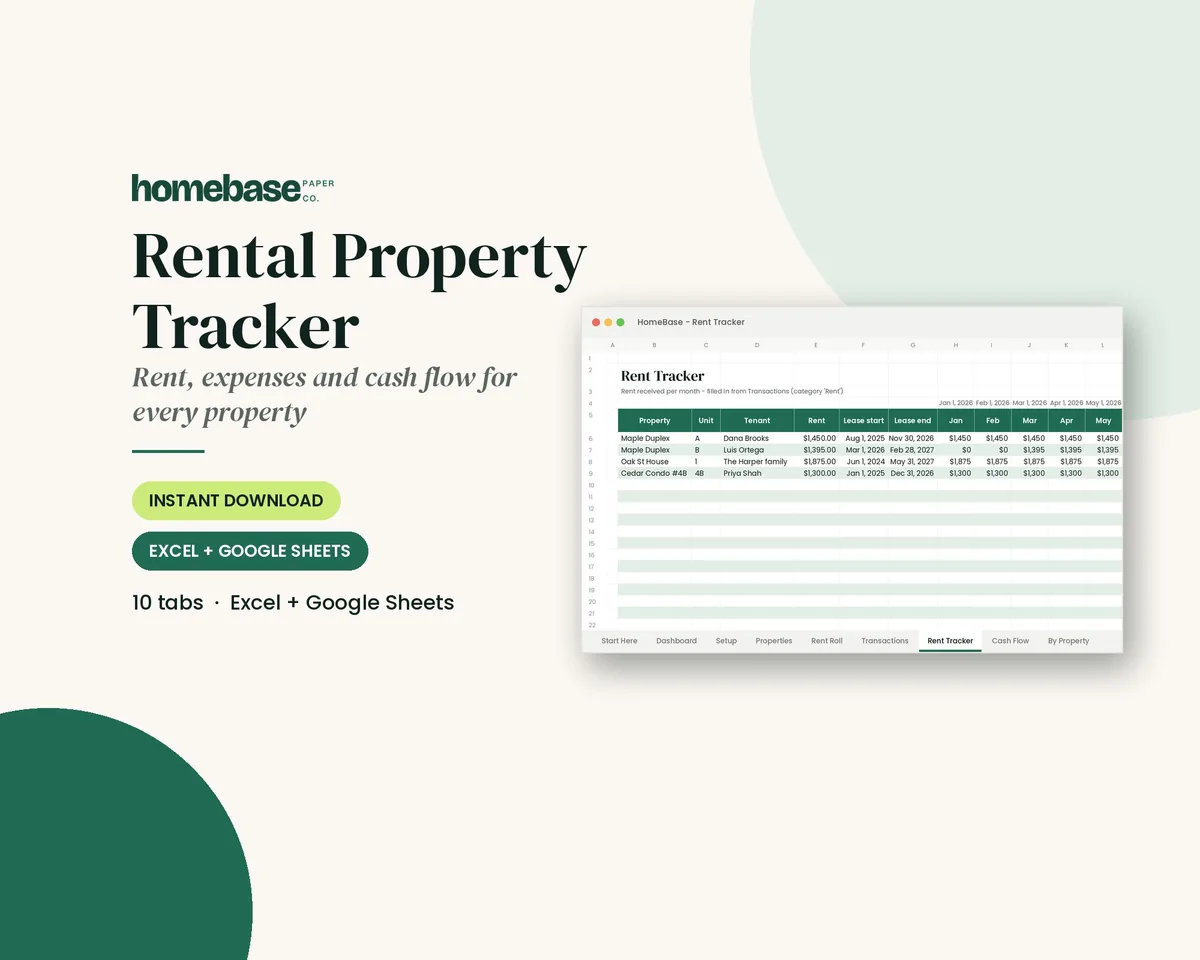
Our Rental Property Tracker ($11.99) is built around exactly these steps. It handles up to 10 properties, with a rent roll that flags upcoming lease ends, an income and expense log with dropdowns, rent received per tenant per month with short or missed rent highlighted, cash flow by month and by property, and category totals for tax time. It works in Excel and Google Sheets and includes a Start Here PDF.
If you also run a side business, such as handyman work, cleaning short-term rentals or a shop, keep that separate in the Business Income & Expense Tracker ($7.99), which adds a mileage log and a monthly tax set-aside estimate.
Mistakes small landlords make
- Mixing personal and rental money, which turns tax season into a forensic project.
- Not tracking mileage to and from the property.
- Losing receipts for small purchases. They add up over a year.
- Ignoring the security deposit. Record it, and record where it's held, since many states have rules about deposits.
This guide is general information, not tax or legal advice. Rental tax rules are detailed, so check with a qualified tax professional about your situation.
Make it easier
Tools for this
Spreadsheets
Rental Property Tracker
Log rent and expenses once - see who has paid each month, cash flow per property and category totals for tax time.
Spreadsheets
Business Income & Expense Tracker
Log sales, expenses and business miles - see your monthly profit, category totals for tax time and how much to set aside.
Frequently asked questions
What is the easiest way to track rental income and expenses?
Use a separate bank account for the rental, then log every rent payment and expense in a spreadsheet with the date, property, category and amount. Review it weekly, reconcile rent on the 5th of each month, and total the categories at year end for your tax preparer.
What expense categories should landlords use?
Many landlords use categories that mirror the expense lines on IRS Schedule E, such as advertising, cleaning and maintenance, repairs, insurance, mortgage interest, taxes, utilities, management fees, professional fees, supplies and travel. Consistent categories make year-over-year comparisons and tax preparation much easier.
Do I need accounting software for one rental property?
Usually not. A well-built spreadsheet handles rent tracking, expenses and cash flow for one to ten units. Software becomes more useful when you have many units, tenant portals or online rent collection, or when a bookkeeper or accountant manages the books for you.
How many properties does the Rental Property Tracker handle?
Up to 10 properties. It includes a rent roll with lease-end alerts, an income and expense log with dropdowns, rent received per tenant per month, cash flow by month and by property, and category totals for tax time, in Excel and Google Sheets.
Free download
The Holiday Budget Starter Kit
A one-page holiday budget, a gift list with a spending limit for every person, and a 6-week countdown so December stays calm and paid for.
Free, no sign-up needed.