The short answer: Cornell notes divide each page into three parts: a wide notes column, a narrow cue column for questions and keywords, and a summary box at the bottom. That turns every page into a ready-made study guide.
- Created by: Walter Pauk, Cornell University
- Time: about 1 minute to set up a page and 5 to 10 minutes after class
- Best for: lectures, textbooks, meetings, classes and workshops
- Tips: use one page per topic, write cues the same day and keep the notes column short
- Next step: Plan it with the Household Binder ($6.99).
Cornell notes are a note-taking method that divides each page into three parts: a wide notes column on the right, a narrow cue column on the left for questions and keywords, and a summary box across the bottom. You take notes during a class or meeting, then add questions and a short summary afterward. That turns every page into a ready-made study guide you can quiz yourself with.
The system was developed by Cornell education professor Walter Pauk, and Cornell University's Learning Strategies Center still teaches it today. It takes about a minute to set up a page and a few minutes after class to finish it. Those few minutes are what make it work.
Below you'll find the exact page layout, the five steps (the "5 R's"), two fully worked examples, a version for adults, and an honest look at paper vs. digital. As the oldest of three, I was the one who kept track of who needed a ride and which form was due. I learned early that notes only help if you can find the answer later. That's exactly what the Cornell method is built for.
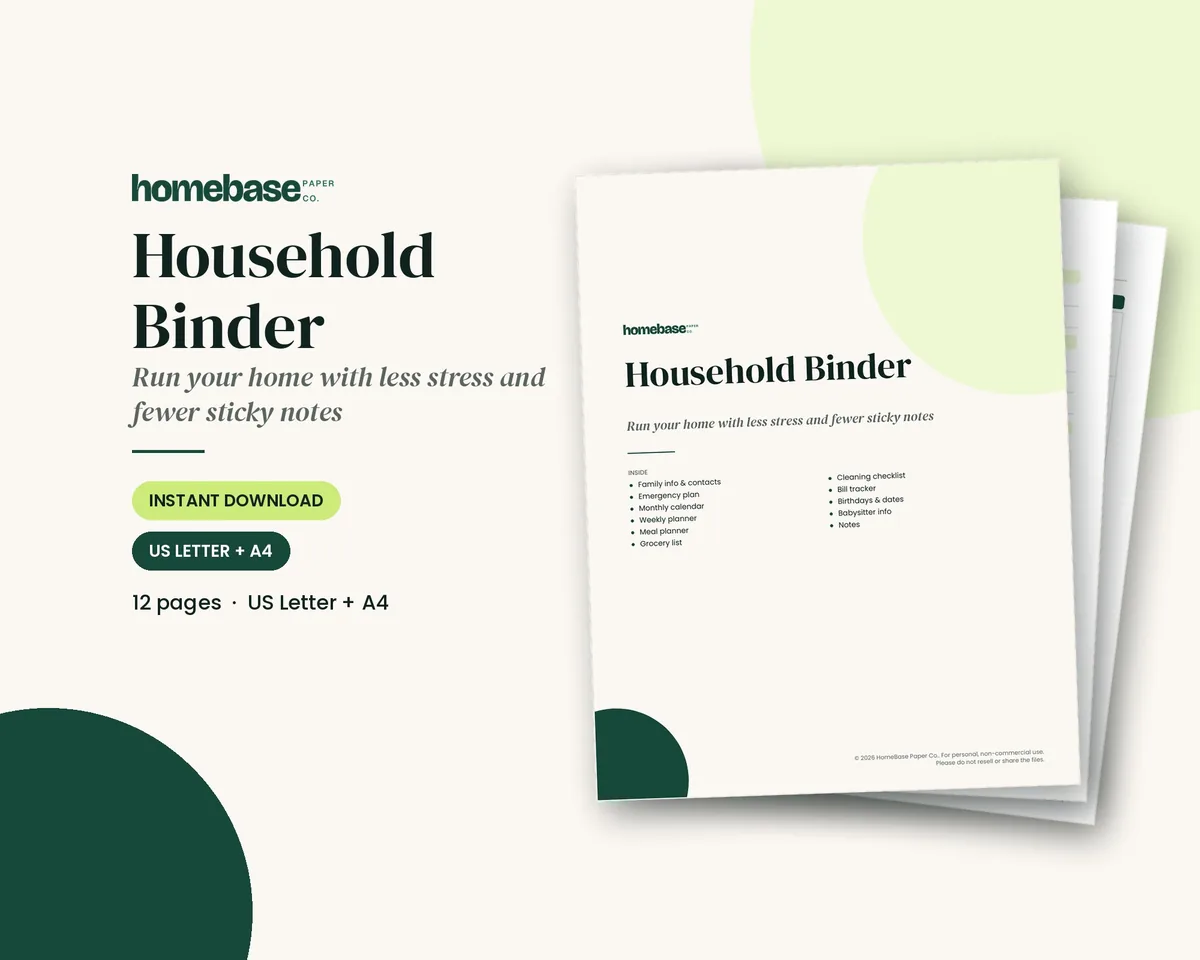
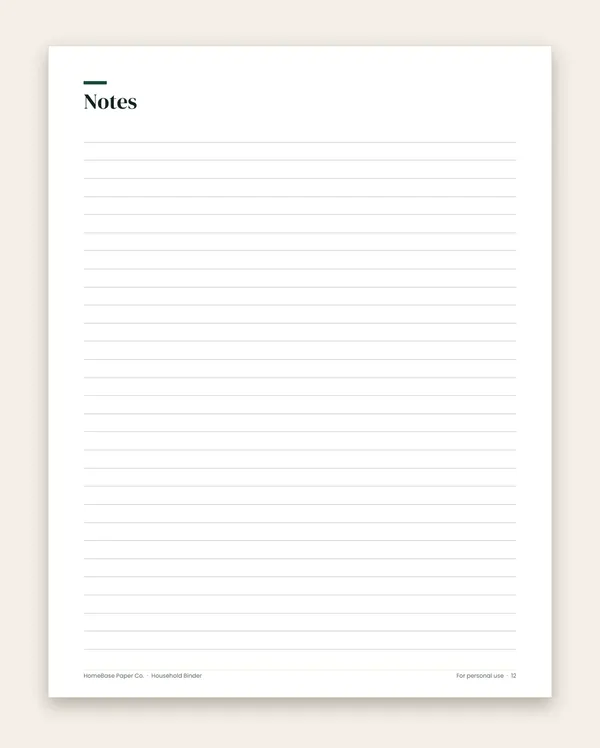
If you'd like a ready page, the lined Notes page in the Household Binder ($6.99) becomes a Cornell page with two ruler lines. Print as many as you need.
| Cornell notes at a glance | |
|---|---|
| What it is | A three-part page: notes, cues, summary |
| Who created it | Walter Pauk, Cornell University |
| Setup time | About 1 minute per page |
| After-class time | 5 to 10 minutes per page |
| Best for | Lectures, textbooks, meetings, classes and workshops |
| Weekly review | At least 10 minutes, per Cornell's handout |
| What you need | Lined paper, a pen and a ruler (or a digital table) |
What are Cornell notes?
Cornell notes are a structured way to take notes and then study from them. Most note-taking stops when the class ends. The Cornell method adds a second pass: you go back, pull out the key questions, and write a summary in your own words.
That second pass is the whole point. UNC Chapel Hill's Learning Center, in its guide to effective note-taking in class, lists Cornell notes as one of five common formats and says good note-taking includes going back to your notes, ideally within a day or two, to check them and fill in what's missing. The Cornell layout builds that habit right into the page.
The Cornell notes layout
Every Cornell page has the same four parts. Cornell's own one-page Cornell Note-taking System handout gives the measurements for a standard 8½ × 11 sheet.
| Section | Where it goes | Size on a letter page | What you write | When you write it |
|---|---|---|---|---|
| Heading | Top line | One line | Class or meeting name, topic, date | Before you start |
| Notes column | Right side | About 6 inches wide | Main ideas, facts, examples, diagrams, in short phrases | During the lecture or reading |
| Cue column | Left side | About 2½ inches wide | Questions, keywords and prompts that match the notes beside them | After class, the same day if possible |
| Summary | Bottom of the page | About 2 inches tall | Two to four sentences on what the page means | After the cue column |
A simple way to remember it: the right side is what you heard, the left side is what you'd be asked, and the bottom is what it all means.
How to draw a Cornell notes page in one minute
- Take a sheet of lined paper and write the topic and date across the top.
- Measure 2½ inches from the left edge and draw a vertical line down the page. That's your cue column.
- Measure 2 inches up from the bottom and draw a horizontal line across the page. That's your summary box.
- Stop the vertical line where it meets the summary line.
- Make five or six pages at once so you're never setting up in the middle of class.
On notebook paper with a red margin, the margin line won't be wide enough for good questions. Draw your own line further in.
How to take Cornell notes: the 5 R's, step by step
Cornell's handout lays out five steps. Many teachers call them the 5 R's: record, reduce, recite, reflect and review. (Cornell's handout calls step two "Questions," which is the same idea.)
| Step | When | Where on the page | What to do |
|---|---|---|---|
| 1. Record | During class | Notes column | Write the main ideas in short, telegraphic sentences |
| 2. Reduce (Questions) | Soon after class | Cue column | Turn the notes into questions and keywords |
| 3. Recite | After you write cues | Cover the notes | Answer each cue aloud, in your own words |
| 4. Reflect | After reciting | Summary box | Ask what it means and how it connects |
| 5. Review | Every week | Whole page | Spend at least 10 minutes going back through all your notes |
Step 1: Record
During the lecture, write in the notes column only. Don't try to copy every word. Write the big ideas in short phrases, use abbreviations, and skip a line when the speaker changes topic. UNC's Learning Center suggests listening for signal phrases like "There are four main..." or "To sum up...", and for anything the speaker repeats.
Leave space. You'll want room to add a definition or fix something later.
Step 2: Reduce (write your questions)
As soon after class as you can, read your notes and write questions in the cue column, each one next to the notes that answer it. Cornell's handout says writing questions helps clarify meanings, show how ideas connect and strengthen memory. It also sets you up for exam studying later.
Good cue questions:
- Start with what, why, how, compare or when.
- Can be answered from the notes beside them.
- Sound like something a teacher or boss would actually ask.
Keywords and short prompts work too, especially for vocabulary.
Step 3: Recite
Cover the notes column with a sheet of paper. Look only at the cue column and answer each question aloud, in your own words. Then uncover the notes and check. Put a small mark next to any cue you missed so you know where to focus next time.
This is the step most people skip, and it's the one that turns notes into memory.
Step 4: Reflect
Now step back and think about the page as a whole. Cornell's handout suggests questions like: What's the significance of these facts? What principle are they based on? How can I apply them? How do they fit with what I already know?
Write your answer as a two-to-four-sentence summary in the bottom box. If you can't summarize the page, reread it or write down the question you need to ask.
Step 5: Review
Cornell's handout recommends spending at least 10 minutes every week reviewing all your previous notes. With Cornell pages, that review is fast: read the summaries, then quiz yourself from the cue columns. Before a test, you already have a study guide.
Cornell notes example: a biology class
Here's what a finished page could look like for a high school or college biology lecture.
Heading: Biology, Photosynthesis, Tuesday
| Cue column | Notes column |
|---|---|
| What is photosynthesis? | Plants, algae and some bacteria turn light energy into chemical energy (sugar) |
| What's the equation? | 6CO₂ + 6H₂O + light → C₆H₁₂O₆ + 6O₂ |
| Where does it happen? | In chloroplasts, mostly in leaf cells |
| What are the 2 stages? | 1) Light-dependent reactions in the thylakoid membranes. 2) Calvin cycle in the stroma |
| What does each stage make? | Light reactions: ATP, NADPH, and O₂ released. Calvin cycle: uses ATP and NADPH to build sugar from CO₂ |
| Why does it matter? | It's the source of the oxygen we breathe and the base of most food chains |
Summary: Photosynthesis is how plants turn light, water and carbon dioxide into sugar and oxygen. It happens in chloroplasts in two stages: the light reactions make energy carriers and release oxygen, and the Calvin cycle uses them to build sugar.
Notice that every cue can be answered from the notes beside it, and the summary uses plain words, not the textbook's.
Cornell notes for adults: meetings, planning and budgeting classes
Cornell notes aren't only for students. The same three boxes work anywhere you need to remember what was said and act on it. I've worked as an executive assistant, and meeting notes are only as useful as the follow-through. The cue column is a natural home for it.
For adults, I'd change what goes in the cue column:
| Situation | Notes column | Cue column | Summary box |
|---|---|---|---|
| Work meeting | What was discussed | Decisions, owners, due dates | The one-line outcome |
| Parent-teacher conference | What the teacher shared | Questions to follow up, next steps | What we're working on next |
| Doctor's appointment | What the doctor said | Questions to ask, medicine changes, next visit | The plan in your own words |
| Family meeting | Calendar, chores, meals, one decision | Who does what, by when | What we agreed |
| Budgeting class or webinar | The method and the rules | "What's my number?" action questions | What I'll change this month |
If you hold a weekly sit-down at home, our guide to running a family meeting pairs well with a Cornell page as the meeting record.
Example: notes from a budgeting class
Heading: Community budgeting workshop, Sinking funds, Saturday
| Cue column | Notes column |
|---|---|
| What is a sinking fund? | Money you set aside each month for a known future expense |
| How do I figure the monthly amount? | Cost ÷ months until it's due. Example: $600 bill due in 6 months = $100 a month |
| What expenses need one? | Car insurance, holidays, birthdays, school fees, car repairs, annual subscriptions |
| Where does the money go? | A separate savings account or a labeled line in the budget |
| What's my first one? | (Write your own answer after class) |
Summary: A sinking fund spreads a big known bill across the months before it's due, so it doesn't wreck one paycheck. Divide the cost by the months left and save that amount each month.
That last cue is the adult twist: a question only you can answer, which turns the class into a plan. When you're ready to act on it, the Budget Planner Printable ($5.99) has monthly budget, savings tracker and sinking funds pages, plus its own Notes page. If you're new to budgeting, our budgeting for beginners guide and our big budget categories list are good next reads.
Paper vs. digital Cornell notes
Both work. The best choice depends on the class and on you.
| Paper Cornell notes | Digital Cornell notes | |
|---|---|---|
| Setup | Two pencil lines on lined paper | A two-column table with a merged bottom row |
| Speed | Slower to write | Faster, easier to keep up with a fast talker |
| Diagrams | Easy to sketch | Harder unless you use a tablet and stylus |
| Understanding | Can help with concepts, per UNC's Learning Center | Better for capturing lots of facts quickly |
| Editing and search | Hard to rearrange or search | Easy to edit, search, back up and share |
| Distraction | Fewer notifications | Tabs and alerts can pull you away |
Cornell's Learning Strategies Center says the physical act of writing can help you remember better than just listening or reading. UNC's Learning Center adds that typed notes are faster and easier to edit, so they can be better for fact-heavy material. A sensible middle ground: type during a fast lecture, then copy the cues and summary onto a paper page by hand as your review.
How to set up Cornell notes in Google Docs or Word
- Type the topic and date as a heading.
- Insert a table with 2 columns and 2 rows.
- Drag the column divider so the left column is about 30% of the width.
- Merge the two cells in the bottom row and label it "Summary."
- Take notes in the top-right cell, then add cues on the left and the summary below after class.
Save it once as a blank file and make a copy for each class or meeting. For a weekly view of when to review, our academic planner guide shows how to block study time, and our paper vs. digital planner comparison can help you choose a system you'll stick with.
Tips that make Cornell notes work
- Use one page per topic. A new topic gets a new page, so every summary stays focused.
- Write cues the same day. The longer you wait, the less you'll remember about what your shorthand meant.
- Keep the notes column short. Phrases, not paragraphs. Leave white space for later additions.
- Mark what you missed. A small dot next to any cue you couldn't answer shows you what to study.
- Keep all pages together. A binder with one tab per class or project makes the weekly review easy. UNC's Learning Center suggests titling every page with the class name and date and keeping each class's notes together in order.
- Don't skip the summary. It's the fastest thing to review the night before a test or meeting.
Common Cornell notes mistakes (and fixes)
| Mistake | Why it hurts | Fix |
|---|---|---|
| Writing cues during class | You miss what's being said | Leave the cue column blank until after class |
| Copying every word | No time to think, too much to review | Write main ideas in short phrases |
| Cues with no matching notes | You can't check your answers | Put each cue right beside the notes that answer it |
| Never reciting | The page looks good but nothing sticks | Cover the notes and answer aloud |
| Skipping the weekly review | Notes pile up until the night before a test | Set a 10-minute weekly slot on your calendar |
Make your Cornell notes pages part of your planner
The easiest Cornell system is the one that lives with everything else you already use. The Household Binder ($6.99) is a 12-page printable with a monthly calendar, weekly planner, meal planner, cleaning routine, bill tracker and a lined Notes page. Print a stack of Notes pages, draw the two Cornell lines, and add a tab for each class, project or family topic.
If you're taking a budgeting class, pair your notes with the Budget Planner Printable ($5.99) so what you learn goes straight onto a monthly budget. You can browse all of our Printables or the full Home & Organizing collection for more pages.
Want to try a planner before you buy? Our free Holiday Budget Starter Kit is three US Letter pages sent to your inbox when you join our email list.
Make it easier
Tools for this
Printables
Household Binder
Family info, emergency plan, calendars, meals, groceries, cleaning, bills and sitter notes.

Printables
Budget Planner Printable
Twelve undated pages you can print every month: budget, bills, spending, savings and debt.
Frequently asked questions
What are Cornell notes? Cornell notes are a note-taking method that splits each page into three parts: a wide notes column, a narrow cue column for questions and keywords, and a summary box at the bottom. The method was developed by Cornell education professor Walter Pauk. You take notes during the lecture or meeting, then add questions and a summary afterward so the page becomes a ready-made study guide.
What are the 5 R's of Cornell notes? The 5 R's of Cornell notes are record, reduce (or question), recite, reflect and review. Record the lecture in the notes column, reduce it to questions and keywords in the cue column, recite the answers aloud with the notes covered, reflect on what the ideas mean, and review all your notes at least 10 minutes a week.
How do you set up a Cornell notes page? The lined Notes page in the Household Binder ($6.99) turns into a Cornell notes page with two pencil lines and a ruler. On a US Letter page, Cornell's Learning Strategies Center uses a 2½-inch cue column on the left, a 6-inch notes column on the right and a 2-inch summary box across the bottom. Write the topic and date across the top.
What goes in the cue column of Cornell notes? The cue column holds short questions, keywords and prompts that point to the notes beside them. Write them after class, not during. Good cues sound like test questions: "What are the 2 stages of photosynthesis?" or "When does the 50/30/20 rule not fit?" Later, you cover the notes column and answer each cue from memory.
How long should a Cornell notes summary be? A Cornell notes summary should be two to four sentences in your own words, short enough to fit the 2-inch box at the bottom of the page. Write it after you fill the cue column. If you can't summarize the page in a few sentences, that's a sign to reread your notes or ask a question.
When should you write the questions and summary? Write the cue questions and summary as soon after class as you can, ideally the same day. Cornell's Learning Strategies Center says to form the questions as soon after class as possible, and UNC's Learning Center suggests going back to notes within a day or two to fill gaps while the lecture is still fresh.
Are Cornell notes effective? Cornell notes work well because they make you do something with your notes instead of only rereading them. Writing questions, reciting answers with the notes covered and summarizing in your own words are all forms of active review. The method helps most when you actually do the recite and review steps; a page with an empty cue column is just ordinary notes.
Can adults use Cornell notes for meetings and work? The Household Binder ($6.99) gives adults a home for Cornell-style notes next to the calendar and weekly planner, so meeting decisions turn straight into plans. Use the notes column for what was said, the cue column for decisions, owners and dates, and the summary box for the one-line outcome. It works for work meetings, school conferences, doctor visits and family meetings.
Can I use Cornell notes for a budgeting class or money workshop? The Budget Planner Printable ($5.99) is the natural next step after a budgeting class, because its monthly budget, savings and sinking funds pages let you use what you just learned. Take Cornell notes during the class, turn the cue column into action questions like "What's my number for this category?", then fill in the planner the same week.
Are Cornell notes better on paper or digital? Paper usually wins for understanding and digital wins for speed and search, so pick based on the class. UNC's Learning Center notes that handwriting can help with conceptual material, while typing is faster and easier to edit and back up. Many people take digital notes in fast lectures and use paper Cornell pages for subjects they need to understand deeply.
How do you take Cornell notes on Google Docs or Word? To take Cornell notes in Google Docs or Word, insert a table with two columns and two rows. Make the left column about 30 percent of the width for cues and the right column 70 percent for notes, then merge the bottom row into one cell for the summary. Add the topic and date as a heading above the table.
How do you take Cornell notes from a textbook? To take Cornell notes from a textbook, skim the chapter headings first, then read one section at a time and write the main ideas in the notes column in your own words. Turn each heading into a question in the cue column. Summarize the section at the bottom before moving on, so each page covers one chunk of the chapter.
What age should kids start using Cornell notes? Kids can start with a simple version of Cornell notes once they take notes from lessons or readings, often around middle school. Younger students can use a simpler version with a big notes box, three questions on the side and a one-sentence summary. The habit of asking "What would a test ask about this?" helps at any age.
Is there a printable Cornell notes template? The Household Binder ($6.99) includes a lined Notes page you can print as many times as you like and mark into a Cornell layout in seconds. Draw a vertical line 2½ inches from the left edge and a horizontal line 2 inches from the bottom, and you have the classic Cornell page. Keep a stack of them in a binder tab.
More from HomeBase
You may also like
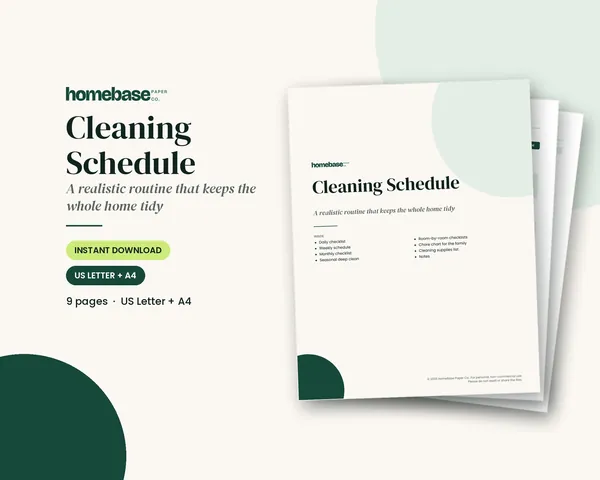
Printables
Cleaning Schedule
Daily, weekly, monthly and seasonal lists - plus a family chore chart.
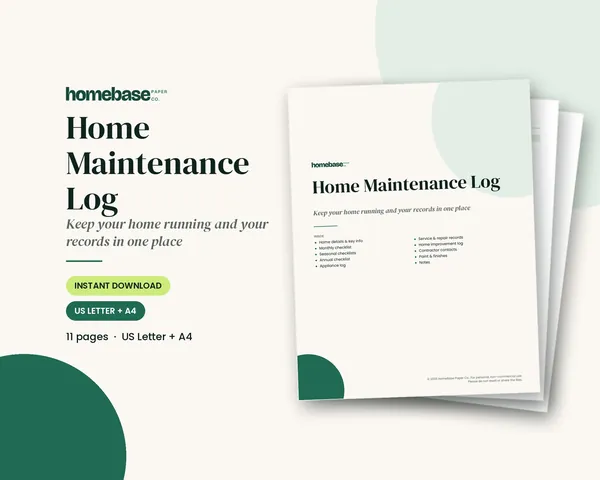
Printables
Home Maintenance Log
Monthly, seasonal and annual checklists plus a record of every appliance and repair.
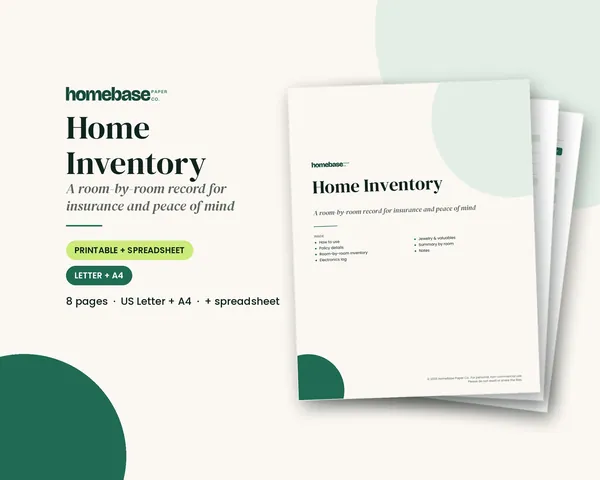
Printables
Home Inventory
Printable pages and a spreadsheet that totals the value of every room.
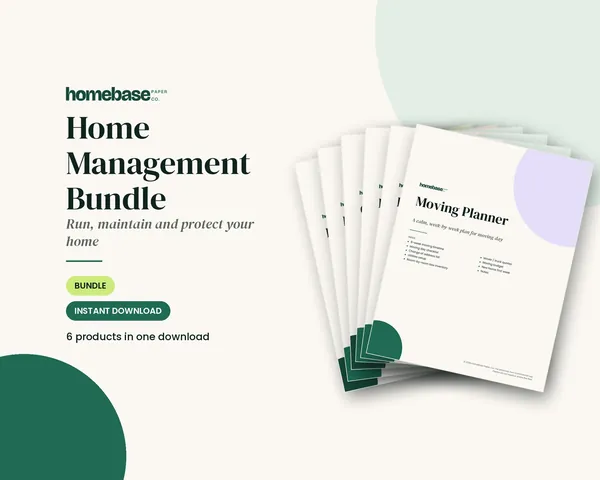 Save 48%
Bundles
Home Management Bundle
Household binder, maintenance log, moving planner, cleaning schedule, home inventory and password log.
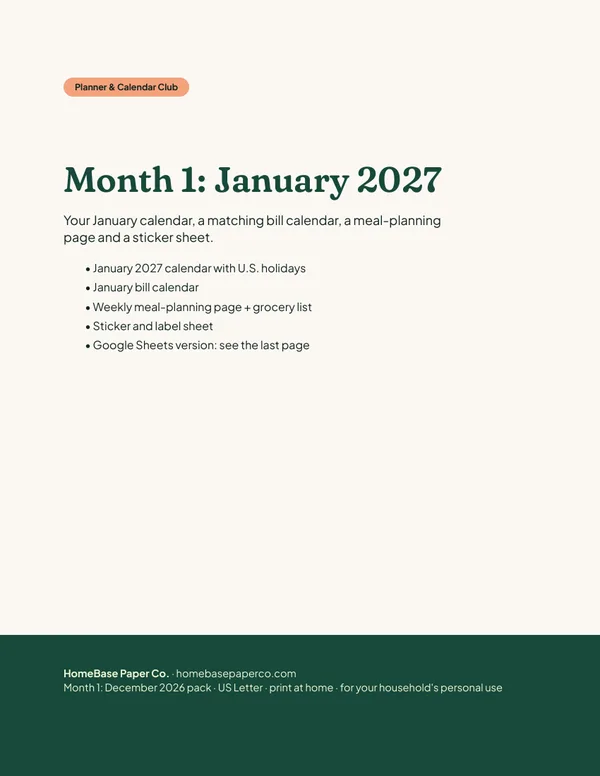 Club
Monthly club
Planner & Calendar Club
Anyone who wants a monthly calendar, bill calendar and meal plan ready to print.
Free printable
Get organized for the new year: get the free 2027 planner
A 16-page printable 2027 planner with a year-at-a-glance page and monthly calendars with US holidays marked. You'll also get our weekly HomeBase email with simple planning and home organization tips.