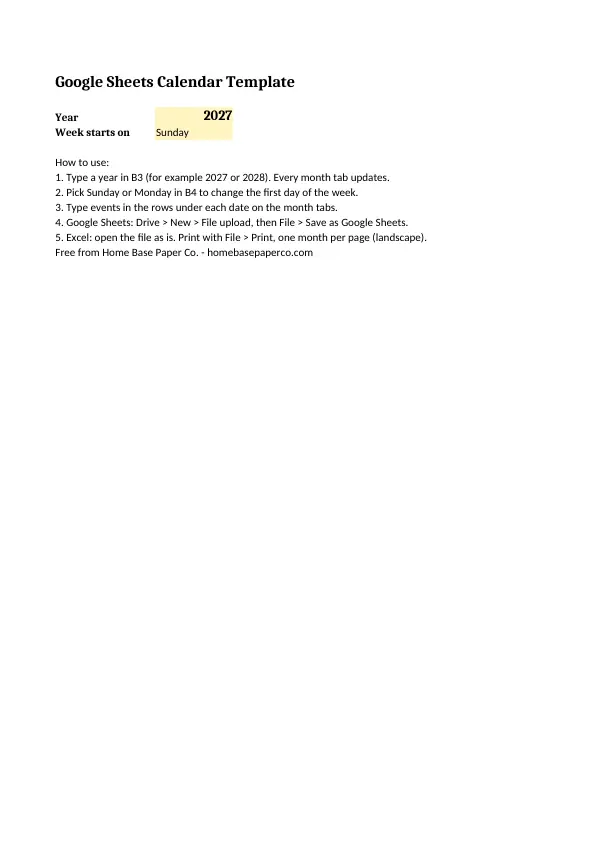
The short answer: this free google sheets calendar template fills in its own dates: type a year in one cell, pick Sunday or Monday and all twelve month tabs redraw.
- Open it: upload to Google Drive and save as a Google Sheet
- Works in Excel too
- Cell B3 sets the year; B4 sets the week start
- A printed 2027 version if you want paper
- Next step: Get the free Google Sheets calendar template (we email it to you); want more? The Bill Tracker Spreadsheet is $4.99.
Our picks for google sheets calendar template
Spreadsheets
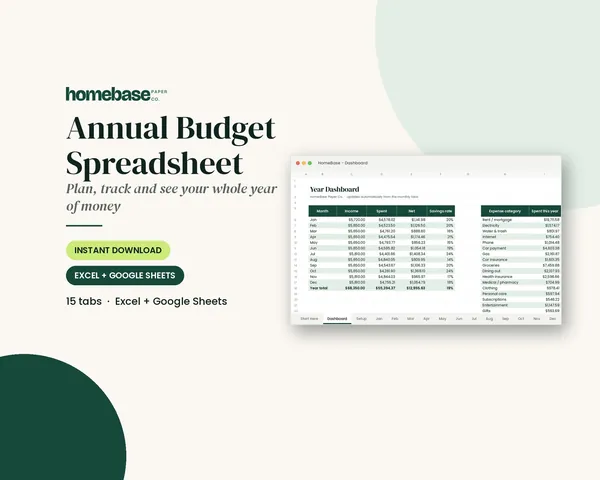
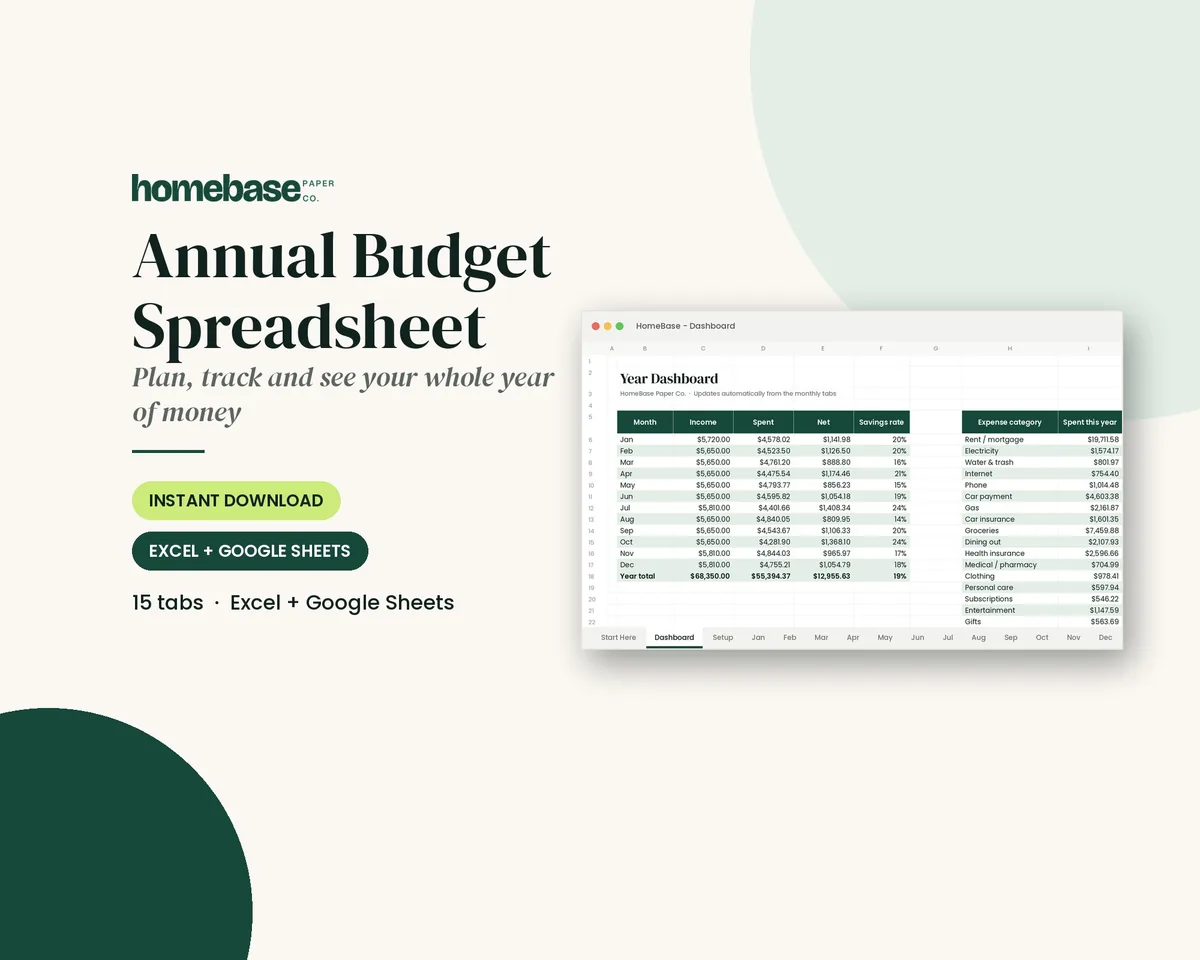
Annual Budget Spreadsheet
See exactly where your money goes every month - without complicated software.
Spreadsheets
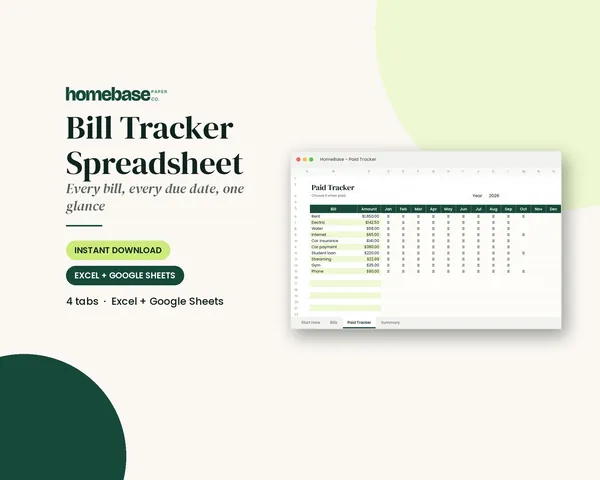
Bill Tracker Spreadsheet
Bills due in 3 days or less light up red, so nothing slips through.
Spreadsheets
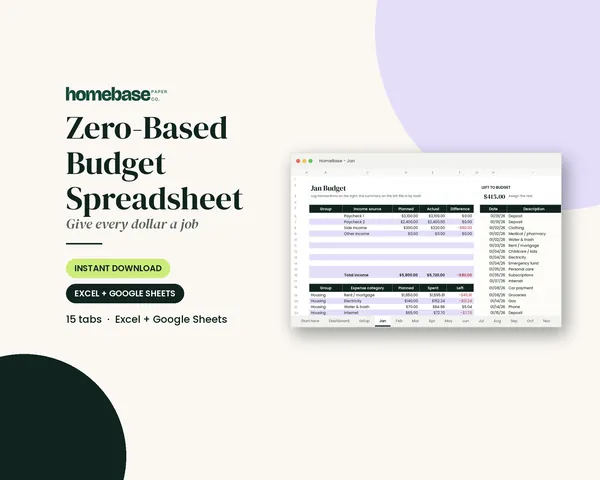
Zero-Based Budget Spreadsheet
The 'Left to budget' counter turns green when every dollar has a job.
Printables
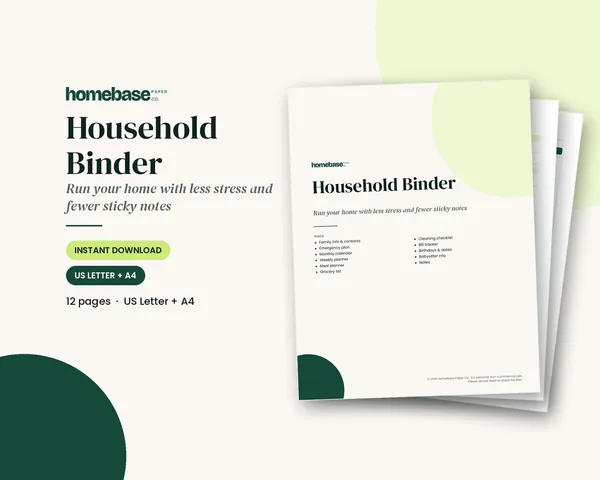
Household Binder
Family info, emergency plan, calendars, meals, groceries, cleaning, bills and sitter notes.
This free google sheets calendar template fills in its own dates. Type a year in one cell, pick Sunday or Monday as the first day of the week, and all twelve month tabs redraw. Upload it to Google Drive, save it as a Google Sheet and share it with your family, or open it in Excel. There's also a printed 2027 version if you just want paper.
What's in the free download
- The spreadsheet (.xlsx). A Start here tab with a year cell (B3) and a Sunday/Monday dropdown (B4), plus one tab for each month. Every date has three blank rows under it for events, and each month has a notes area.
- The 2027 printout (PDF). The same template printed for 2027, one landscape month per page.
The spreadsheet uses ordinary formulas (DATE, WEEKDAY and IF), with no macros, scripts or add-ons, so it works the same in Google Sheets and Excel.
How to open it in Google Sheets
The file downloads as an Excel file. Getting it into Google Sheets takes a minute. California College of the Arts' guide to Office files in Google Workspace lays out the steps:
- Open Google Drive and choose New, then File upload.
- Pick the .xlsx file you downloaded. Once it's uploaded, it shows up in your Drive.
- Open it, then choose File, then Save as Google Sheets. Google creates a Sheets copy in a new tab, and both files stay in Drive.
If you ever need it back as an Excel file, choose File, then Download, then Microsoft Excel (.xlsx).
How to set the year and week start
Everything is driven by two cells on the Start here tab:
| Cell | What it does | Example |
|---|---|---|
| B3 | The year every month tab shows | 2027 |
| B4 | First day of the week (dropdown) | Sunday or Monday |
Change B3 to 2028 and January moves to start on a Saturday, February gets its 29th day and the rest follow. Switch B4 to Monday and the headings and dates shift one column.
How the date formulas work
Each month tab knows its own month number. For the first box in the grid, the formula finds the first day of the month, then steps back to the start of that week. Each box after that adds one day. A final check hides any date that belongs to the month before or after, so only the real dates show.
If you'd like to build your own, the core of it is:
DATE(year, month, 1)for the first of the month.WEEKDAY(...)to find how many boxes to skip at the start.IF(MONTH(date)=month, DAY(date), "")to show the day number only when it belongs to this month.
That's why it works for any year, including leap years, without editing anything else.
Keep one copy per year
Events you type stay in their cell. If you change the year, the dates move but your notes don't, so a birthday typed under the 14th will end up under a different number. The fix is simple: when the year is done, use File, then Make a copy, and change the year in the copy. Your old year stays as a record. Name each copy with its year, such as "Family calendar 2027," so they're easy to find in Drive. It's also a quick way to look back at when last year's appointments, trips and school breaks happened when you plan the next year.
What to put on your spreadsheet calendar
Start with the dates that don't move. Kansas State University Extension's guide to managing time, work and family suggests listing inflexible activities, the ones that happen at set times, separately from flexible ones you can do whenever there's time. On a family calendar that means:
- Holidays and school days off.
- Paydays and bill due dates.
- Birthdays and anniversaries.
- Standing appointments like lessons, practices and meetings.
- Travel and visits.
Then fill in flexible jobs around them. For a weekly view, Stanford's Center for Teaching and Learning suggests scheduling non-negotiables first, then regular commitments, then appointments, and leaving buffer time. Our weekly calendar page has a printable for that.
Tips for using it in Google Sheets
- Color-code people. Pick one fill color per family member and use it for their events.
- Share it. Use the Share button to give family members edit access so anyone can add an event.
- Use the phone app. The Google Sheets app lets you check and edit the calendar on the go.
- Freeze nothing. The months are built to fit on one screen and one printed page, so you won't need frozen rows.
- Add a comment to a cell for details like an address or a phone number, so the box stays tidy.
Google Sheets calendar vs Google Calendar
They do different jobs:
| Google Sheets calendar template | Google Calendar | |
|---|---|---|
| Month at a glance | Yes, whole month on one sheet | Yes |
| Reminders and alerts | No | Yes |
| Invitations | No | Yes |
| Notes, totals and lists beside dates | Yes | Limited |
| Prints cleanly one month per page | Yes | Varies |
Many families use both: Google Calendar for alerts and the spreadsheet for planning a busy month, meals or bills. Our digital calendar guide compares the options in more detail.
Use it as a bill and payday calendar
A spreadsheet calendar is a handy place to see money dates. Write each bill on its due date and mark paydays, and you'll see quickly which weeks are tight. Our bill calendar guide shows how to set that up.
When you want the calendar to do the math too, the Bill Tracker Spreadsheet ($4.99) works in Excel and Google Sheets. Bills due in three days or less turn red, and a 12-month paid tracker shows what's been paid. The Annual Budget Spreadsheet ($6.99) covers the whole year: 12 monthly tabs, a transaction log with dropdowns, planned vs actual, over-budget alerts in red and a year dashboard with a chart.
If you budget every dollar, the Zero-Based Budget Spreadsheet ($6.99) is built for that method. For more on this topic, see our calendar templates hub.
Ideas for using the month tabs
Because each month has three writing rows under every date and a notes area at the bottom, the tabs work for more than appointments:
- Meal plan: one dinner per date, with the grocery list in the notes area.
- Chore rotation: a name under each date for that day's job.
- Habit tracker: an X under each day you walked, read or practiced.
- Activity schedule: practices and games in one color per child.
- Countdown: mark a trip or birthday and count the boxes left.
- Work shifts: start and end times under each date, with hours totaled in the notes.
Add your own extras
The template is a normal spreadsheet, so you can build on it:
- Add a column for totals. Use column H, just right of the last weekday, for a weekly sum of hours or money.
- Add a holiday list. Make a new tab with holiday dates for the year and copy them onto the month tabs.
- Add conditional formatting. Highlight any cell that contains "bill" or "pay" so money dates stand out.
- Duplicate a month tab if you want two copies, such as one for work and one for home.
Keep the formulas in the date rows as they are. If you type over one by accident, use Undo, or copy the formula from the box next to it and paste it back.
Troubleshooting
- A date shows as a long number. A cell was reformatted. Undo, or set the cell format back to Automatic.
- The month is blank. Check that B3 on the Start here tab has a four-digit year.
- The headings say Sun but you picked Monday. Make sure B4 says exactly "Monday," using the dropdown.
- It opens in Drive's preview. Use Open with, then Google Sheets, or follow the upload steps above.
- Printing spills onto two pages. Choose landscape and "fit to page" in the print settings.
Prefer paper?
If you'd rather print and write, the 2027 PDF in the download is ready to go. For an undated version you can number yourself, see our blank calendar template, and for a full year of dated pages, our 2027 calendar. The Household Binder ($6.99) has monthly calendar and weekly planner pages along with family info, meals, cleaning and bills, so the paper calendar lives with your other household records.
Put the whole household on one plan
Family info, emergency plan, calendars, meals, groceries, cleaning, bills and sitter notes.
$6.99 · Instant download. Print at home or fill it in on screen. Or browse the full Home & Organizing collection.
Frequently asked questions
Is this Google Sheets calendar template free? Yes, this Google Sheets calendar template is free. The Google Sheets calendar template on this page is free; we email it to you. You get a spreadsheet with twelve month tabs that update for any year you type, plus a 2027 printout as a PDF.
How do I open the calendar template in Google Sheets? Download the .xlsx file, open Google Drive and choose New, then File upload. Open the uploaded file and pick File, then Save as Google Sheets. Google makes a Sheets copy and keeps both files in your Drive.
How do I change the year on the calendar? Type the year in cell B3 on the Start here tab. Every month tab uses that cell, so all twelve months redraw with the right dates for that year, including leap-year Februaries.
Can the calendar start on Monday? Yes, the calendar can start on Monday. Use the dropdown in cell B4 on the Start here tab to switch between Sunday and Monday. The weekday headings and the dates on every month tab shift to match.
Does the template work in Excel? Yes, the template works in Excel. The file is a standard .xlsx with ordinary DATE, WEEKDAY and IF formulas, so it opens in Excel as is. It has no macros or add-ons, and the same formulas work in Google Sheets.
Will Google Sheets keep my events if I change the year? Yes, but they won't move. Anything you type stays in the same cell, so an event written under one date will sit under a different date after you change the year. Save a copy for each year instead, with File, then Make a copy.
Is there a calendar template built into Google Sheets? Yes, there's a calendar template built into Google Sheets. Google Sheets has its own template gallery, but it changes over time. The free file on this page is our pick when you want one that changes year and week start from a single cell. Google's own template gallery changes over time, so you can compare and keep whichever fits.
Can I share the calendar with my family? Yes, you can share the calendar with your family. Once the file is saved as a Google Sheet, use the Share button to add family members by email. Each person can then add events from a phone or computer, and everyone sees the same calendar.
How do I print the Google Sheets calendar? Open a month tab and choose File, then Print. Pick landscape and "fit to page" so the month fits on one sheet. If you only want a paper copy for 2027, download the PDF printout instead.
What should I put on a spreadsheet calendar? Start with fixed dates: holidays, paydays, bill due dates, birthdays and standing appointments. Kansas State University Extension suggests listing activities that must happen at set times separately from the ones that can be done any time.
Is a Google Sheets calendar better than Google Calendar? No, a Google Sheets calendar is not better than Google Calendar for reminders. Google Calendar is the better pick for alerts and invitations. The Google Sheets calendar template is better when you want a month you can see at a glance, add notes and totals to, and print.
Do you sell a budget spreadsheet that works in Google Sheets? Yes, HomeBase sells a budget spreadsheet that works in Google Sheets: the Annual Budget Spreadsheet. The Annual Budget Spreadsheet ($6.99) works in Excel and Google Sheets. It has 12 monthly tabs, a transaction log with dropdowns, planned vs actual, over-budget alerts in red and a year dashboard with a chart.
Free printable
A 2027 calendar printed from our Google Sheets template
One landscape month per page with writing rows under every date. You'll also get our weekly HomeBase email with simple planning and home organization tips.