

The short answer: a bill calendar shows every bill on the day it's due, so you can see the month at a glance and pay on time. Setup takes about 30 minutes.
- Three pages: monthly grid, a list by due date and a yearly view
- Mark your paydays and line bills up with them
- Add yearly bills and check off as you pay
- Review once a month
- Next step: Get the free bill calendar (we email it to you); want more? The Bill Tracker Printable is $3.49.
A bill calendar shows every bill on the day it is due, so you can see the whole month at a glance and pay on time. This guide shows how to set one up in about 30 minutes, how to line bills up with paydays, and what to do about bills that only come once a year. Get the free download for a bill calendar printable with a monthly bill calendar, a list by due date and a yearly bill payment calendar.
What is in the free bill calendar printable
| Page | What it is | Best for |
|---|---|---|
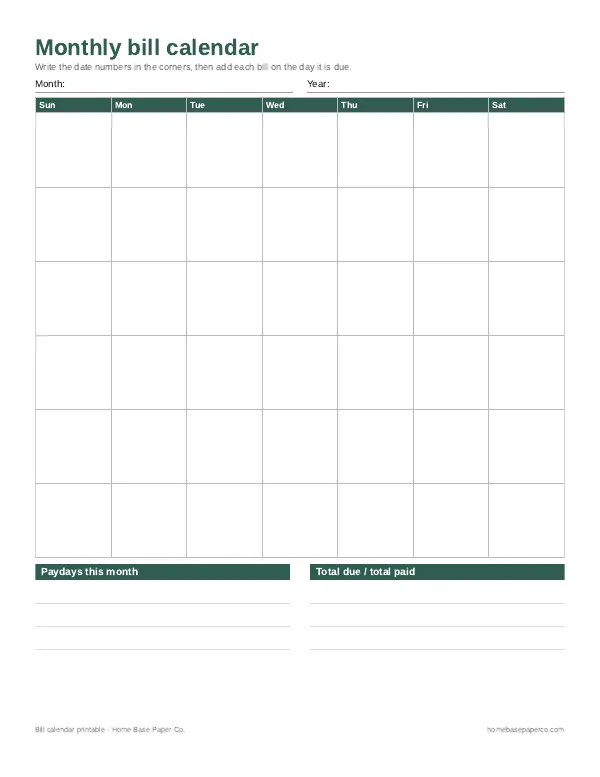
| 1. Monthly bill calendar | A blank Sun to Sat grid. Write the dates in, then each bill on its due day. Space for paydays and total due and paid. | Seeing the month at a glance |
| 2. Bill calendar list: 1 to 31 | One row per day of the month with bill, amount, autopay and paid columns. | People who prefer a list to a grid |
| 3. Yearly bill calendar | List each bill once with its due day and amount, then tick a box for each month you pay it. A table for once-a-year bills. | Annual and quarterly bills |
How to set up a bill calendar
- Collect your bills. Look at last month's bank and credit card statements, your email and your mail. Write down every bill, even small subscriptions.
- Note the details. For each bill, write the due date, the usual amount and whether it is on autopay.
- Mark your paydays. Write each payday on the monthly bill calendar first.
- Fill in the due dates. Write each bill on the day it is due. Put large bills in bold or a different color.
- Add yearly bills. Put insurance premiums, car registration, property tax and memberships on the yearly page, then divide each one by 12 to see what to set aside each month.
- Check off as you pay. Tick the paid box or circle the bill once it clears.
- Review once a month. At the start of each month, copy the bills to a new monthly page and update any amounts that changed.
Line up bills with paydays
The main benefit of a bill calendar is timing. When you see bills and paydays together, it becomes obvious when one paycheck carries too many bills.
| Paycheck | Bills it covers (example) |
|---|---|
| 1st of the month | Rent or mortgage, car payment, phone |
| 15th of the month | Utilities, credit card, insurance, subscriptions |
If too many bills land before one payday, ask the company whether you can move the due date. Grouping bills into two days a month, right after each payday, makes the calendar simpler and reduces the chance of a late payment. Our paycheck budget planner shows how to plan each paycheck in detail.
Due dates, grace periods and late fees
Every bill has its own rules. For credit cards, the CFPB explains that a grace period is the time between the end of your billing cycle and the payment due date, and that you avoid interest on purchases only if you pay the full balance by the due date. It also notes that card companies must send your bill at least 21 days before the payment is due. Investopedia's overview of grace periods explains how they work on loans and other accounts, where a short window after the due date may avoid a late fee.
On your bill calendar, always write the real due date, not the end of a grace period. That way you have a buffer built in.
Autopay and your bill calendar
Autopay is helpful for fixed bills, but it still belongs on your calendar. When a bill runs automatically, money leaves your account on that day whether or not your paycheck has cleared. The CFPB's bank account resources explain how overdraft coverage and fees work, and why it helps to understand them before you rely on automatic payments. Mark autopay bills with an "A" on the monthly calendar and use the autopay column on the 1 to 31 list. Then write each one into a checkbook register on its due date, so your running balance already counts it. For more on this topic, see our bill organization guides.
Monthly bill calendar vs yearly bill calendar
- Monthly: Best for cash flow. You see which week is heavy and can plan grocery and spending money around it.
- Yearly: Best for the big picture. Each bill appears once with 12 boxes, so you can see at a glance whether every month was paid. It is also where you catch annual bills that would otherwise surprise you.
- List by date: Best if you find a grid hard to read. Days 1 to 16 sit on the left and 17 to 31 on the right.
For everything else in the month, a free monthly calendar printable keeps appointments and school days next to your due dates.
Common bills to include
| Housing and utilities | Transportation and insurance | Everything else |
|---|---|---|
| Rent or mortgage | Car payment | Credit cards |
| Electricity and gas | Car insurance | Student loans |
| Water, sewer and trash | Registration (yearly) | Childcare |
| Internet and phone | Fuel cards or transit pass | Subscriptions and streaming |
| HOA fees | Life and health insurance | Gym and memberships |
Printable, spreadsheet or both?
A printable bill calendar is simple, quick and easy to keep on the fridge or in a printable budget binder. A spreadsheet can do the math for you. Many households use a printed calendar for timing and a tracker to confirm each payment. Our guide on how to organize bills covers the paperwork side, and if you're already behind, see what to do when you're behind on bills. It's one part of a simple system to organize your finances.
For a full-year view in a spreadsheet, our free Google Sheets calendar template sets up twelve months from a single year cell.
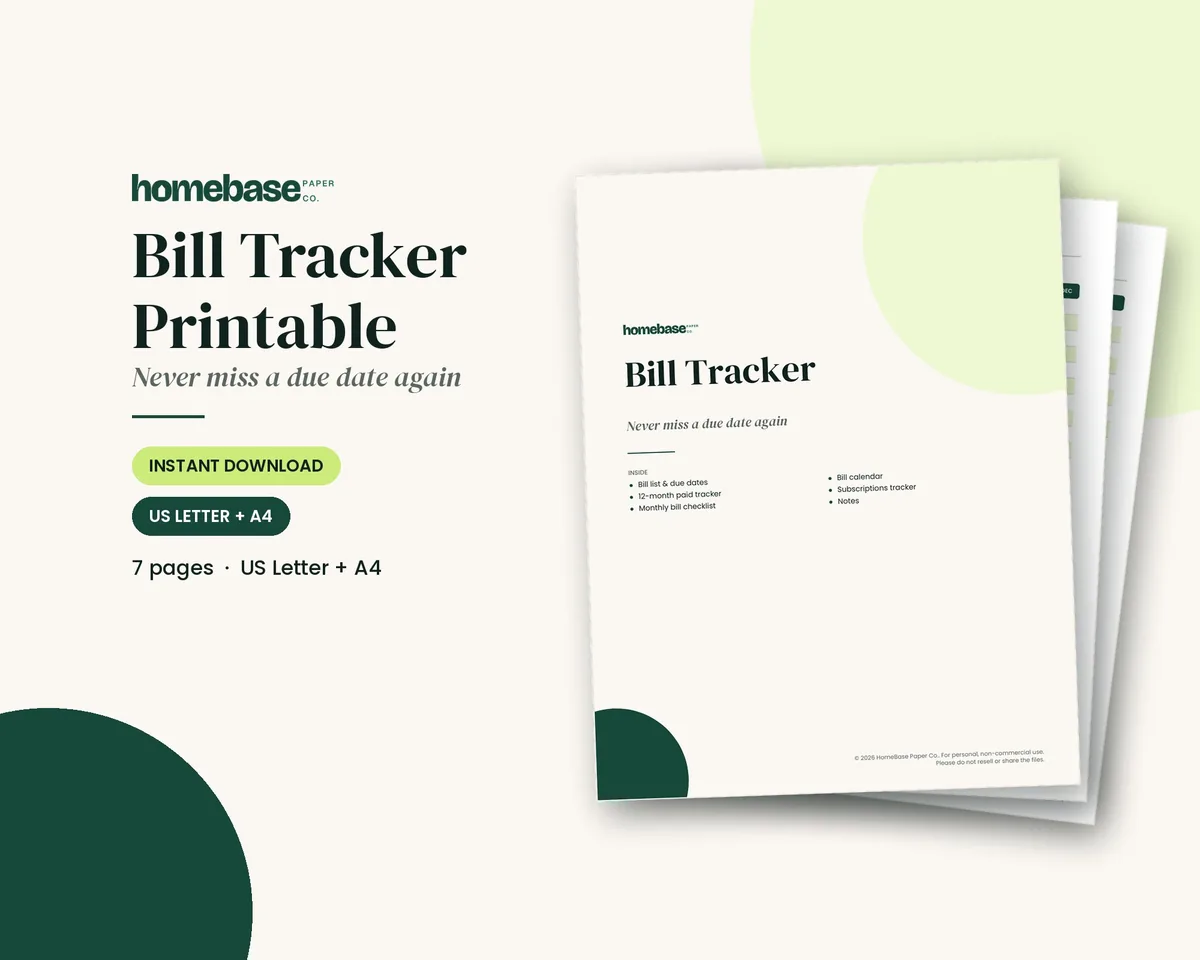
If you'd like more than the free pages, the Bill Tracker Printable is a 7-page PDF with a bill list, a 12-month paid tracker, a monthly bill checklist, a bill calendar and a subscriptions page. The Bill Tracker Spreadsheet works in Excel and Google Sheets and works out the next due date and days left for each bill, flags bills that are due soon in red and totals paid and unpaid bills each month. For the whole budget, the Budget Planner Printable adds a monthly budget, income and expense logs, a bill payment tracker, debt payoff and savings trackers and sinking funds.
To pair a bill calendar with a monthly budget, see our budget planner and monthly bill organizer guide.
Make it easier
Tools for this
 Starter pick
Spreadsheets
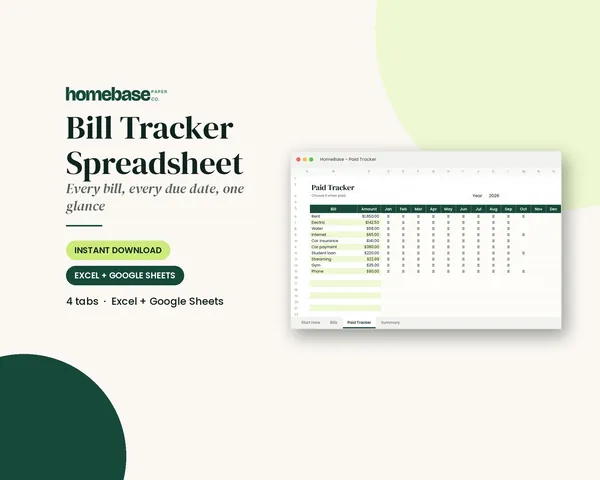
Bill Tracker Spreadsheet
Bills due in 3 days or less light up red, so nothing slips through.

Printables
Budget Planner Printable
Twelve undated pages you can print every month: budget, bills, spending, savings and debt.
Frequently asked questions
What is a bill calendar? A bill calendar is a calendar that shows each bill on the day it is due. Instead of a list, you see the whole month at a glance, so you can spot weeks with lots of bills, line them up with paydays and avoid late fees. You can use a printable bill calendar, a planner page, a spreadsheet or a digital calendar.
How do I make a bill calendar? Gather your last month of statements and bank activity. List every bill with its due date, amount and whether it is on autopay. Write each one on its due date on a monthly calendar, mark your paydays, then check off each bill when it is paid. Add yearly and quarterly bills, like car insurance, to a yearly view.
What is the difference between a bill calendar and a bill tracker? A bill calendar shows bills by date, so you can see when money goes out. A bill tracker is usually a list or table of bills with boxes to check off each month. Many people use both: the calendar for timing and cash flow, and the tracker to confirm every bill was paid. Our paid Bill Tracker Printable includes a bill calendar page.
Should I use a monthly or yearly bill calendar? Use both: a monthly bill calendar to plan each month's payments around your paydays, and a yearly bill calendar to see every bill once with a check box for each month and to catch bills that come once or twice a year. Our free printable has both, plus a list by due date from day 1 to 31.
How do I line up bills with paydays? Mark your paydays on the calendar first. Then check whether each bill falls before or after a payday. If several big bills fall in the same week before you get paid, call the company and ask whether you can move the due date. Many credit card companies and some utilities allow you to choose a due date.
Can I change my bill due dates? Yes, you can often change your bill due dates. Many credit card companies, lenders and utilities let you choose or change your due date, sometimes online. Moving due dates so they fall just after payday, or grouping them into one or two days a month, makes a bill calendar much simpler. Ask each company, since rules vary.
What is a grace period on a bill? A grace period is time after a due date or billing cycle when you can pay without a penalty or interest. For credit cards, the CFPB explains it is the period between the end of the billing cycle and the due date. Other bills may have a short window after the due date before a late fee. Read each bill's terms rather than counting on one.
Should I put bills on autopay? Yes, for fixed bills like rent, loans and insurance, because autopay can stop late payments. The risk is an overdraft if your account is low when the payment runs. Track autopay bills on your bill calendar too, so you know when money leaves your account, and check your balance before each one runs.
What bills should go on a bill calendar? Include rent or mortgage, utilities (power, gas, water, trash, internet, phone), insurance, car payments, student loans, credit cards, childcare, subscriptions and memberships. Add bills that come once or twice a year, like car registration, property tax, insurance premiums and annual memberships, so they don't catch you off guard.
Is the bill calendar printable free? Yes, the bill calendar printable is free. The three-page PDF is free; we email it to you. It includes a blank monthly bill calendar, a bill calendar list by due date and a yearly bill calendar. Print a monthly page each month and a yearly page once a year, or slip them into sheet protectors and reuse them.
Is a bill calendar spreadsheet better than a printable? A spreadsheet is better if you want the math done for you, and a printable is better if you want the calendar in sight. A printable is quick to fill in and easy to see on the fridge or in a binder. A spreadsheet can calculate next due dates, days left and totals, and flag bills that are due soon. Our Bill Tracker Spreadsheet does that in Excel and Google Sheets if you prefer digital, and the Bill Tracker Printable is the paper version.
More from HomeBase
You may also like
 Save 57%
Bundles
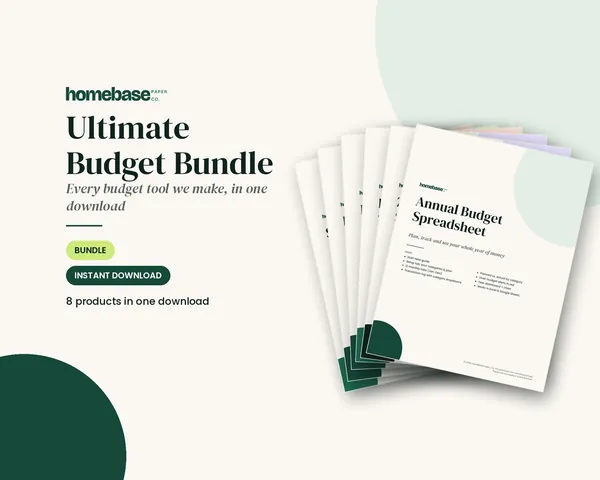
Ultimate Budget Bundle
All 6 spreadsheets + both printable planners - for less than half the price of buying them separately.
Spreadsheets
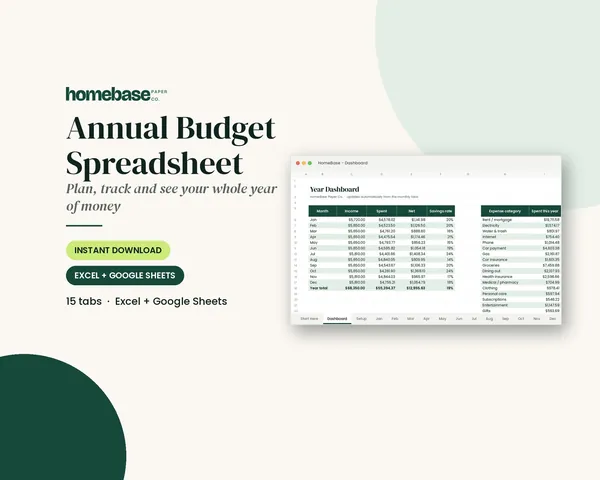
Annual Budget Spreadsheet
See exactly where your money goes every month - without complicated software.
Printables
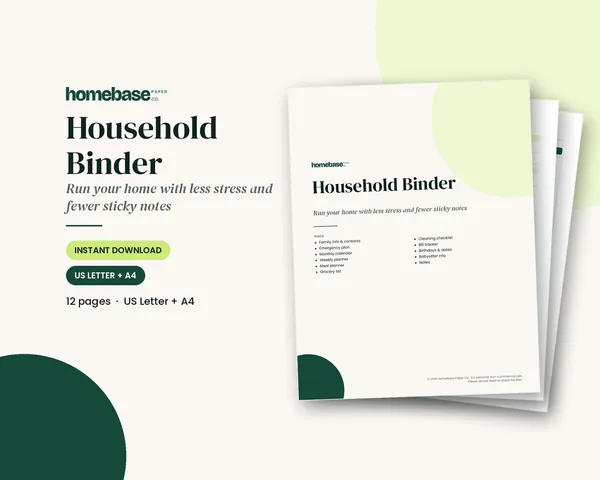
Household Binder
Family info, emergency plan, calendars, meals, groceries, cleaning, bills and sitter notes.
Printables
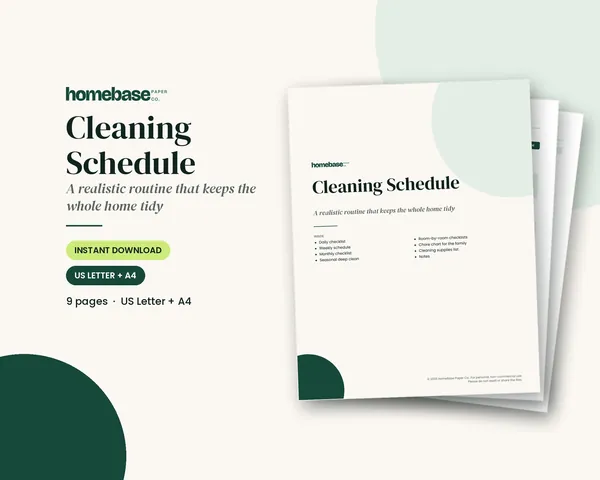
Cleaning Schedule
Daily, weekly, monthly and seasonal lists - plus a family chore chart.
 Club
Monthly club
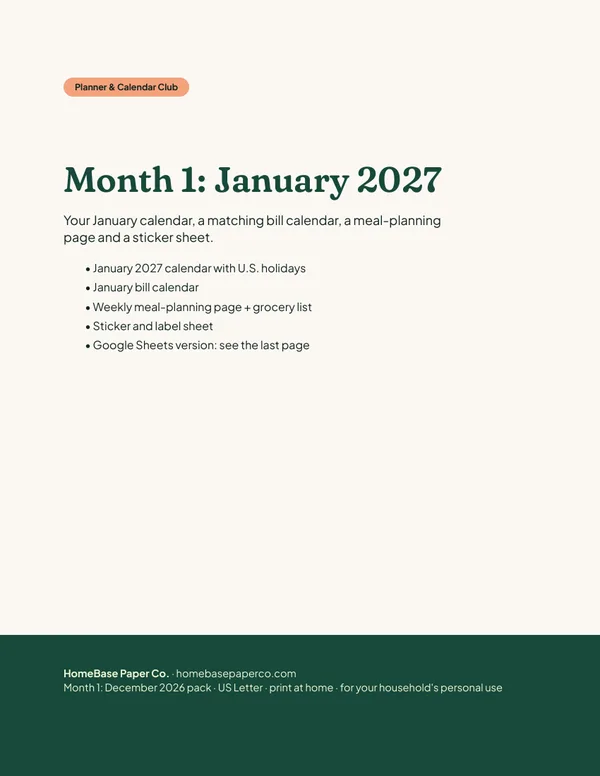
Planner & Calendar Club
Anyone who wants a monthly calendar, bill calendar and meal plan ready to print.
Free printable
Never miss a payment: get the free bill calendar
A printable monthly bill calendar with room for due dates, amounts and paydays, so every payment has a plan before the month starts. You'll also get our weekly HomeBase email with simple budgeting and bill-paying tips.
Sources
- CFPB: What is a grace period for a credit card? consumerfinance.gov
- Investopedia: Grace period investopedia.com
- CFPB: Bank accounts consumerfinance.gov