The short answer: a content calendar is a schedule of what you will publish, on which channel and on what date. Set it up as one row per post with eight columns, plan one month in detail and three months in rough themes, and review it every week.
- The 8 columns: date, channel, topic or keyword, format, owner, status, call to action (CTA) and final link
- Plan ahead: one month of detail, one quarter of themes, and one open slot a week for timely posts
- Pick a pace you can keep for at least three months. Consistency beats volume
- Free calendar to start on paper: get the free monthly calendar printable (we email it to you). Running content for a business? The Business Income & Expense Tracker is $7.99 and shows which months your marketing actually pays off
A content calendar is not a marketing strategy on its own. It is the part of the plan that turns "we should post more" into dated tasks. Below: what goes in one, how to build it in Google Sheets, Excel or on paper, a sample 4-week plan, how often to post and the mistakes that make calendars fall apart by week three.
What is a content calendar?
A content calendar is a shared schedule for everything you publish: blog posts, newsletters, social posts, videos, product launches and sales. Each entry says what it is, where it goes, who is making it and when it goes live.
It solves three problems at once:
- Deciding what to post. You decide once a month instead of every morning.
- Seeing gaps and pile-ups. You notice that three promotions land in the same week, or that the newsletter skipped a month.
- Handing off work. Anyone on the team can open the file and see what is due, what is waiting on approval and what is already live.
The U.S. Small Business Administration says that "one of the best ways to stay on schedule and on budget is to make a marketing plan," and suggests an action plan that lists the channels you will use. A content calendar is the day-to-day version of that action plan (SBA).
What to put in a content calendar: the 8 columns
Start with these eight columns. Add more only when you feel the need.
| Column | What goes in it | Example |
|---|---|---|
| Date | The publish date (and time, for social) | Tue Dec 1, 9:00 AM |
| Channel | Where it goes | Blog, Instagram, email, Pinterest |
| Topic / keyword | The subject, or the search phrase a blog post targets | "christmas cookie recipes" |
| Format | What kind of piece it is | How-to post, carousel, short video, newsletter |
| Owner | The one person responsible | Dana |
| Status | Where it is in the process | Idea, drafting, in review, scheduled, live |
| CTA | The one thing you want readers to do | Join the email list, shop the sale, read the guide |
| Link | The final URL once it is live | /blog/holiday-cookies/ |
Optional columns that earn their place:
- Pillar: which of your recurring themes the post belongs to (see below)
- Assets: the photo, graphic or video file the post needs
- Notes: hashtags, sponsor details, links to the draft
- Results: clicks, sign-ups or sales one or two weeks after it goes live
Keep one row per piece of content per channel. If a blog post also gets a newsletter mention and two social posts, that is four rows with the same topic. Your filters then work: you can view "everything going out on Instagram in December" in one click.
How to make a content calendar (step by step)
1. Decide your channels and pace
List only the channels you can actually keep up with. For a one-person shop that is often a website or blog, one social channel and an email list. Next to each, write how often you will publish. Be honest: a pace you can hold for three months is better than an ambitious one you drop in two weeks.
2. Choose 3 to 5 content pillars
Pillars are the topics you always come back to. They keep ideas flowing and stop the feed from becoming all promotion. More on these below.
3. Mark fixed dates first
Before you add a single post, put in the dates that do not move: holidays, product launches, sales, events and seasonal peaks for your business. Our holiday calendar lists the main U.S. dates to plan around.
4. Build the sheet
In Google Sheets:
- Create the eight column headers in row 1 and freeze the row (View > Freeze > 1 row).
- Format the Date column as a date so it sorts correctly.
- Select the Status column, then Data > Data validation, and add a dropdown with Idea, Drafting, In review, Scheduled and Live.
- Do the same for Channel and Pillar so everyone spells them the same way.
- Add a filter (Data > Create a filter) so you can view one week, one channel or one owner.
- Optional: use conditional formatting to color rows by status, for example gray for Idea and green for Live.
Need a calendar grid as well as the list? Our Google Sheets calendar template guide shows how to set one up.
In Excel: the steps are the same. Use Format as Table so filters and banded rows come built in, and Data > Data Validation for the dropdowns.
On paper: use a monthly calendar for the big picture. Write one short line per publish day, such as "IG: cookie reel" or "Blog: gift guide". Keep a separate page for the idea list and for links once posts are live. Paper works well when you are the only person posting. Once someone else writes or approves posts, move to a shared sheet.
5. Fill one month, then outline the quarter
Fill the next four weeks row by row. For the two months after that, write only the theme of each week and the fixed dates. That gives you room to react without starting from scratch.
6. Batch the work
Set aside a block of time to write or film several pieces at once, then schedule them. Batching is where most of the time saving comes from.
7. Review weekly, adjust monthly
Spend 15 minutes each week checking status and moving anything that slipped. Once a month, look at results and decide what to repeat. The SBA notes that measuring results "will help you know which part of the plan is working and which part needs to be updated."
Sample 4-week content calendar
Here is a filled-in example for a small online shop that sells printables and publishes a blog, a weekly newsletter and Instagram posts. Use it as a starting layout.
| Week | Date | Channel | Topic | Format | Pillar | Status | CTA |
|---|---|---|---|---|---|---|---|
| 1 | Mon | Blog | How to plan holiday meals on a budget | How-to post | Teach | Scheduled | Read the guide |
| 1 | Wed | 3 tips from the blog post | Carousel | Teach | Drafting | Link in bio | |
| 1 | Fri | Weekly roundup + new post | Newsletter | Community | Idea | Read the post | |
| 2 | Mon | Blog | Gift ideas under $25 | List post | Seasonal | Drafting | Shop the guide |
| 2 | Wed | Behind the scenes: packing orders | Short video | Behind the scenes | Idea | Follow | |
| 2 | Fri | Gift guide + early sale notice | Newsletter | Seasonal | Idea | Shop early | |
| 3 | Mon | Blog | Customer story: a family's December plan | Feature | Community | Idea | Read the story |
| 3 | Wed | Sale announcement | Single image | Promote | Idea | Shop the sale | |
| 3 | Fri | Sale reminder | Newsletter | Promote | Idea | Shop the sale | |
| 4 | Mon | Blog | Year-end planning checklist | Checklist | Teach | Idea | Download the checklist |
| 4 | Wed | Your questions answered | Story Q&A | Community | Idea | Reply | |
| 4 | Fri | Thank-you + what's coming in January | Newsletter | Community | Idea | Reply with ideas |
Notice the mix: only two of the twelve rows are direct promotion. The rest teach, entertain or build trust, which gives the sale posts more weight when they arrive.
How often should you post?
There is no single right number, and you should be wary of anyone who gives one. Treat these as planning starting points, not rules:
- Blog or website articles: one solid post a week, or even one every two weeks, is plenty for a small business. Each one keeps working for months.
- Email newsletter: weekly or every other week. Pick a set day so subscribers know when to expect it.
- Social media: a few times a week on one main channel beats daily posting spread thin across five.
- Video: one longer video a month, cut into short clips for the weeks between.
The right pace is the one you can keep for three months while still running the business. Put it in the calendar, then judge it on results, not on how busy it feels.
Content pillars: keep the calendar balanced
Pick three to five pillars that fit your audience and your business. Some common sets:
- Small product business: Teach (how-tos), Behind the scenes, Customer stories, Seasonal, Promote
- Food blogger: Recipes, Meal planning, Kitchen basics, Seasonal menus
- Service business (cleaner, tutor, photographer): Tips, Before and after, Client reviews, Booking reminders
- Family-run business: Meet the family, Process, Local community, Offers
Tag every row with its pillar and glance at the mix each month. If "Promote" shows up every other day, swap some of those slots for teaching posts.
Seasonal and holiday hooks
The easiest content ideas are already on the calendar. Plan these at least a month ahead:
- Big shopping dates: Black Friday, Small Business Saturday, Cyber Monday, Mother's Day and Father's Day
- Holidays your audience celebrates: Thanksgiving, Christmas, New Year's Day, Valentine's Day, Easter, the Fourth of July
- Seasons: back to school, spring cleaning, summer travel, tax season, the new year "fresh start"
- Your own dates: your shop's anniversary, product launch days and local events
Our holiday calendar lists the main U.S. holidays with dates, so you can add them to your sheet in one sitting.
Spreadsheet, app or paper?
| Option | Best for | Pros | Cons |
|---|---|---|---|
| Google Sheets / Excel | Small teams, most businesses | Free or cheap, easy to share, filters and dropdowns | No auto-posting; you schedule in each platform |
| Project or social media apps | Teams posting on many channels | Board and calendar views, some auto-schedule posts | Monthly cost, another login, learning curve |
| Paper or printable calendar | Solo creators, side hustles | Fast, visible on the wall, no setup | Hard to share, no links or filters |
| Digital calendar (Google or Outlook) | Reminders for publish times | Alerts on your phone | Poor place to store drafts and status |
Start with a spreadsheet. Move to a paid app only when the sheet stops working, usually because several people need to approve posts on many channels.
Common content calendar mistakes
- Planning too far in detail. A full year of exact posts goes stale. Plan a month in detail and keep the rest loose.
- No owner. "The team" is not an owner. Every row needs one name.
- Only promotion. If every post asks for a sale, people tune out. Use pillars.
- No buffer. Leave one open slot a week for news, trends or a post that ran late.
- Never looking back. Digital.gov's guidance on content is that publishing is not the end: content needs maintaining, updating and sometimes removing, and audits help you decide which. Add a monthly review to the calendar itself (Digital.gov).
- Forgetting disclosures. If a post is sponsored, gifted or has an affiliate link, the post must say so. The FTC says a key part of following the rules is to "make a good disclosure of your relationship to the brand." Add a sponsor note to those rows so it is written in before the post is scheduled (FTC).
- Too many channels. Two channels done well beat five done badly. Drop the one you dread.
Track whether the calendar pays off
A content calendar is a business tool, so judge it like one. Add a Results column, and once a month compare what you posted with sign-ups, inquiries and sales that month. If a pillar or channel never moves the numbers after three months, cut it and give that time to what works.
If content is part of a side hustle or small business, record the money side too. The Business Income & Expense Tracker ($7.99) logs income and costs by month, so you can line up a busy content month with what it brought in. Looking for something to post about in the first place? Our small business ideas list includes many businesses that grow mainly through content.
Your next step
Open a blank sheet, add the eight columns, mark next month's fixed dates and fill four weeks of rows. Prefer paper? Get the free monthly calendar printable and we will email it to you. Then block one hour this week to batch the first three posts.
Make it easier
Tools for this
Spreadsheets
Business Income & Expense Tracker
Log sales, expenses and business miles - see your monthly profit, category totals for tax time and how much to set aside.
Spreadsheets
Annual Budget Spreadsheet
See exactly where your money goes every month - without complicated software.
 Save 57%
Bundles
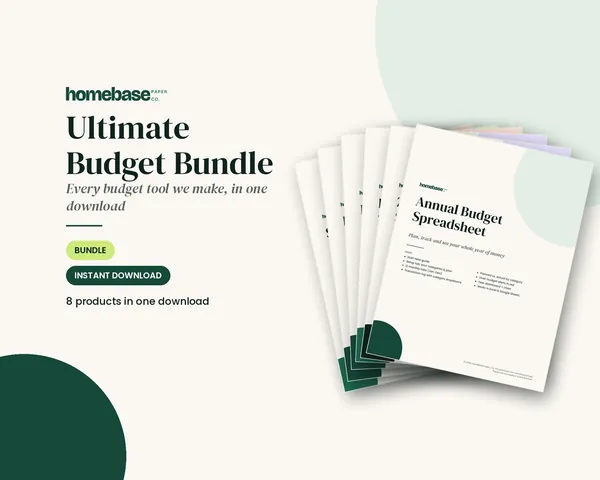
Ultimate Budget Bundle
All 6 spreadsheets + both printable planners - for less than half the price of buying them separately.
Frequently asked questions
What is a content calendar? A content calendar is a schedule of what you will publish, where you will publish it and when. Each row is one piece of content, such as a blog post, email or social post, with its date, channel, topic, format, owner and status. It keeps a small business, blog or creator account consistent without deciding what to post every morning.
What should be included in a content calendar? A content calendar should include at least the publish date, channel, topic or keyword, format, owner, status, call to action and the final link. Those eight columns let you see what is coming, who is doing it and what each post is supposed to make people do. Add a notes column for hashtags, image ideas or sponsor details if you need it.
How do I make a content calendar in Google Sheets? Make a content calendar in Google Sheets by creating one row per post and columns for date, channel, topic, format, owner, status, CTA and link. Turn the status column into a dropdown with Data > Data validation, freeze the header row and add a filter so you can view one channel or one week at a time. Share the sheet with anyone who writes or approves posts.
How far ahead should you plan a content calendar? Most small teams plan a content calendar one month ahead in detail and three months ahead in rough themes. A month is long enough to batch-write and schedule posts, and a quarterly outline catches holidays, launches and sales early. Leave about one open slot a week for timely posts.
How often should I post? Post as often as you can keep up for at least three months, not as often as possible. For a one-person business that might be one blog post or newsletter a week and a few social posts. A steady schedule you can actually keep is easier to plan around than a burst followed by weeks of silence.
What is the difference between a content calendar and an editorial calendar? There is little practical difference; both are schedules of what to publish and when. Some teams use editorial calendar for long-form work such as blog posts and newsletters and content calendar for everything, including social posts. Use whichever name your team understands and keep one shared file.
What are content pillars? Content pillars are the three to five recurring topics your content always comes back to. A bakery might use recipes, behind the scenes, seasonal orders and customer stories. Assigning each calendar row a pillar keeps your mix balanced and makes it easier to come up with ideas.
Can I use a paper planner as a content calendar? Yes, a paper monthly calendar works well as a content calendar if you are the only person posting. Write one short topic and channel in each publish day and keep a separate page for ideas and links. Switch to a shared spreadsheet once more than one person writes, approves or schedules posts.
Do I need to disclose sponsored posts in my content calendar? Yes, if a post is paid, gifted or includes a material connection to a brand, the post itself must disclose it, so mark it in your calendar. The FTC says a key part of following the rules is making a good disclosure of your relationship to the brand. Add a sponsor column or note so the disclosure is written in before the post goes live.
More from HomeBase
You may also like

Printables
Budget Planner Printable
Twelve undated pages you can print every month: budget, bills, spending, savings and debt.
Spreadsheets
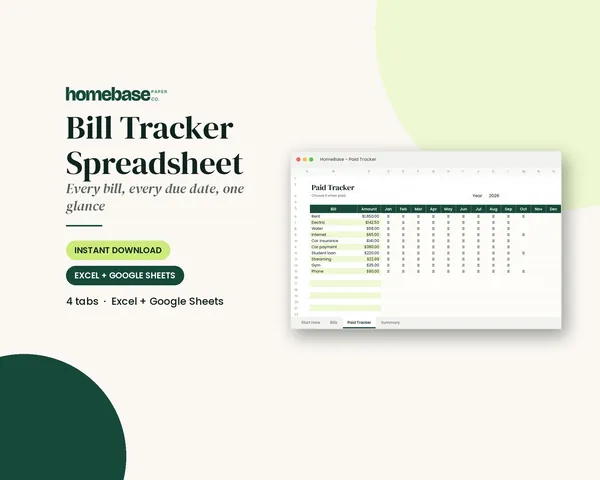
Bill Tracker Spreadsheet
Bills due in 3 days or less light up red, so nothing slips through.
Spreadsheets
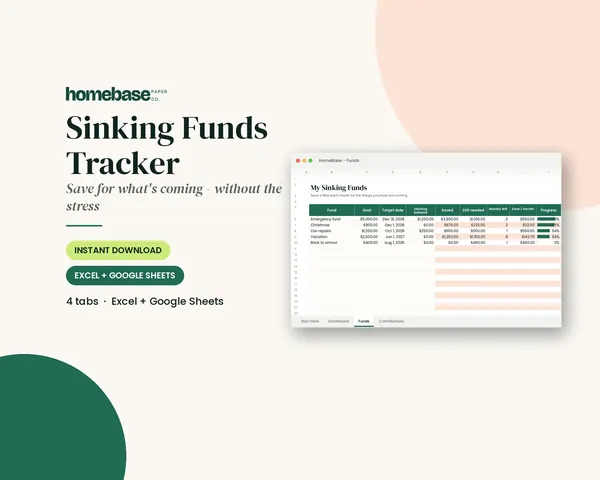
Sinking Funds Tracker
It does the math: how much to set aside each month to hit every goal on time.
Spreadsheets
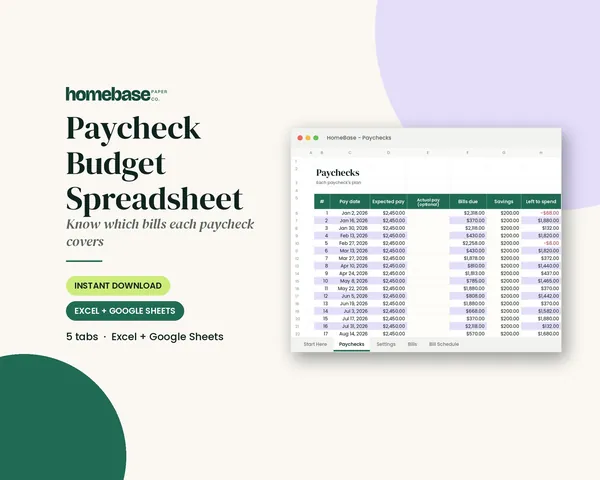
Paycheck Budget Spreadsheet
Enter your bills once. The sheet tells you which paycheck pays each one, all year.
 Club
Monthly club
Money Club
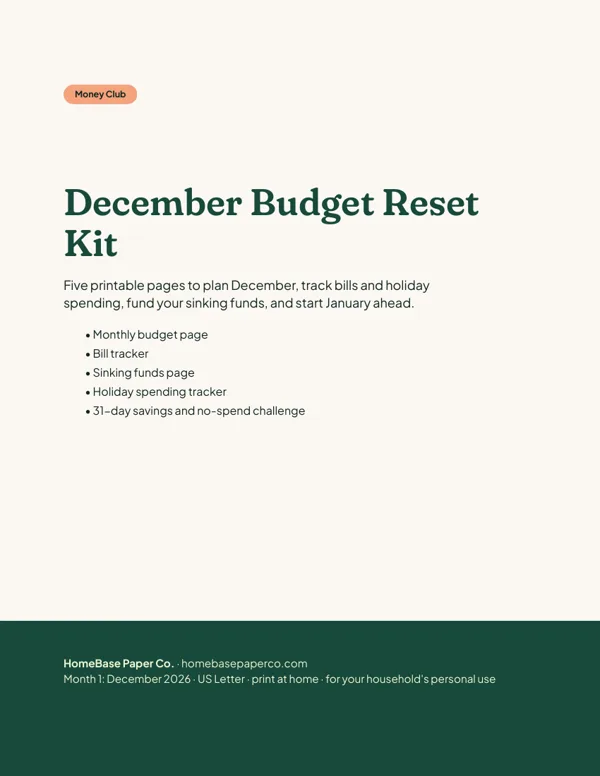
Anyone who wants a clear plan for the month's bills, holiday spending and savings.
Free printable
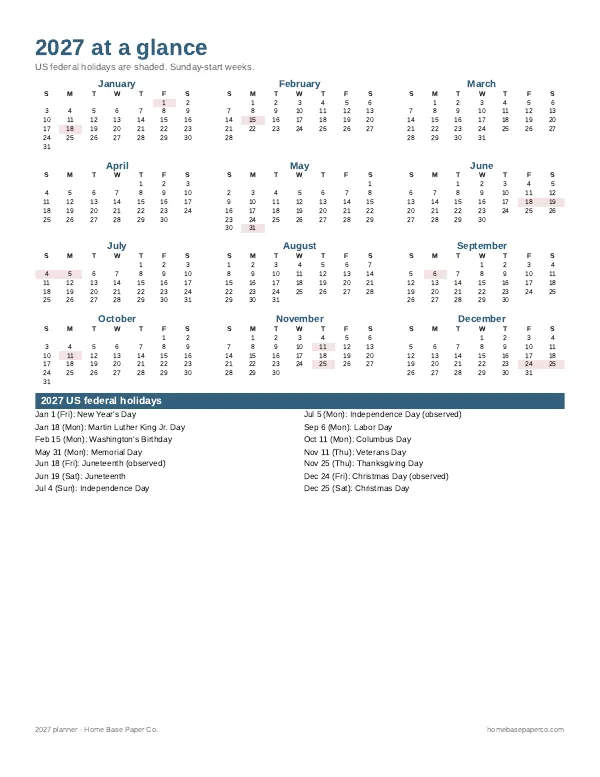
Get organized for the new year: get the free 2027 planner
A 16-page printable 2027 planner with a year-at-a-glance page and monthly calendars with US holidays marked. You'll also get our weekly HomeBase email with simple planning and home organization tips.