

The short answer: a digital calendar is a touchscreen for the kitchen wall or counter that shows everyone's schedule in one place and updates from the phone calendars you already use.
- Screen size: 10 to 11 inch for a counter, 15 inch for a kitchen wall
- Check for two-way sync with Google, iCloud and Outlook
- Ask what works with no plan and what the plan costs per year
- Keep a paper backup that never needs Wi-Fi
- Next step: Plan it with the Household Binder ($6.99).
Our picks for digital calendar
Printables
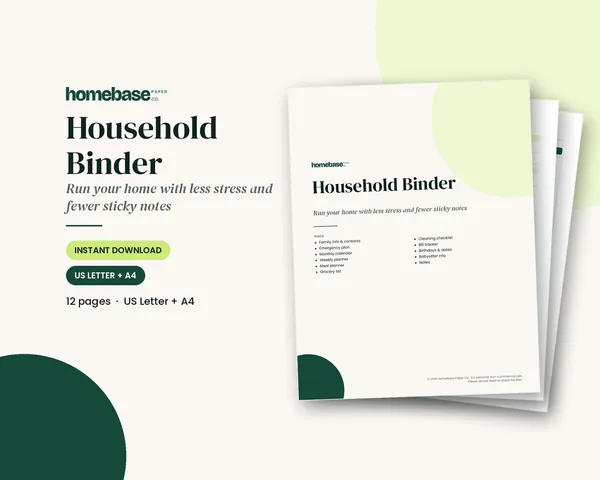
Household Binder
Family info, emergency plan, calendars, meals, groceries, cleaning, bills and sitter notes.
 Save 48%
Bundles
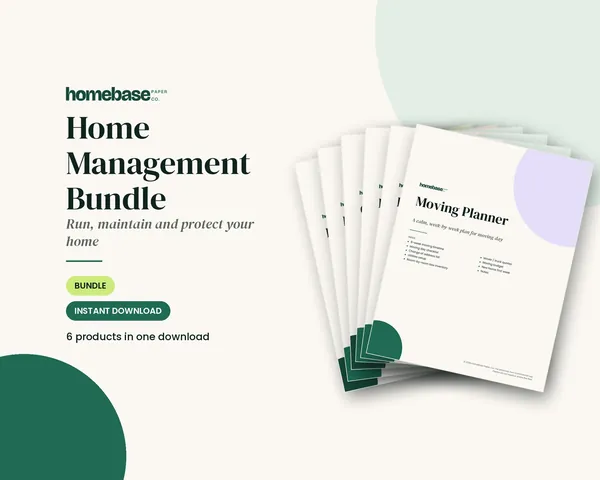
Home Management Bundle
Household binder, maintenance log, moving planner, cleaning schedule, home inventory and password log.
 Starter pick
Printables
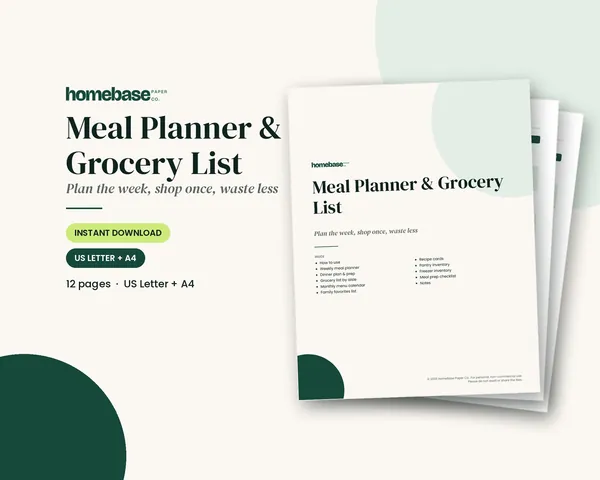
Meal Planner & Grocery List
Weekly meals, a grocery list sorted by aisle, and pantry and freezer inventories so you shop once and waste less.
 Starter pick
Printables
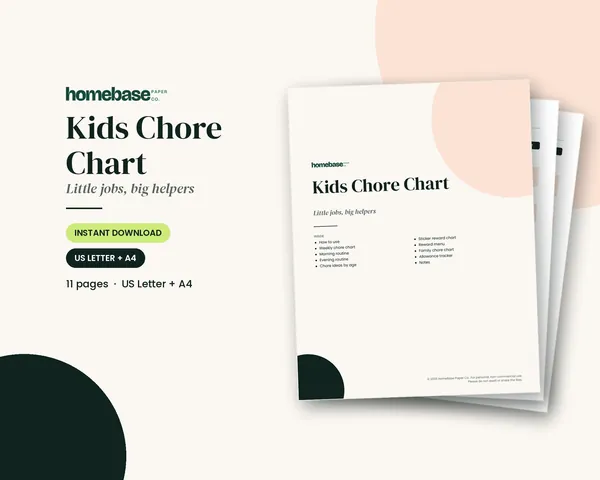
Kids Chore Chart
Weekly chore chart, morning and evening routines, chore ideas by age, a sticker reward chart and an allowance tracker.
A digital calendar is a touchscreen for the kitchen wall or counter that shows everyone's schedule in one place and updates itself from the phone calendars you already use. For a busy family it can replace the paper calendar on the fridge, the group text about pickups and the sticky note about the dentist. It also costs far more than paper, needs Wi-Fi and only works if someone keeps the calendar current.
This guide covers what to look for, which features matter for families, the questions to ask about subscriptions, and how to keep a simple paper backup so the plan still works when the Wi-Fi doesn't.
What a digital calendar does
Most family models do four things:
- Sync events from Google Calendar, Apple iCloud, Outlook and shared links like a school's sports schedule. Both Google Calendar and Outlook can subscribe to a calendar by its web address, and Microsoft notes that subscribed calendars update automatically, though changes can take more than 24 hours to appear.
- Show the day, week or month on a screen big enough to read from across the room, with one color per person.
- Edit on the screen itself, so a teenager can add practice without opening a phone.
- Extras such as chore lists, meal plans, grocery lists, photo slideshows and weather. Some of these are included and some sit behind an optional paid plan.
If you only need the first two, a large tablet on a stand running a shared calendar can do the job. The dedicated screens earn their price with the always-on display and the family-friendly extras.
How to choose a digital calendar
| What to check | Why it matters | What to look for |
|---|---|---|
| Screen size | You need to read it from where you stand | 10 to 11 inch for a counter, 15 inch for a kitchen wall, 21 inch or more for large families |
| Calendar sync | Events must flow in without retyping | Google, iCloud and Outlook, plus .ics links for school and sports |
| Two-way editing | Changes on the screen should reach phones | "Two-way sync" in the listing, not just "displays" |
| Profiles and colors | Everyone finds their own events fast | One color per person, at least as many profiles as your household |
| Subscription | Some features cost extra each month | A clear list of what works with no plan |
| Mounting | A wall model needs power nearby | Wall mount included, cable length, stand option |
| Privacy | The screen shows names and places | A way to hide event details or lock settings |
Write your household's must-haves before you shop. A family of three with one shared Google calendar needs far less than a family of six with two working parents, a sports schedule and a grandparent who drives on Tuesdays.
Digital calendar types to compare
Want a spreadsheet calendar you can share? Our free Google Sheets calendar template fills in its own dates for any year.
- Countertop touchscreens (10 to 15 inch). The most common choice. They stand on a kitchen counter or desk and are easy to move.
- Wall-mounted family screens (15 to 27 inch). Big enough to show a full month for five or more people. They need an outlet nearby or a cable cover.
- Smart displays. Voice-assistant screens can show a shared calendar and read out the day's events, but most are small and better for one or two people.
- Large digital clocks with the date. For a grandparent or anyone who mainly needs the day, date and time in big letters, a simple digital day clock is easier than a full calendar.
Read the current listing for each model you're considering, because features, included extras and subscription plan prices change.
Questions to ask about subscriptions
Before you buy, answer three questions from the listing or the brand's own site:
- What works with no plan at all? Usually the calendar view and sync. Check whether chores, lists, meals and photos are free.
- What does the plan cost per year? Multiply the monthly price by 12 and add it to the screen price.
- What happens if you stop paying? You want the calendar itself to keep working.
A $200 screen with a $40 yearly plan costs $400 over five years. That's still worth it for some families. Just decide with the full number in front of you.
Make the calendar work: a weekly routine
A screen won't organize anyone by itself. The families who stick with a digital calendar usually do three things:
- One owner. One adult owns the master calendar and decides how events are named and colored.
- Everything goes in. School closures, practices, bills due, birthdays, trash night. If it's only in someone's head, it isn't on the calendar.
- A Sunday check-in. Ten minutes to look at the week, settle rides and plan dinners on busy nights.
Our guide on how to organize a family calendar covers the full set-up, from color-coding to the weekly family meeting.
Keep a paper backup that never needs Wi-Fi
Screens go blank in a power cut, lose sync after an update and can't show the babysitter where the allergy medicine is. A paper backup covers those gaps and costs a few dollars.
An undated blank calendar template makes an easy backup: print one, write in the dates and keep it on the fridge.
A free 2026 calendar printable on the fridge is the simplest backup of all.
A family planner binder can be that backup, with the month view, contacts and routines in one place.
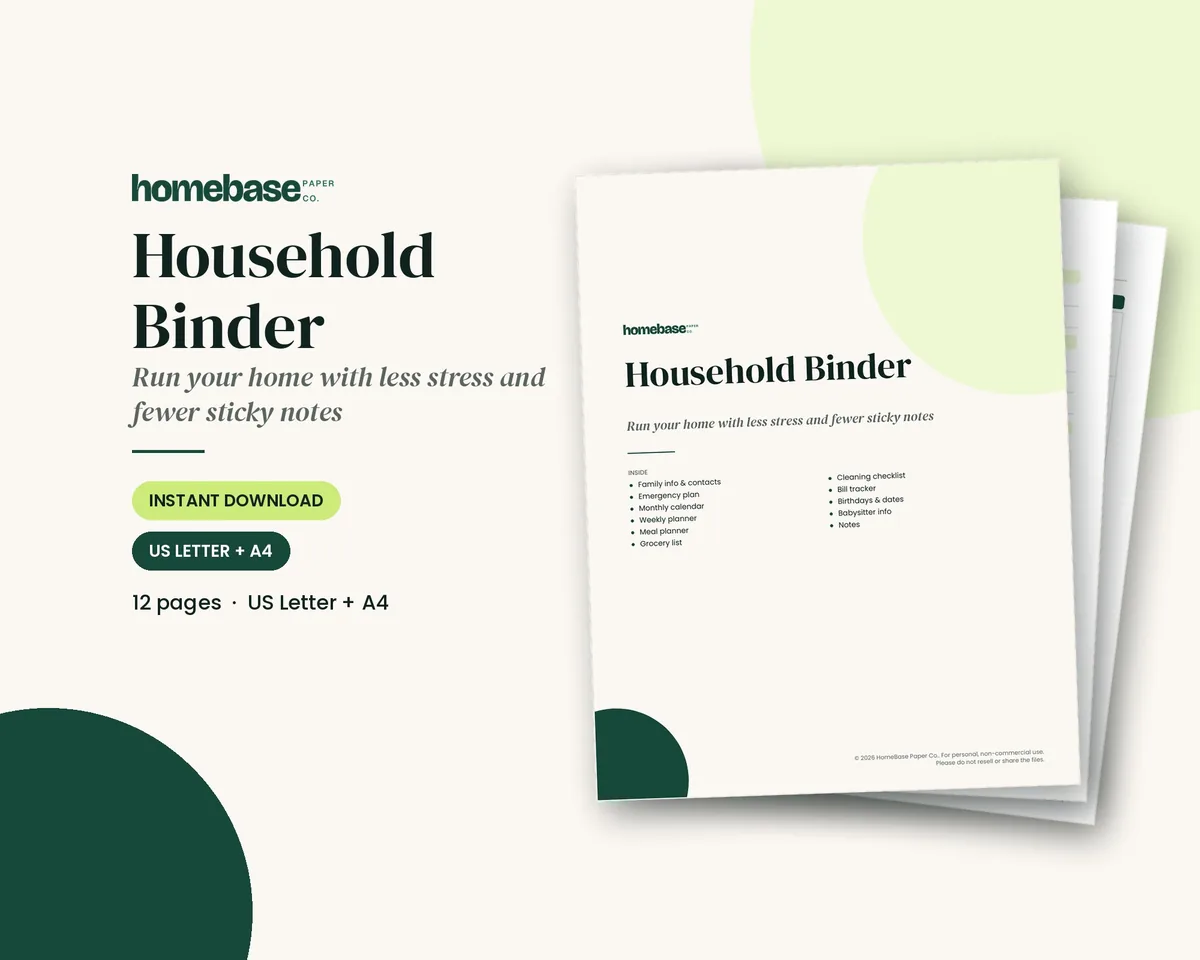
Our Household Binder ($6.99) is a printable PDF with a monthly calendar, weekly planner, meal planner, grocery list, weekly cleaning page, bill tracker, a birthdays and important dates page, family information, an emergency plan and babysitter info. Print the month, write in the fixed events, and keep it in a binder by the screen. If you want the whole home system, the Home Management Bundle ($16.99, $32.94 if bought separately) adds a cleaning schedule, home maintenance log, home inventory, password log and moving planner.
Two more pages that pair well with a family screen:
- Meal Planner & Grocery List ($3.99): plan dinners around the busy nights the calendar shows.
- Kids Chore Chart ($3.49): picture-friendly routines and a sticker chart for kids who can't read the screen yet.
For whoever keeps the whole thing running, our "I Run the Family Calendar" design is printed on tees and mugs.
Digital or paper: a quick way to decide
Want both? Our free editable calendar is a fillable PDF you type into on screen and then print.
- Choose a digital calendar if plans change several times a week, two or more adults already use phone calendars, and you're happy to pay for the screen and maybe a plan.
- Choose paper if you want no screens or subscriptions, like writing things down, or need a calendar a young child or grandparent can read without help. A printed weekly planner on the fridge does a lot of the same work.
- Use both if you want the screen for times and reminders and paper for the bigger picture: meals, chores and the month ahead.
Still deciding between apps and paper in general? Our comparison of paper planners vs. digital planners goes through memory, focus, reminders and cost.
Put the whole household on one plan
Family info, emergency plan, calendars, meals, groceries, cleaning, bills and sitter notes.
$6.99 · Instant download. Print at home or fill it in on screen. Or browse the full Home & Organizing collection.
Frequently asked questions
What is a digital calendar? A digital calendar is a wall-mounted or countertop touchscreen that shows your family's schedule all day. Most connect to Wi-Fi and pull events from the calendars you already use, like Google, Apple (iCloud) or Outlook, so an appointment added on a phone shows up on the screen in the kitchen a minute later.
Is a digital calendar worth it for a family? Yes, a digital calendar is worth it for a family when several people need to see the same schedule and at least one adult already keeps events in a phone calendar. It's less useful if nobody updates a phone calendar now, because the screen only shows what gets entered. Try a shared phone calendar for two weeks first: if the family keeps it current, a screen will help; if not, start with a paper wall calendar, such as the monthly calendar in the Household Binder.
Do digital calendars need a subscription? Digital calendars don't always need a subscription: some digital calendars don't need a subscription, and some sell an optional monthly or yearly plan that unlocks extras such as meal planning, photo frames, chore rewards or extra profiles. Check the listing for exactly what works without a plan before you buy, and add any plan cost to the price so you're comparing like with like.
Which calendars can a digital calendar sync with? Most family models sync with Google Calendar, Apple iCloud calendars and Outlook, and many can also read school or sports calendars shared as a link (often called an iCal or .ics feed). Confirm the exact list on the listing, because support for work accounts and two-way editing differs between brands.
What size digital calendar should I get? A 10 to 11 inch screen works on a counter or desk for a couple or a small family. A 15 inch screen is easier to read across a kitchen, and 21 to 27 inch wall models suit busy families of five or more who want a full month visible at once. Measure the wall and check how far you'll usually stand from it.
Can kids use a digital family calendar? Yes, kids can use a digital family calendar. Many models let you give each person a color, and some include chore lists or routines that young kids can tap to mark done. For kids who can't read yet, pair the screen with a picture chore chart on paper, like the one in our Kids Chore Chart printable.
Does a digital calendar work without Wi-Fi? Most need Wi-Fi to sync, and some only show the last events they downloaded when the connection drops. That's one reason to keep a paper backup of the month and the key contacts, such as the monthly calendar and emergency pages in a household binder.
Where should a digital wall calendar go? Put it where everyone passes at least twice a day, usually the kitchen or the hallway by the door you leave from. You'll need a nearby outlet or a tidy cable run, and the screen should be out of direct sunlight so it's readable in the afternoon.
Digital calendar vs. paper wall calendar: which is better? A digital calendar is better for families whose plans change often and who already live in phone calendars, because updates appear everywhere at once. A paper calendar is better for families who like writing things down, want no screens or subscriptions, or need a plan that young kids and grandparents can read at a glance. Many families use both: the screen for times and the paper for the weekly plan.
Can a digital calendar show meal plans and grocery lists? Yes, several family models can show meal plans and grocery lists, sometimes as part of a paid plan. If you'd rather keep meals on paper, a printable weekly meal planner and grocery list on the fridge next to the screen, like the Meal Planner & Grocery List ($3.99), does the same job for a few dollars.
How do I keep a digital family calendar up to date? Pick one person to own the master calendar, give everyone else permission to add events, and hold a 10-minute weekly check-in on Sunday to look at the week ahead. Our guide to organizing a family calendar walks through that routine step by step.
Is a digital calendar a good gift? It's a good gift for a busy family or for grandparents who want to see the grandkids' schedule, as long as the person already uses a phone calendar or has someone to set it up. For a lower-cost gift, a printed household binder with a monthly calendar, weekly planner and important dates gives the same 'one place for everything' feeling.
Free printable
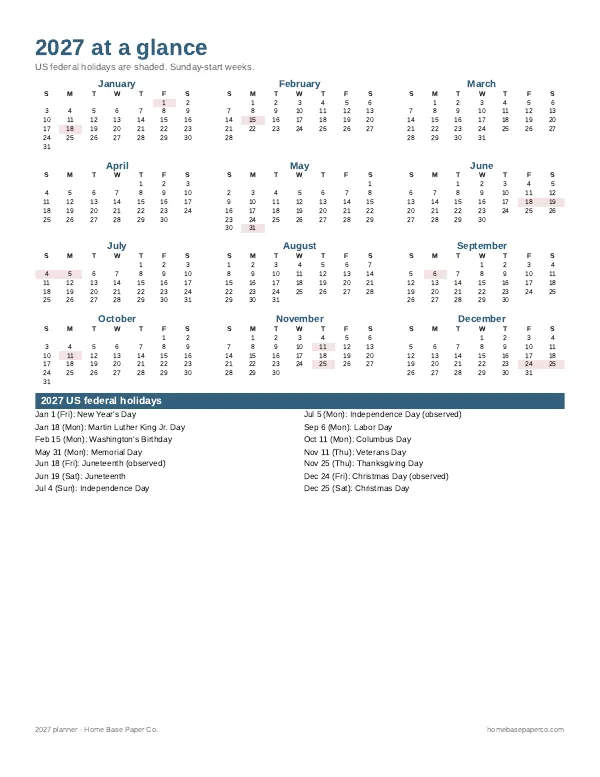
Get organized for the new year: get the free 2027 planner
A 16-page printable 2027 planner with a year-at-a-glance page and monthly calendars with US holidays marked. You'll also get our weekly HomeBase email with simple planning and home organization tips.
Sources
- Google Calendar Help: Add a public calendar support.google.com
- Microsoft Support: Import or subscribe to a calendar in Outlook.com support.microsoft.com