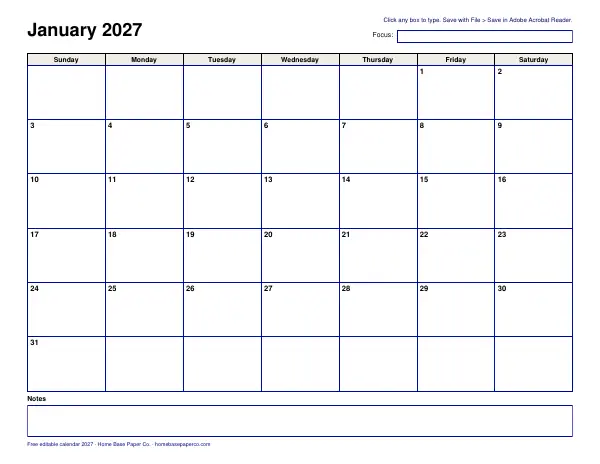
The short answer: this free editable calendar for 2027 is a 12-page fillable PDF: one page per month, a typing box for every day, a monthly focus line and a notes box.
- Download the file first and open it in Adobe Acrobat Reader
- Click a day and type, then save with File > Save
- Don't fill it in your browser
- Sunday start, with 365 day boxes
- Next step: Get the free editable 2027 calendar (we email it to you); want more? The Annual Budget Spreadsheet is $6.99.
Our picks for editable calendar
Printables
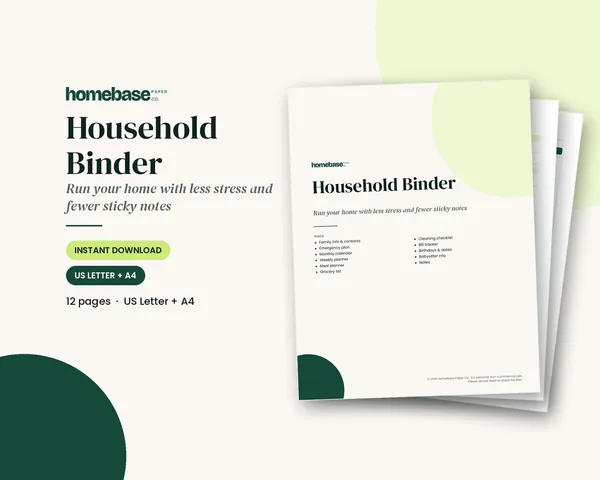
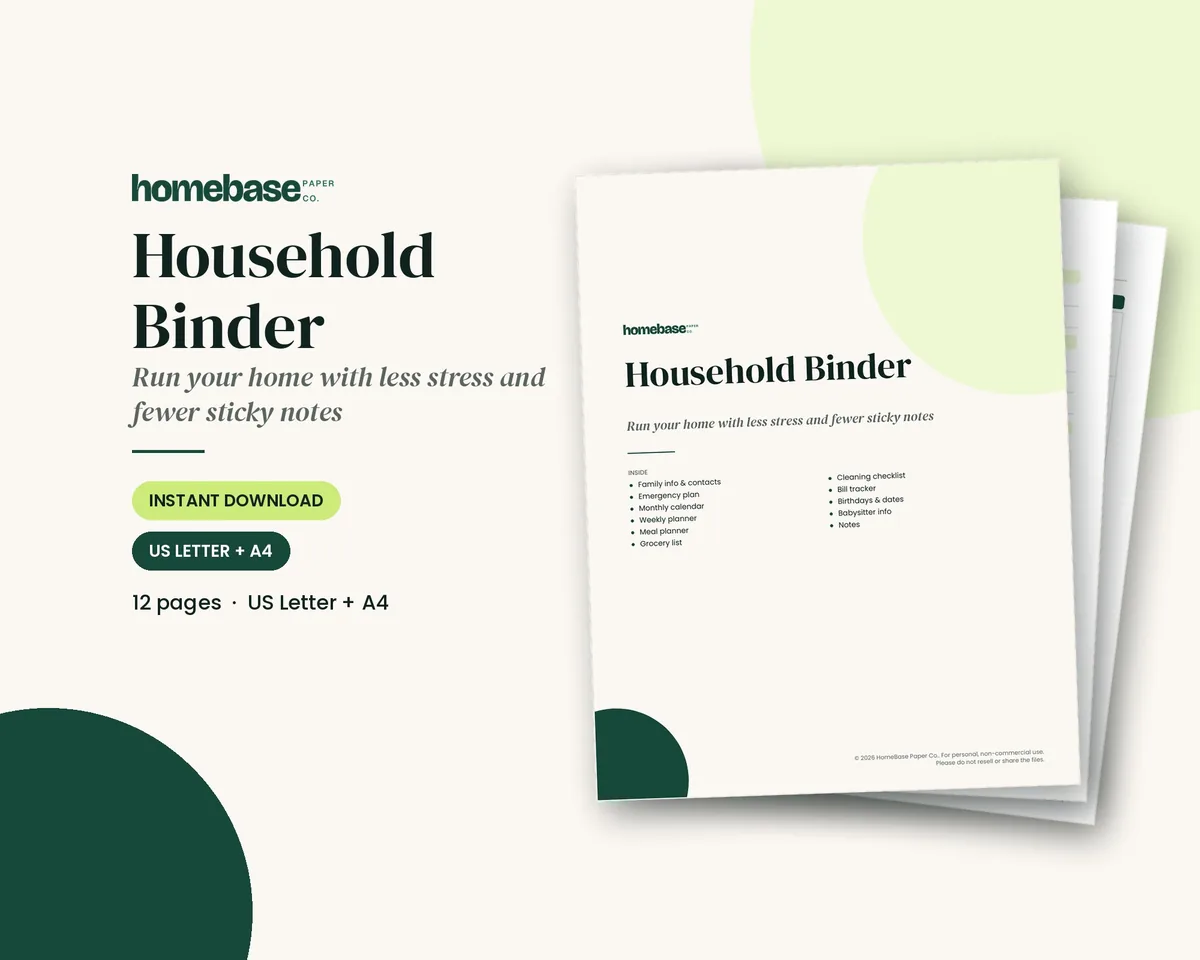
Household Binder
Family info, emergency plan, calendars, meals, groceries, cleaning, bills and sitter notes.
Spreadsheets
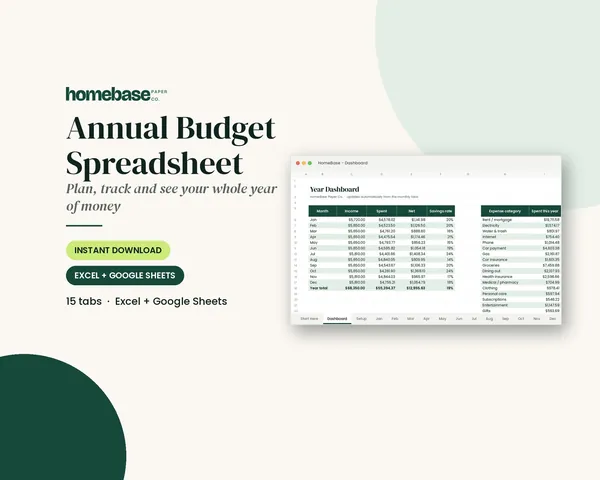
Annual Budget Spreadsheet
See exactly where your money goes every month - without complicated software.

Printables
Budget Planner Printable
Twelve undated pages you can print every month: budget, bills, spending, savings and debt.
 Save 48%
Bundles
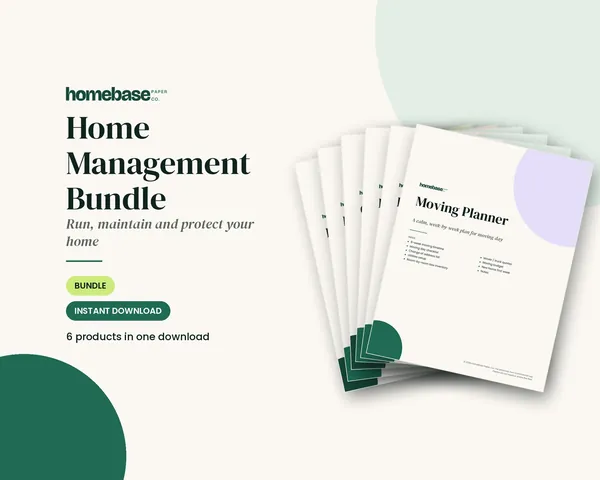
Home Management Bundle
Household binder, maintenance log, moving planner, cleaning schedule, home inventory and password log.
An editable calendar lets you type your plans instead of writing them by hand, then save, change and print as often as you like. This free editable calendar for 2027 is a 12-page fillable PDF: one page per month, a typing box for every day, plus a monthly focus line and a notes box. Download it, open it in Adobe Acrobat Reader and start typing. To check dates before you fill one in, our free calendar viewer shows any month with US holidays marked.
What's in the free editable calendar
- 12 months, January through December 2027, one landscape page each.
- Sunday start, with the dates already printed in each box.
- 365 day boxes you can type in. Text wraps onto new lines inside each box.
- A "Focus" line at the top of each month for a goal or theme.
- A notes box at the bottom of each month.
- 389 fillable fields in all.
It's US Letter landscape, so it prints well on a home printer.
How to fill in and save a fillable PDF
Fillable PDFs are easy to use, but a few steps keep your typing from disappearing. These steps follow advice from California State University, Northridge's guide to filling out and saving a PDF form and the Medical Board of California's tips for using fillable PDFs.
- Download the file first. Save it to your computer before you type anything. If it opens in your browser, use the download icon.
- Open it in Adobe Acrobat Reader. It's free from Adobe. Both guides recommend it for fillable forms.
- Click a day and type. Press Tab to jump to the next box.
- Save with File > Save or File > Save As. Don't use "Print to PDF" to save, which CSUN says creates a read-only copy and strips out the fillable fields.
- Print from Acrobat. Click outside the boxes first, so a field with a blinking cursor still prints.
Things to avoid
- Don't fill it in your browser. CSUN warns that a PDF form completed and saved in a browser may save as a blank document.
- Don't use Mac Preview. The Medical Board of California tells Mac users not to fill its forms in Preview.
- Don't use Chrome's built-in viewer to fill in the form. The same guide says to use Adobe Reader instead.
- Keep a backup. Save a copy with a new name, like "calendar-2027-backup.pdf," every month or so.
If the file keeps opening in your browser, CSUN explains how to change your computer's default PDF app: right-click the file, choose Properties, and change "Opens with" to Adobe Acrobat Reader.
Ways to use an editable calendar
Because you can retype as often as you like, an editable calendar works well for plans that change:
- Family calendar. School events, practices, appointments and birthdays.
- Work or shift calendar. Type your shifts each month and print a copy for the fridge.
- Bill calendar. Type each due date on the right day. Our bill calendar guide shows how.
- Meal calendar. A dinner for every day of the month.
- Content or project calendar. Post dates, deadlines and launch days.
- Custody or care calendar. Who has the kids, or who visits a parent, each day.
- Habit or goal calendar. Use the Focus line for the month's goal and type a note each day.
Who an editable calendar is for
An editable calendar is a good fit if your handwriting gets messy in small boxes, if your plans change often, or if you want the same calendar on your computer and on paper. Parents use it to type the school year and print a fresh copy each month for the fridge. Small business owners type deadlines and appointments. Bloggers and shop owners can type their posting dates too, then turn the month into a full content calendar. Caregivers type medication refills and doctor visits, then send the file to siblings. And anyone who wants a clean, readable calendar without buying a planner can type a month, print it, and start again next month.
Tips for a neat typed calendar
- Keep entries short. "Dentist 3pm" fits better than a full sentence.
- Put times first, so the day reads in order.
- Use the notes box for anything that spans the month.
- Use the same abbreviations every month, like "pp" for practice pickup.
- Save before you close. Fillable fields are only kept if you save the file.
Need an editable calendar for 2026?
This fillable PDF covers January through December 2027, so it starts after 2026 ends. For the rest of 2026, you have two free options:
- Type it: our free Google Sheets calendar template fills in the dates for any year you enter, so set it to 2026 and type into the November and December tabs.
- Print it: the free November 2026 calendar and December 2026 calendar have holidays marked and a planner page for each month.
When January comes, switch to this editable 2027 calendar and keep going.
Editable PDF vs Google Sheets calendar
We offer two free calendars you can edit. Here's how they compare:
| Editable PDF calendar | Google Sheets calendar | |
|---|---|---|
| Best for | Printing a neat calendar | Changing layout, sharing |
| Opens in | Adobe Acrobat Reader | Google Sheets or Excel |
| Start day | Sunday | Sunday or Monday |
| Year | 2027 | Any year you type |
| Edit fonts and colors | No | Yes |
| Works on a phone | Limited | Yes, in the Sheets app |
If you want to customize the layout or use it on your phone, try our Google Sheets calendar template. If you'd rather write by hand, our blank calendar template prints undated months for any year.
Plan your 2027 with the calendar
A few dates worth typing in first:
- Federal holidays. See our 2027 calendar for the list.
- Birthdays and anniversaries.
- School breaks from your district's calendar.
- Bill due dates and paydays.
- Big annual tasks, like car registration, taxes and home maintenance.
Then use the Focus line each month for one goal: "Pay off the card," "Clean out the garage" or "Plan the summer trip." Our guide to setting monthly goals shows how to break a yearly goal into monthly steps.
Month-by-month: what to type in for 2027
Here are the federal holidays for 2027 from the U.S. Office of Personnel Management's federal holiday schedule, with a few planning ideas for each month. Type them into your editable calendar first, then add your own dates.
January. New Year's Day is Friday, January 1, and the Birthday of Martin Luther King, Jr. is Monday, January 18. January is a good month to type in every bill due date for the year and set a savings goal on the Focus line.
February. Washington's Birthday is Monday, February 15. Add Valentine's Day, tax paperwork reminders and any winter break your school takes.
March and April. No federal holidays fall in these months, so they're good for spring cleaning, garden planning and spring break. Type in the tax filing deadline once the IRS confirms it.
May. Memorial Day is Monday, May 31. Add graduations, end-of-school events and summer camp sign-up deadlines.
June. Juneteenth falls on Saturday, June 19, so OPM lists Friday, June 18 as the holiday for most federal employees. Add summer schedules, vacation days and Father's Day.
July. Independence Day falls on Sunday, July 4, so the federal holiday is Monday, July 5. Type in the cookout, travel and any back-to-school shopping you want to start early. For more on this topic, see our printable calendars hub.
August. No federal holidays. Add the first day of school, school supply lists and fall sign-ups.
September. Labor Day is Monday, September 6. Add fall sports schedules and school picture day.
October. Columbus Day is Monday, October 11. Add Halloween on Sunday, October 31, and start a holiday gift list.
November. Veterans Day is Thursday, November 11, and Thanksgiving is Thursday, November 25. Type in travel, the menu and who's hosting.
December. Christmas falls on Saturday, December 25, so OPM lists Friday, December 24 as the holiday for most federal employees. Add parties, school concerts and the last mailing day for cards.
Banks, schools and private employers may follow different schedules, so check your own calendars too.
Pair it with a budget
An editable calendar shows when money goes out; a budget shows how much. The Annual Budget Spreadsheet ($6.99) gives you a yearly overview with monthly budget tabs. If you'd rather work on paper, the Budget Planner Printable ($5.99) has twelve undated pages for your budget, bills, spending, savings and debt. Type bill due dates on your editable calendar, then track the amounts in your budget.
Keep the paper copies together
Printed months go well in a binder. The Household Binder ($6.99) has a monthly calendar and weekly planner along with family info, an emergency plan, a meal planner, a grocery list, cleaning and bill tracker pages. Print your typed month, punch it and add it behind the calendar tab. The Home Management Bundle ($16.99) bundles our home organizing printables in one download.
Accessibility and printing notes
The calendar uses a clear sans-serif font and high-contrast black text. Each day's field is named by month and date, so you can move through the boxes in order with the Tab key. To print bigger, choose "Actual size" in Acrobat's print window; to fit A4 paper, choose "Fit."
Before writing a relative reminder such as tomorrow, check today’s date and weekday in your local time zone and record the full date on the calendar.
Put the whole household on one plan
Family info, emergency plan, calendars, meals, groceries, cleaning, bills and sitter notes.
$6.99 · Instant download. Print at home or fill it in on screen. Or browse the full Home & Organizing collection.
Frequently asked questions
Is this editable calendar free? Yes, this editable calendar is free. The editable calendar on this page is a free 12-page fillable PDF for 2027 that we email to you. Every day has a typing box, and each month has a focus line and a notes box.
How do I type on the editable calendar? Download the PDF, open it in Adobe Acrobat Reader, and click inside any day box to type. Press Tab to move to the next field. Long entries wrap onto new lines inside the box.
Can I fill out the calendar in my browser? No, you can't reliably fill out the calendar in your browser. California State University, Northridge warns that a PDF form completed and saved in a browser can be saved as a blank document. Download the file and use Adobe Acrobat Reader instead.
Can I use Mac Preview or Chrome to fill it in? No, not if you want your typing to save reliably. Adobe Acrobat Reader is the safer choice. The Medical Board of California tells Mac users not to use Preview and Chrome users not to use the built-in PDF viewer for its fillable forms, and to use Adobe Reader instead. The same advice is a good rule for any fillable PDF.
How do I save my typed calendar? Use File > Save or File > Save As in Adobe Acrobat Reader. CSUN advises not using "Print to PDF" to save a form, because it saves a read-only copy and strips out the fillable fields.
Can I print the editable calendar after typing? Yes, you can print the editable calendar after typing. Print from Acrobat, not the browser. Click outside the boxes first: the Medical Board of California notes that a field with a blinking cursor in it may not print.
Which day does the editable calendar start on? The editable calendar starts on Sunday. Each month runs Sunday through Saturday. If you want a Monday-start calendar you can edit, use the free Google Sheets calendar template, which switches between Sunday and Monday.
Can I change the font or color? No, you can't change the font or color in the editable calendar. The fields use a set font size, so entries stay neat. If you want to change fonts, colors and layout, the Google Sheets calendar template is a better fit, since it's a spreadsheet you fully control.
Editable PDF or Google Sheets calendar: which should I use? The editable PDF is best if you want a calendar that looks the same every time and prints cleanly. The Google Sheets calendar is best if you want to edit the layout, share it or use it on your phone. Both are free.
Can I share the editable calendar with my family? Yes, you can share the editable calendar with your family. Save your typed copy and send the file, or print it for the fridge. Each person who opens it in Acrobat Reader can add entries and save. For a shared calendar everyone edits at once, a spreadsheet or calendar app works better.
Is there an editable calendar for holidays? Yes, this editable calendar works for holidays. This editable calendar is blank, so you can type in the holidays your family observes. Our 2027 calendar lists the federal holidays for 2027 you can copy in.
Do you sell a planner with a calendar? Yes, HomeBase sells a planner with a calendar: the Household Binder. The Household Binder ($6.99) has a monthly calendar and a weekly planner, along with family info, meal planning, cleaning and bill tracker pages.
Is there an editable calendar for 2026? For an editable 2026 calendar, use our free Google Sheets calendar template, which fills in the dates for any year you type, including 2026. The fillable PDF on this page is for 2027, January through December.
Free printable
Type your 2027 plans right into the calendar
A fillable PDF: one page per month with a box for every day. You'll also get our weekly HomeBase email with simple planning and home organization tips.