

The short answer: to organize your finances, list every account you have, give your paperwork one home, put every bill on a single calendar and build a simple monthly budget from what you find.
- Time: one or two sessions of 2 to 3 hours
- Stay organized: about 20 minutes a week, plus an hour each month
- Starting from a pile? Open every piece of unopened mail and list everything due in the next 14 days
- Automate: autopay for fixed bills and automatic transfers to savings
- Next step: Plan it with the Password & Accounts Log ($3.99).
To organize your finances, start with a list of every account you have, then give your paperwork one home (a filing box and a matching digital folder), put every bill on a single calendar, and build a simple monthly budget from what you find. Finish by setting up a short weekly and monthly money routine so the system stays current. Most people can get organized in one or two weekend sessions, and keeping it that way takes about 20 minutes a week. For the rest of home life, see how to stay organized.
This guide walks through the full process in eight steps, with a filing system you can copy, a bill calendar method from the Consumer Financial Protection Bureau, a keep-or-shred table based on IRS guidance, and a routine for staying organized all year.
| Organizing your finances at a glance | |
|---|---|
| Time to get organized | One or two sessions of 2 to 3 hours |
| Time to stay organized | About 20 minutes a week, plus an hour each month |
| What you need | Recent statements and bills, a filing box or binder, a folder on your computer or cloud drive, and a budget tool |
| What you'll end up with | An account list, a bill calendar, a working budget, labeled files and a routine |
| Best time to start | Any month; January and tax season are popular, but the system works whenever you begin |
Why organizing your finances matters
When your money is scattered across apps, envelopes and inboxes, small things slip: a bill paid late, a subscription you forgot, a tax form you can't find in April. Getting organized doesn't require a finance degree. It requires knowing three things at all times:
- What you have (accounts, balances and debts)
- What's coming (bills, due dates and big expenses)
- Where everything is (statements, receipts and important papers)
Once those are on paper, decisions get easier. You can see whether you can afford a purchase, which debt to tackle first and how much you can save.
If you're starting from a pile: a first-hour plan
If your finances feel too messy to sort, don't start with filing. Start with what's urgent.
- Open every piece of unopened mail and set aside anything with a due date or "past due" on it.
- List everything due in the next 14 days with its amount and due date.
- Pay or schedule what you can, starting with housing, utilities, insurance and car payments.
- Call any company you can't pay on time before the due date to ask about your options.
- Put everything else in one box labeled "to sort." You'll work through it in Steps 1 and 2 below.
That first hour turns a pile into a short list. The rest of the system can wait a few days.
How to organize your finances in 8 steps
Step 1: Make a list of every account
Start with a master list. Pull up your banking apps, credit card statements and recent mail, and write down every financial account you have.
| Account type | What to write down |
|---|---|
| Checking and savings | Bank name, account type, last four digits, current balance |
| Credit cards | Issuer, last four digits, balance, interest rate, due date |
| Loans (car, student, personal, mortgage) | Lender, balance, monthly payment, due date, payoff date |
| Retirement and investment | Provider, account type, approximate balance |
| Insurance | Company, policy type, premium, renewal date |
| Subscriptions and memberships | Service, monthly or yearly cost, renewal date |
Write only the last four digits of any account number. Store passwords in a password manager or in a dedicated logbook kept somewhere secure, never on the master list itself. If you'd like a paper option, our Password & Accounts Log ($3.99) keeps logins in one printable book.
This list is also the starting point for a net worth snapshot. Our personal financial statement guide shows how to turn it into one page. When you're ready for the next step, see how to make a financial plan.
Step 2: Give your paperwork one home
Most money stress comes from not knowing where something is. Pick one physical spot and one digital spot, and use the same folder names in both.
| Folder | What goes in it |
|---|---|
| Bills to pay | Unpaid bills, sorted by due date |
| Bank and credit statements | Monthly statements (or download links if you're paperless) |
| Taxes (current year) | W-2s, 1099s, receipts for deductions, charitable donation records |
| Taxes (past years) | Filed returns and supporting records |
| Insurance | Policies, declarations pages, claims |
| Home or rental | Lease or mortgage papers, repair receipts |
| Vehicle | Title, loan papers, registration, maintenance records |
| Medical | Bills, explanation of benefits forms, insurance cards |
| Important documents | Birth certificates, Social Security cards, passports, wills (originals in a safe or fireproof box) |
For a binder version, our Household Binder ($6.99) includes printable bill, calendar and family information pages you can file right alongside your statements. For the papers themselves, see our guides on how to organize important documents and how to organize mail so new paperwork has somewhere to go.
Step 3: Put every bill on one calendar
The Consumer Financial Protection Bureau suggests setting up a bill calendar so you can see when payments are due. Here's how it works:
- Gather every bill you pay in a month, including the ones paid automatically.
- Mark the date each payment must go out, not just the due date. The CFPB suggests at least seven days early for mailed payments and two or three days early for online payments.
- Write the company and amount on that date.
- Add your paydays and income amounts.
- Compare each week's bills to that week's income.
If one week has more bills than income, the CFPB suggests asking some companies to change your due dates. Lining up due dates with paydays can make a tight month feel much less stressful.
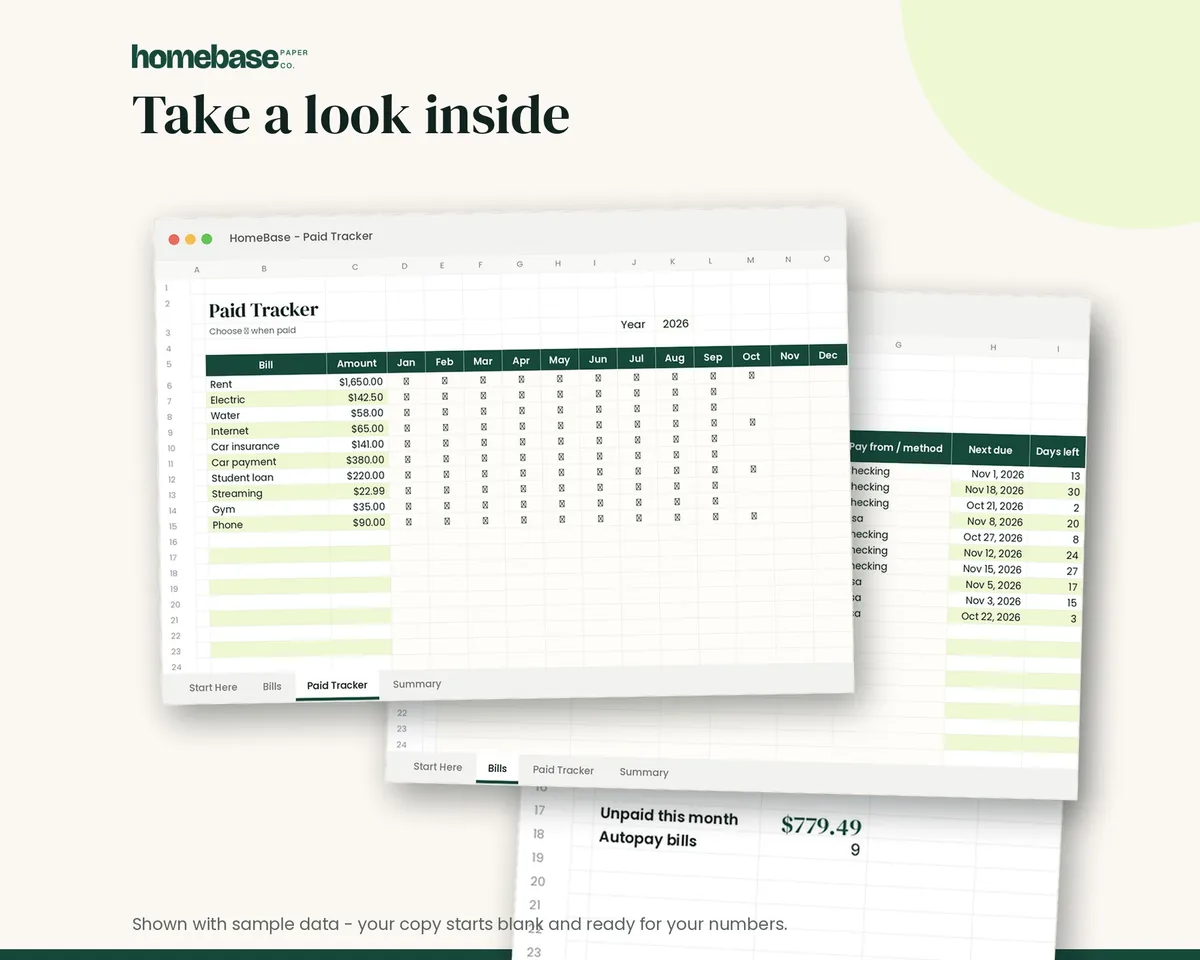
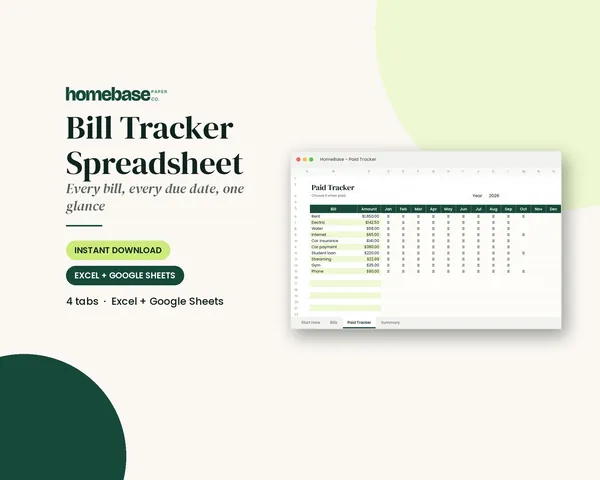
If paper calendars don't stick for you, a Bill Tracker Spreadsheet ($4.99) shows every bill's next due date and how many days are left, and bills due in three days or less turn red so nothing slips through.
Our guide on how to organize bills covers sorting, autopay and paper-versus-paperless in more detail.
Step 4: Decide what to automate
Automation keeps an organized system running without you. Common choices:
- Autopay for fixed bills that are the same every month, like rent, a car payment or insurance.
- Automatic transfers to savings on payday, so saving happens before spending.
- Reminders, not autopay, for bills that change, like utilities or credit cards, so you can review the amount first.
Keep a small cushion in checking so an automatic payment never lands on a low balance. Then check your account at least once a week so you catch errors early.
Step 5: Build a simple budget
With your accounts and bills listed, a budget is mostly a matter of adding things up. The CFPB breaks creating a budget into four steps:
- Where does my money come from? List every income source, including side work and benefits.
- Where does my money go? Track your spending, even one week at a time, by reviewing receipts or your checking account.
- What are my bills and when are they due? Use the bill calendar from Step 3.
- Create your working budget. Pull it together in one worksheet.
Keep the first version simple. A budget with ten categories you actually use beats one with forty you ignore. If your pay changes month to month, our guide on how to budget with irregular income shows how to plan around your lowest month. Prefer to build it yourself? See how to make a budget spreadsheet.
Step 6: Give your savings a job
Organized finances include a plan for money you don't spend. Set up separate savings buckets, either as separate accounts or as labeled lines in one account:
| Savings bucket | What it's for |
|---|---|
| Emergency fund | Job loss, car repairs, medical bills |
| Sinking funds | Known, irregular costs like holidays, car registration and annual subscriptions |
| Goals | Vacation, down payment, new furniture |
Sinking funds are what keep December and insurance renewals from wrecking your budget. Our sinking funds guide explains how to set them up, and the emergency fund tracker helps you watch that balance grow.
Step 7: Decide what to keep and what to shred
Organizing means letting go of paper you don't need. For tax records, the IRS says you should keep records that support your return until the period of limitations for that return expires:
| Record | How long to keep it (IRS guidance) |
|---|---|
| Most tax returns and supporting records | 3 years from the date you filed |
| If you underreported income by more than 25% of gross income | 6 years |
| Claims for a bad debt deduction or worthless securities loss | 7 years |
| Property records (home, investments) | Until the limitations period ends for the year you sell or dispose of the property |
| Employment tax records (if you have employees) | At least 4 years |
Some people choose to keep copies of filed returns longer for their own reference. For household papers like bank statements and utility bills, see our guide on how long to keep documents. Shred anything with account numbers or your Social Security number instead of tossing it.
Step 8: Set up a money routine
A system stays organized only if you touch it regularly. Here's a simple rhythm:
| When | Task | Time |
|---|---|---|
| Weekly | Check balances, file new paperwork, log spending, pay or schedule bills | About 20 minutes |
| Monthly | Compare spending to your budget, update the bill calendar, move money to savings | About an hour |
| Quarterly | Review subscriptions, check progress on debt and savings goals | 30 minutes |
| Yearly | Shred expired records, update your account list, review insurance, start a new tax folder | 2 to 3 hours |
Pick a day and time for the weekly check, like Sunday evening, and treat it like any other appointment. Our end-of-year financial checklist covers the yearly review step by step.
Paper vs. digital: which system is better?
There's no right answer. Pick the one you'll actually keep up with, or combine them.
| Paper system | Digital system | Hybrid | |
|---|---|---|---|
| Best for | People who like to see and touch their papers | People who are mostly paperless | Most households |
| Setup | Filing box or binder with labeled folders | Cloud folders with the same labels, a budget spreadsheet | Paper for originals, digital for statements and the budget |
| Pros | Easy to grab in an emergency; no logins | Searchable, backed up, available on your phone | Keeps originals safe, keeps daily tracking quick |
| Watch out for | Piles that build up between sessions | Downloads scattered across devices | Keeping both folder lists matched |
How to organize your finances as a couple
If you share expenses with a partner, organizing works best as a team project. Build the account list together so nothing is hidden, decide who handles which bills, and put both of your paydays on the bill calendar. A short monthly money meeting keeps everyone informed. Our guide on how to budget as a couple covers joint, separate and hybrid accounts.
Common mistakes to avoid
- Trying to do it all in one day. Break it into sessions: accounts first, then paperwork, then the budget.
- Keeping full account numbers and passwords on the same list. Keep last four digits only, and store logins separately and securely.
- Forgetting irregular expenses. Car registration, gifts and annual fees belong in sinking funds, not surprises.
- Saving every piece of paper forever. Use the keep-or-shred table and clear out once a year.
- Building a system nobody else can find. Tell a trusted person where your files are kept.
- Skipping the routine. An organized system that isn't updated drifts back to chaos within a few months.
Start small and keep going
As the oldest of three, I was the one who knew which form was due and whose turn it was. Later, as an HR associate, I helped people through the paperwork side of life. What I learned in both places is that organized money isn't about having more of it. It's about knowing where everything is and what's coming next, so you can make calm decisions instead of rushed ones.
If you fall behind for a few weeks, don't start over. Pick it back up where you are. A plan you can pause and pick back up beats a perfect plan you quit in February.
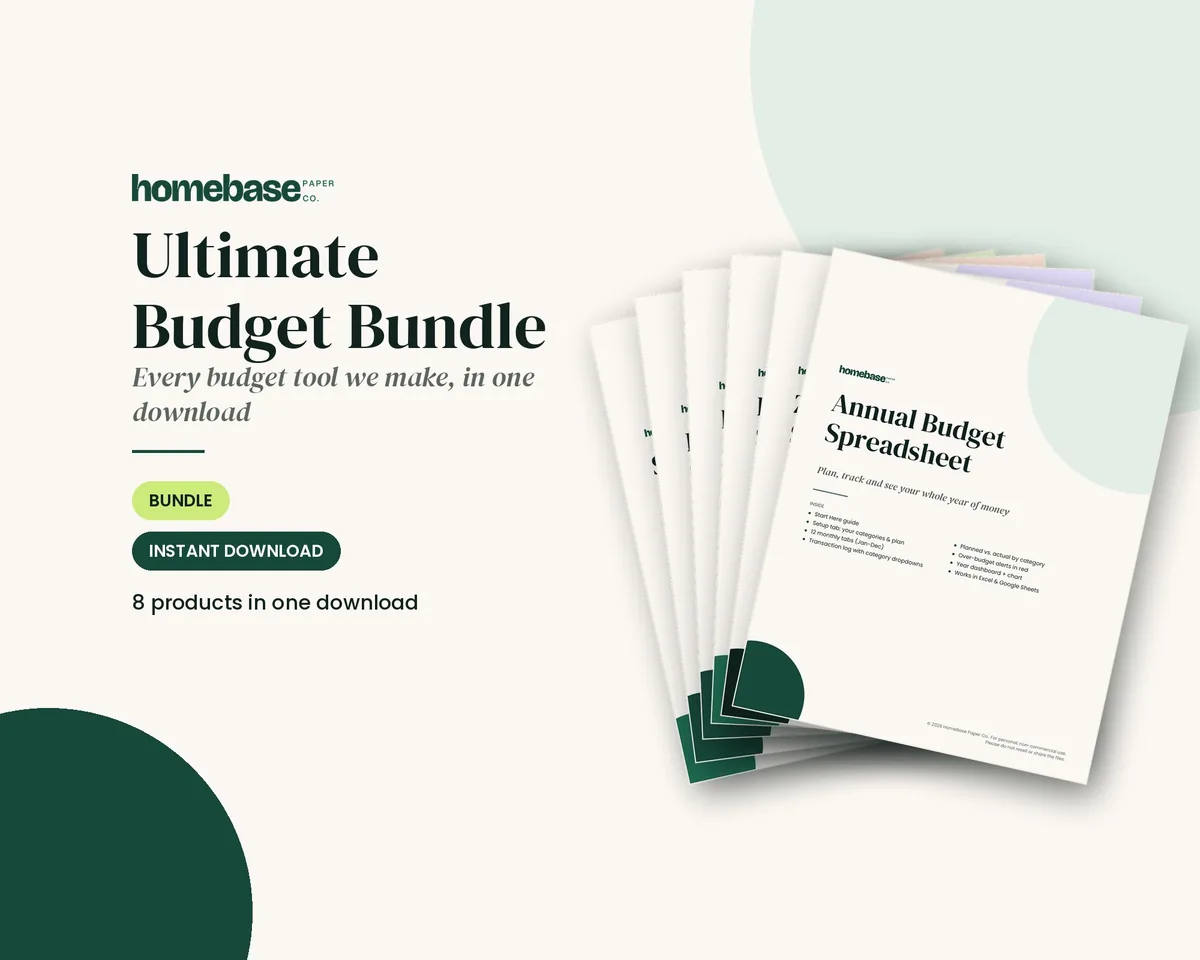
If you want every tool in one place, the Ultimate Budget Bundle ($19.99, regularly $46.42 when bought separately) includes all six HomeBase budget spreadsheets, including the Bill Tracker and Annual Budget, plus both printable planners. You can also browse all our budget spreadsheets or printable planners to pick just the piece you need.
Make it easier
Tools for this
 Save 57%
Bundles
Ultimate Budget Bundle
All 6 spreadsheets + both printable planners - for less than half the price of buying them separately.
Spreadsheets
Bill Tracker Spreadsheet
Bills due in 3 days or less light up red, so nothing slips through.
Printables
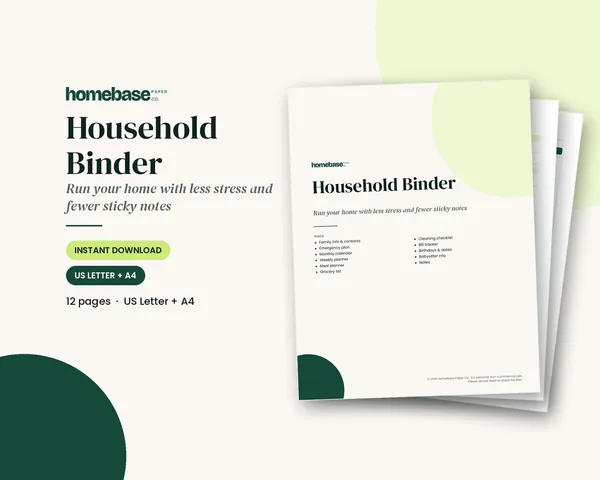
Household Binder
Family info, emergency plan, calendars, meals, groceries, cleaning, bills and sitter notes.
Frequently asked questions
How do I organize my finances? The Ultimate Budget Bundle ($19.99, regularly $46.42) gives you a bill tracker, an annual budget and four more spreadsheets plus two printable planners, so every piece of an organized system is in one download. The process is the same with any tools: list every account, give your paperwork one home, put all bills on a calendar, build a simple budget, set up savings buckets, clear out old records and keep a weekly money routine.
What is the first step to organizing your finances? The first step is a master list of every account, and the Password & Accounts Log ($3.99) gives you a separate, secure place for the logins that go with it. Write down each bank account, credit card, loan, retirement account, insurance policy and subscription with the institution, last four digits, balance and due date. That list shows you everything you're managing.
How do I organize my bills? The Bill Tracker Spreadsheet ($4.99) shows each bill's next due date and days left, and turns bills red when they're three days out. To organize bills on paper, list every bill for the month, mark the date each payment must go out (about seven days early for mail and two or three days early for online, per the CFPB), and add your paydays so you can compare bills to income week by week.
How should I organize financial paperwork at home? The Household Binder ($6.99) gives you printable bill, calendar and family information pages that sit right next to your statements. Use one filing box or binder with labeled folders for bills to pay, statements, current-year taxes, past taxes, insurance, home, vehicle, medical and important documents, and use the same folder names on your computer.
How long should I keep financial records? The Annual Budget Spreadsheet inside the Ultimate Budget Bundle keeps a year of numbers in one file, so you can shred paper with confidence once the IRS keeping period passes. The IRS says to keep records supporting a tax return until the period of limitations expires, generally 3 years from filing, 6 years if income was underreported by more than 25% of gross income, and 7 years for bad debt or worthless securities claims.
Should I organize my finances on paper or digitally? The Ultimate Budget Bundle includes both spreadsheets and printable planners, so you can choose paper, digital or a mix of both. Paper is easy to grab and needs no logins, while digital is searchable and backed up. Many households use a hybrid: originals in a filing box, and statements and the budget on a computer or phone.
How do I organize my personal finances on a budget? Free tools like a folder on your computer and a printed CFPB bill calendar work well, and the $4.99 Bill Tracker Spreadsheet is a low-cost upgrade when you want the dates tracked for you. Organizing doesn't require expensive software. A filing box, labeled folders, a budget spreadsheet and 20 minutes a week cover most households.
How often should I review my finances? A weekly 20-minute check is easiest with the Bill Tracker Spreadsheet, because upcoming bills and days left are already on the screen. Check balances, file paperwork and schedule bills weekly; compare spending to your budget monthly; review subscriptions and goals quarterly; and shred old records and update your account list once a year.
How do I organize my finances when they're a mess? Start with what's urgent, then use the Bill Tracker Spreadsheet ($4.99) to keep upcoming due dates in front of you while you sort the rest. Open all your mail, list everything due in the next 14 days, pay or schedule what you can, call any company you can't pay on time and put everything else in one box to sort later.
How do couples organize their finances together? The Ultimate Budget Bundle works well for couples because both partners can see the same bill tracker and budget spreadsheets. Build the account list together, decide who handles which bills, put both paydays on the bill calendar and hold a short monthly money meeting so nobody is surprised.
What should be in a financial binder? The Household Binder ($6.99) is a ready-made start, with printable pages for family information, calendars, bills and an emergency plan. A financial binder usually holds your account list, bill calendar, budget pages, insurance summaries, tax checklist and contact information for your bank, insurer and tax preparer. Keep originals of birth certificates and passports in a safe or fireproof box instead.
How do I keep my finances organized all year? The Annual Budget Spreadsheet in the Ultimate Budget Bundle tracks all 12 months in one place, so your yearly review is mostly done before you sit down. Pick a set day each week for a quick money check, and add a monthly budget review to your calendar. Put an annual clean-out on the calendar too, such as right after you file taxes.
More from HomeBase
You may also like

Printables
Budget Planner Printable
Twelve undated pages you can print every month: budget, bills, spending, savings and debt.
Spreadsheets
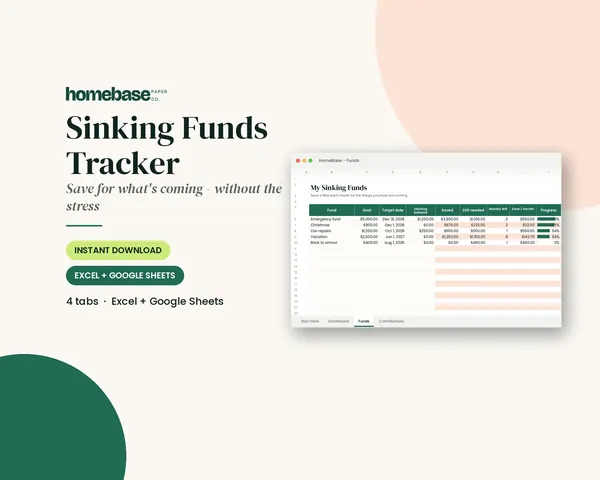
Sinking Funds Tracker
It does the math: how much to set aside each month to hit every goal on time.
Spreadsheets
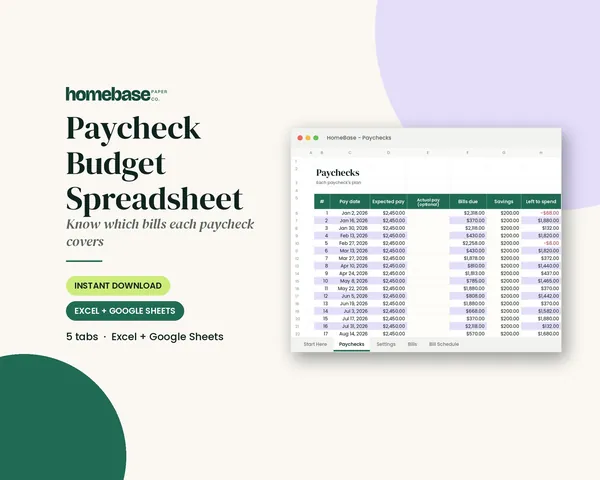
Paycheck Budget Spreadsheet
Enter your bills once. The sheet tells you which paycheck pays each one, all year.
Spreadsheets
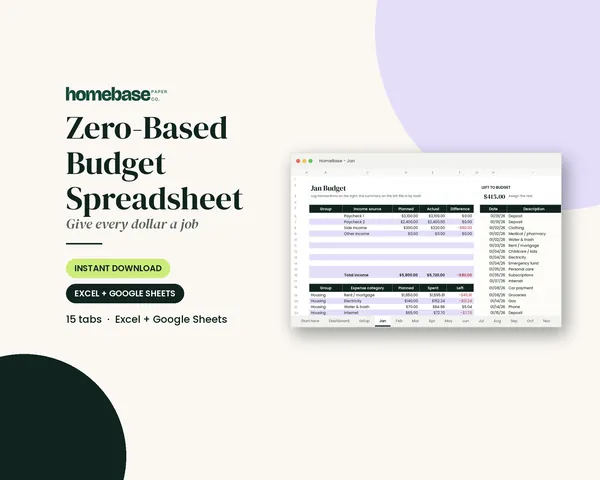
Zero-Based Budget Spreadsheet
The 'Left to budget' counter turns green when every dollar has a job.
 Club
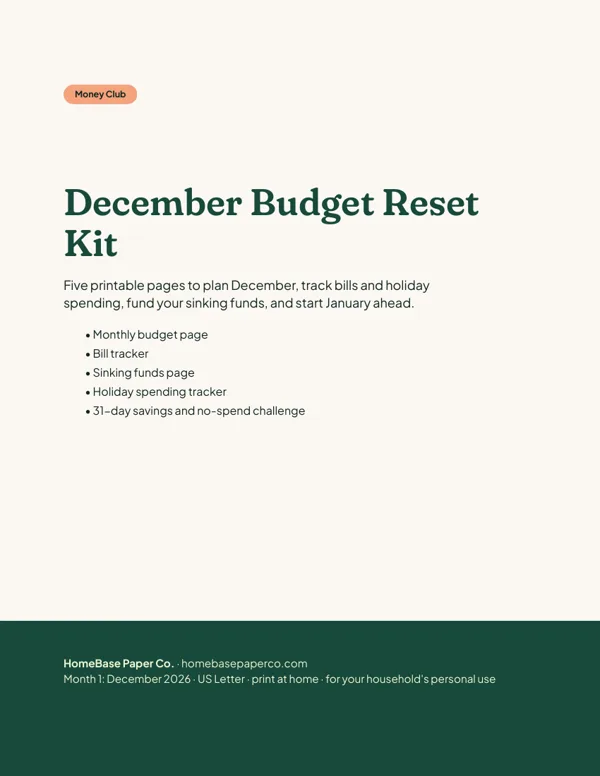
Monthly club
Money Club
Anyone who wants a clear plan for the month's bills, holiday spending and savings.
Free printable
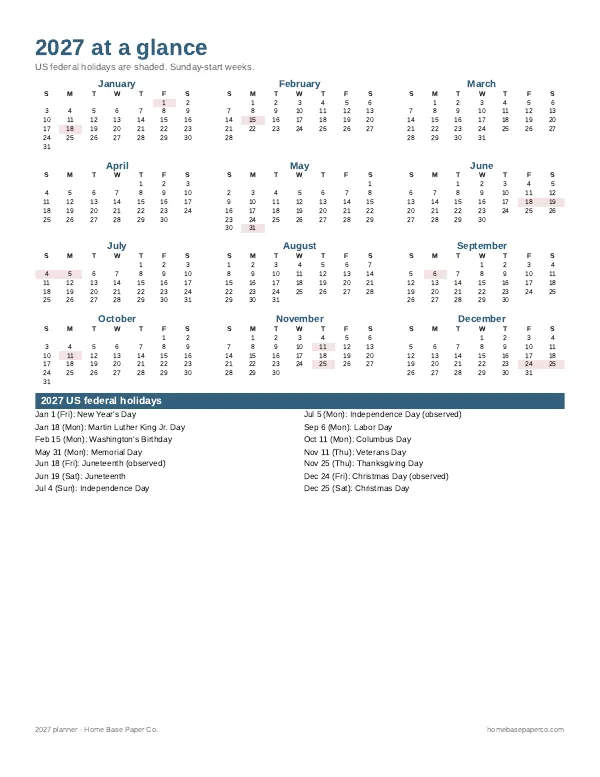
Get organized for the new year: get the free 2027 planner
A 16-page printable 2027 planner with a year-at-a-glance page and monthly calendars with US holidays marked. You'll also get our weekly HomeBase email with simple planning and home organization tips.
Sources
- Bill calendar tool, Your Money, Your Goals (CFPB) files.consumerfinance.gov
- Budgeting: How to create a budget and stick with it (CFPB) consumerfinance.gov
- Topic no. 305, Recordkeeping (IRS) irs.gov