The short answer: an important document organizer system takes one weekend: gather every paper, sort it into six categories, decide what lives where, back it up and write one page that tells your family where everything is.
- Categories include: identity, money, home and vehicles, insurance and health
- Where it lives: a fire- and water-resistant box, a safe deposit box or a binder
- Mistakes: laminating Social Security cards, carrying originals you don't need, telling no one
- Review it once a year and after big life changes
- Next step: Plan it with the If Something Happens to Me Binder ($11.99).
Knowing how to organize important documents at home saves you from the frantic search for a birth certificate the night before a passport appointment, or the worse search after an emergency. The important document organizer system below takes one weekend. You'll gather every paper, sort it into six categories, decide what lives where, back it up and write one page that tells your family where everything is.
For the where-to-find list in Step 6, our If Something Happens to Me Binder has pages for accounts, insurance, bills, contacts, documents and your wishes, including a Where to Find Documents page.
Step 1: Gather everything in one place
Pick a table and bring every paper from drawers, folders, envelopes and the "important stuff" box in the closet. Include papers that live online, too: make a list of statements and policies you only get by email.
Don't sort yet. Just collect. Most families are surprised how many places their papers are spread across. For the letters and bills that arrive every day, see how to organize mail.
Step 2: Sort into six categories
Missing a key legal document? Our guide on how to make a will explains the steps, from listing assets to signing with witnesses.
| Category | What goes in it |
|---|---|
| Identity | Birth certificates, Social Security cards, passports, marriage and divorce records, adoption papers, military records |
| Money | Bank and retirement account information, loan papers, credit card list, recent statements |
| Home and vehicles | Deed or lease, mortgage papers, titles, registrations, home inventory, warranties |
| Insurance | Health, life, home or renters, auto and disability policies |
| Health | Medication lists, immunization records, medical history, doctor contacts |
| Legal and taxes | Wills, powers of attorney, health care directives, recent tax returns |
Anything that doesn't fit is probably something you can scan and shred, or a manual you can find online.
Step 3: Decide what to keep, and for how long
Not every paper needs to stay forever. The IRS page on how long to keep records says to keep tax records for at least three years in most cases, and longer in some situations. Identity documents, deeds, titles and legal papers stay until they're replaced. Our how long to keep documents chart walks through each type in detail.
Keep estate papers until any court process ends. Our guide on what is probate explains what the court asks for.
Shred anything past its retention period that shows account numbers or personal details.
Keep a grab-and-go folder for emergencies
A short folder that you can pick up in a hurry is useful for storms, fires or an unexpected hospital trip. Ready.gov recommends keeping copies of important documents together and stored safely. Put copies, not originals, of these in one folder or a portable file box:
- Photo IDs and Social Security cards
- Insurance policies for home, auto, health and life
- A list of key phone numbers, accounts and doctors
- Medical information, medications and allergy lists
- Bank, credit card and mortgage or lease details
Update the folder once a year, for example when you do your tax filing, and keep a second copy in a different location. Our emergency binder guide shows how to set up a larger version for the whole household.
Step 4: Choose where each document lives
Use three places:
Signed a power of attorney form? Keep the original somewhere your agent can reach. Our guide explains which form you need and how to fill it out.
Keep copies of key papers in an emergency binder you can grab fast. Our free documents checklist tracks where each original is kept.
Use a printable home inventory list for insurance to record what you own room by room. Renters need one too, since a renters insurance claim asks for the same list.
- A fire- and water-resistant box or safe at home for originals you need occasionally: birth certificates, passports, Social Security cards, titles.
- A safe deposit box for originals you rarely need, like deeds, if you have one. Keep wills and powers of attorney somewhere your family can reach quickly.
- A binder for everyday family information: contacts, schedules, insurance summaries and copies, not originals.
Ready.gov's financial preparedness guidance recommends keeping important documents in more than one place, such as a safety deposit box, an external drive or the cloud, so a single fire or flood doesn't take everything.
Step 5: Make digital backups
- Scan or photograph each important document.
- Name files clearly, for example "passport-mom-2026.pdf."
- Save them in a folder structure that matches your six categories.
- Store the folder on an encrypted drive or secure cloud account.
- Keep a second backup in a different place.
- Write down where the backups are and who can access them.
Keep passwords out of these files. The Password & Account Log ($3.99) is a printable place to record accounts and hints, kept somewhere secure. For an older relative, a large print password book for seniors is easier to read.
Step 6: Write a where-to-find list
This one page is the most useful thing you'll make. List each document, where the original is and where the copy is. If someone else had to step in tomorrow, could they find your insurance policy, your will and your bank information from that page alone?
This list is the first thing your executor of estate will need. Our guide explains the duties and the first 30 days.
When a bank or lender asks for your finances on one page, a personal financial statement is the form they mean. Our free template helps you fill it in.
The If Something Happens to Me Binder ($11.99) includes a "Where to Find Documents" page plus pages for key contacts, accounts, insurance, bills, digital accounts and your wishes. A paperback edition, the If Something Happens to Me book, is coming soon. Our guide to the if something happens to me binder explains how to fill it in. It isn't a will and doesn't replace legal advice, but it saves your family hours of searching.
Replacing lost documents
If you find a gap while sorting, start replacements now rather than in an emergency. For example, the Social Security Administration explains how to replace a Social Security card, and the service is free. Birth certificates come from the vital records office in the state where you were born, and passports through the State Department.
Common mistakes to avoid
- Keeping everything in one place. A single box is convenient until a fire, flood or burst pipe reaches it. Originals and copies should live in different places.
- Laminating Social Security cards. Lamination can make security features hard to verify. Store the card flat in a sleeve instead.
- Carrying originals you don't need. Most days you need a driver's license, not a birth certificate or Social Security card.
- Telling no one. The best system fails if your spouse, an adult child or a trusted friend doesn't know it exists. Show at least one person where the binder and the where-to-find list live.
Keep it current
- Once a year: review the binder, update contacts and insurance, and shred expired papers. January works well alongside an end-of-year financial checklist.
- After big life changes: a move, marriage, new baby, new job or a death in the family.
- Every time you add a document: file it the same day, in the right category.
The everyday binder
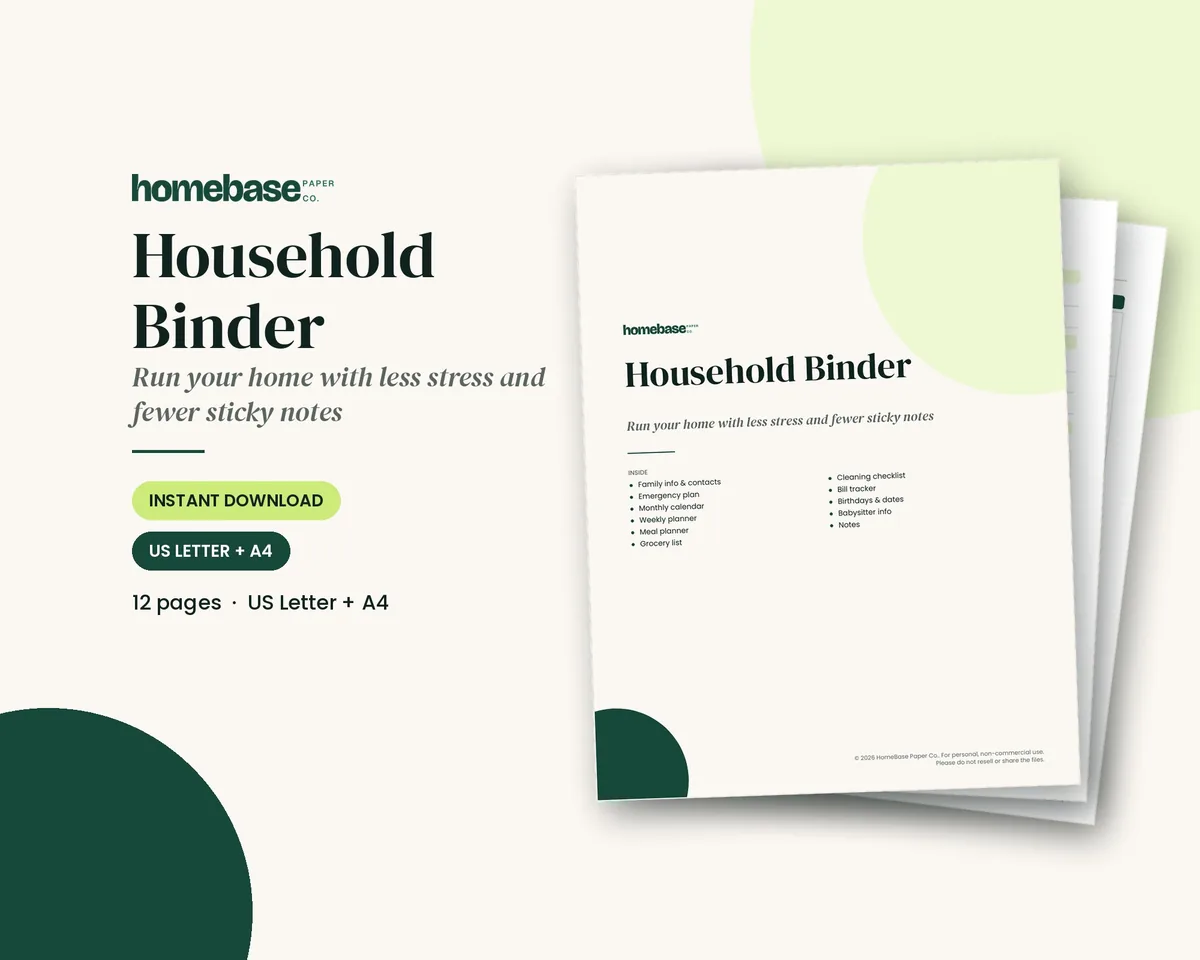
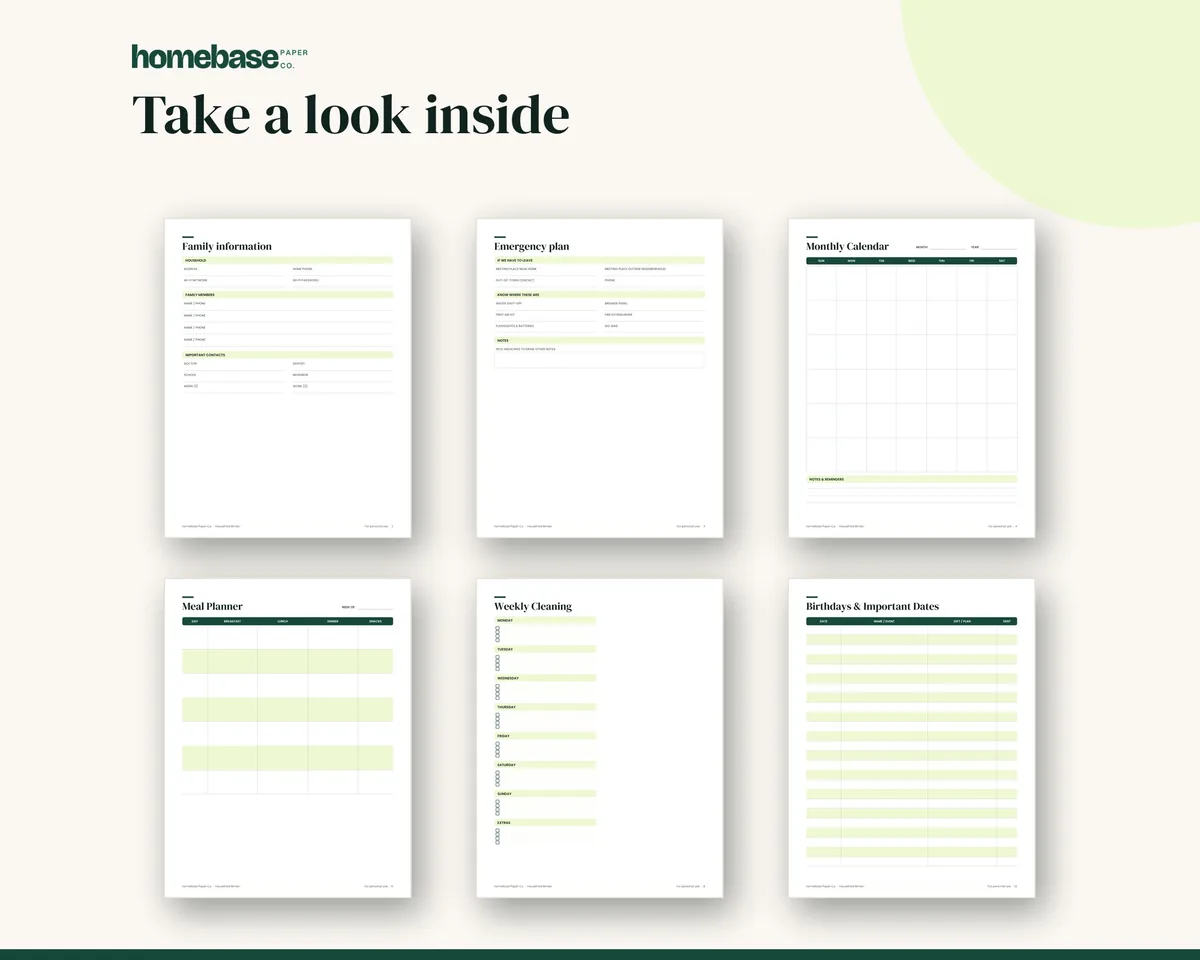
Your originals live in the safe, but daily life runs on the household binder. The Household Binder ($6.99) has pages for family information, emergency plans, calendars, bills, birthdays and sitter details, so the information you use every week stays separate from the papers you protect.
If you want both in one download, the Family Peace of Mind Bundle ($17.99, $28.46 if bought separately) combines the If Something Happens to Me Binder, the Caregiver Organizer, Pet Health Records and the Password & Account Log. An organized document system doesn't take long to build, and once it's done, every emergency, appointment and tax season gets a little easier. For the papers you use every week, a home management binder helps, and our home organization guides have more.
Make it easier
Tools for this
Printables
Household Binder
Family info, emergency plan, calendars, meals, groceries, cleaning, bills and sitter notes.
Printables
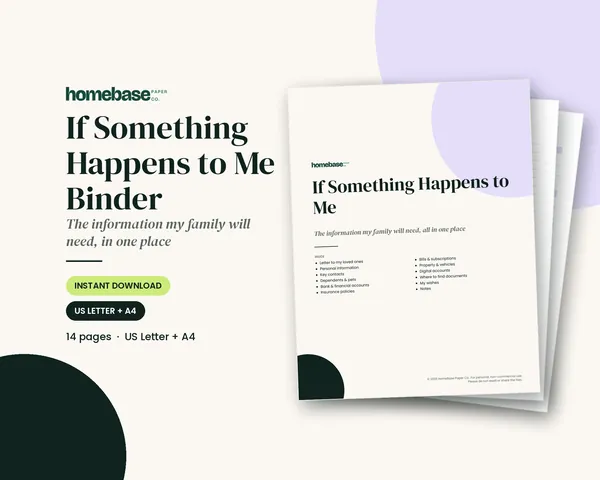
If Something Happens to Me Binder
Accounts, insurance, bills, contacts, documents and your wishes - so your family isn't left guessing.
Printables
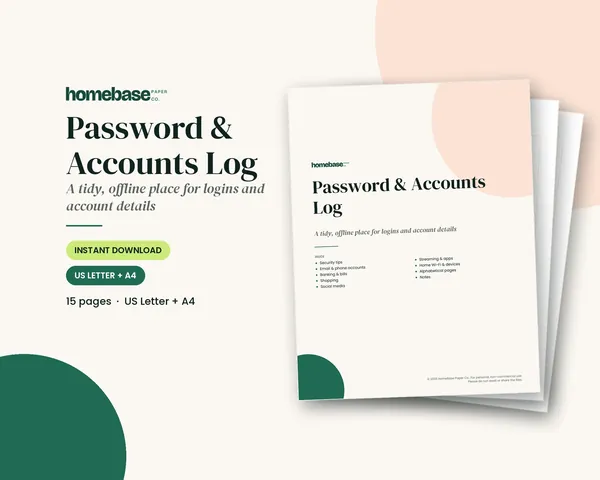
Password & Accounts Log
Organized by category and A-Z, with room for hints instead of full passwords.
Frequently asked questions
How do I organize important documents at home? To organize important documents at home, gather every paper in one place, sort them into a few categories such as identity, money, home, health, legal and taxes, then store originals in a safe spot and keep digital copies. Finish with a one-page list of where everything is. The If Something Happens to Me Binder includes a Where to Find Documents page for that list.
What important documents should every family keep? Birth certificates, Social Security cards, passports, marriage or divorce records, property deeds and titles, insurance policies, wills and powers of attorney, recent tax returns, and medical and immunization records are the documents every family should keep. These are the papers that are hardest to replace in a hurry.
Where should I store important documents? Store original important documents in a fire- and water-resistant box or safe at home, or in a safe deposit box for papers you rarely need. Ready.gov suggests keeping copies in more than one place, such as a safe deposit box, an external drive or a secure cloud service.
Should I keep important documents in a safe deposit box? Yes, for some papers: a safe deposit box is a good place for originals you rarely need, like deeds, titles and birth certificates. Keep a will and powers of attorney somewhere your family can reach quickly, since a box may not be easy to open right after a death or emergency.
How do I make digital copies of important documents? Make digital copies of important documents by scanning or photographing each one, naming the files clearly and saving them to an encrypted drive or secure cloud folder. Keep a second backup in another place, and update the copies whenever a document changes.
How long should I keep tax records? The IRS says to keep tax records for at least three years in most cases, and longer in certain situations, such as seven years for some deductions. Keep records related to property until the period ends for the year you sell it.
What is a where-to-find list? A where-to-find list is a single page that tells your family where each important document lives, from the safe to the cloud folder. It's often the most useful page in an emergency binder, because it saves hours of searching when someone else needs to step in.
How do I organize documents for an emergency? Organize documents for an emergency by keeping copies of IDs, insurance policies, medical information and key contacts in a grab-and-go folder or binder. Ready.gov's financial preparedness guidance recommends gathering these records before a disaster, not after. Our Household Binder includes an emergency plan page you can keep in the same binder.
What should I shred and what should I keep? Shred papers you no longer need that show account numbers or personal details, such as old statements and expired policies, once their retention period has passed. Keep originals of identity documents, deeds, titles and legal papers permanently, or until they're replaced.
How often should I update my important documents? Review important documents once a year and after any big life change, like a move, marriage, new baby, new job or death in the family. A yearly review also keeps beneficiaries, insurance and contact lists current.
What documents should I keep in a grab-and-go folder? A grab-and-go folder should hold copies of photo IDs, insurance policies, a list of key contacts and accounts, medical information with medications and allergies, and your bank, credit card and mortgage or lease details. Keep copies rather than originals and update the folder once a year.
How often should I update my important documents file? Update your important documents file at least once a year, for example when you file taxes, and again after any big life event such as a move, marriage, new job or new baby. Replace expired items and shred papers past their retention period.
More from HomeBase
You may also like
Printables
Cleaning Schedule
Daily, weekly, monthly and seasonal lists - plus a family chore chart.
Printables
Home Maintenance Log
Monthly, seasonal and annual checklists plus a record of every appliance and repair.
Printables
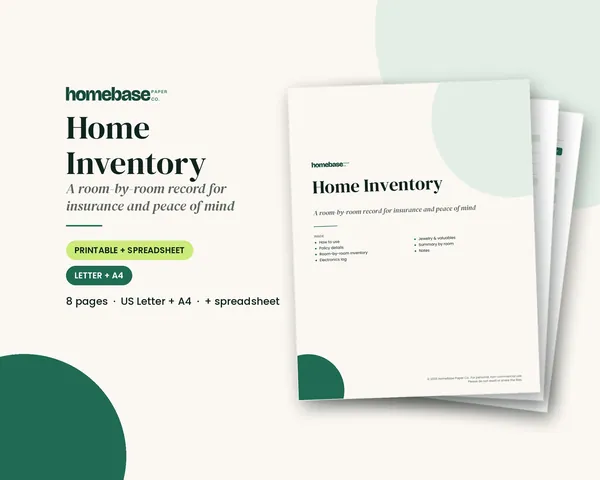
Home Inventory
Printable pages and a spreadsheet that totals the value of every room.
 Save 48%
Bundles
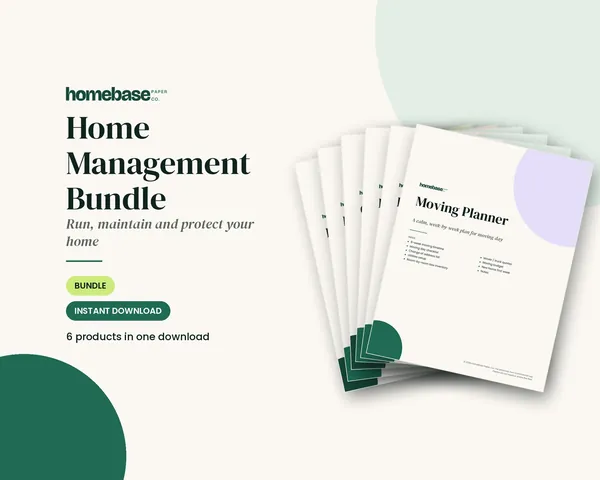
Home Management Bundle
Household binder, maintenance log, moving planner, cleaning schedule, home inventory and password log.
 Club
Monthly club
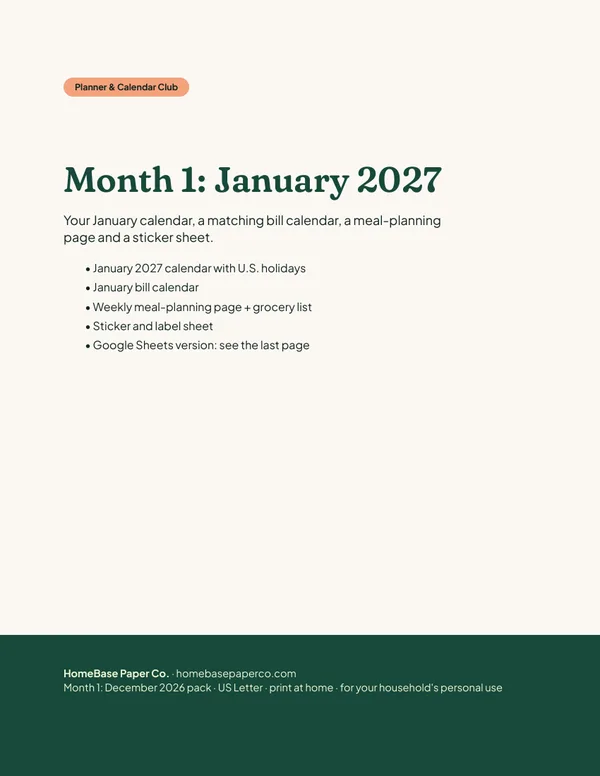
Planner & Calendar Club
Anyone who wants a monthly calendar, bill calendar and meal plan ready to print.
Free printable
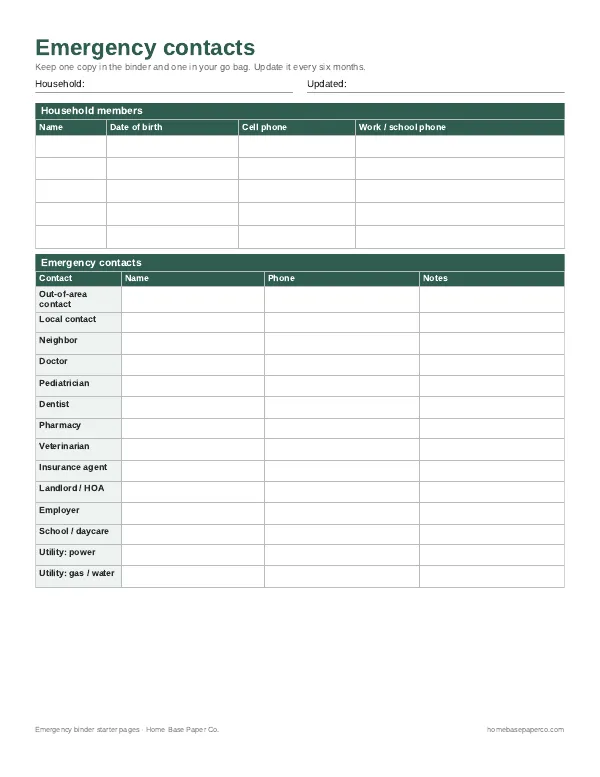
Have the important stuff in one place: get the free emergency binder pages
Printable starter pages for household members, emergency contacts, medical notes and where key documents live. You'll also get our weekly HomeBase email with simple ways to keep family records and important papers in order.