The short answer: A budget planner and monthly bill organizer work best as one system: a single list of every bill, a calendar of due dates and paydays, a monthly budget that includes those bills and a checklist where you tick off each payment. Keep them together in one binder or folder and look at them once a week, and late fees and surprise charges get much rarer.
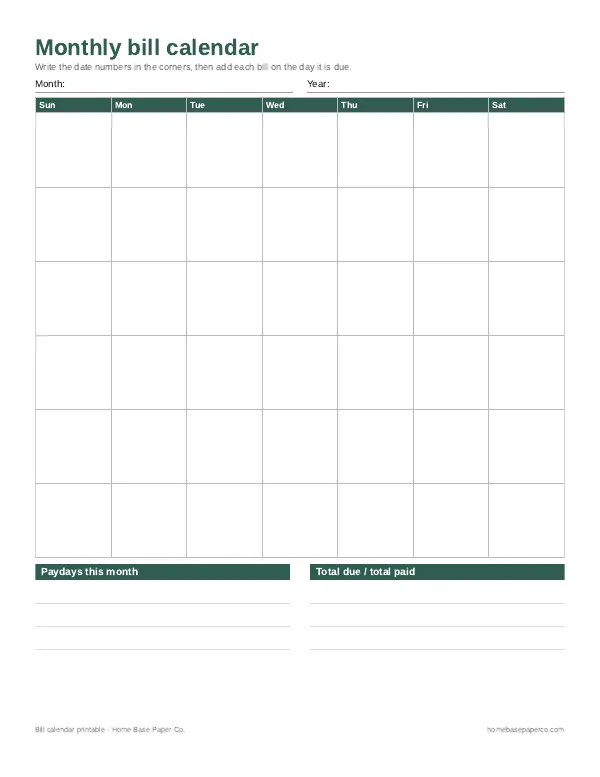
This page shows how to set that up with paper pages, the monthly routine that keeps it running and how to handle the paperwork. You can start today with the free bill calendar below, then add the Budget Planner Printable and Bill Tracker Printable when you want the full set.
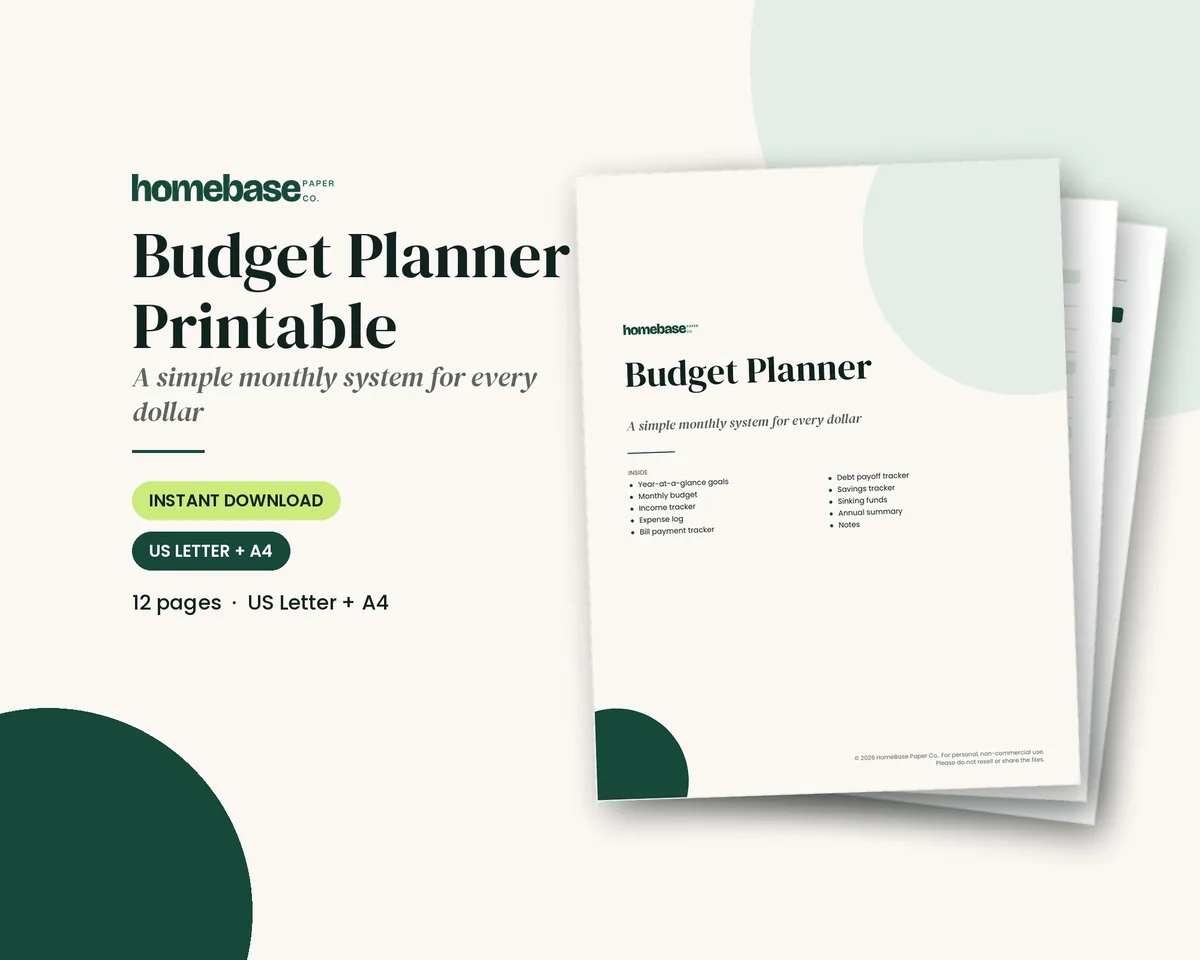
What's included in the Budget Planner Printable
- How to use this planner
- Money goals for the year
- Monthly Budget
- Income Tracker
- Expense Log
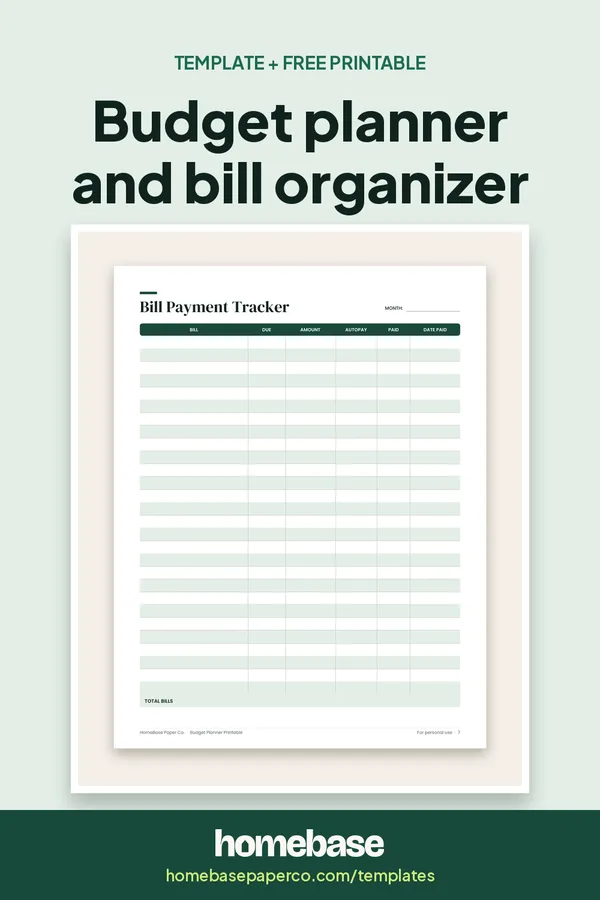
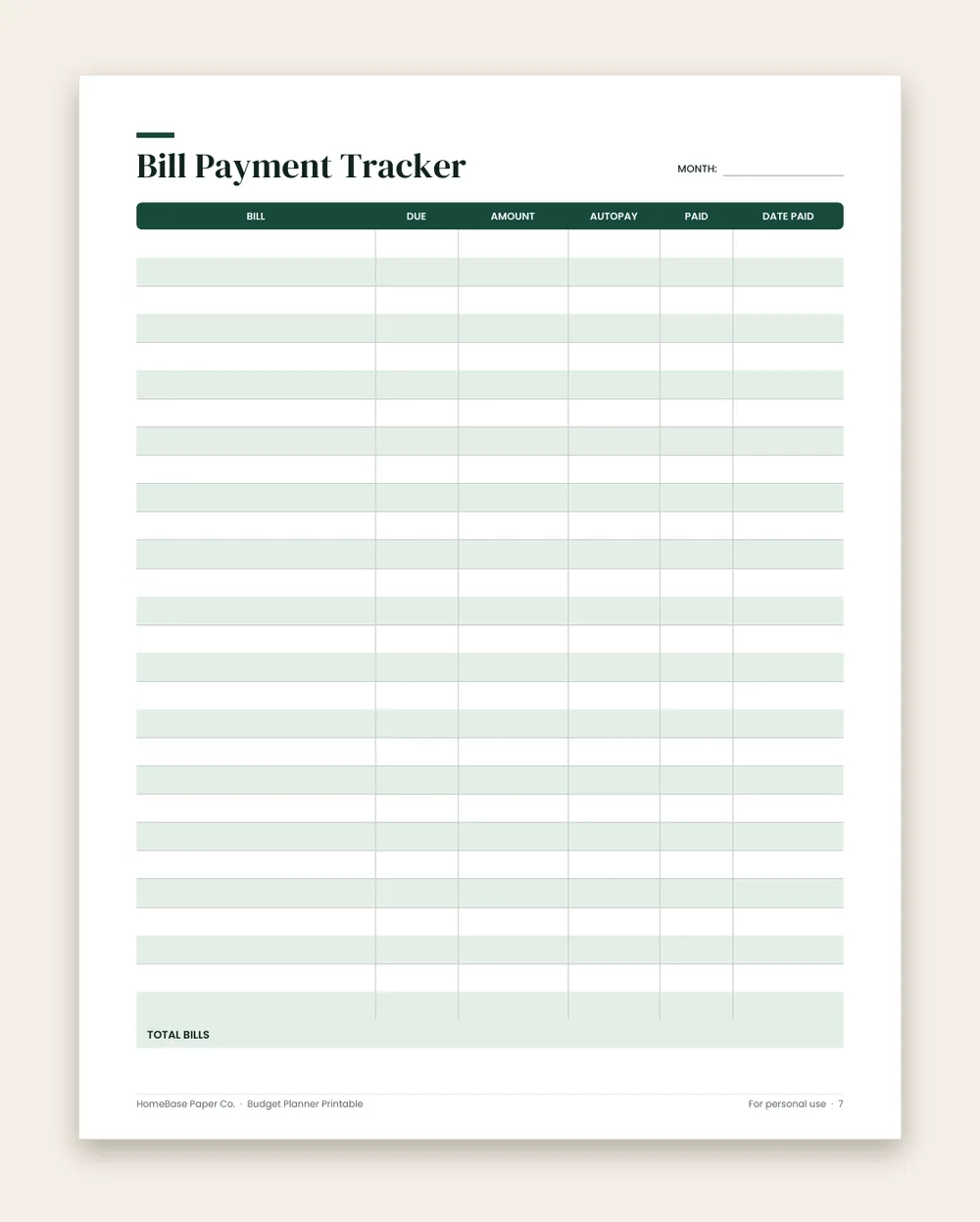
- Bill Payment Tracker
- Debt Payoff Tracker
- Savings Tracker
- Sinking Funds
- Annual Summary
- Notes
Printable PDF, $5.99. Instant download; nothing is shipped. See every page on the product page.
Who it's for
- Paper planner people who think better with a pen than a spreadsheet.
- Households with lots of bills across different due dates, autopay and paper statements.
- Anyone who has paid a late fee because a bill slipped through the cracks.
- Couples who split bills and need one place that shows what's paid.
- Anyone building a budget binder who wants the money plan and the bills to live together.
How to set up a budget planner and bill organizer, step by step
- List every bill once. Write every recurring bill on the My Bills page: who it's paid to, the due date, the usual amount and whether it's on autopay. Pull the list from two months of bank statements so nothing is missed.
- Put due dates on a calendar. Copy each bill onto the Bill Calendar on its due date, and mark your paydays. You'll see at a glance which paycheck covers which bills.
- Write the monthly budget. On the Monthly Budget page, list income, then the bills from your list, then everything else: groceries, gas, savings and spending money.
- Check off bills as you pay them. Use the Monthly Bill Checklist or the Bill Payment Tracker each month. Tick each bill when it's paid, including autopay ones, so you confirm the payment went through.
- Log spending weekly. Spend ten minutes a week adding purchases to the Expense Log and comparing them with your plan.
- File the paperwork. Keep paper bills and receipts in a pocket folder or binder behind the month's pages. Shred what you don't need to keep once it's paid and recorded.
- Review the month. At month end, note what you paid, what changed and any subscriptions to cancel, then start the next month's pages.
The pages you need
You don't need a 100-page planner. Six pages cover almost every household:
| Page | What it does | How often |
|---|---|---|
| Bill list | Every bill, due date, amount and autopay status | Once, then update |
| Bill calendar | Due dates and paydays on one month grid | Monthly |
| Monthly budget | Income, bills and spending categories, planned vs. actual | Monthly |
| Bill checklist | A tick box for every bill this month | As you pay |
| Expense log | Day-to-day purchases | Weekly |
| Subscriptions | Every recurring charge, renewal date and price | Quarterly review |
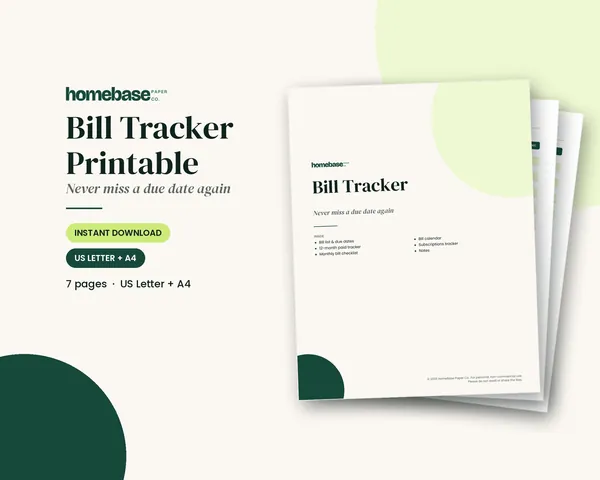
The Budget Planner Printable covers the monthly budget, expense log and a bill payment tracker, plus savings, sinking funds and debt pages. The Bill Tracker Printable adds the bill list, a 12-month paid tracker, the bill calendar and a subscriptions page.
Monthly bill planner: group bills by paycheck
A bill planner works best when each bill is tied to the paycheck that pays it. Here is a sample for paydays on the 1st and 15th.
| Bill due on | Paid from | Write it down as |
|---|---|---|
| 1st to 14th | Paycheck on the 1st | "1st check" next to the bill |
| 15th to 31st | Paycheck on the 15th | "15th check" next to the bill |
| Due right before payday | Move the due date if the company allows it | Call and ask for a date after payday |
Count what each paycheck must cover, then put the rest into your monthly budget. The bill calendar shows the due dates for the whole month on one page.
A simple monthly routine
Before the month starts (20 minutes): copy due dates onto the calendar, mark paydays and write the month's budget.
Each week (10 minutes): check off paid bills, log spending and look at what's due in the next seven days.
At month end (15 minutes): total the actual spending, note any bill that changed and decide whether anything should be canceled.
That's under two hours a month, and it replaces the background worry of "did I pay that?"
Organizing the paperwork
Paper bills and receipts are the part people skip, and then can't find a statement when they need it. A simple setup:
- A pocket folder or binder tab for each month, right behind that month's pages.
- One folder for documents you keep longer, such as tax forms and insurance policies.
- A shredder or a "to shred" envelope for paid statements you don't need.
If you'd like the whole thing in one binder, our printable budget binder guide shows the tab order. If you prefer bills on a calendar first, start with the bill calendar guide. And if you like the look of a hand-drawn layout, see our bullet journal bill tracker ideas.
Paper or spreadsheet?
A paper planner keeps you looking at your money every week, and that's often what makes it work. A spreadsheet does the adding and can be shared between two people. Many households use both: a spreadsheet for the numbers and a printed bill checklist on the fridge. Our comparison of printables and spreadsheets can help you decide, and all of our templates are listed in one place.
Ready to use
The two printables this system uses

Printables
Budget Planner Printable
Twelve undated pages you can print every month: budget, bills, spending, savings and debt.
 Starter pick
 Save 57%
Bundles
Ultimate Budget Bundle
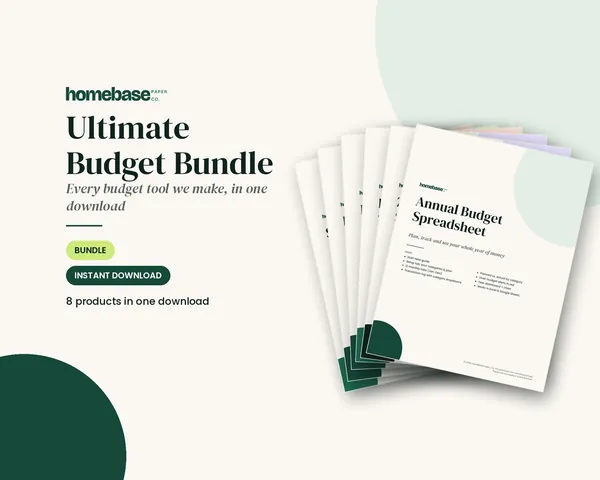
All 6 spreadsheets + both printable planners - for less than half the price of buying them separately.
Frequently asked questions
What is a monthly bill organizer? A monthly bill organizer is a set of pages, or a folder system, that keeps every bill in one place: what you owe, when it's due and whether it's paid. Paired with a budget planner, it means your plan and your bills are looked at together, so you never budget money that a bill already needs.
Do I need both a budget planner and a bill organizer? You don't always need both: a budget planner on its own works if you have only a handful of bills. If you have lots of due dates, autopays and statements, a separate bill tracker makes it much easier to see what's paid. Our Budget Planner Printable includes a Bill Payment Tracker; the Bill Tracker Printable adds a bill list, a 12-month paid tracker, a bill calendar and a subscriptions page.
How do I organize bills by due date? Write every bill on a calendar on the day it's due, and mark your paydays too. Then group bills by the paycheck that will cover them. If too many bills land right before payday, many companies will let you change the due date; it's worth a call.
Should I track autopay bills too? Yes, you should track autopay bills too. Autopay prevents late payments, but it doesn't stop surprises: a price increase, a failed payment or a subscription you forgot. Write autopay bills on your list and check them off when they post, so you notice changes.
How do I set up a bill organizer binder? Use a 1-inch binder with tabs for the year's plan, each month and paperwork. Put the bill list and calendar at the front, then each month's budget, bill checklist and expense log. Add a pocket for paper bills and receipts. Our printable budget binder guide shows a full layout.
How long should I keep paid bills? How long to keep paid bills depends on the document: many people keep monthly utility bills until the next one shows it was paid, and keep anything tax-related much longer. For specifics about your own taxes or records, check with a tax professional or the IRS's record-keeping guidance.
What's the easiest way to stop missing bill payments? Combine three things: a single list of every bill, a calendar with due dates and paydays, and one weekly check-in. Autopay helps for fixed bills, but the weekly check-in is what catches the rest.
Is a paper budget planner better than an app? Neither is better for everyone. Paper helps people who remember what they write and like a weekly sit-down. Apps and spreadsheets help people who want automatic totals. Our guide to budget planner printables vs. spreadsheets compares them in detail.
Can I print the planner pages more than once? Yes, you can print the planner pages more than once. The Budget Planner Printable and the Bill Tracker Printable are PDFs you can print as many times as you need for your own household, in US Letter or A4.
Is there a bundle with both printables? Yes, the Ultimate Budget Bundle includes the Budget Planner Printable and the Bill Tracker Printable, plus six budget spreadsheets, for $19.99. If you only want paper, the two printables are sold on their own too.
Is the free bill calendar the same as the paid tracker? No, the free bill calendar isn't the same as the paid Bill Tracker Printable: it's a three-page PDF with a month grid and a 1-to-31 bill list. The Bill Tracker Printable adds a My Bills list, a 12-month paid tracker, a monthly checklist and a subscriptions page. Start with the free one if you're not sure you'll use a paper system.
How do I group bills by paycheck? To group bills by paycheck, list each bill with its due date, then assign it to the paycheck that arrives before that date. For example, with paydays on the 1st and 15th, a bill due on the 10th belongs to the 1st paycheck and a bill due on the 20th to the 15th. Write the paycheck next to each bill on your list.
Free printable
Never miss a payment: get the free bill calendar
A printable monthly bill calendar with room for due dates, amounts and paydays, so every payment has a plan before the month starts. You'll also get our weekly HomeBase email with simple budgeting and bill-paying tips.