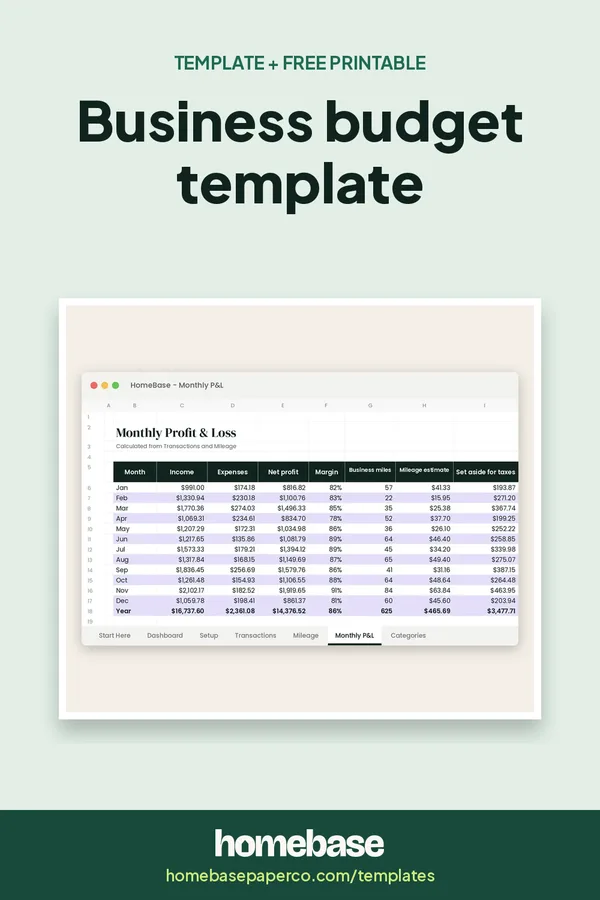
The short answer: A business budget template is a month-by-month plan of what your business expects to earn and spend, with a column for what actually happened. For a small business, it needs six sections: income, fixed costs, variable costs, a tax set-aside, owner's pay and a cushion for slow months. Build it from last year's numbers, review it every month and adjust the forecast as you go.
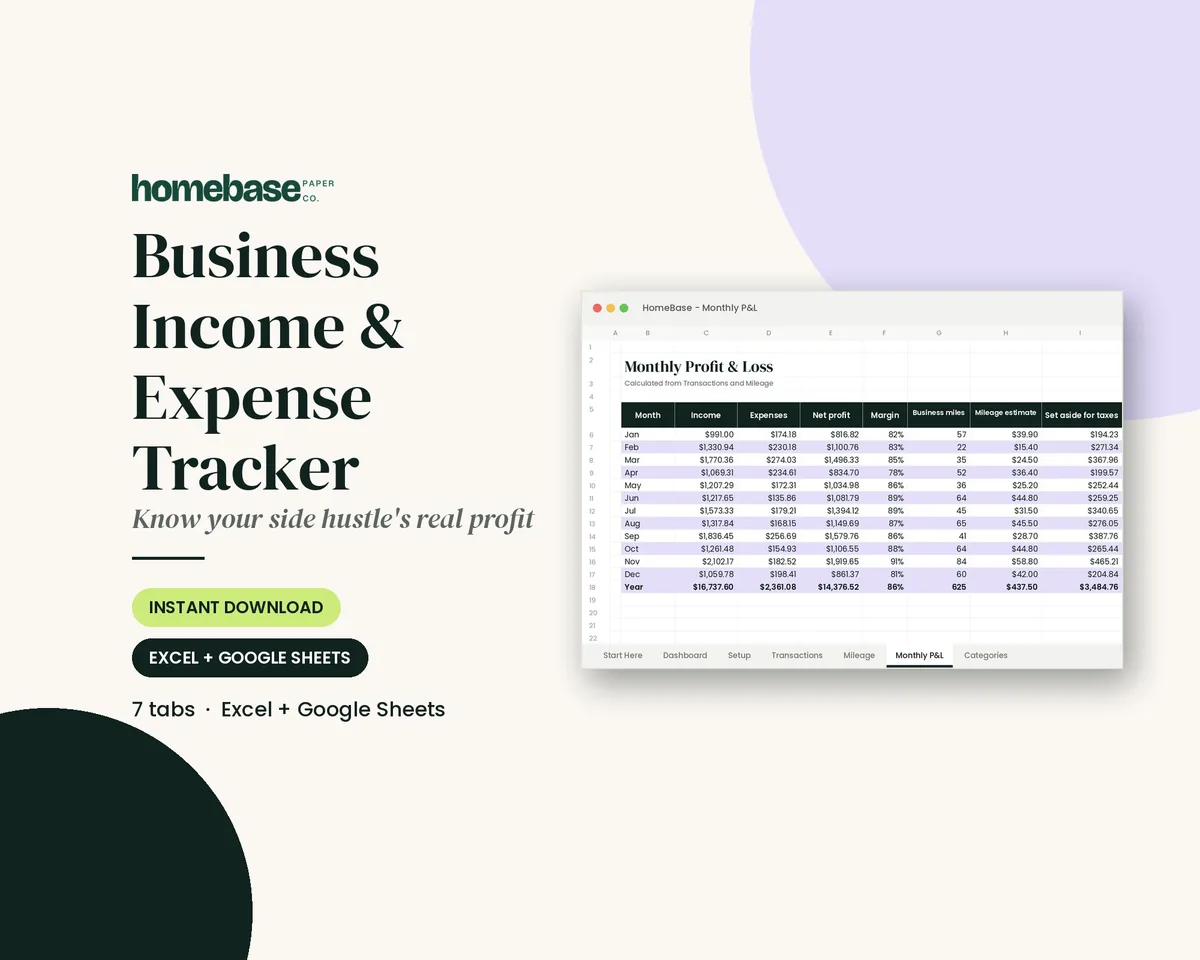
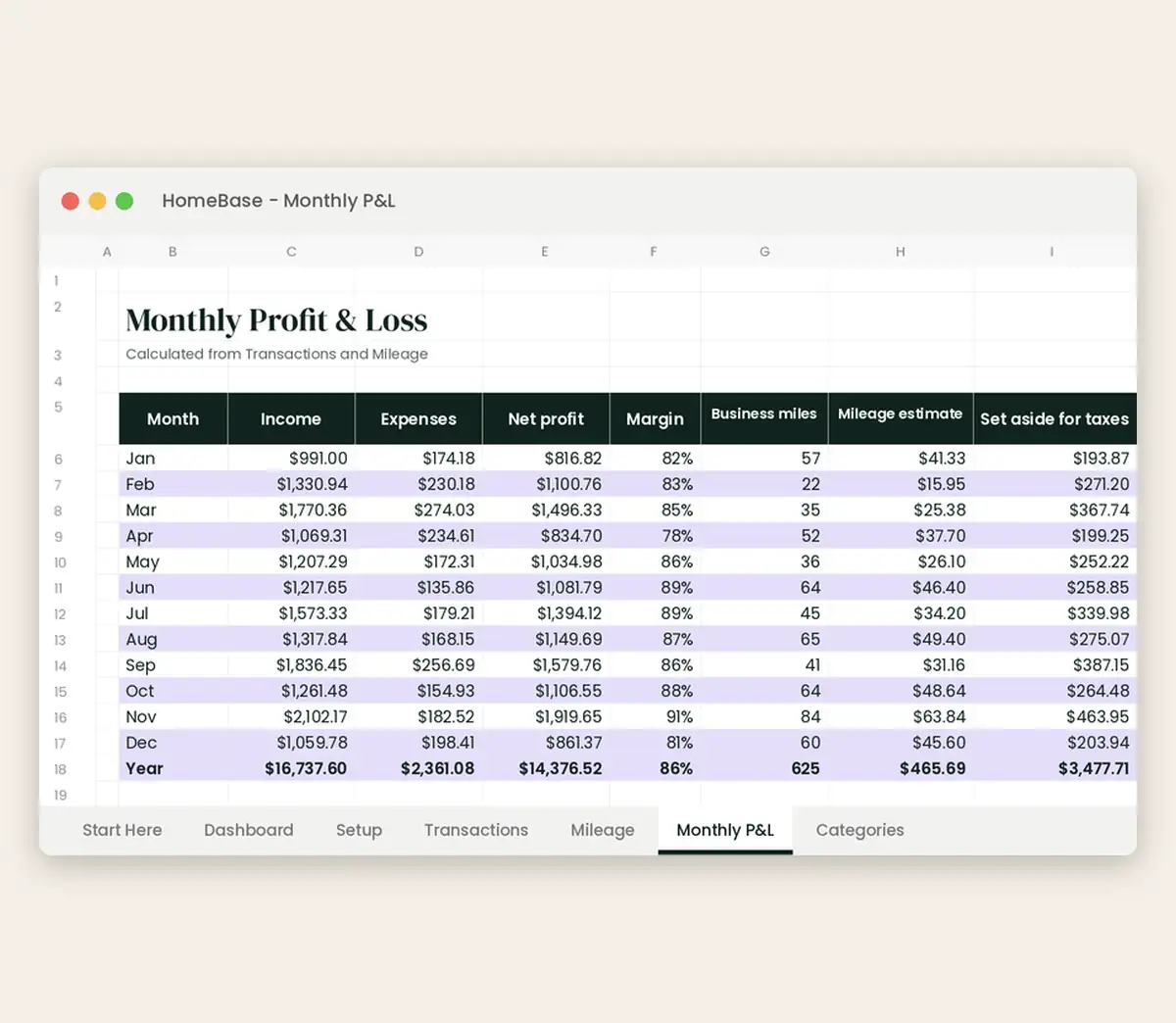
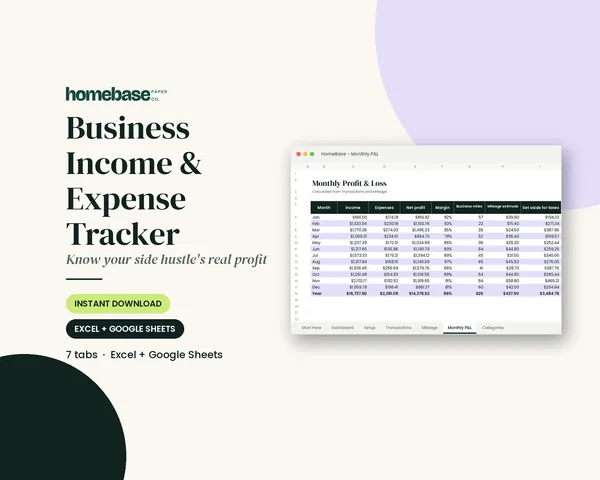
This page walks through each section, a worked example and the mistakes that throw small business budgets off. You can start by gathering your costs in the free expense spreadsheet below. When you're ready to track actuals automatically, the Business Income & Expense Tracker builds a monthly profit and loss, a mileage log and a tax set-aside estimate from one transaction list.
What's included in the Business Income & Expense Tracker
- Start Here guide
- Income & expense log with category dropdown
- Income / expense type fills in automatically
- Monthly profit & loss
- Mileage log with deduction estimate
- Tax set-aside estimate each month
- Year & month totals by category
- Dashboard + chart
Spreadsheet (Excel + Google Sheets), $7.99. Instant download; nothing is shipped. See every page on the product page.
Who it's for
- Sole proprietors and freelancers who want a simple yearly plan, not accounting software.
- Etsy sellers, makers and side businesses with seasonal months.
- Service businesses (cleaners, photographers, tutors, consultants) with mostly fixed costs.
- New businesses writing their first-year budget from estimates.
- Not for payroll-heavy or inventory-heavy companies, which usually need full accounting software and an accountant.
How to build a business budget template, step by step
- Gather last year's numbers. Pull 12 months of income and expenses from your bank statements, payment processor and receipts. If you're brand new, use quotes and realistic estimates instead.
- Forecast income by month. Write expected income for each month, not one yearly number. Seasonal businesses should base each month on the same month last year.
- List fixed costs. Add costs that stay about the same every month: software, rent, insurance, phone, website and loan payments.
- Estimate variable costs. Add costs that rise with sales, such as materials, shipping, transaction fees and advertising. A percentage of sales is often easier than a fixed number.
- Set aside money for taxes. Add a monthly tax set-aside line so estimated payments don't come as a surprise. Ask a tax professional what percentage makes sense for you.
- Plan what you'll pay yourself. Add an owner's pay or draw line. A budget that only works when you pay yourself nothing is a warning sign.
- Track actuals every month. Log real income and expenses and compare them to the plan each month. Adjust the forecast for the rest of the year, not just this month.
The six parts of a small business budget
| Section | What goes in it | Tip |
|---|---|---|
| Income | Sales, client payments, other revenue by month | Forecast monthly, not yearly |
| Fixed costs | Software, rent, insurance, phone, website, loan payments | Easy to predict; list every one |
| Variable costs | Materials, shipping, platform and payment fees, ads | Estimate as a percent of sales |
| Taxes | A set-aside for estimated payments | Ask a tax pro for your rate |
| Owner's pay | What you transfer to yourself | Budget it like a bill |
| Cushion | Slow months, repairs, surprise costs | Build it in busy months |
A worked example
Here's a made-up example for a one-person shop selling handmade goods online. It's for illustration only.
| March plan | March actual | |
|---|---|---|
| Sales | $3,200 | $2,950 |
| Materials and packaging (about 22% of sales) | $700 | $640 |
| Platform and payment fees (about 10%) | $320 | $295 |
| Shipping | $260 | $310 |
| Software and website | $85 | $85 |
| Ads | $150 | $150 |
| Tax set-aside (owner's chosen rate) | $400 | $370 |
| Owner's pay | $1,000 | $1,000 |
| Left for cushion | $285 | $100 |
Sales came in a little low and shipping ran high, so the cushion shrank. That's exactly what a budget is for: the owner can see it in March and adjust April's ads or shipping prices before it becomes a pattern.
Mistakes that break small business budgets
- One yearly income number. Most small businesses are seasonal. Forecast by month.
- Forgetting small fees. Payment processing, platform fees and subscriptions add up fast.
- No tax line. Estimated taxes are a predictable cost; budget them every month.
- No owner's pay. If the budget only works when you pay yourself nothing, the plan needs to change.
- Mixing personal and business spending. Keep separate accounts so the numbers stay honest.
- Untracked supply orders. Orders placed but not yet billed are money already committed. A free purchase order template and its PO log show what's coming before it hits the bank.
Turning the budget into a monthly habit
Once a month, log every transaction, compare it with the plan and update the forecast. A profit and loss statement template shows the month's real result, and our business expense template for Excel guide explains how to set up categories that match your tax forms. Keep your household money separate, too; a household budget template is the personal side of the same habit. See all of our templates for more. Just starting out? Map startup costs and a first-year forecast in our business plan template first.
This page is general information, not tax, legal or accounting advice.
Ready to use
A spreadsheet that tracks your budget against real numbers
Spreadsheets
Business Income & Expense Tracker
Log sales, expenses and business miles - see your monthly profit, category totals for tax time and how much to set aside.
Frequently asked questions
What is a business budget template? A business budget template is a spreadsheet or worksheet where you plan a year of income and costs, month by month, and then compare that plan with what actually happens. For a small business it usually has sections for income, fixed costs, variable costs, owner's pay, taxes and savings.
What should a small business budget include? Expected income by month, fixed costs (software, rent, insurance), variable costs (materials, shipping, fees, ads), a tax set-aside, owner's pay, loan payments and a cushion for slow months or surprises. If you have employees, payroll and payroll taxes get their own lines.
How do I budget for a new business with no history? Start with costs, because those are easier to know: get quotes and list every subscription and supply. For income, make a cautious estimate and a hopeful one, and plan your spending around the cautious number. Update the forecast after your first three months of real sales.
How do I budget for a seasonal business? To budget for a seasonal business, forecast each month separately and use the same month from last year as a guide. In strong months, set aside money for the slow ones, so fixed costs don't land on a credit card in the off-season.
How much should I set aside for taxes? How much to set aside for taxes depends on your income, business type, state and deductions, so ask a tax professional for your situation. Many self-employed people set aside a percentage of each payment in a separate savings account. Our Business Income & Expense Tracker shows a monthly tax set-aside estimate using a rate you choose.
What's the difference between a budget and a profit and loss statement? A budget is the plan for what you expect to earn and spend. A profit and loss statement (P&L) is the record of what you actually earned and spent over a period. Comparing the two each month shows where your plan was off. Our free profit and loss statement template can help with the second part.
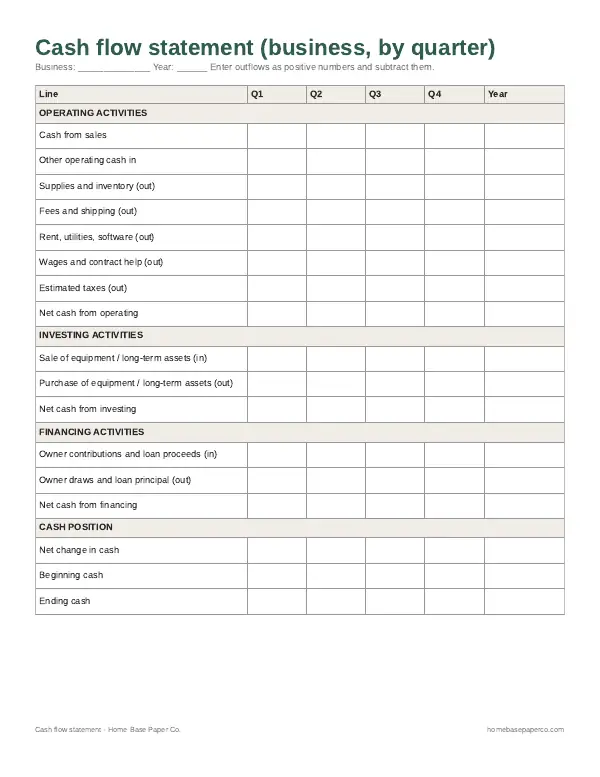
What's the difference between a budget and a cash flow statement? A budget shows planned income and costs. A cash flow statement shows when money actually moves in and out of your account. A business can be profitable on paper and still run short of cash if customers pay late, which is why some owners track both.
Should I keep business and personal budgets separate? Yes, you should keep business and personal budgets separate. Use a separate bank account for the business and a separate budget, then pay yourself a set amount into your personal account. It makes taxes easier and shows whether the business really supports itself. For the household side, see our household budget template guide.
Can I use this in Google Sheets? Yes, the Business Income & Expense Tracker works in both Excel and Google Sheets. The free expense spreadsheet on this page is an Excel file that you can upload to Google Drive and open in Sheets.
How often should I review my business budget? Review your business budget once a month. Compare the plan with the actual numbers, look at any category that's more than a little off and update the forecast for the rest of the year. A quick weekly check of income and big expenses helps too.
Is this template tax or legal advice? No, this business budget template isn't tax or legal advice. It's an organizing tool for your own numbers. For tax, legal or accounting decisions, talk to a qualified professional.
Free printable
See where your cash actually went this quarter
A blank business statement by quarter, a personal one-month version and a review page. You'll also get our weekly HomeBase email with simple small business paperwork and money tips.