The short answer: A profit and loss statement template turns a pile of receipts and bank statements into one clear answer: did the business make money this month?
- The math: revenue minus cost of goods sold is gross profit; gross profit minus operating expenses is net profit
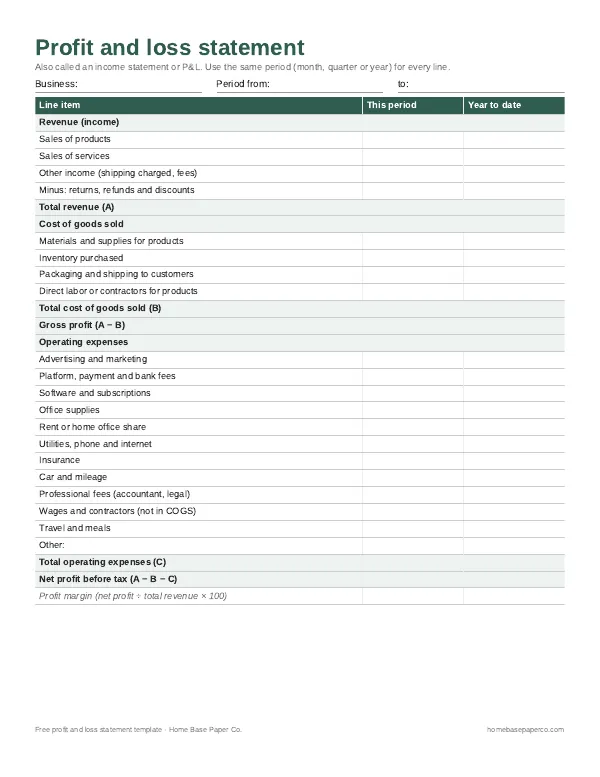
- Our free template: page one has 12 operating expense lines, net profit and profit margin; page two is a monthly summary
- Free download: get the free P&L template (we email it to you)
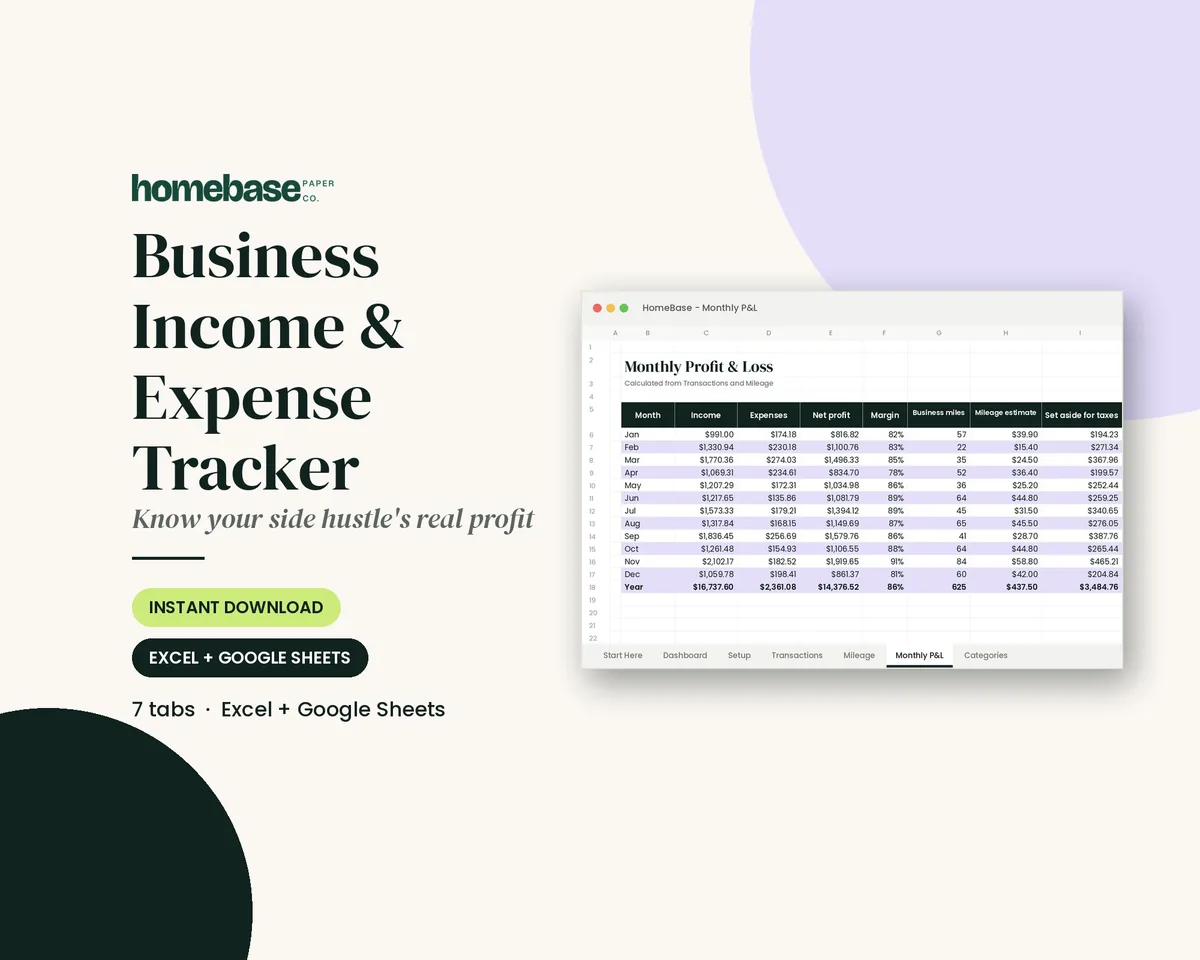
- Next step: let the Business Income & Expense Tracker ($7.99) build the P&L for you.
Our picks for profit and loss statement template
Spreadsheets
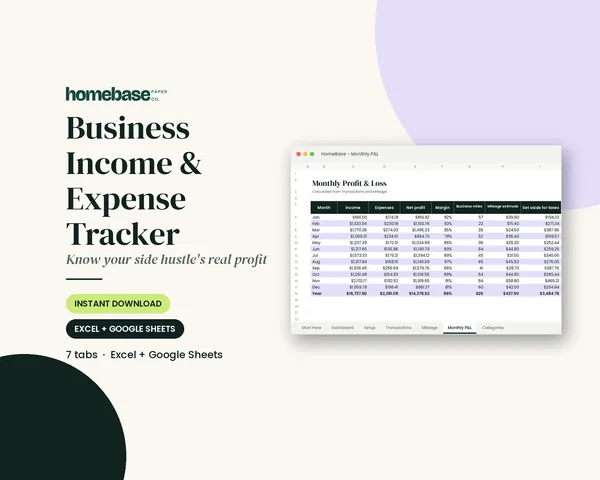
Business Income & Expense Tracker
Log sales, expenses and business miles - see your monthly profit, category totals for tax time and how much to set aside.
Spreadsheets
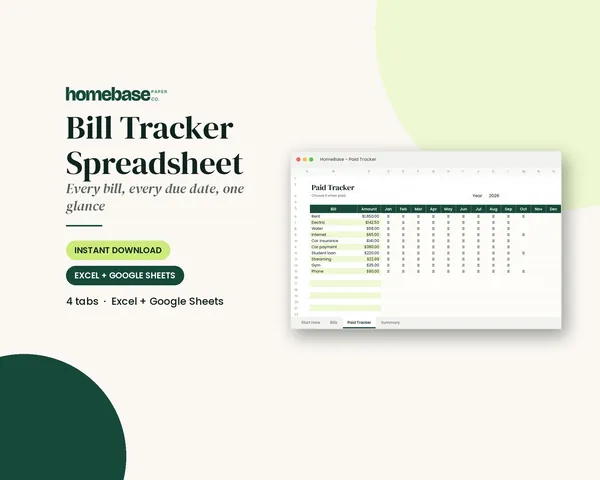
Bill Tracker Spreadsheet
Bills due in 3 days or less light up red, so nothing slips through.
This page has a free two-page printable P&L, a line-by-line walkthrough and a simple example you can follow.
When you want the P&L to build itself, our Business Income & Expense Tracker turns an income and expense log into a monthly profit and loss, with a mileage log and a tax set-aside estimate.
Jump to the free download, or keep reading to fill it in.
What's on the free P&L template
- Page one: a full profit and loss statement with revenue, cost of goods sold, gross profit, 12 operating expense lines, net profit and profit margin. There are columns for this period and year to date.
- Page two: a monthly summary with revenue, expenses and net profit for each month, plus space for notes on what changed.
How a profit and loss statement works
Every P&L follows the same three steps:
- Revenue minus cost of goods sold equals gross profit.
- Gross profit minus operating expenses equals net profit.
- Net profit divided by revenue gives your profit margin.
If you're a sole proprietor, the categories line up closely with Schedule C, the IRS form for business profit or loss. Matching your categories to it now saves sorting later.
Filling it in, line by line
Revenue. Add all sales of products and services in the period. Include other income, such as shipping you charged. Subtract refunds, returns and discounts.
Cost of goods sold. List materials, inventory you bought, packaging and shipping to customers, and any labor used to make the product. Service businesses often leave this section nearly empty.
Operating expenses. These are the costs of running the business: advertising, platform and payment fees, software, supplies, a share of rent or a home office, phone and internet, insurance, car costs, professional fees, contractors and travel.
Net profit. Subtract cost of goods and operating expenses from revenue. A negative number is a loss, which is common in the first months.
A simple example
To see the same kind of business from the cash side, read our cash flow statement example, quarter by quarter.
| Line | Amount |
|---|---|
| Total revenue | $4,200 |
| Cost of goods sold | $1,300 |
| Gross profit | $2,900 |
| Operating expenses | $1,750 |
| Net profit | $1,150 |
| Profit margin | 27% |
In this example, a small online shop kept about 27 cents of every dollar it earned. If fees or advertising rise next month, the margin shows it right away.
Common mistakes to avoid
- Mixing personal and business spending. A grocery run on the business card throws off every total. Move personal charges out before you fill in the P&L.
- Counting loans as income. Money you borrowed isn't revenue, and loan principal you repay isn't an expense. Only the interest goes on the P&L.
- Forgetting small fees. Payment processing, listing and subscription fees add up. Pull them from your platform reports each month.
- Skipping months. A P&L you fill in once a year is hard to trust. Monthly totals are easier to check against your bank statement.
- Leaving out your own time. The P&L won't show it, but note your hours. A profit of $300 a month means something different at 10 hours than at 60.
Records that back up every number
A P&L is only as good as the records behind it. The IRS recordkeeping page lists what to keep: receipts, invoices, deposit slips, bank statements and canceled checks. Its guide on how long to keep records explains the usual three-year rule and the exceptions. For more on this topic, see our small business resources.
Every sales line should trace back to an invoice. Our free invoice template includes an invoice log so income on the P&L matches what customers paid.
A few habits help:
- Use a separate bank account or card for the business.
- Save receipts by month in one folder or app.
- Log mileage when you drive, not at year end.
- Download platform reports (Etsy, Square, PayPal) monthly.
Paper or spreadsheet?
A printable P&L is quick to read and easy to review at a kitchen table. A spreadsheet does the math, catches typos in totals and builds charts for you.
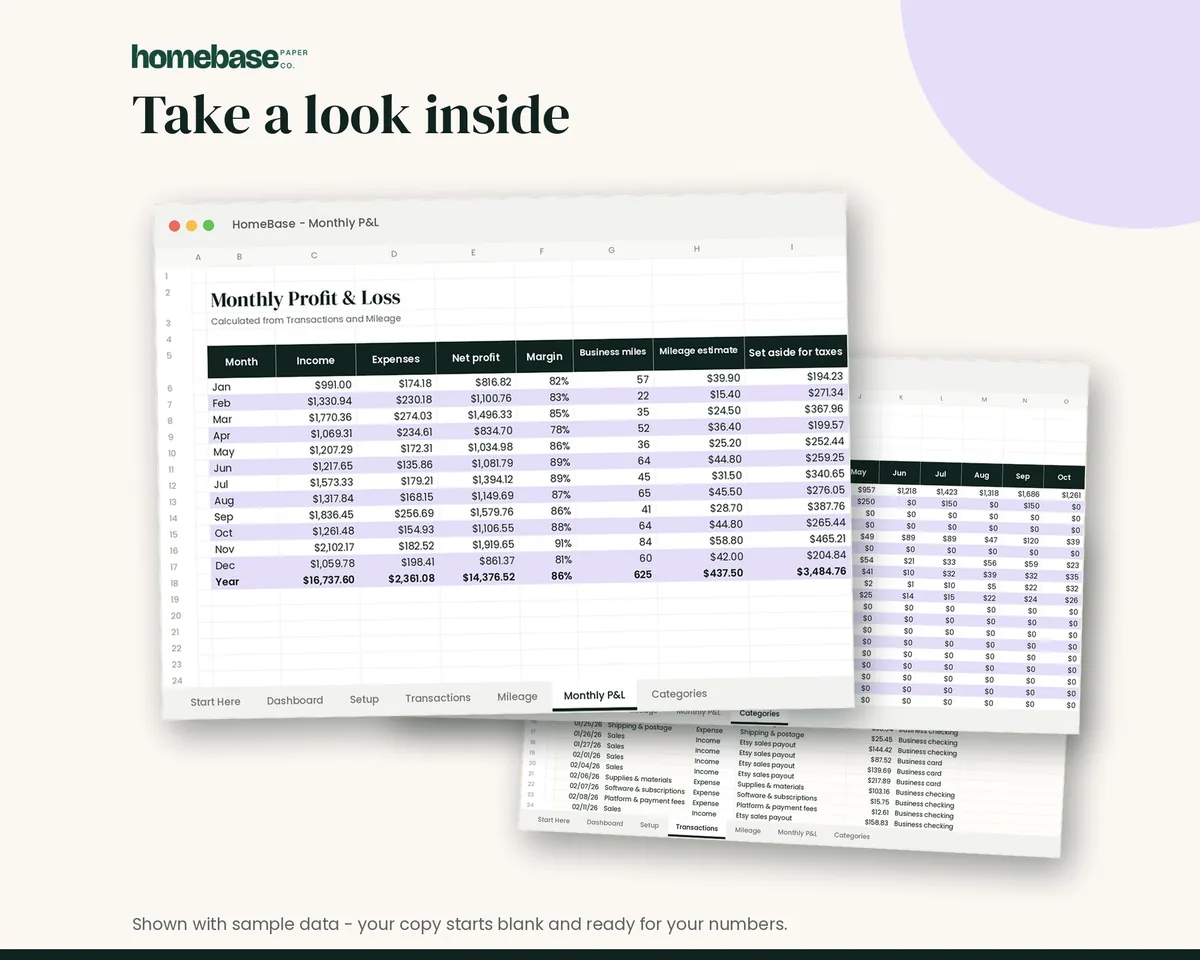
The Business Income & Expense Tracker ($7.99) is a spreadsheet with an income and expense log, a category dropdown, a monthly profit and loss, a mileage log with a deduction estimate, a monthly tax set-aside estimate and a dashboard with a chart. It pairs well with this free template: log transactions in the spreadsheet, then print the summary. To keep recurring business bills from slipping, the Bill Tracker Spreadsheet ($4.99) shows due dates and paid status for 12 months.
For more on business records, see our small business expense tracker in Excel, the small business tax deduction checklist and our mileage log for taxes.
A P&L shows what happened. A business budget template shows what you plan to happen, so you can compare the two each month.
Track income, expenses and profit in one sheet
Log sales, expenses and business miles - see your monthly profit, category totals for tax time and how much to set aside.
$7.99 · Instant download. Print at home or fill it in on screen. Or browse the full Budget & Money collection.
Frequently asked questions
What is a profit and loss statement? A profit and loss statement, also called a P&L or income statement, shows how much money a business brought in, what it spent and what was left over during a set period. It starts with revenue, subtracts the cost of goods sold and operating expenses, and ends with net profit. It is one of the core reports any business owner should be able to read.
How do I fill out a profit and loss statement template? Pick the period first, such as one month or one quarter. Add up all sales and other income, then subtract refunds. Next, total what you spent to make or buy the products you sold. Then list operating expenses by category. Subtract both totals from revenue to get net profit. Use your bank statements and receipts as the source for every number.
What is the difference between gross profit and net profit? Gross profit is revenue minus the cost of goods sold. It tells you whether your products are priced well enough to cover what they cost to make. Net profit subtracts all your other expenses too, like advertising, software and fees. A business can have healthy gross profit and still lose money if overhead is too high.
Do I need a profit and loss statement if I'm self-employed? No, you aren't required to file one as a separate form, but you need the same numbers for your tax return. Sole proprietors report business income and expenses on Schedule C. Keeping a monthly profit and loss statement makes tax time much faster and helps you estimate quarterly taxes; the Business Income & Expense Tracker builds the monthly profit and loss from your log.
How often should I make a P&L? Monthly is ideal for most small businesses and side hustles. It's often enough to catch problems early, like a fee that crept up or a product that stopped selling. At minimum, do one each quarter and one for the full year. The second page of our template collects monthly totals so you can see trends.
What counts as cost of goods sold? Cost of goods sold covers the direct cost of what you sold: materials, inventory, packaging and shipping to customers, and labor used to make the product. For a service business it is often small or zero. General costs like software, a website or advertising go under operating expenses instead.
Is a profit and loss statement the same as a budget? No, a profit and loss statement is not the same as a budget. A budget is a plan for what you expect to earn and spend. A profit and loss statement records what actually happened. Many owners compare the two each month: if actual expenses run higher than planned, they know where to look and can adjust before the year is out.
Can I use this profit and loss statement template for a side hustle? Yes, you can use this profit and loss statement template for a side hustle. The profit and loss statement template works for any small business, from an online shop to freelance work or a rental. If you don't sell physical products, leave the cost of goods section blank and put everything in operating expenses. Using it monthly also shows whether the side hustle is worth your time.
What records do I need to back up my P&L? Keep receipts, invoices, bank and card statements, payment platform reports and a mileage log if you drive for work. The IRS says to keep records that support income and deductions, generally for at least three years after filing. Organize them by month so each P&L has its paper trail.
How do I calculate profit margin? Divide net profit by total revenue and multiply by 100. If you earned $5,000 in revenue and kept $1,000 after all expenses, your profit margin is 20%. Tracking the margin month to month is often more useful than tracking profit alone, because it shows whether growth is actually paying off.
Is a spreadsheet better than a printable P&L? A spreadsheet is usually better, because it adds up totals for you and makes monthly comparisons easier. A printable works well if you prefer paper or only have a few transactions a month. Many people use a spreadsheet to log every sale and expense, then copy the totals onto a printed summary for review.
Free printable
Know your real profit: get the free P&L template
A printable profit and loss statement that walks through revenue, costs and expenses line by line for any month, quarter or year. You'll also get our weekly HomeBase email with simple small business paperwork and money tips.