

The short answer: a mileage log for taxes records every business drive: the date, where you went, why and the miles, plus your total miles for the year. Write each trip down the day you drive it, or at least once a week.
- 2026 rates: 72.5 cents a mile for January through June, 76 cents for July through December
- At tax time: multiply business miles by the rate and add business parking and tolls
- Commuting doesn't count, even if you take work calls on the way
- Timely beats perfect, and write the purpose down
- Next step: Plan it with the Business Income & Expense Tracker ($7.99).
A mileage log for taxes is a written record of every business drive: the date, where you went, why you went, and the miles, taken from your odometer or a map. You also need your total miles for the year. Use a mileage log template and write each trip down on the day you drive it, or at least once a week. At tax time, multiply your business miles by the IRS standard mileage rate and add business parking and tolls. For 2026 that rate is 72.5 cents a mile for January through June and 76 cents for July through December. Keep the log with your tax records. If the IRS ever asks how you got your number, the log is your proof.
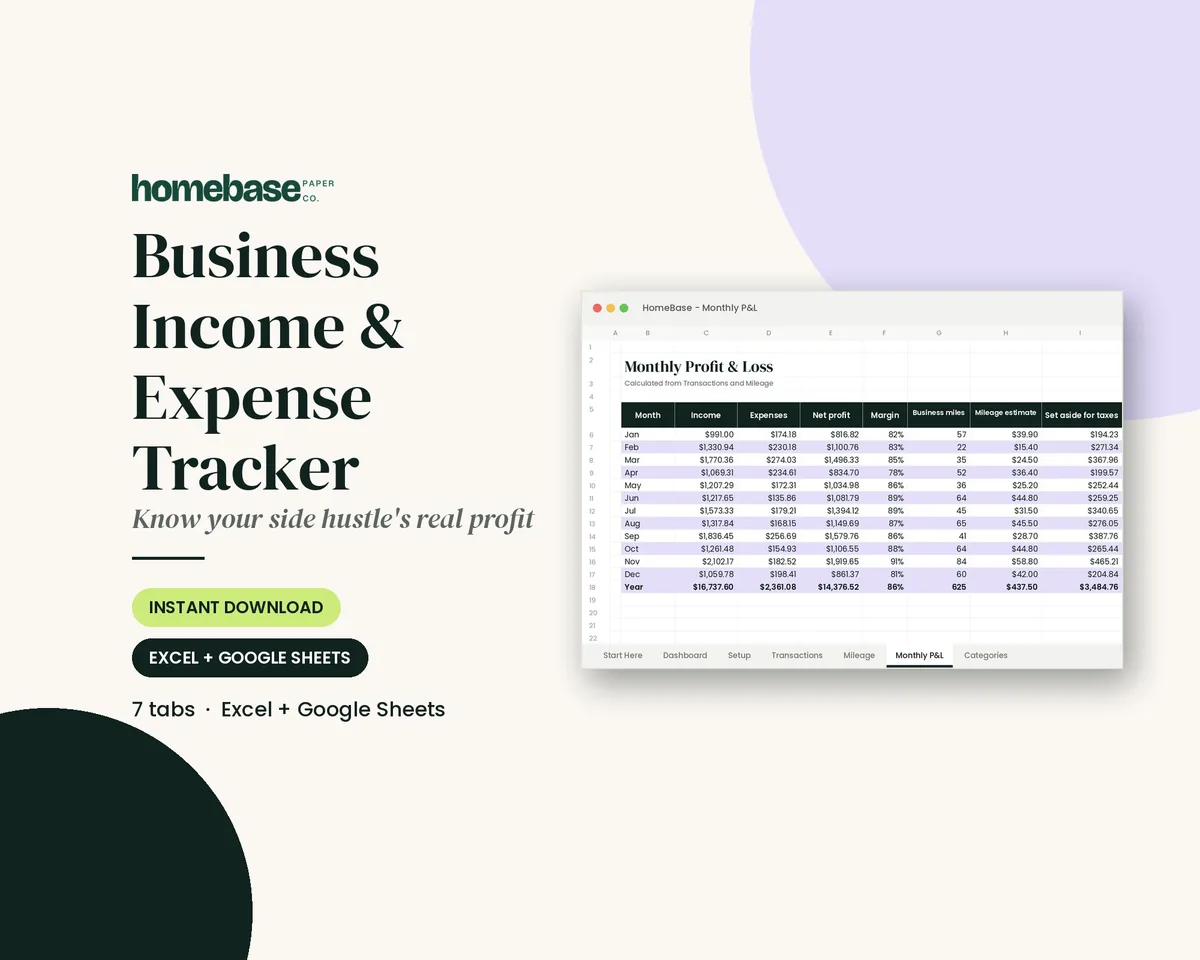
Our Business Income & Expense Tracker (Excel and Google Sheets) keeps a mileage log with a deduction estimate right next to your income and expense log.
This guide covers what the IRS asks for, which drives count, a sample log you can copy, how to do the 2026 math with two rates, and how to choose between paper, a spreadsheet and an app. It's general education, not tax advice. Your situation is yours, so check with a tax professional if something doesn't fit.
What the IRS requires in a mileage log
IRS Publication 463 lists what you need to prove car expenses. For each business use of the car, record:
| What to record | What it looks like in your log |
|---|---|
| Date of each drive | 03/12/26 |
| Miles for each business use | Start and end odometer, or the map distance |
| Destination (the place) | "Office supply store, Main St." |
| Business purpose | "Bought printer ink for client orders" |
| Total miles for the year | Odometer on January 1 and December 31 |
| When the car started business use | The date you first drove it for work |
Two more rules from the same chapter matter for your habits:
- Timely beats perfect. The IRS says a record made at or near the time of the drive is worth more than a statement written later from memory. You don't have to write every trip on the day you drive it. A log you fill in weekly still counts as timely.
- Purpose in writing. You generally need a written business purpose. "Business" alone isn't a purpose. "Delivered order to client" is.
What about parking, tolls and receipts?
If you use the standard mileage rate, you don't need gas receipts. The rate already covers gas, insurance, repairs and wear. You can still add business parking fees and tolls on top, so keep those receipts or note them in the log. Parking at your own regular workplace doesn't count; Pub 463 treats it as commuting.
Which drives count as business miles
This is where most mileage logs go wrong. Logging every mile you drive doesn't make it deductible. Use this table as a quick check:
Renting out a unit? A property maintenance log template tracks every repair and cost.
| Drive | Usually deductible? | Why |
|---|---|---|
| Home to your regular office or shop | No | Commuting, even if you take work calls on the way |
| Office to a client, then back | Yes | Travel between work locations |
| Home office (your main place of business) to a client | Yes | Pub 463 treats a qualifying home office as a work location |
| Errand for supplies, the bank or the post office for the business | Yes | Has a business purpose; write it down |
| Office to a temporary work site | Yes | Temporary work locations aren't commuting |
| Stopping at the grocery store on the way back | Only the business part | Log only the business leg |
| Charity volunteering | At the charity rate | 14 cents a mile, separate from business |
| Medical appointments | At the medical rate, if you itemize | 20.5 cents (Jan–Jun 2026) and 23.5 cents (Jul–Dec 2026) |
If you don't have a regular office and drive to several places a day, watch the first and last trips. Pub 463 treats travel from home to your first business stop, and from your last stop back home, as commuting unless one of the exceptions applies.
Employees, take note: under current federal rules, employees generally can't deduct unreimbursed work mileage. A log is still worth keeping if your employer reimburses mileage, because it's what you submit to get paid back.
How to keep a mileage log for taxes in 6 steps
- Pick one place for the log. Use a notebook in the glove box, a printed log sheet or a spreadsheet, and only that. Two half-finished logs are worse than one complete one.
- Record the odometer on January 1 (or the day you start using the car for business). Do the same on December 31. Those two numbers give you total miles, which the tax form asks for.
- Log each business drive. Write the date, the start and end, the purpose and the miles. Odometer readings are strongest. A map distance works if you note where it came from.
- Add parking and tolls on the same line or keep the receipts with the month's page.
- Total it every month. A five-minute check each month catches missing trips while you still remember them.
- At year end, do the math and file the log away. Multiply your miles by the right rate for each part of the year, add parking and tolls, and keep the log with that year's return.
If you're self-employed, the total goes on Schedule C. The Schedule C instructions say Part IV asks for your business, commuting and other miles. Part IV also asks whether you have evidence to support the deduction and whether that evidence is written. Your mileage log is how you answer "yes" to both.
Sample mileage log (copy this layout)
Here's a filled-in sample for a small home-based business. The names and numbers are made up to show the format.
| Date | Purpose / client | From – to | Start odometer | End odometer | Miles | Rate | Estimate |
|---|---|---|---|---|---|---|---|
| 01/06/26 | Client meeting, Lee Bakery | Home office → Lee Bakery → home office | 24,310 | 24,338 | 28 | $0.725 | $20.30 |
| 01/09/26 | Supply run, craft wholesaler | Home office → wholesaler → home office | 24,402 | 24,436 | 34 | $0.725 | $24.65 |
| 01/12/26 | Shipped orders, post office | Home office → post office → home office | 24,470 | 24,478 | 8 | $0.725 | $5.80 |
| 07/14/26 | Bank deposit | Home office → bank → home office | 31,050 | 31,058 | 8 | $0.76 | $6.08 |
| 07/15/26 | Delivered order, J. Ortiz | Home office → client → home office | 31,120 | 31,151 | 31 | $0.76 | $23.56 |
Notice what's in each row: a real purpose, a real place and miles you can check. Also notice the rate changes in July. That's the 2026 detail most templates miss.
The 2026 mileage rates (and why there are two)
The IRS raised the business rate partway through 2026. According to the IRS standard mileage rates page:
| Period | Business | Charity | Medical / military moving |
|---|---|---|---|
| Jan 1 – Jun 30, 2026 | 72.5¢ | 14¢ | 20.5¢ |
| Jul 1 – Dec 31, 2026 | 76¢ | 14¢ | 23.5¢ |
| 2025 (whole year) | 70¢ | 14¢ | 21¢ |
The rate depends on the date of the drive, not the date you file. That's why the date column matters so much in a 2026 log.
Worked example: a 2026 deduction with two rates
Say your log shows 3,100 business miles from January through June and 2,900 business miles from July through December. You also paid $86 in business parking and tolls. (These are sample numbers for illustration.)
| Line | Math | Amount |
|---|---|---|
| Jan–Jun miles | 3,100 × $0.725 | $2,247.50 |
| Jul–Dec miles | 2,900 × $0.76 | $2,204.00 |
| Business parking and tolls | From receipts | $86.00 |
| Estimated car expense | $4,537.50 |
If you'd used one rate for the whole year, you'd be off. All 6,000 miles at 72.5 cents is $4,350. That's $101.50 less than the right answer, before parking and tolls. Splitting by date fixes it.
Standard mileage rate or actual expenses?
Your log matters either way, but the two methods use it differently.
Actual expenses include upkeep such as tires. Our guide on how often to rotate tires helps you plan that cost and log it.
| Standard mileage rate | Actual expenses | |
|---|---|---|
| What you deduct | Business miles × IRS rate, plus business parking and tolls | Business share of gas, repairs, insurance, registration, depreciation or lease, and more |
| Receipts needed | Mileage log, parking and toll receipts | Mileage log plus every car receipt |
| How the log is used | Miles × rate | Business miles ÷ total miles = business-use % |
| Watch out for | Must choose it in the first year the car is used for business; a leased car keeps it for the whole lease | More paperwork and depreciation rules |
Pub 463 gives the actual-expense math: if you drove 20,000 miles and 12,000 were business, you can claim 60% of your operating costs. Either way, you need business miles and total miles, so the log comes first.
The standard rate isn't allowed in some cases, such as running five or more cars at the same time. It's also not allowed after you've claimed certain kinds of depreciation on the car. If any of that sounds like you, read the car expense chapter of Pub 463 or ask a tax pro.
Paper, spreadsheet or app?
There's no IRS-required format. Pick the one you'll actually keep up with.
| Option | Best for | Trade-offs |
|---|---|---|
| Paper log in the car | People who drive a few times a week and like a pen | Easy to fill in while parked; you add up totals by hand |
| Spreadsheet | Side hustles and small businesses that already track income and expenses | Does the math and rate split for you; enter trips weekly from notes or a calendar |
| GPS app | Heavy drivers with many short trips | Logs automatically; you still label each trip's purpose; many charge a subscription |
A spreadsheet works well alongside your calendar. Your calendar already shows where you went for clients and deliveries, so filling in the week's drives every Friday takes a few minutes. A paper sheet in the glove box is the most "at or near the time" record you can make.
My own rule, from years of being the one in the family who kept things coordinated: write it down while it's fresh. The weekly habit is what makes a mileage log hold up, not the format.
Keep everything in one tracker
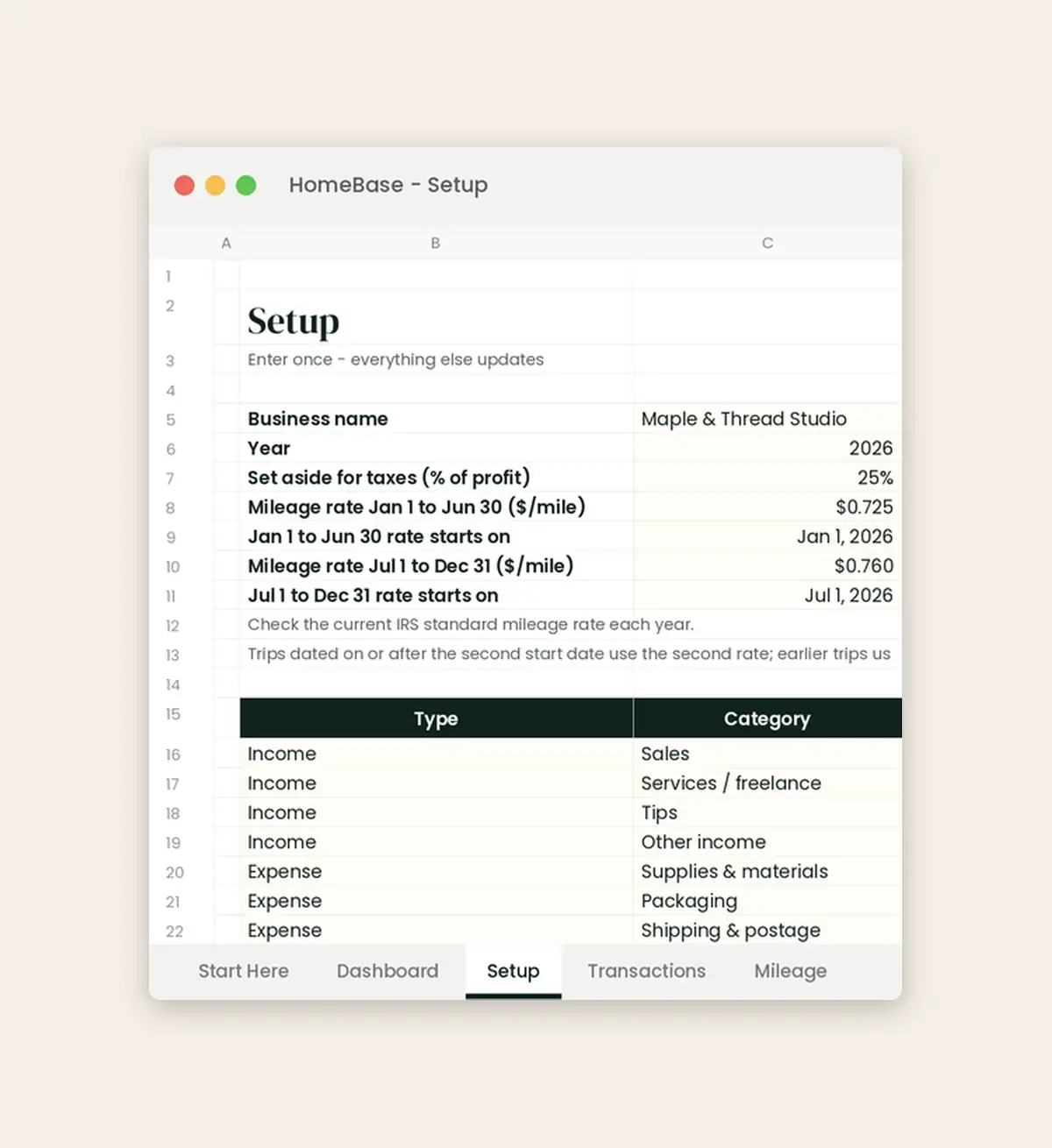
The Business Income & Expense Tracker ($7.99, Excel and Google Sheets) has a Mileage tab with columns for date, purpose or client, from–to, start and end odometer, miles and estimated deduction. On the Setup tab, you enter the two 2026 rates and the date the second one starts. Each trip is then priced at the right rate based on its date, so the January–June and July–December split happens automatically.
Landlords can use a rental property spreadsheet for rent, expenses and repairs.
Business miles and the mileage estimate flow into the Monthly Profit & Loss sheet next to your income, expenses and tax set-aside. That way, the deduction isn't sitting in a separate notebook.
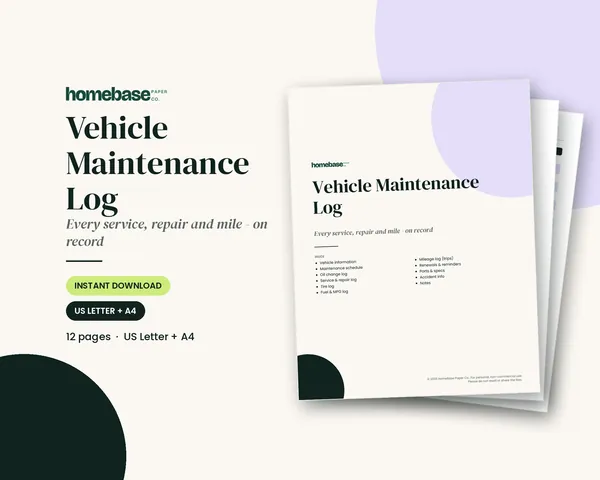
Prefer paper in the car? The Vehicle Maintenance Log ($3.99, printable PDF in US Letter and A4) includes a Mileage Log page with date, purpose or destination, start and end odometer and miles. It sits next to your oil change, fuel and repair logs. Many people use the printable in the car and type the totals into the spreadsheet each month. For a bound version, we're preparing a car maintenance log book.
See all our Spreadsheets for other money tools that work in Excel and Google Sheets.
Mistakes that weaken a mileage log
- Rebuilding the whole year in April. A log recreated from memory months later carries less weight. If you've fallen behind, rebuild it now from your calendar, invoices and bank records, then keep it current.
- Logging your commute. Home to your regular workplace isn't a business drive, even with a client call on the way.
- Vague purposes. "Errands" or "work" doesn't prove anything. Name the client, store or task.
- One rate for 2026. Use 72.5 cents through June 30 and 76 cents from July 1.
- No total miles. Without January and December odometer readings, you can't show the business share of your driving.
- Throwing the log away too soon. Pub 463 says to keep records that support a deduction generally for 3 years from the date you file the return. Our guide on how long to keep tax records covers the rest of your paperwork.
Where this fits in your year-end routine
Mileage is easy to forget at year end, so make the log part of your year-end checklist. Pair this log with our small business tax deduction checklist to catch the rest. If you have rentals, see how to track rental property income and expenses. And if you're starting from zero, our free small business expense spreadsheet is a simple place to begin before you upgrade.
Make it easier
Tools for this

Spreadsheets
Business Income & Expense Tracker
Log sales, expenses and business miles - see your monthly profit, category totals for tax time and how much to set aside.
Printables
Vehicle Maintenance Log
Oil changes, repairs, tires, fuel and MPG, trip mileage and renewal dates - so resale and warranty records are easy.
Frequently asked questions
What is a mileage log for taxes? A mileage log for taxes is a written record of each business drive: the date, destination, business purpose and miles, plus your total miles for the year. It's the proof behind a car expense deduction. The Business Income & Expense Tracker ($7.99) has a Mileage tab with these columns that also estimates the deduction for you.
Does the IRS require a mileage log? Yes, to deduct business mileage you need adequate records, and a mileage log is the standard way to keep them. IRS Publication 463 asks for the miles for each business use, the date, the destination, the business purpose and total miles for the year. Schedule C, Part IV also asks whether you have written evidence.
What proof do you need to claim mileage on taxes? You need a log made at or near the time of each drive that shows the date, place, business purpose and miles. Add your odometer readings at the start and end of the year for total miles. Keep parking and toll receipts if you add those to the standard rate.
Do I need to track mileage for taxes if I use the standard mileage rate? Yes, the standard mileage rate is business miles times the IRS rate, so you need a log of business miles to use it. You don't need gas or repair receipts with this method, but you do need the miles. The Vehicle Maintenance Log ($3.99) includes a printable Mileage Log page you can keep in the car.
What is the 2026 IRS mileage rate? For 2026 the IRS business rate is 72.5 cents a mile for January 1 through June 30 and 76 cents a mile for July 1 through December 31. The charity rate is 14 cents. The medical and military moving rate is 20.5 cents and then 23.5 cents. Always check the IRS standard mileage rates page for the current year.
How do I calculate my mileage deduction with two rates in 2026? You can calculate your 2026 mileage deduction with two rates by multiplying January–June business miles by $0.725 and July–December business miles by $0.76, then adding the two. Add business parking and tolls on top. In the Business Income & Expense Tracker, you enter both rates and the July 1 start date on the Setup tab, and each trip is priced by its date automatically.
Can I write my mileage log at the end of the year? You can rebuild a log from your calendar and receipts, but a log made at or near the time of each drive is stronger evidence. Pub 463 says a log you fill in weekly still counts as a timely record. If you're behind, catch up now and keep it weekly from here.
Is driving from home to work deductible? No, driving between your home and your regular workplace is commuting, and commuting isn't deductible. That's true even if you make work calls on the way. Drives from a qualifying home office to clients, or between two work locations, can count as business miles.
Can I use Google Maps instead of odometer readings? Yes, the IRS asks for the miles for each business use, and a consistent map distance is a common way to show them. Odometer readings are the strongest proof. If you use maps, note the start and end addresses so the miles can be checked.
How long should I keep my mileage log? Keep your mileage log generally for 3 years from the date you file the return that claims the deduction, per IRS Publication 463. Keep it longer if you depreciate the car, because you need business-use records for each year of the recovery period.
Can I keep a mileage log in a spreadsheet? Yes, there's no required format, and a spreadsheet is a tidy, searchable way to keep it. The Business Income & Expense Tracker ($7.99, Excel and Google Sheets) logs each trip, totals miles by month and shows the mileage estimate in the monthly profit and loss sheet.
What should the business purpose say in a mileage log? The business purpose should name the task and who it was for, like "Delivered order to client" or "Bought shipping supplies." Words like "work" or "errands" are too vague to prove anything. A short, specific note on every line is enough.
Can employees deduct mileage on their taxes? No, under current federal rules employees generally can't deduct unreimbursed work mileage. Self-employed people deduct it on Schedule C. Employees should still keep a log if their employer reimburses mileage, because the log is what you submit to get paid back.
Do I need a separate log for charity or medical miles? Use separate columns or pages, because charity and medical miles use different rates from business miles. The Vehicle Maintenance Log's Mileage Log page is labeled for business, medical or charity mileage, so you can keep one page per purpose.
Can I use the standard mileage rate and actual expenses in the same year? No, you use one method for a car in a given year, and both need your mileage log. The standard rate must be chosen in the first year the car is used for business. With actual expenses, the log gives you the business-use percentage.
More from HomeBase
You may also like

Printables
Budget Planner Printable
Twelve undated pages you can print every month: budget, bills, spending, savings and debt.
Spreadsheets
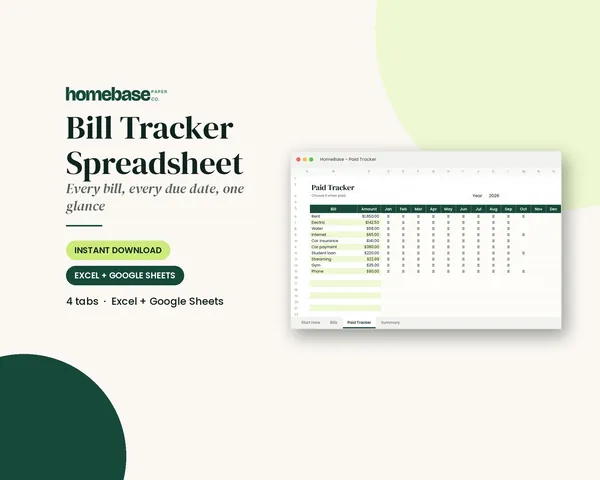
Bill Tracker Spreadsheet
Bills due in 3 days or less light up red, so nothing slips through.
Spreadsheets
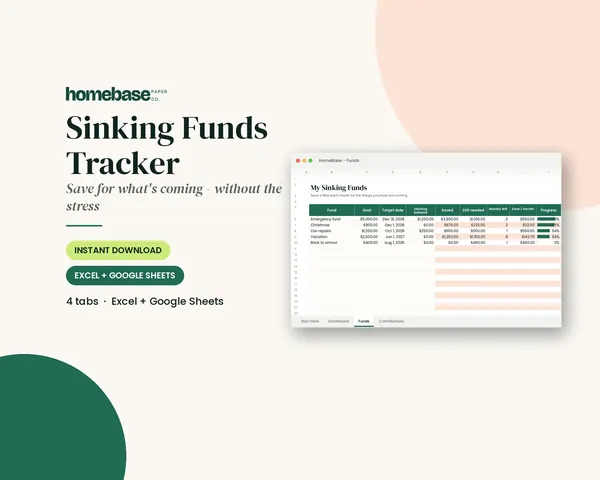
Sinking Funds Tracker
It does the math: how much to set aside each month to hit every goal on time.
Spreadsheets
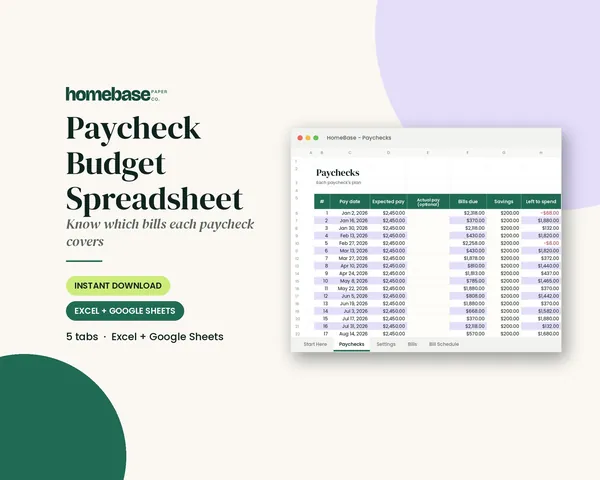
Paycheck Budget Spreadsheet
Enter your bills once. The sheet tells you which paycheck pays each one, all year.
 Club
Monthly club
Money Club
Anyone who wants a clear plan for the month's bills, holiday spending and savings.
Free printable
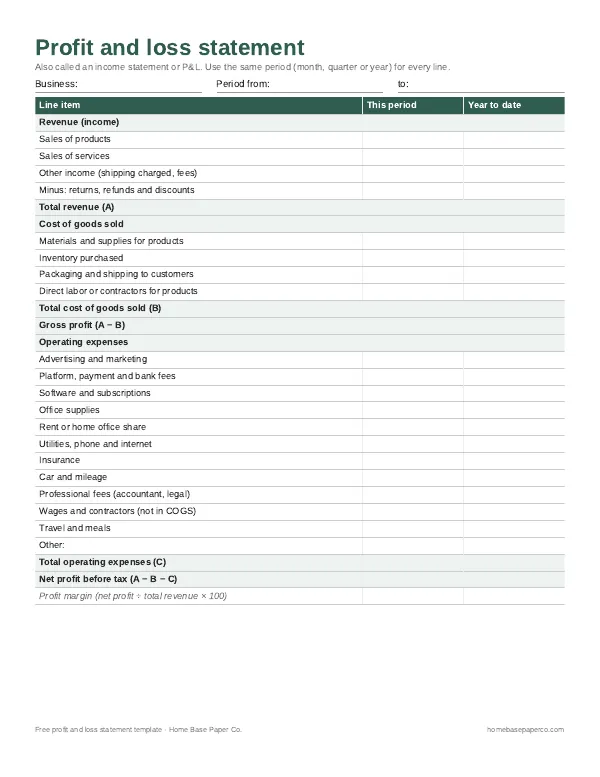
Know your real profit: get the free P&L template
A printable profit and loss statement that walks through revenue, costs and expenses line by line for any month, quarter or year. You'll also get our weekly HomeBase email with simple small business paperwork and money tips.
Sources
- IRS Publication 463 irs.gov
- Schedule C instructions irs.gov
- IRS standard mileage rates page irs.gov