

The short answer: an expense report template for a small business is a one-page form listing each work cost an employee paid out of pocket: date, vendor, category, business purpose, amount and receipt.
- At the bottom: mileage, any advance, totals and signature lines
- Fill it out: one line per expense in date order, one category per line, a real business purpose
- Mileage: use the right 2026 rate
- Filled-in sample below
- Next step: Plan it with the Annual Budget Spreadsheet ($6.99).
An expense report template for a small business is a one-page form. It lists each work cost an employee paid out of pocket: date, vendor, category, business purpose, amount and receipt. Mileage, any advance and the totals go at the bottom, with signature lines for the employee and the approver. Copy the layout below into a spreadsheet or document. Fill in one line per expense, attach the receipts and submit it by your deadline to get paid back.
This guide covers the report itself: the blank template, how to fill it in line by line, a filled-in sample and how to submit it so it's approved the first time. If you're the owner writing the rules behind it, start with our guide to a small business expense reimbursement policy. This is general education, not tax, legal or payroll advice. Follow your employer's policy where it differs.
What an expense report is for
An expense report is how an employee asks to be paid back, and how the business proves the payment was for real business costs. IRS Publication 463 explains that to account adequately to an employer, an employee gives an expense statement, log or similar record made at or near the time of the expense, along with documentary evidence such as receipts. A tidy report does both jobs at once.
When the employer's plan follows the IRS accountable plan rules, Publication 15 (2026) says reimbursements aren't wages. No income tax, Social Security or Medicare comes out of them. The expense report is the record that keeps it that way.
Expense report, expense tracker or reimbursement policy?
These three get mixed up, but each does a different job:
| Document | Who fills it in | What it does |
|---|---|---|
| Expense report | The employee | Lists out-of-pocket costs for one period or trip and asks to be paid back |
| Expense tracker | The owner or bookkeeper | Logs all of the business's income and spending for the year, by category |
| Reimbursement policy | The owner | Sets the rules for what's covered, what proof is needed and the deadlines |
A small business usually needs all three. The policy sets the rules, employees submit reports under it, and approved reports are logged in the tracker.
The expense report template (copy this layout)
Here's a small business expense report template you can copy. Set up a short header, then a table with one row per expense.
Header
| Field | What to enter |
|---|---|
| Employee name | Your full name |
| Department or role | Optional on a small team |
| Report period | For example, March 1–31, 2026 |
| Manager or approver | Who signs off |
| Report date | The day you submit |
Expense lines
| Date | Vendor and city | Category | Business purpose | Attendees (meals) | Miles | Amount | Receipt # |
|---|---|---|---|---|---|---|---|
Totals and sign-off
| Line | Amount |
|---|---|
| Total expenses | |
| Less: advance received | |
| Amount due to employee (or due back to the company) | |
| Employee signature and date | |
| Approver signature and date | |
| Date paid and method |
Common categories are mileage, parking and tolls, airfare and train, lodging, meals, supplies, postage and shipping, software, and training. Use the same list your bookkeeper uses so each line drops straight into the books.
How to fill out an expense report in 6 steps
- Gather every receipt for the period. Photos are fine. Number them 1, 2, 3 in the order you'll list them, and write the number on each image name.
- Enter one line per expense, in date order. Use the date on the receipt. For mileage, use the date you drove, because 2026 has two mileage rates (more on that below).
- Pick one category per line. If a receipt mixes business and personal items, list only the business part and note it, like "printer paper only."
- Write a real business purpose. "Lunch" won't pass. "Lunch with Dana Lee, Lee Gifts, to plan holiday wholesale order" will. Pub 463 says a written statement of business purpose is generally required.
- Add meal attendees and trip details. Pub 463 says a restaurant receipt should show the restaurant's name and location, the number of people served, and the date and amount. For each car trip, record the start and end points, miles and purpose.
- Total it, subtract any advance and sign. Double-check that every amount matches its receipt, then submit the report with the receipts attached.
Sample expense report for a small business
Here's a filled-in sample small business expense report for a two-person shop. The names and numbers are made up for illustration.
Employee: Jordan Price · Period: March 1–31, 2026 · Approver: owner
| Date | Vendor and city | Category | Business purpose | Attendees | Miles | Amount | Receipt # |
|---|---|---|---|---|---|---|---|
| Mar 4 | Office supply store, Columbus | Supplies | Mailers and tape for online orders | $46.38 | 1 | ||
| Mar 10 | Personal car | Mileage | Round trip to wholesale supplier | 120 | $87.00 | log | |
| Mar 10 | City garage, Dayton | Parking | Supplier visit | $12.00 | 2 | ||
| Mar 18 | Shipping store, Columbus | Postage | Ship replacement order to customer | $18.65 | 3 | ||
| Mar 21 | Cafe, Columbus | Meals | Plan spring order with wholesale buyer | Jordan Price; Dana Lee, Lee Gifts | $58.40 | 4 | |
| Total | $222.43 | ||||||
| Less advance | $0.00 | ||||||
| Due to employee | $222.43 |
The mileage line is 120 miles at 72.5 cents, which is $87.00. Notice what makes this sample easy to approve. Every line has a date, a vendor, a category and a specific purpose. The meal names who attended and why. The mileage line points to a trip log instead of a receipt.
Three versions of the template
The same layout works for most small teams. Here's when to tweak it:
| Version | Best for | What changes |
|---|---|---|
| Monthly expense report | Regular small purchases, local driving | One report per month, all categories |
| Trip expense report | A single overnight trip or trade show | Add trip dates, destination and purpose to the header, plus lodging and per diem lines |
| Mileage-only log | Employees who mostly drive | Date, start, end, miles, purpose and rate; no receipts needed for the miles |
If your employer pays per diem for meals and lodging on trips, list the per diem days instead of individual meal receipts. You still record the dates, place and business purpose of the trip.
How an advance shows up on the report
Sometimes the business hands out money before a trip. The report then settles up in either direction. Say Jordan received a $300 advance for a two-day trade show in August, and the receipts and mileage add up to $262.50. The bottom of the report reads:
| Line | Amount |
|---|---|
| Total expenses | $262.50 |
| Less: advance received | $300.00 |
| Due back to the company | $37.50 |
Jordan returns the $37.50 with the report. If expenses had come to $340.00 instead, the company would owe Jordan $40.00.
Building the template in Excel or Google Sheets
A spreadsheet version does the math for you. In a simple layout with amounts in column G and miles in column F:
The same skills carry over to the household books: here's how to create a budget spreadsheet for home, or start from our ready-made google sheets budget template.
- Mileage amount: multiply miles by the rate, for example
=F5*0.725for a trip in the first half of 2026 or=F5*0.76for one after July 1. - Report total:
=SUM(G5:G30)under the amount column. - Amount due: total minus the advance, so a negative number means money goes back to the company.
- Category totals (optional):
=SUMIF(C5:C30,"Meals",G5:G30)gives the meal total, which helps the bookkeeper.
Lock the header cells and save a blank copy as the master. Then use "Save as" or "Make a copy" for each new report so the formulas never get overwritten.
Mileage lines: use the right 2026 rate
Most small team expense reports include driving, and 2026 has two business rates. According to the IRS standard mileage rates page, it's 72.5 cents per mile from January 1 through June 30, 2026, and 76 cents per mile from July 1 through December 31, 2026.
| Trip date | Rate | 50 miles | 120 miles |
|---|---|---|---|
| Jan 1 – Jun 30, 2026 | 72.5¢ | $36.25 | $87.00 |
| Jul 1 – Dec 31, 2026 | 76¢ | $38.00 | $91.20 |
If a report covers late June and early July, split the mileage into two lines. Your employer may pay less than the IRS rate, so use the rate in your policy. Leave out your daily commute between home and your regular workplace. That's personal driving, not business mileage.
Receipts: what to attach
- Itemized receipts, not just card slips. A card statement shows that you paid, but not what you bought or why.
- Lodging always needs a receipt. Pub 463 says documentary evidence generally isn't required for expenses under $75, except lodging, or for transportation when a receipt isn't readily available. You still record the amount, date, place and business purpose. Many employers ask for every receipt anyway, so follow your policy.
- Lost receipt? Write a short note with the date, vendor, amount and purpose, and attach any proof you have, like an emailed order confirmation. Ask your approver how they want it handled.
Expense categories and what to attach
| Category | Examples | What to attach |
|---|---|---|
| Meals | Client lunch, team meal | Itemized receipt, who attended and why |
| Travel | Flights, trains, parking, tolls | Receipt or booking confirmation |
| Lodging | Hotel for a trip | Itemized hotel bill |
| Supplies | Paper, ink, small equipment | Receipt |
| Software | Subscriptions and apps | Invoice or statement line |
| Mileage | Business drives | A log with date, start, end and purpose |
Keep one line per expense with the date, vendor, amount, category and business reason. For drives, see our mileage log for taxes, and for the wider routine see how to track business expenses.
How to submit your report so it's approved fast
| Step | What to do |
|---|---|
| 1. Check the deadline | Many small businesses want reports monthly. Under the IRS safe harbor, expenses should be accounted for within 60 days after they're paid or incurred |
| 2. Name the file clearly | For example, "2026-03 Expense Report – Jordan Price" with receipts in the same folder or attached |
| 3. Send it to the approver | Use whatever channel your policy names, such as email, a shared folder or an app |
| 4. Answer questions quickly | Missing purposes and unreadable receipts cause most delays |
| 5. Return any extra advance | If your advance was bigger than your expenses, pay back the difference. The IRS safe harbor is within 120 days |
| 6. Confirm payment | Check that the reimbursement arrived as a separate payment or a separate non-taxable line on your paycheck |
Why expense reports get sent back
- Vague purposes like "meeting," "supplies" or "travel" with no detail
- Personal items mixed in, like snacks or a family member's meal
- Wrong mileage rate or commuting miles included
- Math that doesn't match the receipts, or tax and tip missing from the total
- Late submission, past the deadline in your policy
- No signature from the employee or the approver
For owners: log approved reports in one place
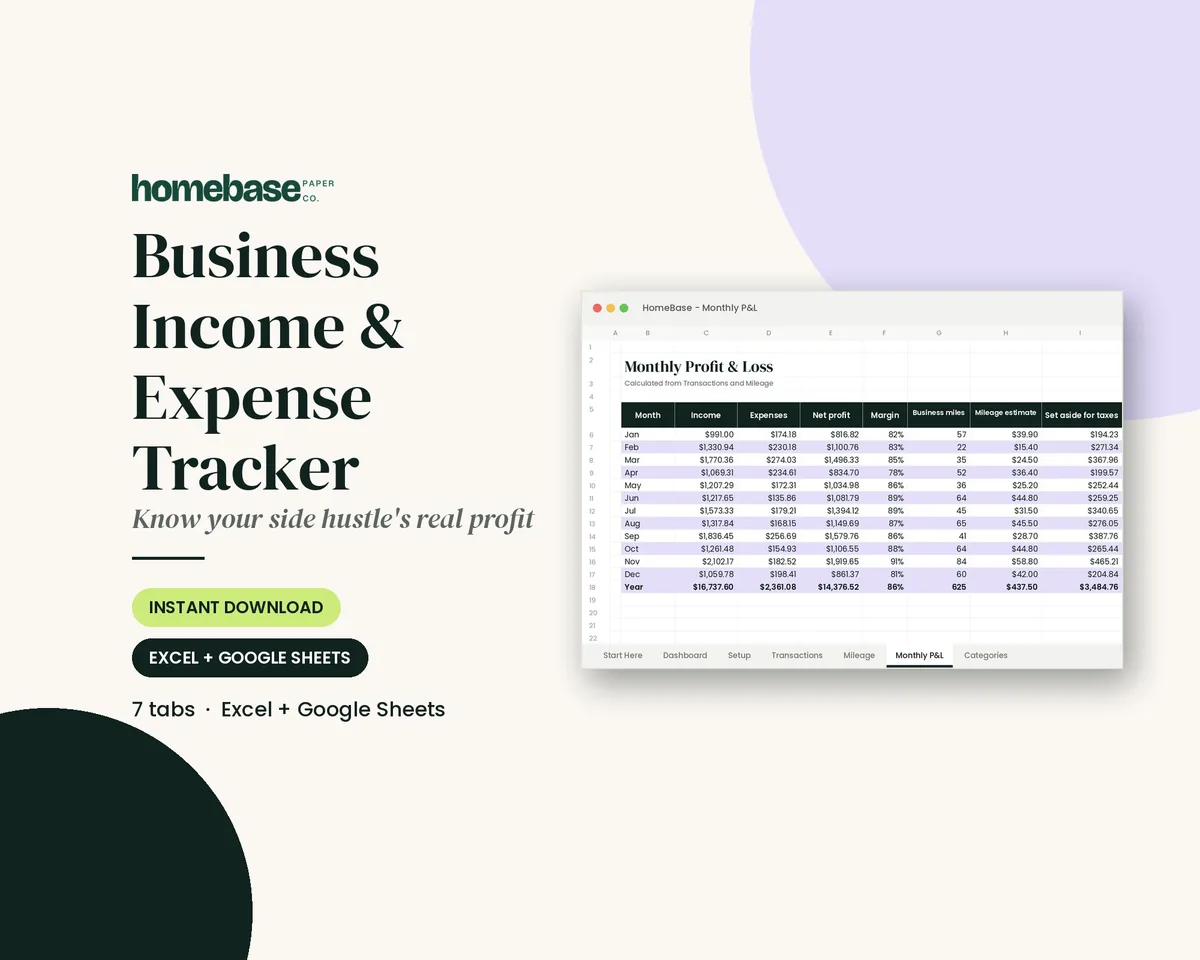
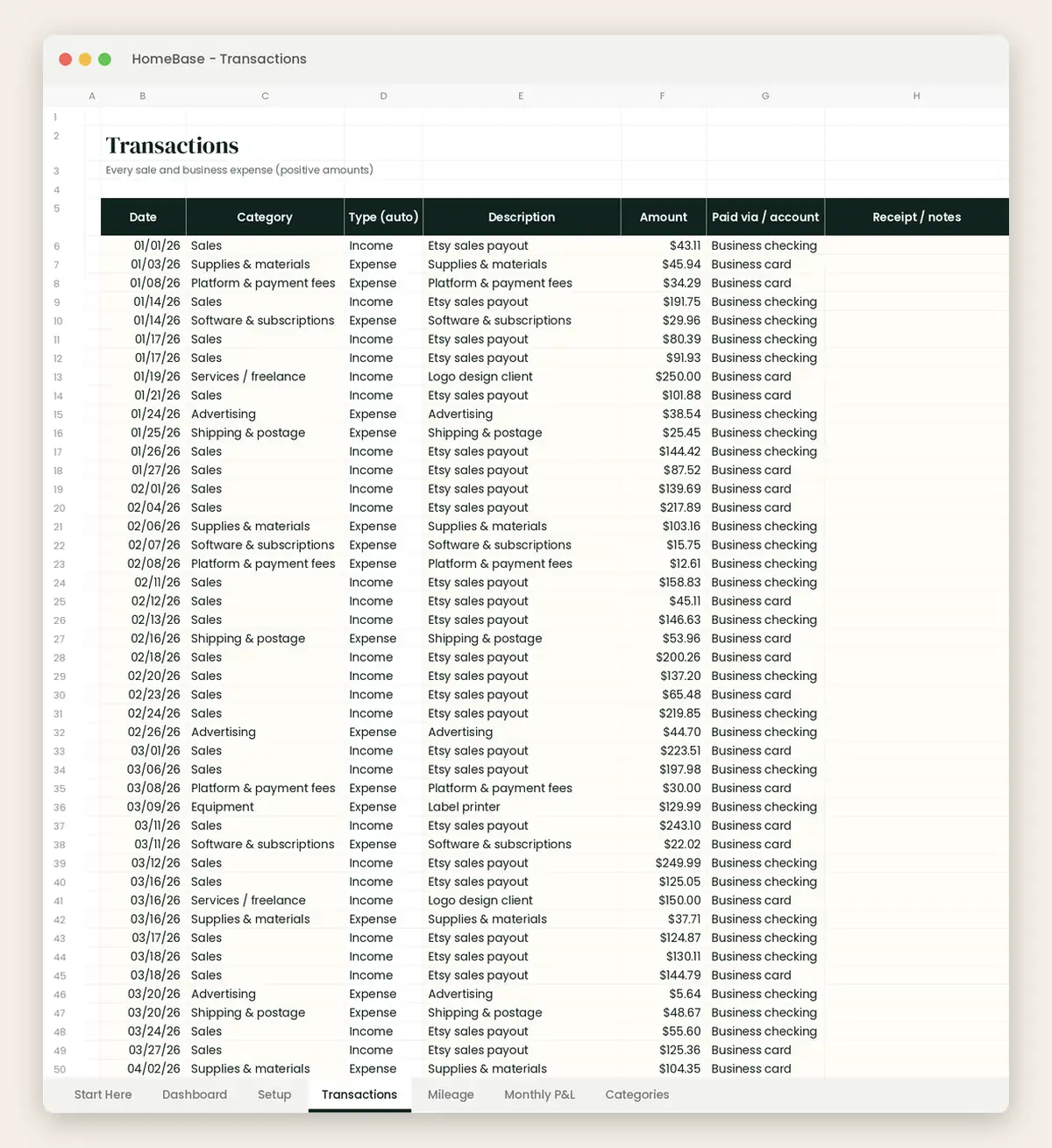
Once a report is approved and paid, the business needs to record each line in the right category. A Pub 463 note matters here: employees who account to the employer and get reimbursed generally don't need to keep their own copies, so the business holds the record. Our Business Income & Expense Tracker ($7.99) is a spreadsheet for Excel and Google Sheets. You log each reimbursed line in the transactions tab with a category dropdown. The "paid via / account" column shows who was paid back, and the "receipt / notes" column points to the report. A mileage log and monthly profit and loss roll it all up. It isn't a payroll system, and its totals are estimates for your records, not tax advice. Its mileage log uses one rate, so enter 2026 trips at the rate for each half of the year.
Prefer to start free? Our free small business expense spreadsheet is a basic log for the business's own spending. Add an employee column and use it to track which reports you've paid. You can also browse every budget and business sheet we make in Spreadsheets.
Keep a copy and stay consistent
Use the same template every month so approvers know where to look. Save each signed report with its receipts by month. Our guide on how long to keep documents covers how long to hold business records.
Keeping business and household money apart is easier when the home side has its own plan, and our family budgeting guide covers that side step by step.
Before HomeBase, I worked as an executive assistant and as an HR associate, jobs where paperwork either flows or piles up. A good expense report is one form, filled in the same way every time, with nothing left for the approver to guess. Copy the layout, keep your receipts numbered and send it in on time.
Make it easier
Tools for this
Spreadsheets
Business Income & Expense Tracker
Log sales, expenses and business miles - see your monthly profit, category totals for tax time and how much to set aside.
Spreadsheets
Annual Budget Spreadsheet
See exactly where your money goes every month - without complicated software.
Spreadsheets
Rental Property Tracker
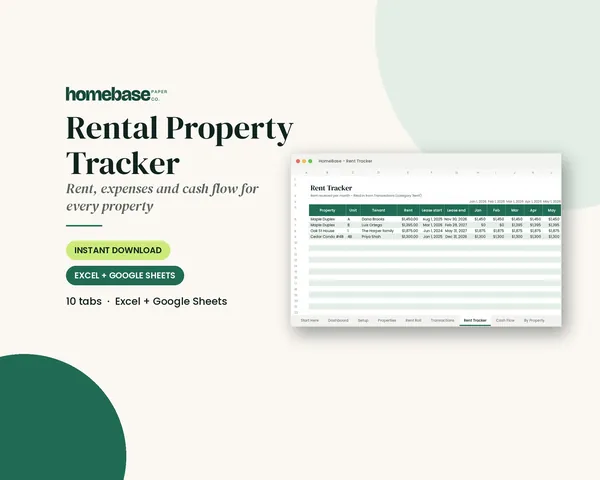
Log rent and expenses once - see who has paid each month, cash flow per property and category totals for tax time.
Frequently asked questions
What is an expense report template for a small business? An expense report template for a small business is a fill-in form employees use to list out-of-pocket work costs and get paid back. It has a header with the employee, period and approver, then one line per expense with the date, vendor, category, business purpose, amount and receipt number, and finally totals, any advance and signatures. Owners can log each approved report in the Business Income & Expense Tracker ($7.99) so every reimbursed cost lands in the right category.
What should a small business expense report include? A small business expense report should include the date, vendor, category, business purpose and amount of every expense, plus receipts. IRS Publication 463 says a restaurant receipt should show the restaurant's name and location, the number of people served, and the date and amount, so meal lines should list attendees. Mileage lines need the date, start and end points, miles and purpose. Finish with the total, any advance, the amount due, and employee and approver signatures.
Is there a sample expense report for a small business? Yes, this guide includes a filled-in sample expense report for a two-person shop. It has five lines (supplies, mileage, parking, postage and a business meal) totaling $222.43, with a specific business purpose on every line and attendees listed for the meal. Copy the layout into Excel or Google Sheets and replace the sample rows with your own.
How do I fill out an expense report? To fill out an expense report, list one line per expense in date order, choose a category, write a specific business purpose, attach the numbered receipts, then total it and sign. Subtract any advance to show what's owed either way. Use the receipt date for each line and the trip date for mileage, because 2026 has two IRS mileage rates.
What mileage rate goes on a 2026 expense report? For 2026, the IRS business standard mileage rate is 72.5 cents per mile for January 1 through June 30 and 76 cents per mile for July 1 through December 31. Use the rate for the date you drove, and split a late-June-to-July report into two mileage lines. Your employer's policy may set a different rate, so follow it.
Do I need a receipt for every expense on the report? Not always, but you need a record of every expense. IRS Publication 463 says documentary evidence generally isn't required for expenses under $75, except lodging, or for transportation when a receipt isn't readily available. You still record the amount, date, place and business purpose. Many small businesses ask for every receipt anyway, so check your policy.
How often should employees submit expense reports? Most small businesses ask for expense reports monthly or after each trip. Under the IRS safe harbor in Publication 15, expenses should be accounted for within 60 days after they're paid or incurred, and any excess advance returned within 120 days. A monthly deadline keeps reports well inside those limits and keeps your books current.
What business purpose should I write on an expense report? Write who, what and why in one line, like "Lunch with Dana Lee, Lee Gifts, to plan spring wholesale order." Publication 463 says a written statement of business purpose is generally required. Vague entries like "meeting" or "supplies" are the most common reason reports get sent back.
How does an advance show on an expense report? An advance is subtracted from the report total to show who owes whom. If you got a $300 advance and spent $262.50, you return $37.50. If you spent $340.00, the company owes you $40.00. Under the IRS safe harbor, unspent advances should go back within 120 days.
Are expense report reimbursements taxable? No, expense report reimbursements aren't taxable when the employer uses an accountable plan. Publication 15 says those amounts aren't wages and aren't subject to income tax withholding, Social Security, Medicare or FUTA tax. Flat allowances with no records, or advances that are never accounted for, are treated as wages. Our small business expense reimbursement policy guide explains how owners set this up.
Can I make an expense report template in Excel or Google Sheets? Yes, a spreadsheet is the easiest way to build an expense report template. Use columns for date, vendor, category, purpose, attendees, miles, amount and receipt number. Then add formulas: miles times the rate for mileage, SUM for the total, and total minus the advance for the amount due. Save a blank master and make a copy for each report.
What's the difference between an expense report and an expense tracker? An expense report is one employee's request to be paid back for a period or trip. An expense tracker is the business's running log of all income and spending. The Business Income & Expense Tracker ($7.99) is the tracker side: owners log each approved report line by category, with a paid via column, receipt notes, a mileage log and a monthly profit and loss. Our free small business expense spreadsheet is a basic starting log.
Who should approve expense reports at a small business? On a small team, the employee's manager or the owner approves expense reports, and the owner or bookkeeper pays them. The approver checks that each line follows the policy, has a receipt or record, and adds up correctly. If you approve and pay your own team's reports, take a second look the next day before sending money.
How long should a business keep expense reports? Keep expense reports and receipts for as long as they support your tax return, which is generally at least three years after filing and longer in some cases. Publication 463 says employees who account to their employer generally don't need to keep their own copies, so the business holds the record. Store each signed report with its receipts by month.
What should go on a small business expense report? A small business expense report should list each expense with the date, vendor, amount, category and business reason, then attach the receipt or invoice for it. Add a total at the bottom, the person's name and the pay period or trip it covers, so whoever approves it can check each line quickly.
More from HomeBase
You may also like

Printables
Budget Planner Printable
Twelve undated pages you can print every month: budget, bills, spending, savings and debt.
Spreadsheets
Bill Tracker Spreadsheet
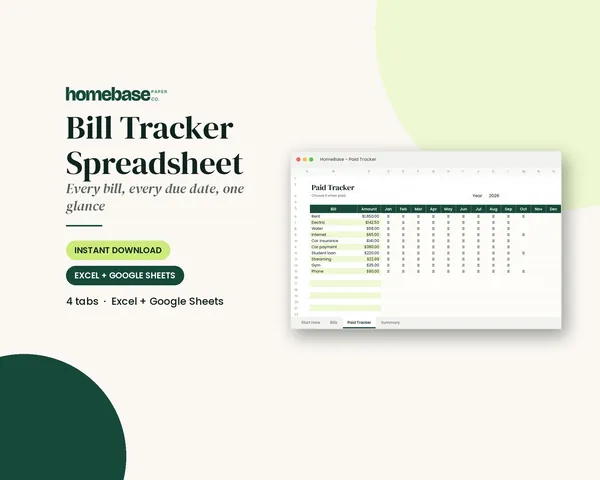
Bills due in 3 days or less light up red, so nothing slips through.
Spreadsheets
Sinking Funds Tracker
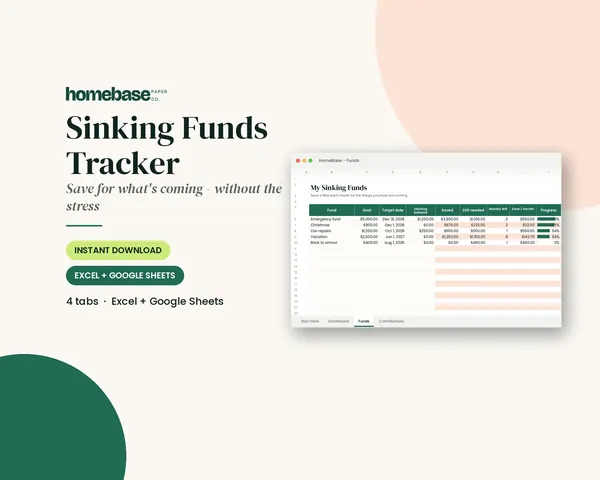
It does the math: how much to set aside each month to hit every goal on time.
Spreadsheets
Paycheck Budget Spreadsheet
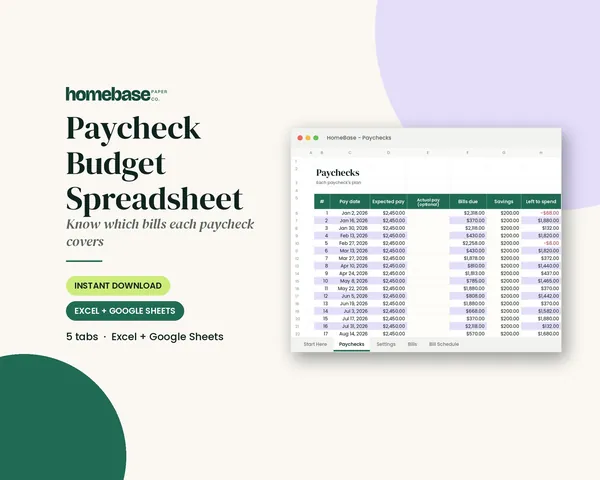
Enter your bills once. The sheet tells you which paycheck pays each one, all year.
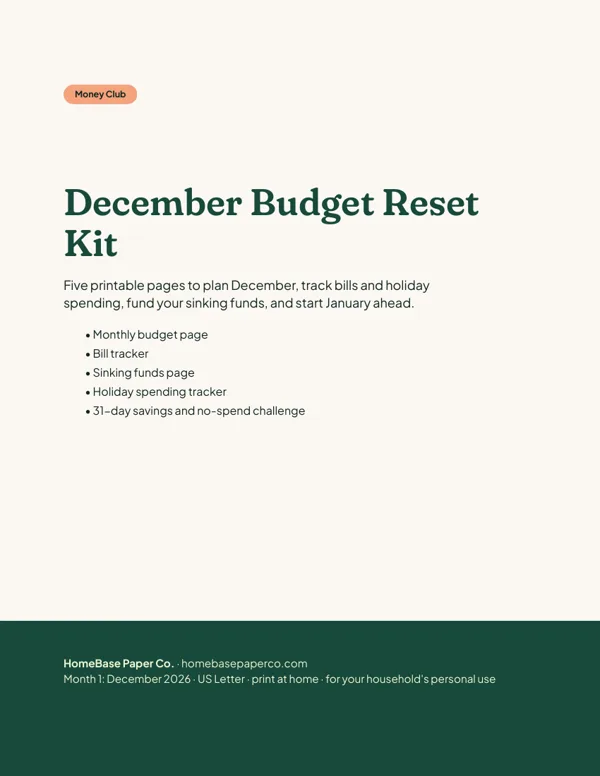 Club
Monthly club
Money Club
Anyone who wants a clear plan for the month's bills, holiday spending and savings.
Free printable
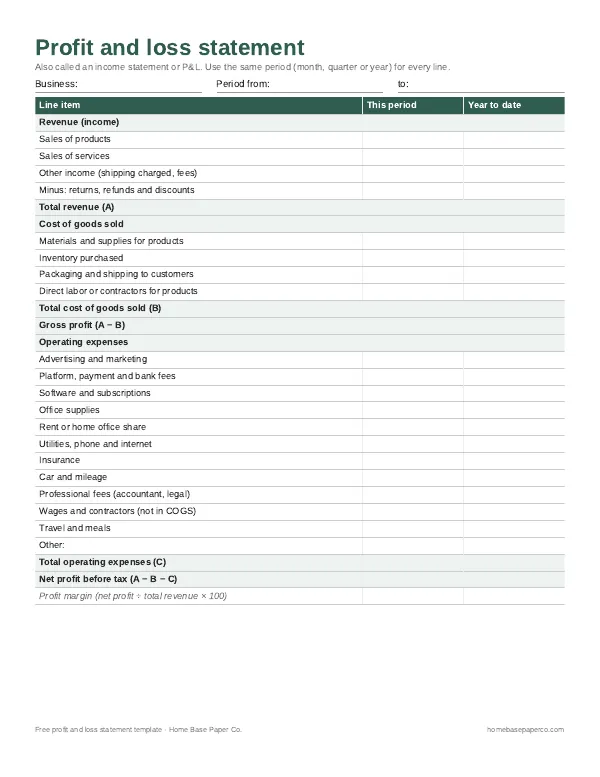
Know your real profit: get the free P&L template
A printable profit and loss statement that walks through revenue, costs and expenses line by line for any month, quarter or year. You'll also get our weekly HomeBase email with simple small business paperwork and money tips.
Sources
- IRS Publication 463 irs.gov
- Publication 15 (2026) irs.gov
- Standard mileage rates page irs.gov