The short answer: to track business expenses, open a separate account or card, save a record of every purchase and log each one the same week with its date, vendor, amount, category and payment method. Once a month, match the log to your bank statement.
- Setup: about an hour
- Weekly: 10 to 15 minutes to log receipts
- Monthly: about 30 minutes to reconcile and total categories
- Match your categories to your tax form
- Next step: Plan it with the Business Income & Expense Tracker ($7.99).
To track business expenses, open a separate bank account or card for the business, save a receipt or record for every purchase, and log each expense the same week with its date, vendor, amount, category and payment method. Once a month, match your log against your bank statement and total each category. That's the whole system: one place where money goes out, one log, and one monthly check. A simple spreadsheet handles it for most side hustles, freelancers and small shops.
This guide walks through the setup in eight steps, shows you how to make a business expense spreadsheet from a blank file (with the exact columns and formulas), and covers the weekly and monthly routine that keeps it from piling up before tax season.
| Tracking business expenses at a glance | |
|---|---|
| Time to set up | About an hour for the account, categories and spreadsheet |
| Time each week | 10 to 15 minutes to log receipts |
| Time each month | About 30 minutes to reconcile and total categories |
| What you need | A separate business account or card, a receipt folder (paper or digital), and a spreadsheet or bookkeeping app |
| What it gives you | Monthly profit, category totals for tax time, and records that back up every deduction |
Why tracking business expenses matters
Every dollar you spend to run your business is a dollar you may be able to deduct, but only if you can prove it. The IRS says you can use any recordkeeping system suited to your business as long as it clearly shows your income and expenses. Your supporting documents should identify the payee, the amount paid, proof of payment, the date and a description that shows the purchase was for the business.
Good tracking also answers the everyday questions:
- Did the business actually make money last month, or did it just feel busy?
- Which costs are creeping up, like software subscriptions or shipping?
- How much should you set aside for taxes?
- Can you afford that new piece of equipment?
Without a log, you're guessing. With one, you're deciding.
How to track business expenses in 8 steps
Step 1: Separate business and personal money
Open a business checking account, or at least a dedicated card, and run every business purchase through it. The IRS notes that for most small businesses, the business checking account is the main source of entries in the books. When personal groceries and business supplies share one card, every statement becomes a sorting project.
If you're a sole proprietor just starting out, a second personal checking account used only for the business works too. The point is one clean stream of business transactions.
Step 2: Choose your tracking method
You have three realistic options. Pick the simplest one that fits how much activity you have.
| Method | Best for | Cost | Trade-off |
|---|---|---|---|
| Paper ledger or notebook | Very few transactions, people who like writing things down | Low | No automatic totals; easy to lose |
| Spreadsheet (Excel or Google Sheets) | Side hustles, freelancers, small shops, rental owners | Free to low | You log entries yourself, but formulas do the math |
| Bookkeeping software | Inventory, employees, invoicing, many transactions a day | Monthly subscription | More features than many small businesses use |
For most one-person businesses, a spreadsheet is the sweet spot. It costs little, it's private, and you can see exactly how every total is calculated.
Step 3: Set up your expense categories
Categories turn a long list of purchases into numbers you can use. If you file Schedule C as a sole proprietor or single-member LLC, use category names that match the expense lines on that form, so tax time is a matter of copying totals.
| Category | What goes in it |
|---|---|
| Advertising | Ads, business cards, website promotion, sponsored posts |
| Car and truck expenses | Business mileage or actual vehicle costs (pick one method) |
| Commissions and fees | Marketplace fees, payment processing fees |
| Contract labor | Payments to freelancers and contractors |
| Insurance | Business liability or property insurance |
| Legal and professional services | Tax preparer, attorney, bookkeeper |
| Office expense | Postage, small office items, software subscriptions |
| Rent or lease | Equipment rental, studio or booth rent |
| Repairs and maintenance | Fixing business equipment |
| Supplies | Materials, packaging, shipping supplies |
| Taxes and licenses | Business licenses, permits, state fees |
| Travel and meals | Business trips; meals with business purpose |
| Utilities | Business phone line, internet used for business |
| Other expenses | Anything that doesn't fit above; add a note |
Keep the list short. Ten to fifteen categories is plenty. Our small business tax deduction checklist explains what usually counts in each one.
Step 4: Decide how you'll capture receipts
Pick one capture habit and use it every time:
- Phone photos: Snap the receipt right after you pay, and save it to a folder named by year and month.
- Email folder: Forward digital receipts to one email folder, such as "Business Receipts 2027."
- Paper envelope: Drop paper receipts into a monthly envelope until you log them.
The IRS suggests organizing supporting documents by year and type of income or expense. Our guide on how to organize receipts walks through a simple folder system for both paper and digital copies.
Step 5: Log every expense the same week
Set a 15-minute appointment once a week, the same day each time. Open your receipts folder and bank activity, and add each business expense to your log. Weekly logging is short enough that you still remember what each charge was for.
Each entry needs:
- Date
- Vendor (who you paid)
- Description (what it was and why the business needed it)
- Category
- Amount
- Payment method (business card, business checking, cash)
- Receipt saved? (yes or no)
Step 6: Track mileage separately
If you drive for the business, keep a mileage log with the date, starting point, destination, business purpose and miles for each trip. Mileage is easy to forget and hard to rebuild later. Our mileage log for taxes guide shows exactly what to record and how the deduction is figured.
Step 7: Reconcile once a month
Once a month, put your bank and card statements next to your log and check them line by line.
- Every business charge on the statement should be in the log.
- Every log entry should match a statement line or a cash receipt.
- Personal charges that slipped onto the business card get marked and moved out.
Then total each category for the month and subtract total expenses from total income. That's your monthly profit, the number that tells you how the business is really doing.
Step 8: Set aside money for taxes
Self-employed people don't have an employer withholding tax from their pay. The IRS explains that if you're in business for yourself, you generally need to make estimated tax payments, which cover income tax and self-employment tax. The year is split into four payment periods, each with its own due date.
A simple habit: each month, after you reconcile, move a set percentage of that month's profit into a separate savings account for taxes. Use last year's return or your tax preparer's advice to choose the percentage. When a quarterly payment is due, the money is already there. Our guide on how to pay quarterly taxes covers the due dates and payment options.
How to make a business expense spreadsheet
You can build a basic business expense spreadsheet in Excel or Google Sheets in about 30 minutes. Here's how.
1. Create three tabs
- Transactions: every expense and income entry, one row each.
- Categories: your category list, used for the dropdown.
- Summary: monthly totals by category and profit.
2. Add the column headers on the Transactions tab
| Column | Header | Example entry |
|---|---|---|
| A | Date | 1/6/2027 |
| B | Type | Expense |
| C | Vendor | Office supply store |
| D | Description | Shipping labels and mailers |
| E | Category | Supplies |
| F | Amount | 42.18 |
| G | Payment method | Business card |
| H | Receipt saved | Yes |
| I | Notes | For January orders |
Freeze the header row so it stays visible as the list grows. In Excel, use View > Freeze Panes. In Google Sheets, use View > Freeze > 1 row.
3. Add a category dropdown
Type your categories in column A of the Categories tab. Then select column E on the Transactions tab and add data validation with a list from that range. In Excel, it's Data > Data Validation > List. In Google Sheets, it's Data > Data validation > Dropdown (from a range). A dropdown keeps "Supplies," "supplies" and "Supply" from becoming three different categories.
4. Build the Summary formulas
On the Summary tab, list categories down column A and months across row 1 (as real dates, such as 1/1/2027 for January). In cell B2, this formula totals one category for one month:
=SUMIFS(Transactions!$F:$F, Transactions!$E:$E, $A2, Transactions!$B:$B, "Expense", Transactions!$A:$A, ">="&B$1, Transactions!$A:$A, "<"&EDATE(B$1,1))
Copy it across and down. It works the same way in Excel and Google Sheets. Add a Total Expenses row with =SUM() under each month, a Total Income row using the same SUMIFS with "Income" as the type, and a Profit row that subtracts expenses from income.
5. Test it with a sample month
Enter a few sample rows and check that the totals match what you'd add up by hand. Here's what one month might look like:
| Category | January (example) |
|---|---|
| Supplies | $186.40 |
| Commissions and fees | $64.25 |
| Advertising | $50.00 |
| Office expense (software) | $29.98 |
| Utilities (business phone) | $35.00 |
| Total expenses | $365.63 |
| Total income | $1,240.00 |
| Profit | $874.37 |
Example figures only. Use your own numbers.
Once the totals check out, delete the sample rows and start logging for real.
Prefer to skip the build?
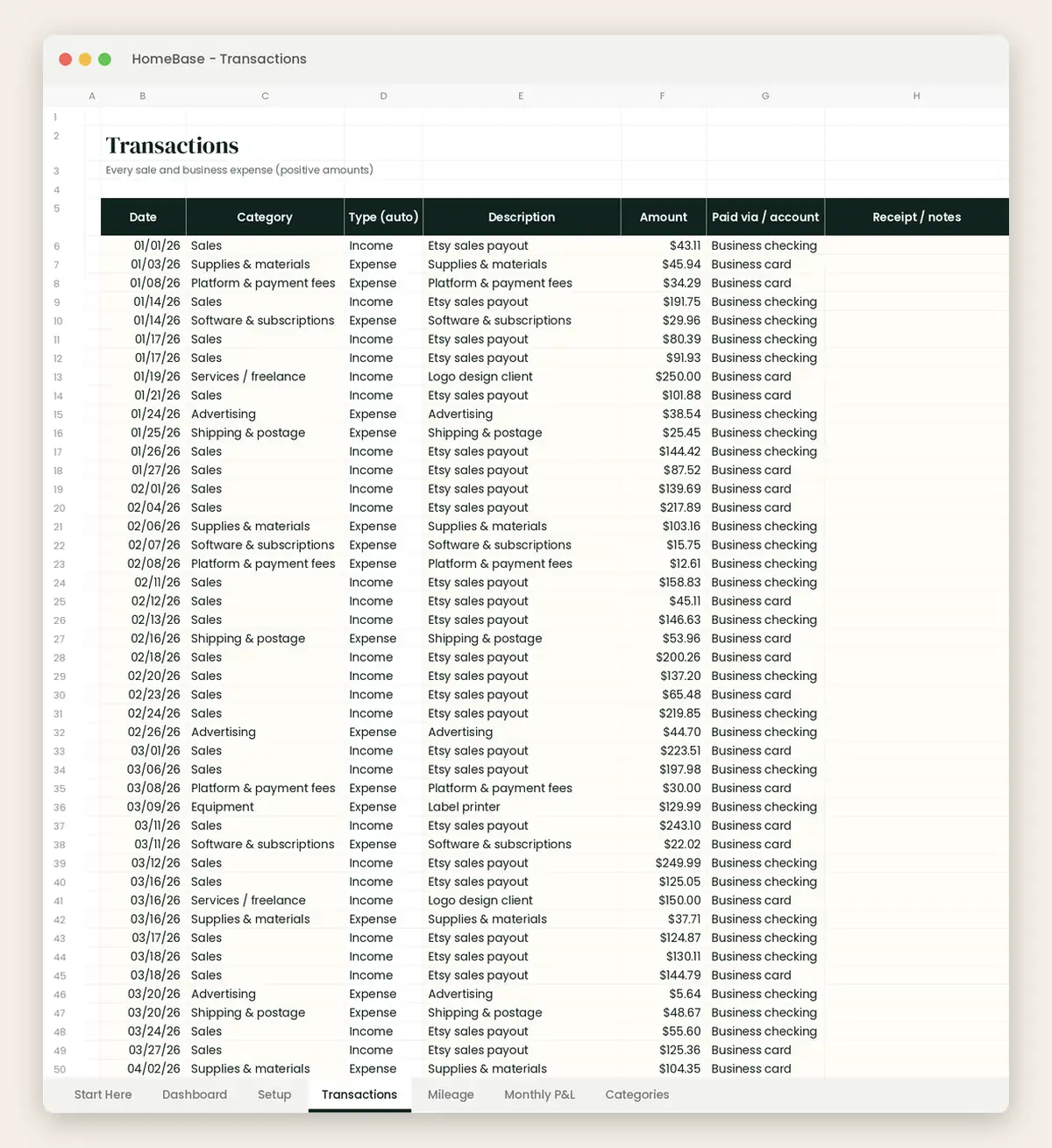
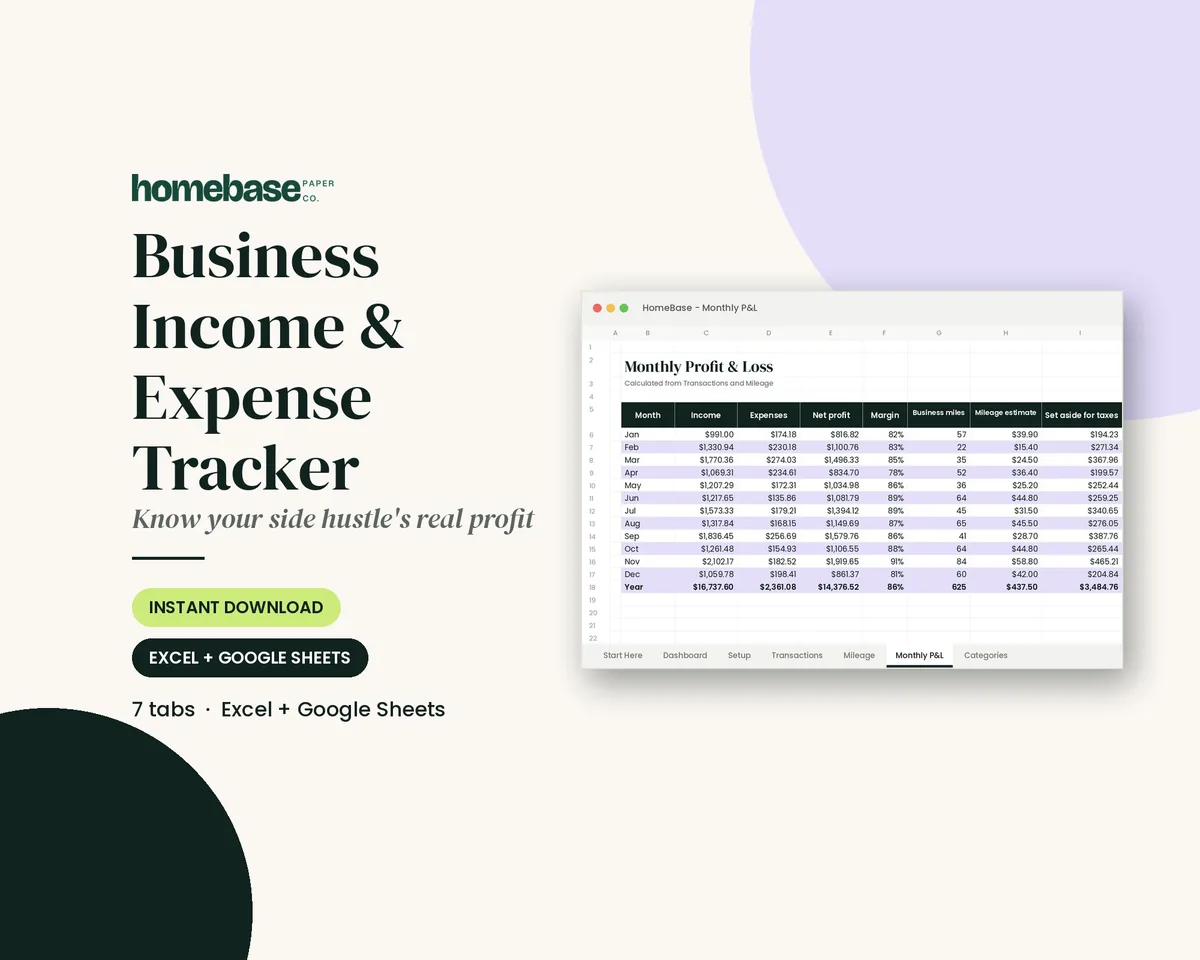
If you'd rather start logging today, our free business expense template is a basic version with a transaction log, a category dropdown and a summary tab. When you want the spreadsheet to do more of the bookkeeping, the Business Income & Expense Tracker ($7.99, Excel and Google Sheets) adds a monthly profit and loss, a mileage log, a tax set-aside estimate and a dashboard, with formulas already built in. A Start Here tab walks you through setup.
Setting up your spreadsheet for tax time
A few small choices now make tax season much easier:
- Match your categories to your tax form. If you file Schedule C, use its expense line names as your categories, as in Step 3.
- Add a business-use column for items you use partly for personal reasons, like a phone. Log the full amount and the business percentage.
- Keep one tab per year. Start a fresh Transactions tab or file each January, and keep the old one.
- Save the receipts, not just the log. The log is the summary. The receipts, statements and invoices are the proof.
- Make a year-end copy. After you file, save a read-only copy of the spreadsheet with that year's receipts folder.
When tax season comes, hand your preparer the Summary tab's yearly category totals and keep the receipts ready if questions come up. Our tax documents checklist covers everything else to gather.
How long to keep business expense records
The IRS says you generally must keep records that support income, deductions or credits on a tax return until the period of limitations for that return runs out. In many cases, that means keeping records for 3 years after you file, but some situations call for longer:
| Situation | How long the IRS says to keep records |
|---|---|
| Most returns | 3 years |
| You underreported income by more than 25% of gross income | 6 years |
| You claimed a loss from worthless securities or a bad debt deduction | 7 years |
| Employment tax records | At least 4 years after the tax is due or paid, whichever is later |
| Records for property and equipment | Until the limitations period ends for the year you dispose of it |
Your insurance company or lenders may want you to keep records longer, so check before you shred. Our guide on how long to keep documents covers household papers too.
A weekly and monthly routine that sticks
The system only works if it's routine. Here's a rhythm that takes well under an hour a week:
| When | Task | Time |
|---|---|---|
| Right after a purchase | Photograph or forward the receipt | 30 seconds |
| Weekly (same day) | Log the week's expenses and income | 10 to 15 minutes |
| Monthly (first week) | Reconcile statements, total categories, check profit | About 30 minutes |
| Monthly | Move your tax set-aside to savings | 2 minutes |
| Quarterly | Review estimated tax payments and spending trends | 20 minutes |
| Yearly (January) | Close out the year, save a copy, start a new log | 1 hour |
Before HomeBase, I worked as an executive assistant, keeping other people's calendars and details in order. The habit behind this routine is one I lean on everywhere: big changes come from small, repeatable steps, not a heroic catch-up session. If you miss a week, don't start over. Log two weeks next time and keep going. A plan you can pause and pick back up beats a perfect plan you quit in February.
Common mistakes when tracking business expenses
- Mixing personal and business purchases. It's the number one reason logs get messy. Use one account or card for the business.
- Waiting until tax season. Rebuilding a year from bank statements takes far longer than 15 minutes a week.
- Logging without receipts. A spreadsheet entry alone doesn't prove the expense. Keep the document.
- Too many categories. If you're not sure where something goes, your category list is too long.
- Forgetting small recurring charges. App subscriptions and processing fees add up. Check your statement for them each month.
- Skipping mileage. If you drive for the business, log trips as they happen.
Track it once, use it all year
Tracking business expenses isn't about becoming an accountant. It's about knowing your numbers well enough to make good decisions and having the proof ready when you need it. Start with a separate account, a short category list and a weekly logging habit. The spreadsheet does the rest.
If you want everything set up for you, the Business Income & Expense Tracker ($7.99) logs income, expenses and miles in one place and shows your monthly profit, category totals and tax set-aside. Browse our other budget spreadsheets for Excel and Google Sheets, or start with the free small business expense spreadsheet and upgrade when you're ready.
Running rental property too? Our guide to tracking rental property income and expenses uses the same habits. And if you reimburse helpers or employees, see our small business expense reimbursement policy guide.
Make it easier
Tools for this
Spreadsheets
Business Income & Expense Tracker
Log sales, expenses and business miles - see your monthly profit, category totals for tax time and how much to set aside.
Frequently asked questions
How do I track business expenses? The Business Income & Expense Tracker ($7.99, Excel and Google Sheets) gives you one log for income, expenses and miles with monthly totals built in. Whatever tool you use, the method is the same: run business purchases through a separate account or card, save a receipt for each one, log the date, vendor, amount, category and payment method every week, and reconcile against your bank statement once a month.
What is the easiest way to track business expenses? The easiest way to track business expenses is a simple spreadsheet like the free HomeBase small business expense spreadsheet, paired with a dedicated business card. Log purchases once a week, keep receipts in one folder by month, and total your categories at the end of each month. Bookkeeping software helps only if you have inventory, employees or many transactions a day.
How do I make a business expense spreadsheet? The free HomeBase small business expense spreadsheet saves you the build, but you can make one in about 30 minutes. Create three tabs (Transactions, Categories and Summary), add columns for date, type, vendor, description, category, amount, payment method and receipt saved, add a category dropdown with data validation, and total each category by month with a SUMIFS formula.
How do I track business expenses in Excel? The Business Income & Expense Tracker ($7.99, Excel and Google Sheets) works in Excel with formulas already set up, so you only type in transactions. To build your own, list each expense on one row, use Data > Data Validation to make a category dropdown, freeze the header row, and use SUMIFS on a summary tab to total each category by month.
Can I track business expenses in Google Sheets? The Business Income & Expense Tracker ($7.99, Excel and Google Sheets) opens in Google Sheets as well as Excel, so you can log expenses from your phone or computer. Google Sheets supports the same SUMIFS formulas and dropdowns as Excel, and it saves automatically, which makes it a good choice if you log receipts on the go.
What should a business tax spreadsheet include? A business tax spreadsheet like the The Business Income & Expense Tracker ($7.99, Excel and Google Sheets) should include every income and expense entry, a category for each that matches your tax form, yearly category totals and a mileage log. If you file Schedule C, name your categories after its expense lines, such as advertising, supplies, office expense and utilities, so you can copy totals straight to the form or hand them to your preparer.
What records do I need to keep for business expenses? The Business Income & Expense Tracker keeps your log organized, but the IRS also expects supporting documents like receipts, paid bills, invoices, canceled checks and account statements. Each expense record should show the payee, the amount, proof of payment, the date and a description that shows the business purpose. Electronic records count, as long as they're complete and readable.
How long should I keep business expense receipts? Saving a year-end copy of the Business Income & Expense Tracker with that year's receipts folder makes record retention simple. The IRS says to keep records for 3 years in most cases, 6 years if you underreported income by more than 25% of gross income, 7 years for worthless securities or bad debt deductions, and employment tax records for at least 4 years.
How often should I update my business expense log? Logging once a week in the Business Income & Expense Tracker takes about 10 to 15 minutes and keeps receipts from piling up. Pick the same day every week, add that week's purchases while you still remember them, and reconcile against your bank and card statements once a month.
Do I need a separate bank account to track business expenses? A separate account makes the Business Income & Expense Tracker much faster to update, because every charge on the statement is a business charge. It isn't required for every sole proprietor, but mixing personal and business purchases is the most common reason expense logs get messy. A second checking account or a dedicated card used only for the business works well.
How do I track business mileage? The Business Income & Expense Tracker includes a mileage log with a deduction estimate, so trips and expenses live in one file. For each trip, record the date, starting point, destination, business purpose and miles driven, and log it the same day. You generally choose either the standard mileage rate or actual vehicle costs, so talk with your tax preparer about which fits you.
How much should I set aside for taxes from business income? The Business Income & Expense Tracker estimates a monthly tax set-aside from your profit, so the money is ready when estimated payments are due. The right percentage depends on your income, deductions and state, so use last year's return or ask a tax preparer. Move that percentage to a separate savings account each month after you reconcile.
What categories should I use for business expenses? The Business Income & Expense Tracker comes with categories set up for tax time, and you can edit them to fit your business. Good starting categories are advertising, car and truck expenses, commissions and fees, contract labor, insurance, legal and professional services, office expense, rent, repairs, supplies, taxes and licenses, travel and meals, utilities and other. Keep the list to 10 to 15.
Is a spreadsheet good enough for small business bookkeeping? A spreadsheet like the $7.99 Business Income & Expense Tracker is enough for many freelancers, side hustles and one-person shops. The IRS lets you use any recordkeeping system that clearly shows your income and expenses. Consider bookkeeping software or a bookkeeper once you have employees, inventory, sales tax in several states or more transactions than you can log in a weekly session.
More from HomeBase
You may also like

Printables
Budget Planner Printable
Twelve undated pages you can print every month: budget, bills, spending, savings and debt.
Spreadsheets
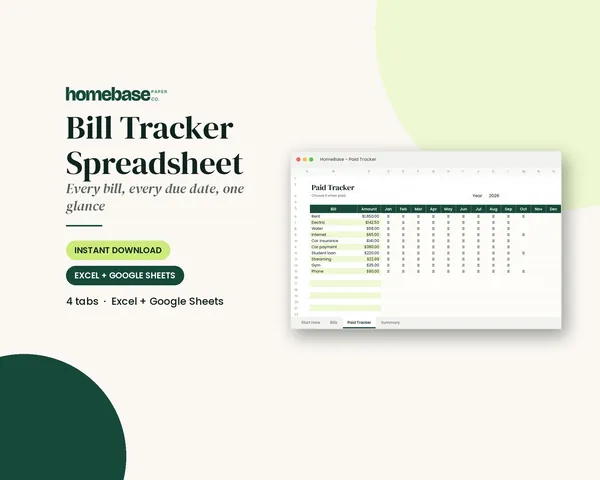
Bill Tracker Spreadsheet
Bills due in 3 days or less light up red, so nothing slips through.
Spreadsheets
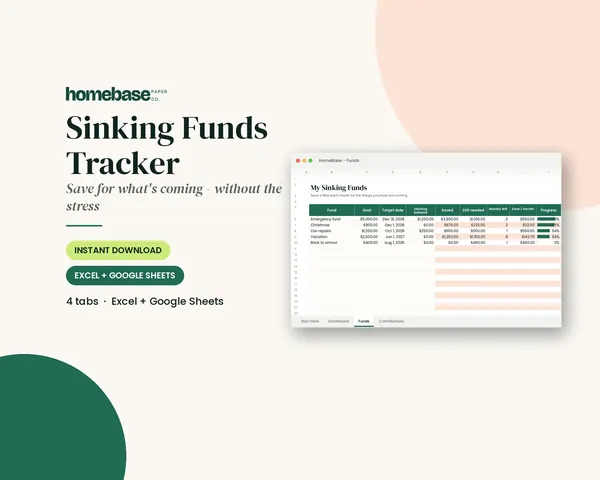
Sinking Funds Tracker
It does the math: how much to set aside each month to hit every goal on time.
Spreadsheets
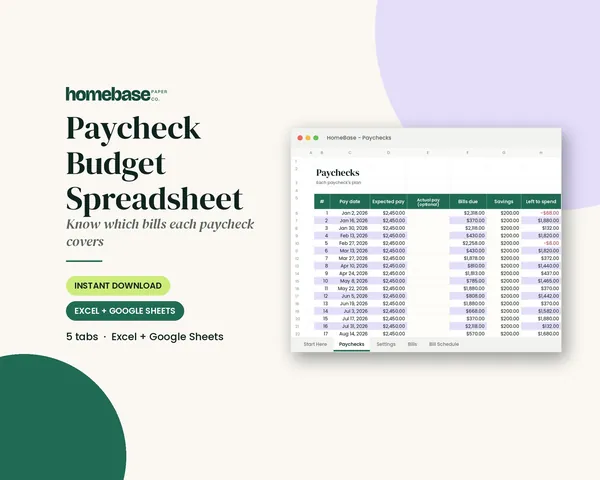
Paycheck Budget Spreadsheet
Enter your bills once. The sheet tells you which paycheck pays each one, all year.
 Club
Monthly club
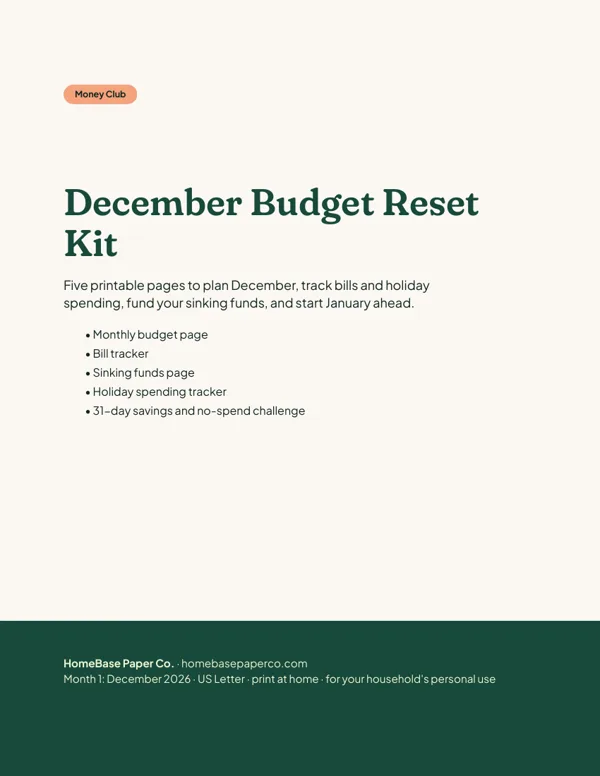
Money Club
Anyone who wants a clear plan for the month's bills, holiday spending and savings.
Free printable
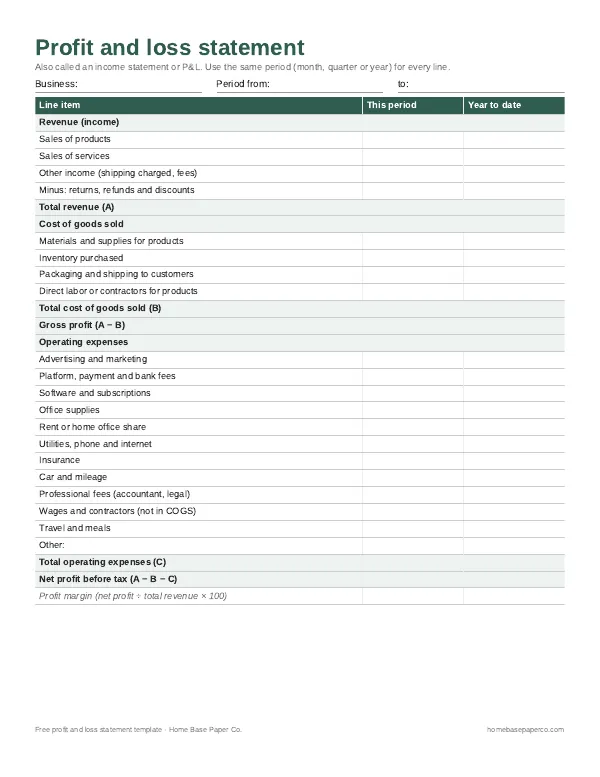
Know your real profit: get the free P&L template
A printable profit and loss statement that walks through revenue, costs and expenses line by line for any month, quarter or year. You'll also get our weekly HomeBase email with simple small business paperwork and money tips.