

The short answer: An Eisenhower matrix template is a simple four-box grid that sorts your to-do list by two questions: is this urgent, and is this important? Every task lands in one box. Urgent and important tasks get done first.
Important but not urgent tasks get a time on your calendar. Urgent but unimportant tasks get handed off or shrunk. Everything else gets crossed off. Our free three-page printable below gives you the grid, a task sorting list and a weekly plan, so you can sort this week's tasks in about 15 minutes.
I'm Malaysia, and I run our home with a planner open on the kitchen counter. The Eisenhower matrix is the tool I reach for when the list gets so long I don't know where to start. It doesn't add more to do. It shows me what I can stop doing.
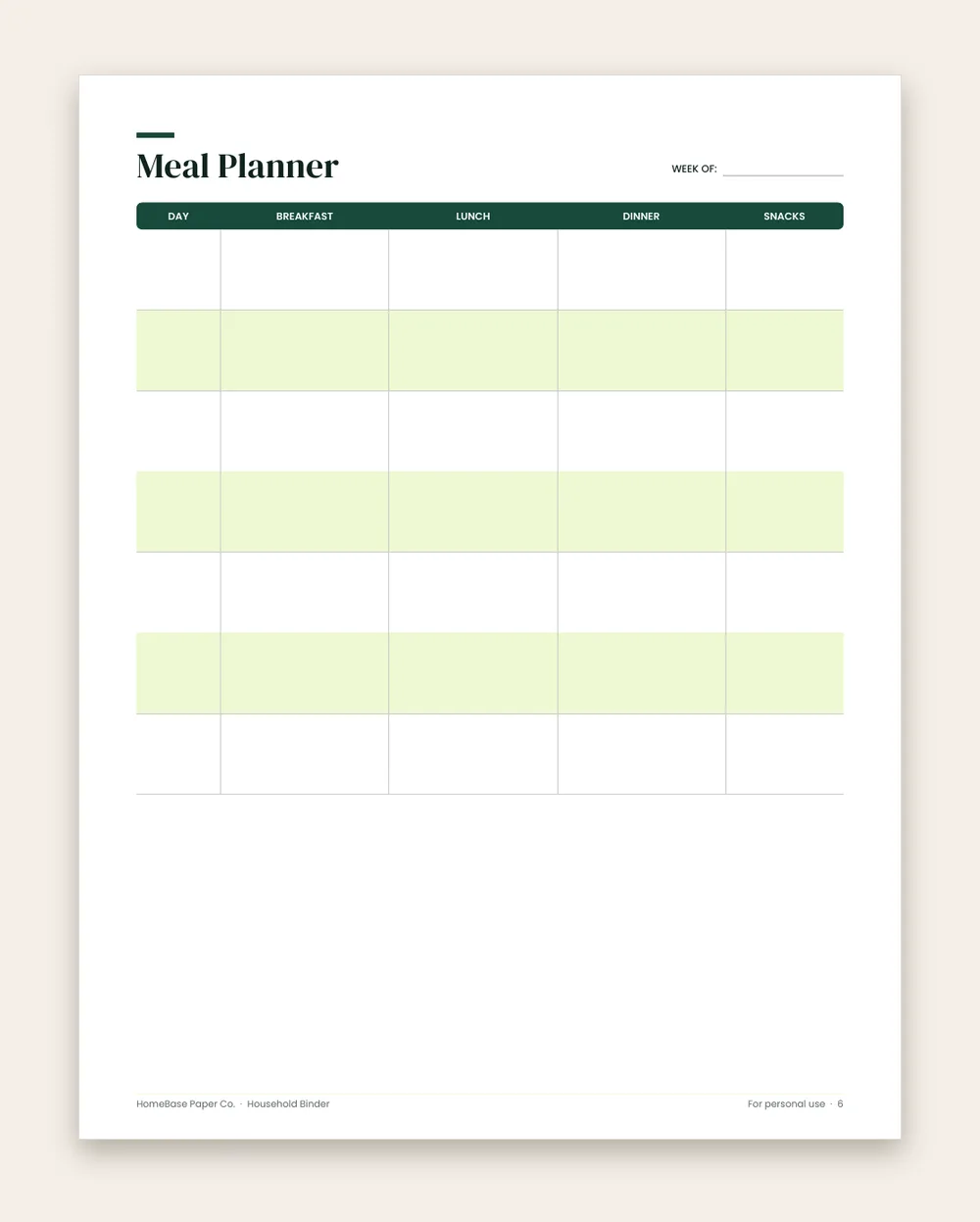
What's included in the Household Binder
- Family information
- Emergency plan
- Monthly Calendar
- Weekly Planner
- Meal Planner
- Grocery List
- Weekly Cleaning
- Bill Tracker
- Birthdays & Important Dates
- Babysitter & sitter info
- Notes
Printable PDF, $6.99. Instant download; nothing is shipped. See every page on the product page.
Who it's for
- Busy parents juggling work, school forms, appointments and the house.
- Anyone with a never-ending to-do list who wants to know what to do first.
- Students and teens balancing homework, activities and part-time jobs.
- People planning a big season, like the holidays, a move or a new baby.
- Couples splitting household tasks who want to see who does what.
How to fill out an Eisenhower matrix template
- Brain-dump every task. Write every to-do on the task sorting list, page 2 of the free PDF. Don't sort yet; just get it out of your head. Our brain dump guide walks through it.
- Ask: is it urgent?. Tick urgent only if it has a real deadline in the next day or two, or someone is waiting on it right now.
- Ask: is it important?. Tick important if it moves a goal forward or protects your health, family, home or money.
- Write the quadrant number. Both ticks = 1, important only = 2, urgent only = 3, neither = 4.
- Do quadrant 1 today. Limit it to three to five tasks. If more land here, ask which can really wait until tomorrow.
- Calendar quadrant 2. Give each important but not urgent task a day and time on the weekly plan, page 3.
- Hand off or shrink quadrant 3. Ask a family member, automate it or set a smaller version, like a 10-minute version of a chore.
- Cross off quadrant 4. Delete it, unsubscribe or say no. Then review on Sunday what moved you forward.
The four quadrants of the Eisenhower matrix
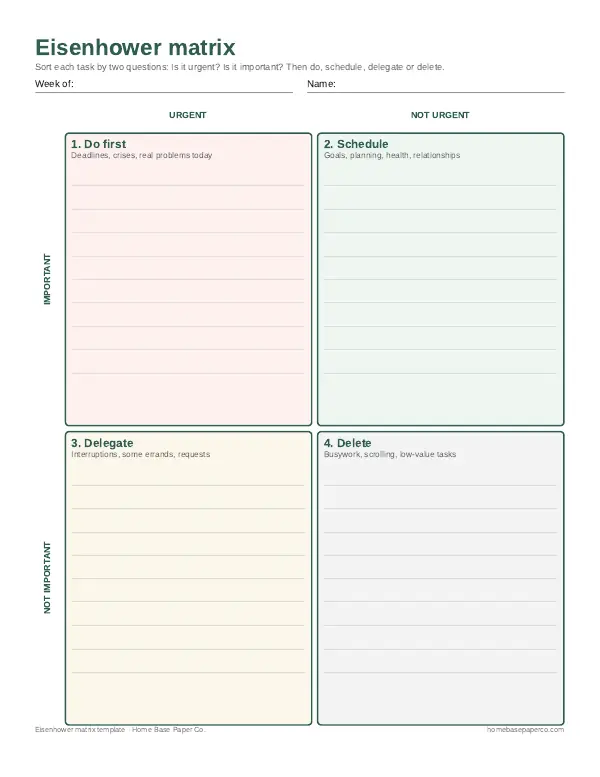
The grid has two columns (urgent and not urgent) and two rows (important and not important). That gives four boxes, and each one comes with an action.
| Quadrant | Urgent? | Important? | Action | Home examples |
|---|---|---|---|---|
| 1. Do first | Yes | Yes | Do it today | A sick child, a bill due tomorrow, a school form due in the morning |
| 2. Schedule | No | Yes | Put it on the calendar | Meal planning, budgeting, checkups, exercise, holiday planning |
| 3. Delegate | Yes | No | Hand off, automate or shrink | Most phone calls, some errands, last-minute requests from others |
| 4. Delete | No | No | Drop it | Endless scrolling, reorganizing what already works, unneeded shopping |
Urgent means it has a deadline soon or someone is waiting. Important means it matters to your goals, your health, your family, your home or your money. The trick is that the two feel the same in the moment. A text that pings right now feels important even when it isn't, and a dentist appointment you keep meaning to book feels optional even though it matters.
Why it's called the Eisenhower matrix
The matrix is named after Dwight D. Eisenhower, the World War II general and 34th U.S. president, who often spoke about the difference between urgent problems and important ones. He also had a famous line about planning, collected by the Eisenhower Presidential Library: "Plans are worthless, but planning is everything." The four-box version most people use today was popularized decades later by time management writers, especially Stephen Covey in The 7 Habits of Highly Effective People (1989), which is why you'll also see it called the urgent important matrix, the Eisenhower box or a priority matrix.
How to fill out your Eisenhower matrix template
Here's the routine I use every Sunday. It works the same on paper, in a notes app or on our free PDF.
- Brain-dump everything. Write every task on the task sorting list, page 2 of the printable. Work, kids, house, money, errands, all of it. If you've never done this, our brain dump guide has prompts.
- Tick urgent. Only if it has a real deadline in the next day or two, or a person is truly waiting on it.
- Tick important. Only if it moves a goal forward or protects your health, family, home or money.
- Write the quadrant number. Both ticks are 1. Important only is 2. Urgent only is 3. Neither is 4.
- Copy each task into its box on page 1, the four-quadrant grid.
- Plan the week on page 3: quadrant 1 tasks on the days they're due, quadrant 2 tasks on set days and times, quadrant 3 tasks next to the name of whoever is taking them.
- Cross off quadrant 4. Say no, unsubscribe or simply let it go.
Then do a two-minute check each morning. New tasks go into the right box instead of to the top of your day.
A filled-in Eisenhower matrix example for a busy family week
The tasks below are an EXAMPLE only, to show how the sorting works. Your boxes will look different.
| Task (EXAMPLE) | Urgent | Important | Quadrant | Next step |
|---|---|---|---|---|
| Field trip form due tomorrow | Yes | Yes | 1 | Sign tonight |
| Car registration expires Friday | Yes | Yes | 1 | Renew online Wednesday |
| Plan dinners for the week | No | Yes | 2 | Sunday, 7:00 PM |
| Set up a holiday gift budget | No | Yes | 2 | Saturday morning |
| Book dental cleanings | No | Yes | 2 | Call Monday at lunch |
| Pick up dry cleaning | Yes | No | 3 | Partner grabs it on the way home |
| Reply to group chat about the party | Yes | No | 3 | Short reply, 2 minutes |
| Reorganize the spice drawer again | No | No | 4 | Drop it this week |
| Browse sales "just to look" | No | No | 4 | Unsubscribe from two emails |
What this EXAMPLE shows: only two tasks truly had to happen right away. Three of the most important ones, dinners, the gift budget and dental cleanings, weren't urgent at all, and they're exactly the kind that turn into last-minute stress if nobody puts them on the calendar.
Why quadrant 2 is where your week changes
Quadrant 2 is the box that pays off. Meal planning, a monthly budget check, exercise, sleep, checkups, home maintenance and time with your kids rarely shout for attention, so they get pushed aside by whatever is pinging. When I skip quadrant 2 for a few weeks, quadrant 1 fills up: the forgotten bill becomes a late fee, the skipped meal plan becomes a takeout night, the holiday shopping becomes a December scramble.
A few ways to protect quadrant 2:
- Give it a standing time. Sunday evening for meals and the week ahead, the first of the month for bills. A weekly planner page makes those times visible.
- Make it small. "Plan Christmas" sits on a list forever. "Write the gift list on Saturday at 9" gets done.
- Put it where everyone can see it. We keep a monthly calendar in a household binder so the family knows what's already planned.
Stop switching between boxes
It's tempting to bounce between all four quadrants, answering a text, starting the laundry, then back to the bill you were paying. The American Psychological Association explains that switching between tasks has a real cost: each switch takes time and attention, and those losses add up across a day. So once a task is in quadrant 1, do it start to finish. Batch quadrant 3 tasks together, like all the quick replies at once, instead of letting them break up your morning.
Printable, digital or sticky notes: picking a format
There's no wrong way to draw four boxes, but the format changes how often you'll use it.
- Printable PDF. Print the free template, fill it in by hand and tape it to the fridge or slip it into your planner. Writing tasks by hand slows you down just enough to ask the two questions honestly.
- Sticky notes on a wall or door. Draw the grid with painter's tape and put one task per note. Moving a note from quadrant 1 to "done" feels great, and kids love helping.
- Digital. A 2x2 table in Google Docs, Notion or a notes app works if your list lives on your phone. Keep the four headings the same so the habit carries over.
- Planner page. If you already use a weekly spread, draw a small grid in the corner and sort only the top ten tasks.
Common Eisenhower matrix mistakes
- Calling everything urgent. If quadrant 1 has 15 items, most of them aren't. Ask: what happens if this waits until tomorrow?
- Never scheduling quadrant 2. Writing "plan meals" in the box isn't the same as putting it on Sunday at 7.
- Feeling guilty about quadrant 4. Deleting is the point. Some tasks were never yours to do.
- Delegating without a name. "Someone should" means nobody will. Write the person's name and the day next to each quadrant 3 task.
- Sorting once and forgetting. The matrix works best as a weekly habit, with a quick daily look.
Eisenhower matrix, to-do list or time blocking?
They answer different questions, and they work best together.
| Tool | Answers | Best for |
|---|---|---|
| To-do list | What do I have to do? | Capturing everything |
| Eisenhower matrix | What matters most? | Deciding what to do, plan, hand off or drop |
| Time blocking | When will I do it? | Protecting time for quadrant 1 and 2 |
Start with a to-do list template to capture, sort it in the matrix, then give the top tasks a spot in your daily planner. For more ideas on getting the right things done, see our guide on how to be more productive.
Using the matrix for home, money and the holidays
The grid isn't only for work. I use it most at home:
- Household chores. Laundry before a trip is quadrant 1; deep cleaning the oven is quadrant 2; a chore a teen can take on is quadrant 3. A cleaning schedule printable turns quadrant 2 chores into a routine.
- Money. Paying a bill due tomorrow is quadrant 1. Building a budget, starting sinking funds or checking your credit report is quadrant 2.
- The holidays. November is when quadrant 2 matters most. Setting a gift budget, planning the menu and booking travel early keeps December from becoming one long quadrant 1.
Why I plan this way
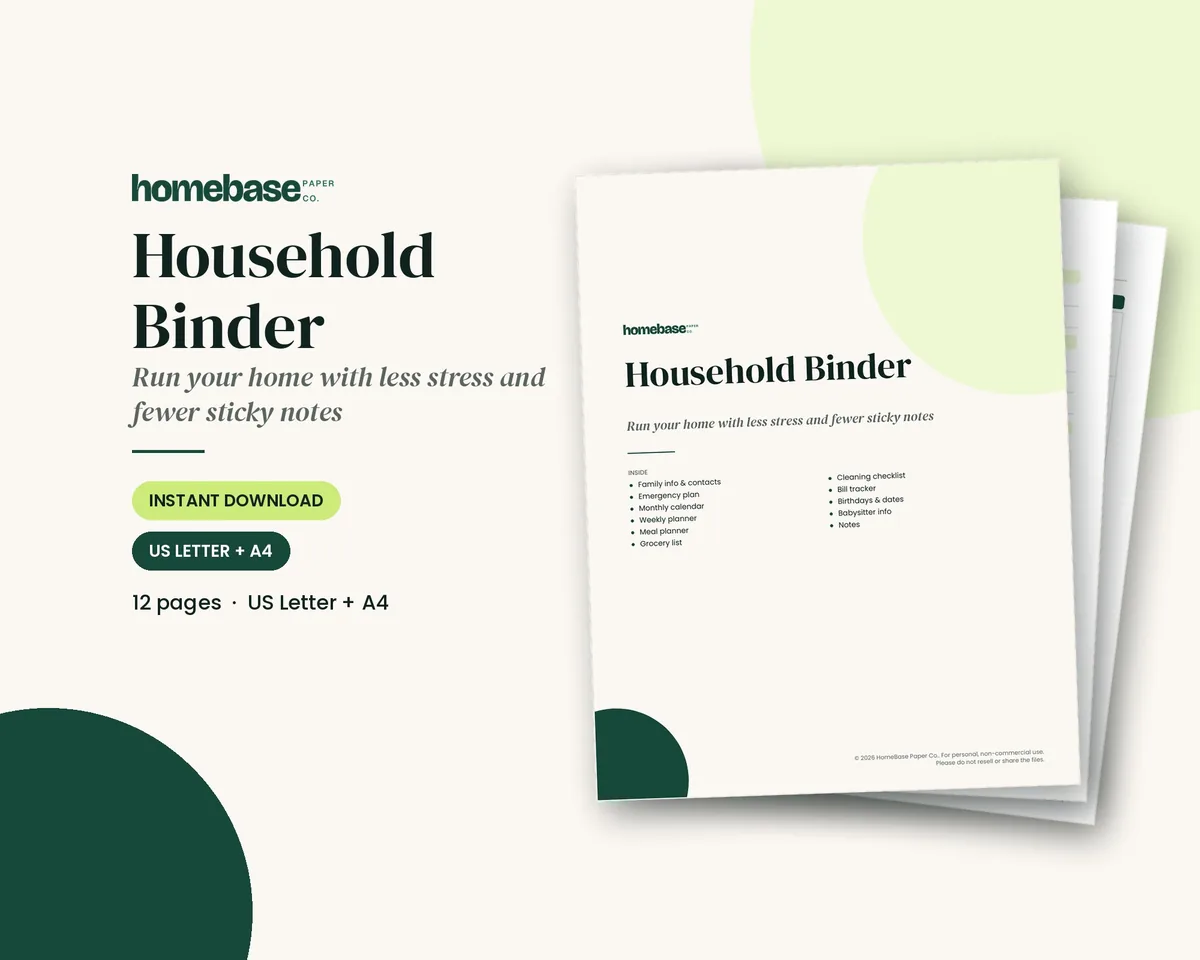
I like tools that make a busy house calmer without asking for more time. The Eisenhower matrix does that for me. Fifteen minutes on Sunday, a grid on the fridge, and I stop treating every ping like an emergency. If you want the rest of the house on paper too, the Household Binder keeps the calendar, meal plan, grocery list and cleaning checklist in one place, and the Home Management Bundle adds more pages for running the home.
Ready to use
Planners to keep your priorities on paper
Printables
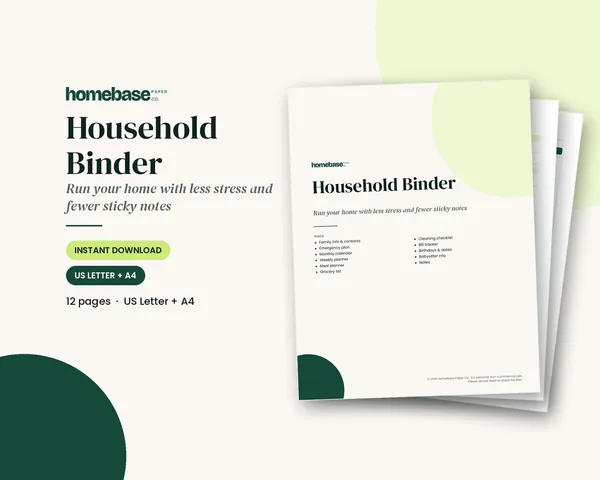
Household Binder
Family info, emergency plan, calendars, meals, groceries, cleaning, bills and sitter notes.
 Save 48%
Bundles
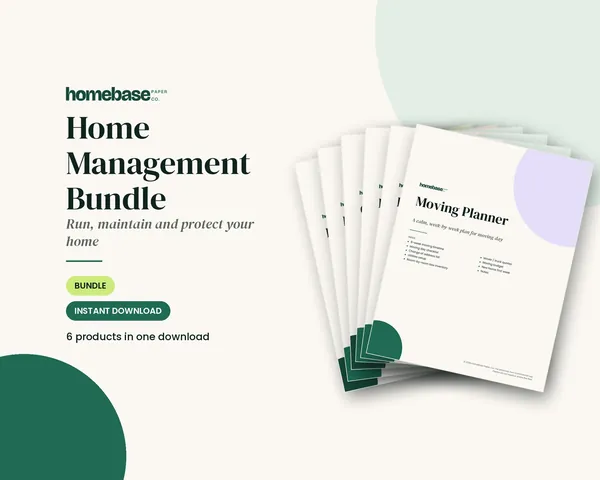
Home Management Bundle
Household binder, maintenance log, moving planner, cleaning schedule, home inventory and password log.
Frequently asked questions
What is an Eisenhower matrix template? An Eisenhower matrix template is a four-box grid for sorting tasks by two questions: is it urgent, and is it important? Each task lands in one box: do it first, schedule it, delegate it or delete it. Our free version is a three-page PDF with the grid, a task sorting list and a weekly plan.
How do you use the Eisenhower matrix? Write every task down first, then ask two questions about each one. Urgent and important tasks go in box 1 and get done today. Important but not urgent tasks go in box 2 and get a time on your calendar. Urgent but not important go in box 3 to hand off. Everything else goes in box 4 to drop.
What are the four quadrants of the Eisenhower matrix? Quadrant 1 is urgent and important: do first. Quadrant 2 is important but not urgent: schedule. Quadrant 3 is urgent but not important: delegate. Quadrant 4 is neither urgent nor important: delete. Most people find quadrant 2 is where their real goals live.
What is the difference between urgent and important? Urgent means it needs attention soon, usually because of a deadline or someone waiting. Important means it matters to your goals, health, family or money. A ringing phone is urgent but often not important. A doctor's appointment or retirement savings is important but rarely feels urgent.
Why is it called the Eisenhower matrix? It's named after Dwight D. Eisenhower, the 34th U.S. president and World War II general, who was known for talking about the difference between urgent and important problems. The four-box grid itself was popularized later by time management writers, especially Stephen Covey in The 7 Habits of Highly Effective People.
Is the Eisenhower matrix the same as the urgent important matrix? Yes, the Eisenhower matrix is the same as the urgent important matrix. The Eisenhower matrix, Eisenhower box, urgent important matrix and priority matrix are different names for the same four-quadrant tool. Some versions relabel the boxes, like now, plan, hand off and drop, but the logic is the same.
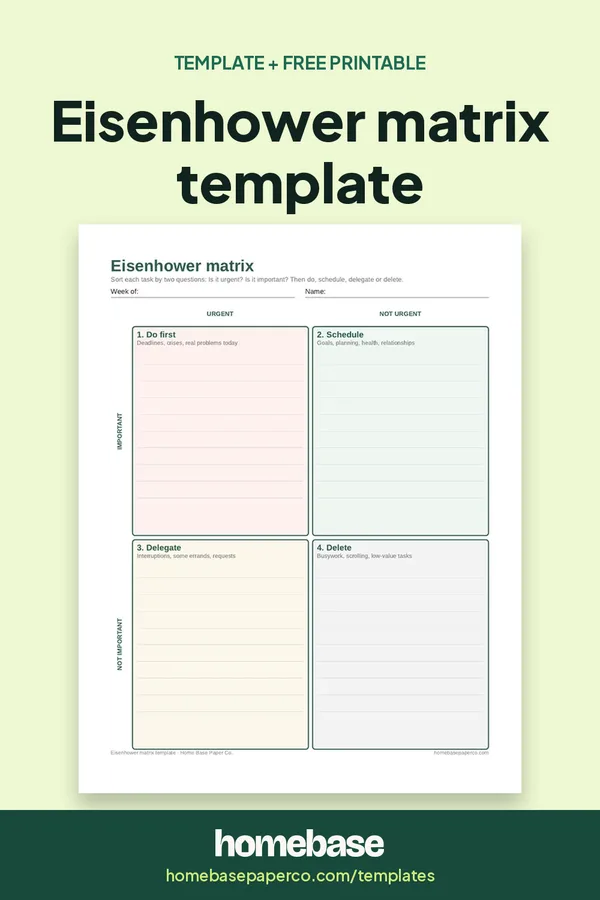
Is there a free printable Eisenhower matrix? Yes, there is a free printable Eisenhower matrix. Our free Eisenhower matrix template is a three-page US Letter PDF: a blank four-quadrant grid, a task sorting list with urgent and important checkboxes, and a weekly priorities plan. Get it from this page; we email it to you.
How do I use the Eisenhower matrix at home if I can't delegate? Delegating at home can mean asking a partner or kids to take a chore, using grocery pickup, setting bills on autopay or sharing carpool duty. If nothing can be handed off, shrink the task instead: do a quicker version, batch it with similar errands or put it on a set day.
How often should I fill out the Eisenhower matrix? A weekly session works for most families: 15 minutes on Sunday to sort the week's tasks, then a 2-minute daily check to move new tasks into the right box. Some people redo it daily during busy seasons like the holidays or a move.
What goes in quadrant 2? Quadrant 2 holds the important but not urgent things: meal planning, budgeting, exercise, doctor and dentist checkups, home maintenance, time with your kids, learning and planning ahead for holidays. Putting these on the calendar is what keeps them from turning into quadrant 1 emergencies.
Can I use the Eisenhower matrix in a digital planner or Notion? Yes, you can use the Eisenhower matrix in a digital planner or Notion. Draw a 2x2 table in Notion, Google Docs, OneNote or a notes app and give each box a heading. The process is the same. Some people prefer paper so the grid stays visible on the fridge or desk all week.
What are common mistakes with the Eisenhower matrix? The biggest ones are calling everything urgent, putting too many tasks in quadrant 1, never scheduling quadrant 2, and forgetting to actually delete quadrant 4 items. If quadrant 1 is always full, it usually means quadrant 2 planning is being skipped.
Does the Eisenhower matrix work for kids and teens? It can work well for teens juggling homework, activities and chores. Keep it simple: use the free grid, help them sort a week of tasks once, and talk about which tests or projects could move from urgent to scheduled if they start earlier.
How is the Eisenhower matrix different from time blocking? The Eisenhower matrix decides what matters, and time blocking decides when you'll do it. They work well together: sort tasks in the matrix, then give your quadrant 1 and quadrant 2 tasks specific blocks on your daily or weekly calendar.
Free printable
Sort your to-do list into do, schedule, delegate or delete
A one-page 4-box matrix for the week. You'll also get our weekly HomeBase email with simple planning and home organization tips.
Sources
- Eisenhower Presidential Library eisenhowerlibrary.gov
- American Psychological Association apa.org