The short answer: A rent roll template is a spreadsheet with one row per rental unit, showing the tenant, monthly rent, security deposit and lease start and end dates. It tells you, at a glance, what every unit should be earning and when each lease ends. Small landlords use it to plan renewals and spot vacancies, and lenders and buyers often ask for one.
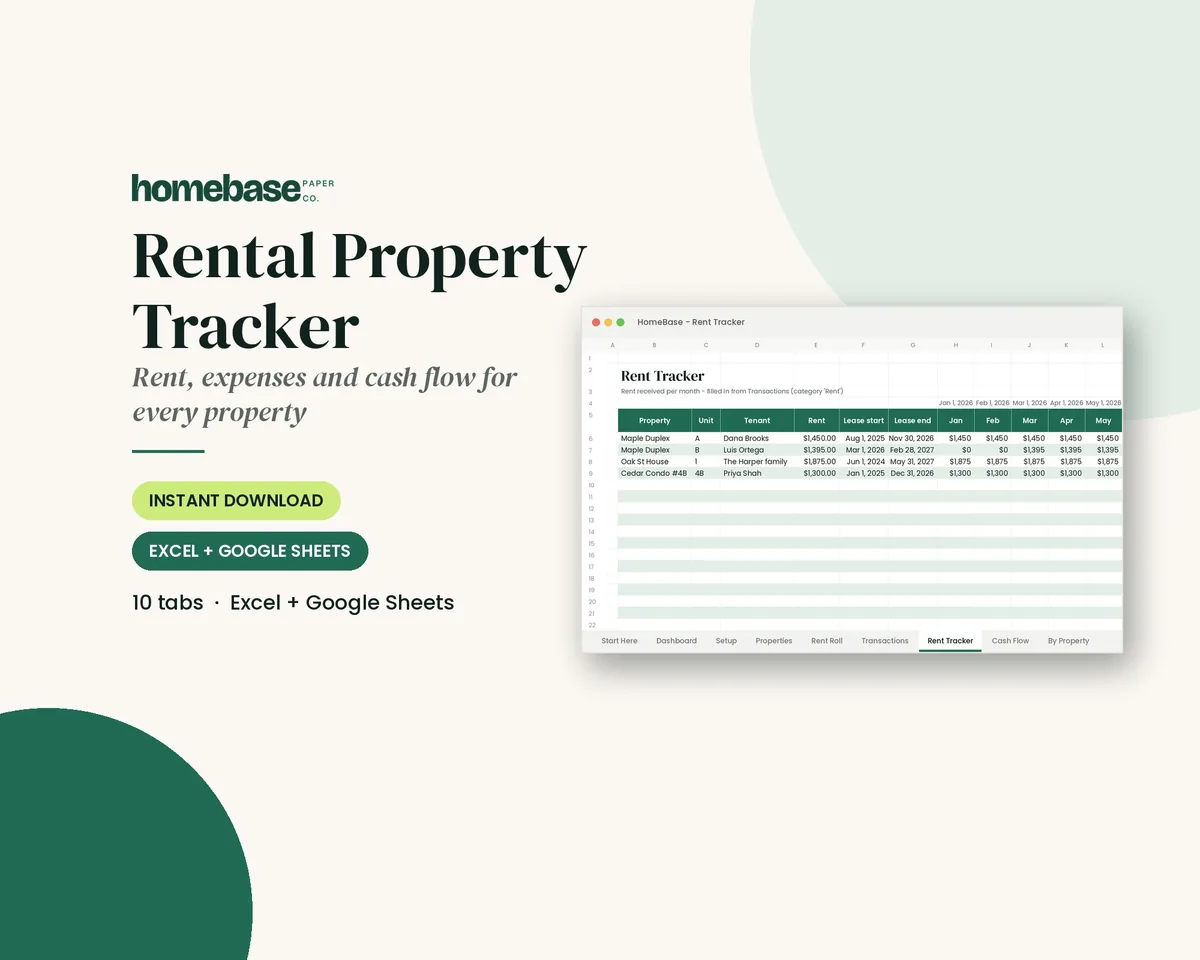
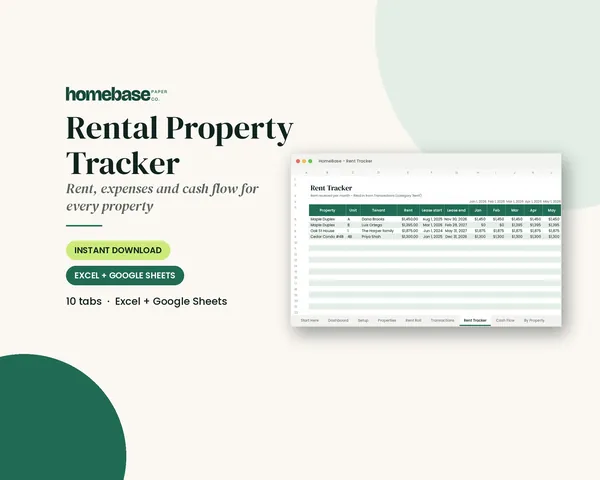
This page covers the columns a rent roll needs, a worked example, how a rent roll fits with your rent payments and books, and the habits that keep it accurate. The Rental Property Tracker includes a Rent Roll tab with a days-left countdown to each lease end, alongside a transaction log and cash flow by property.
What's included in the Rental Property Tracker
- Start Here guide
- Up to 10 properties
- Rent roll with lease-end alerts
- Income & expense log with dropdowns
- Rent received per tenant per month
- Short or missed rent highlighted
- Cash flow by month & by property
- Category totals for tax time
Spreadsheet (Excel + Google Sheets), $11.99. Instant download; nothing is shipped. See every page on the product page.
Who it's for
- Small landlords with one to ten properties who manage their own units.
- House hackers and owners renting a room or ADU who want clean records from day one.
- New landlords setting up their first lease and deposit records.
- Anyone selling or refinancing a rental, since lenders and buyers often ask for a current rent roll.
How to set up a rent roll template, step by step
- List each property. Add one line per property with its address and number of units on the Properties tab.
- Add one row per unit. On the Rent Roll tab, give every rentable unit its own row, including vacant ones, so your rent roll matches the real building.
- Fill in the tenant and lease details. Enter the tenant name, contact details, monthly rent, deposit held and the lease start and end dates from each signed lease.
- Watch the days-left column. The template counts down to each lease end. Use it to plan renewal conversations 60 to 90 days ahead.
- Log rent as it comes in. Record each payment in the transaction log, so you can see who has paid this month and which payments were short or missed.
- Update it whenever something changes. When a lease renews, rent changes or a tenant moves out, update the row the same day. A rent roll is only useful if it's current.
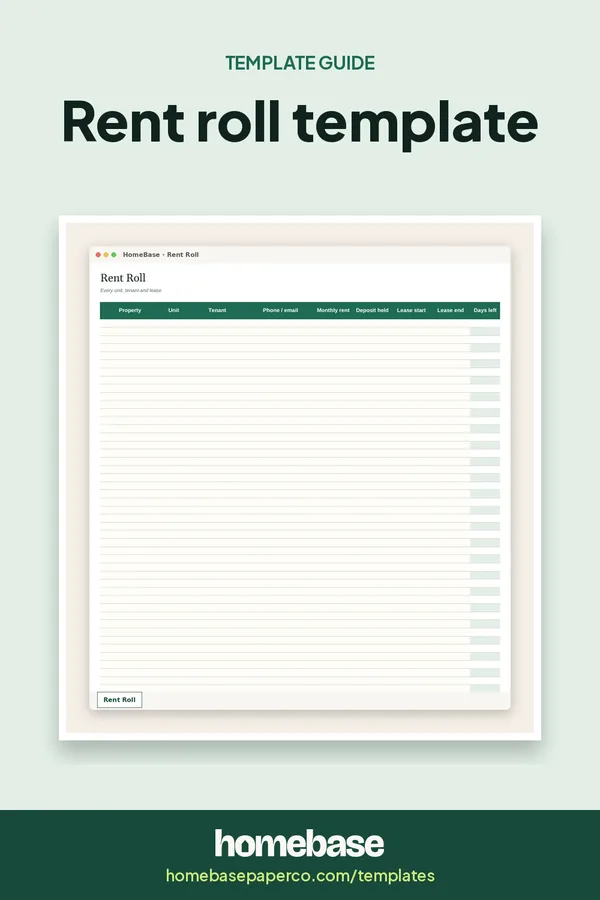
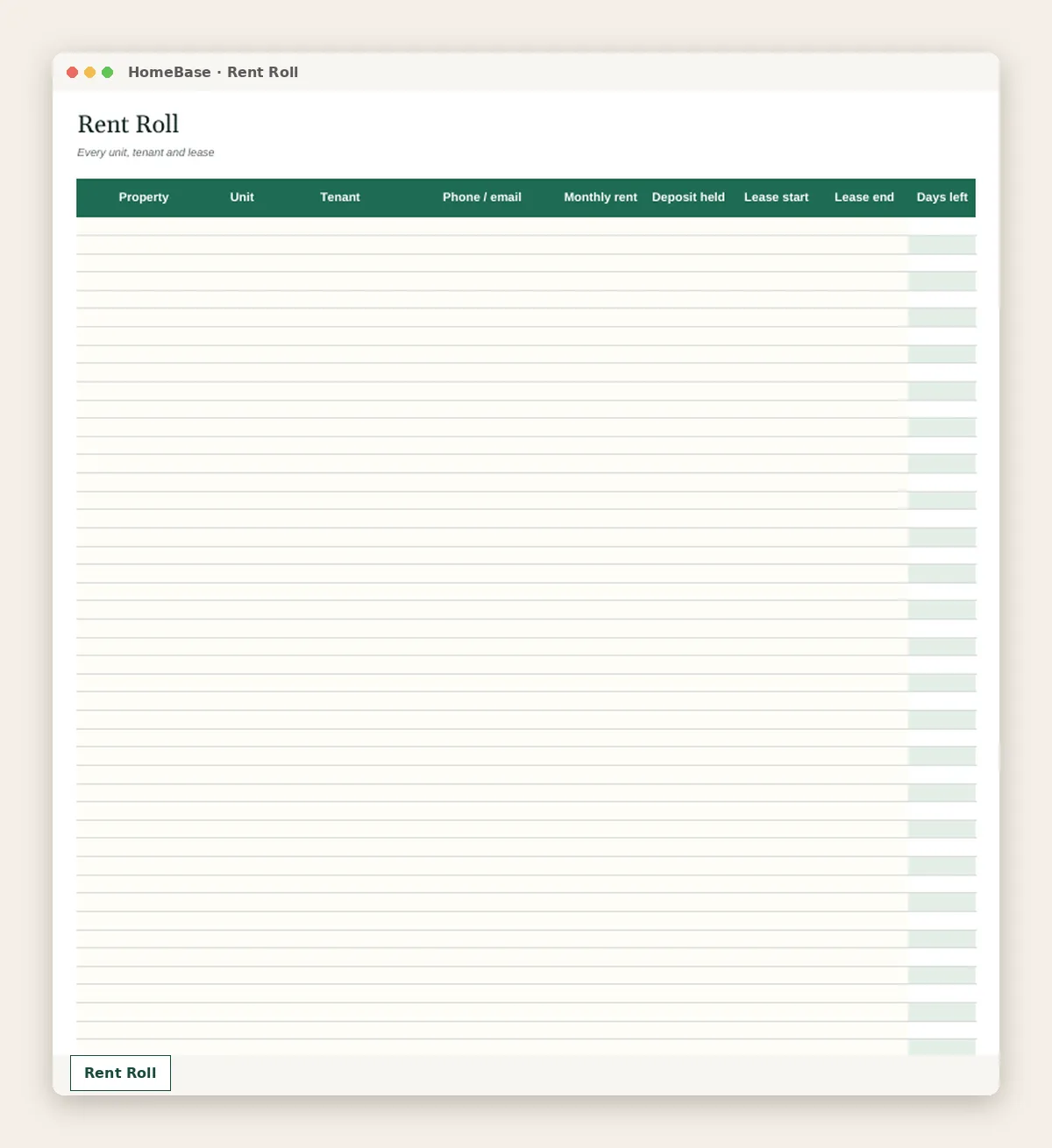
The columns a rent roll needs
| Column | Why it matters |
|---|---|
| Property and unit | Every rentable unit gets its own row, including vacant ones |
| Tenant | Who's on the lease |
| Phone / email | Quick contact for renewals and repairs |
| Monthly rent | What the unit should bring in |
| Deposit held | What you owe back at move-out, subject to the lease and local law |
| Lease start and end | The term of the current lease |
| Days left | A countdown, so renewals don't sneak up on you |
Those are the columns on our Rent Roll tab. Some landlords also add a status column (occupied, vacant, month to month) and a notes column for concessions or scheduled rent increases.
A worked example
Here's a made-up rent roll for a small landlord with a duplex and a single-family rental. It's for illustration only.
| Property | Unit | Tenant | Rent | Deposit | Lease end | Days left |
|---|---|---|---|---|---|---|
| Elm St duplex | A | Tenant 1 | $1,150 | $1,150 | Jan 31 | 95 |
| Elm St duplex | B | Vacant | $1,150 | none | none | none |
| Oak Ave house | 1 | Tenant 2 | $1,725 | $1,725 | Jun 30 | 245 |
At a glance: Unit A's renewal conversation should start soon, Unit B needs a tenant and the scheduled rent for both properties is $4,025 a month if fully rented.
Rent roll vs. rent ledger vs. full books
- Rent roll: what each unit should pay and when each lease ends.
- Rent ledger: what each tenant actually paid, payment by payment.
- Income and expense log: every dollar in and out, by property and category, for cash flow and taxes.
You need all three, and keeping them in one file means you only type each lease once. In the Rental Property Tracker, rent payments go in the transaction log, and the tracker shows rent received per tenant per month and highlights short or missed rent.
Habits that keep a rent roll accurate
- Update the row the same day a lease is signed, renewed or ended.
- Review the days-left column at the start of every month.
- Keep copies of signed leases in one folder that matches the rent roll.
- Keep rental money separate from household money; a household budget template is for your personal side.
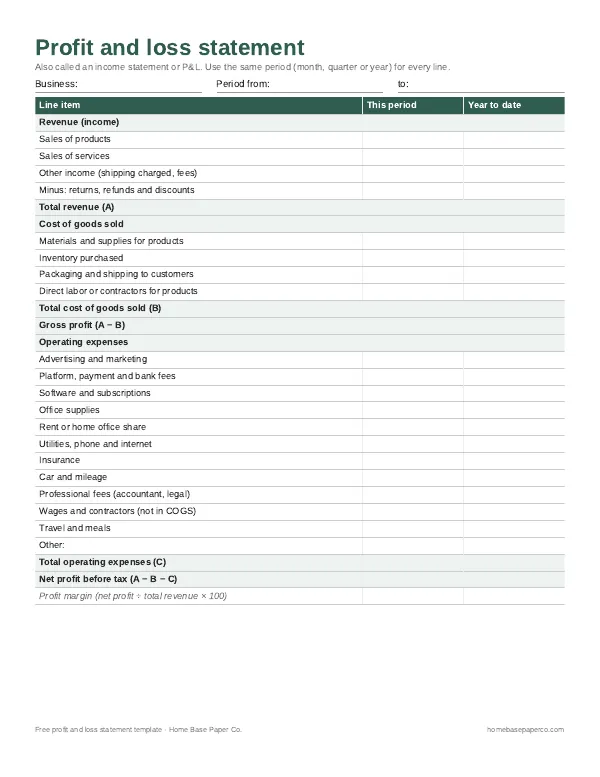
When it's time to see how the rentals are doing overall, a profit and loss statement template shows the year's result, and our business budget template guide covers planning ahead. More are in our templates section.
This page is general information, not legal or tax advice. Rules for leases, deposits and notices vary by state and city.
Ready to use
A rent roll that's part of a full rental tracker
Spreadsheets
Rental Property Tracker
Log rent and expenses once - see who has paid each month, cash flow per property and category totals for tax time.
Frequently asked questions
What is a rent roll? A rent roll is a list of every rental unit you own, with the tenant, monthly rent, deposit and lease dates for each one. It's a snapshot of what your properties should be earning. Landlords use it to track leases, and lenders and buyers often ask for one when you refinance or sell.
What should a rent roll template include? At minimum: property, unit, tenant name, contact details, monthly rent, security deposit held, lease start date and lease end date. Useful extras include days left on the lease, the status (occupied, vacant, month to month) and notes about rent increases or concessions.
What's the difference between a rent roll and a rent ledger? A rent roll shows what each unit should pay: the tenant, rent amount and lease terms. A rent ledger shows what each tenant actually paid, payment by payment. You need both. Our Rental Property Tracker keeps the rent roll on one tab and logs actual payments in a transaction log, then shows rent received per tenant per month.
Should vacant units be on the rent roll? Yes, vacant units should be on the rent roll. Include every rentable unit, and mark vacant ones clearly. Lenders and buyers want to see vacancies, and it helps you track how long a unit sits empty.
How often should I update my rent roll? Whenever something changes: a new lease, a renewal, a rent change or a move-out. Then review the whole list once a month when you check rent payments.
Why do lease-end dates matter so much? Leases that end without a plan turn into surprise vacancies or month-to-month tenancies you didn't choose. A days-left column shows renewals coming up, so you can talk with tenants 60 to 90 days ahead. Notice requirements vary by state and city, so check your local rules.
Do I need a rent roll if I only have one rental? Yes, a rent roll is still useful if you only have one rental. Even with one unit, a rent roll keeps the lease dates, deposit amount and tenant details in one place, which helps at renewal time and at tax time.
Can I use a rent roll template in Google Sheets? Yes, the Rental Property Tracker's rent roll works in Excel and Google Sheets. Upload it to Google Drive to use it in Sheets, or share it with a co-owner.
What's the difference between a rent roll and a rental property spreadsheet? A rent roll is one part of a rental property spreadsheet. The full spreadsheet also tracks income and expenses, cash flow by property and category totals for tax time. Our Rental Property Tracker includes all of it, with the rent roll as one tab.
Is a rent roll a legal document? No, a rent roll isn't a legal document by itself. It's a summary you keep for your records. The lease is the legal agreement. For legal or tax questions about your rentals, talk to a qualified professional.
Free printable
Know your real profit: get the free P&L template
A printable profit and loss statement that walks through revenue, costs and expenses line by line for any month, quarter or year. You'll also get our weekly HomeBase email with simple small business paperwork and money tips.