The short answer: A weekly menu template is a one-page plan of the week's dinners that you post where the whole family can see it. Fill it in on the weekend, build the grocery list from it, and the nightly "what's for dinner?" question mostly answers itself. The menu doesn't need to be fancy: seven boxes, a theme for each night and a name next to the cook is enough.
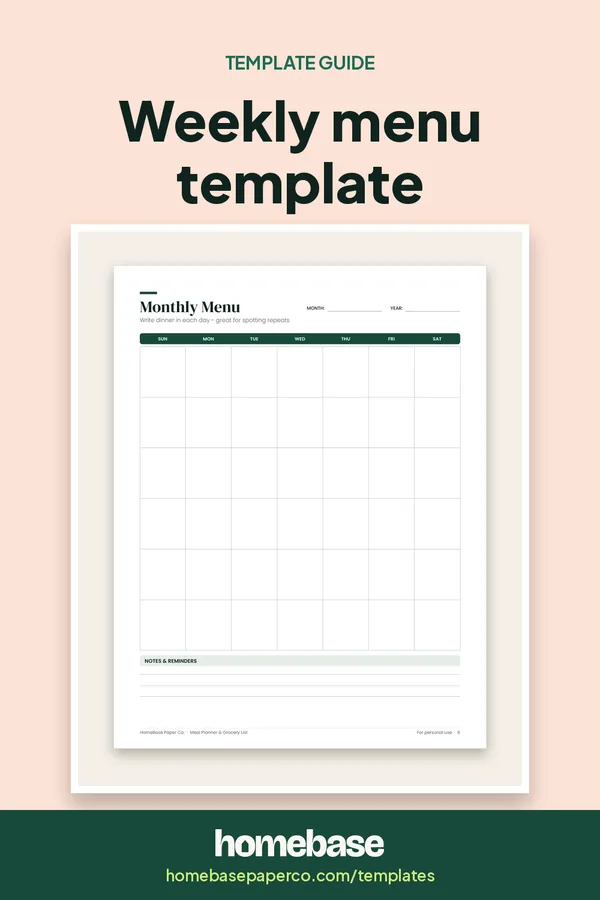
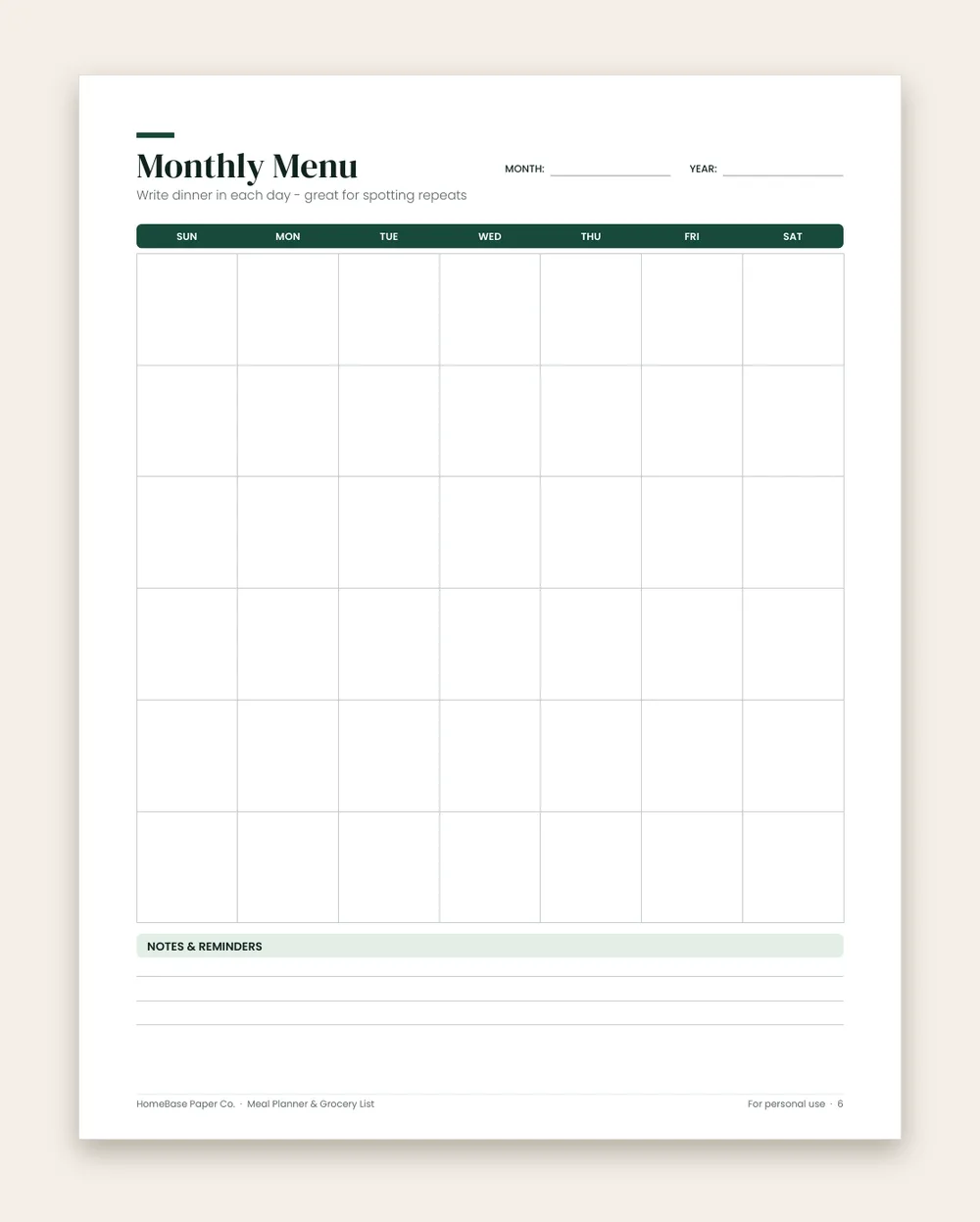
This page shows what to put on a family menu, a sample week, and the small habits that keep a posted menu working after week three. If you want a printable to start with, the Meal Planner & Grocery List has a Weekly Meal Planner, a Monthly Menu and a grocery list in one PDF.
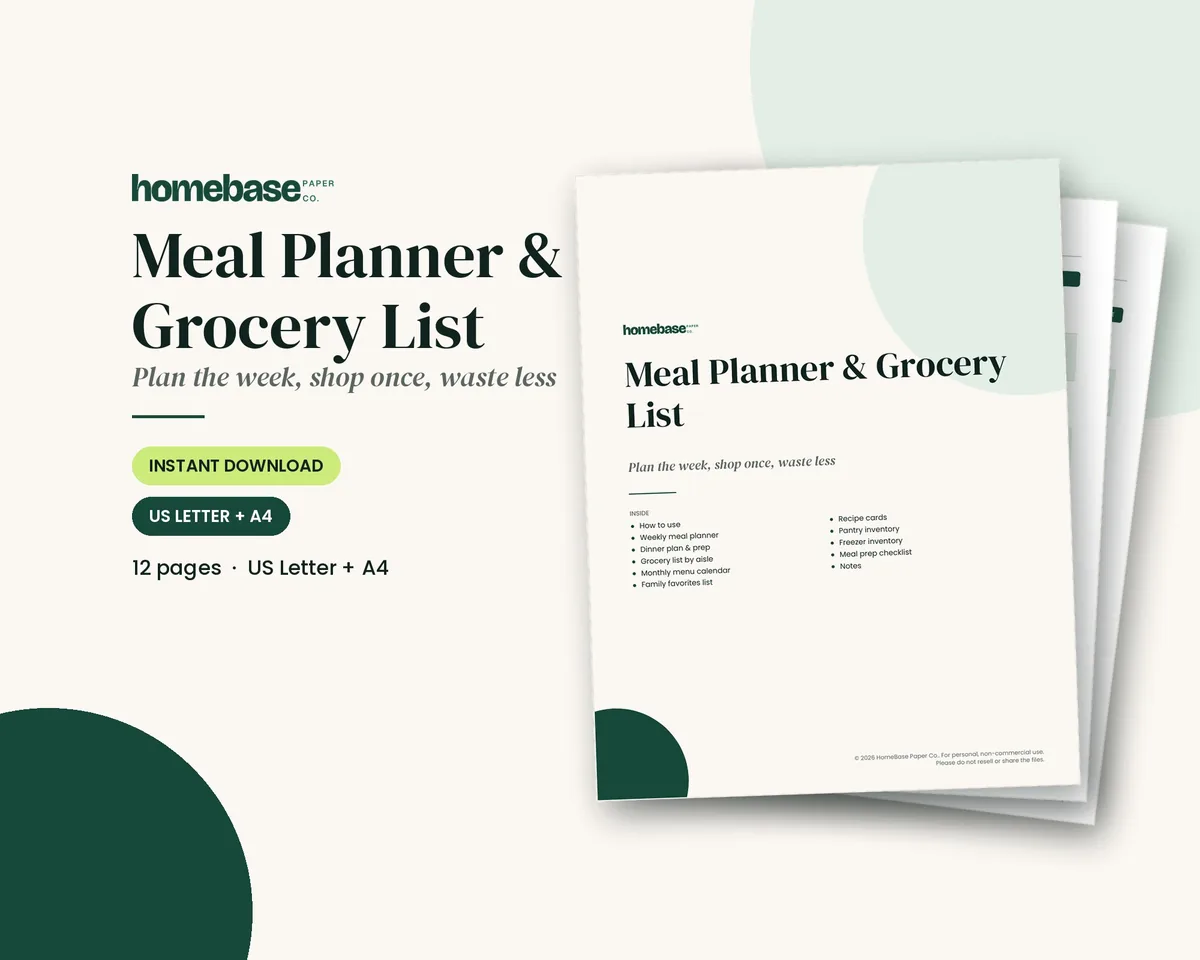
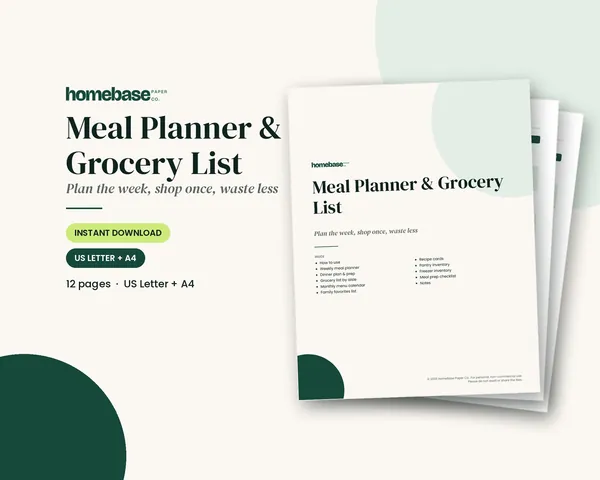
What's included in the Meal Planner & Grocery List
- How to use this planner
- Weekly Meal Planner
- Dinner Plan & Prep
- Grocery List
- Monthly Menu
- Family Favorites
- Recipe Cards
- Pantry Inventory
- Freezer Inventory
- Meal Prep Checklist
- Notes
Printable PDF, $3.99. Instant download; nothing is shipped. See every page on the product page.
Who it's for
- Families who hear "what's for dinner?" every night and want the answer posted on the fridge.
- Parents sharing the cooking who need to see who's making what, and when.
- Picky eaters and kids learning to cook, who do better when they know what's coming.
- Busy weeknights with practices and late shifts, when the plan has to account for who's home.
- Anyone trying to waste less food, because a posted menu makes leftovers part of the plan.
How to fill in a weekly menu template, step by step
- Check the calendar first. Look at the week ahead before you pick a single meal. Mark late practices, work shifts and nights out, so you know which evenings need a 20-minute dinner.
- Pick a theme for each night. Themes like Taco Tuesday or Pasta Thursday make choosing faster and give kids something to look forward to. Keep one night as "leftovers" and one as "easy night."
- Write the dinners in. Write one dinner per day in the menu. Add sides only if someone else is cooking and needs the full plan.
- Note who's cooking. Put an initial next to each night. When an older child or partner owns a night, the cook knows ahead of time and can plan for it.
- Build the grocery list from the menu. Go through each dinner and write down what you don't already have. Check the pantry and freezer before you add an item.
- Post it where everyone looks. Put the menu on the fridge or by the door. Cross off each night as you go, and move a skipped meal to the next free night instead of buying more.
- Save the winners. At the end of the week, copy the dinners everyone liked onto a family favorites list. After a month, you'll have a rotation that almost writes itself.
What to put on a weekly menu
Keep the posted version short. For each day, write:
- The dinner, in plain words ("chicken tacos," not the recipe name from a cookbook).
- Who's cooking, with an initial, so nobody's surprised at 5:30.
- A flag for busy nights, such as a small star for late practice or a late shift.
- Planned leftovers, so Thursday's "leftover chili" is written down on Monday.
Leave the full recipes, side dishes and prep notes on the meal planner page or in your recipe box. A menu people can read from across the kitchen gets used; a crowded one gets ignored. To build the plan behind the menu, our guide to meal planning has a simple 7-step weekly method.
A sample weekly family menu
Here's an example week for a family of four with two busy weeknights. It's only an illustration; use your own family's favorites.
| Day | Theme | Dinner | Cook |
|---|---|---|---|
| Monday | Meatless | Black bean quesadillas and salad | Parent A |
| Tuesday | Taco night | Ground turkey tacos | Teen |
| Wednesday | Busy night | Slow cooker chili | Parent B |
| Thursday | Leftovers | Chili baked potatoes | Anyone |
| Friday | Pizza night | Homemade pizza with toppings bar | Everyone |
| Saturday | Try something new | Sheet pan chicken fajitas | Parent A |
| Sunday | Comfort food | Roast chicken, rice and vegetables | Parent B |
Notice how Wednesday's chili becomes Thursday's dinner, and Sunday's roast chicken can turn into Monday lunches. That's where a weekly menu quietly saves time and groceries.
Theme nights make planning faster
Theme nights narrow a huge choice down to a small one. Instead of "what should we eat?", the question becomes "what kind of pasta this week?" A few that work well for families:
- Meatless Monday, Taco Tuesday, soup and sandwich night (our broccoli cheddar soup is an easy start)
- Breakfast for dinner, pizza Friday, slow cooker night
- Grill night in the summer, casserole night in the winter
- One leftovers night and one "kid's choice" night
Rotate the recipes inside each theme, and keep a family favorites list so the best ones come back.
Tips that keep a posted menu working
- Plan on the same day each week, ideally the day before you shop.
- Check the pantry and freezer before you write the grocery list; a pantry inventory page makes this a two-minute job.
- Let each family member pick a dinner. Buy-in matters more than variety.
- Don't plan seven new recipes. One new dinner a week is plenty.
- Keep an easy backup (pasta and jarred sauce, eggs and toast) for nights when the plan falls apart. A 15-minute homemade alfredo sauce beats the jar on those nights.
For a longer view, our monthly meal planner guide shows how to fill a whole month from a rotation of favorites, and how to meal plan for a family walks through the full routine. If groceries are a big part of your budget, pair the menu with a household budget template so the grocery line has a real number. You can find more printables in our templates section.
Ready to use
A printable weekly menu with the grocery list built in
 Starter pick
Printables
Meal Planner & Grocery List
Weekly meals, a grocery list sorted by aisle, and pantry and freezer inventories so you shop once and waste less.
Frequently asked questions
What is a weekly menu template? A weekly menu template is a one-page grid with a space for each day's meals, usually just dinner. You fill it in once a week and post it where the family can see it. Unlike a full meal planner, its main job is communication: everyone knows what's for dinner, who's cooking and what nights are leftovers.
What's the difference between a weekly menu and a meal planner? A meal planner is the working document: breakfast, lunch, dinner, snacks, prep notes and the grocery list. A weekly menu is the short, posted version that shows only what's for dinner each night. Many families plan on a meal planner page and then copy the dinners onto a menu for the fridge. Our Meal Planner & Grocery List has both: a Weekly Meal Planner page and a Monthly Menu page.
Should a family menu include breakfast and lunch? A family weekly menu usually works best with dinners only, not breakfast and lunch. Breakfast and lunch tend to repeat and rarely cause the daily "what's for dinner" question. Keep the posted menu to dinners so it stays readable at a glance. If you do want to plan lunches for school, use a separate column or a meal planner page so the menu doesn't get crowded.
What are good theme nights for a weekly menu? Popular themes include Meatless Monday, Taco Tuesday, soup or salad night, pasta night, breakfast for dinner, pizza Friday, slow cooker night and a leftovers night. Themes narrow the choice so you're picking one taco recipe instead of choosing from everything you could possibly cook.
How do I get my kids to stick to the menu? Let them choose one dinner each week and write their name next to it. Kids complain less about a meal when they can see their own pick coming two days later. Older kids can also own a night, with a simple recipe they cook with help.
How do I plan a weekly menu around a busy schedule? To plan a weekly menu around a busy schedule, start with the calendar. Mark every evening with a late practice, meeting or shift, and give those nights a slow cooker meal, leftovers or a sheet pan dinner. Save the longer recipes for the nights when someone is home early.
Can a weekly menu template help us save on groceries? It often helps, because you shop for a list instead of a feeling, and planned leftovers mean less food gets thrown away. How much you save depends on how you shop now. Track your grocery spending for a month before and after you start to see the real difference for your family.
What should I do when the plan falls apart midweek? Move the meal you skipped to the next open night instead of buying something new, and keep one "easy night" on the menu as a buffer. A menu that bends a little is better than one you stop using after a rough week.
How far ahead should I plan the menu? One week is the sweet spot for most families: far enough to shop once, close enough that plans don't change much. Once you have a rotation of family favorites, a monthly menu is easy to fill in too.
Is the Meal Planner & Grocery List printable on A4? Yes, the Meal Planner & Grocery List printable comes as two PDFs, one US Letter and one A4. Print the Weekly Meal Planner or Monthly Menu page as often as you like for your own household.
Can I write on the planner on a tablet instead of printing it? You can open the PDF in a note-taking app that lets you write on PDFs and fill it in with a stylus. The pages aren't hyperlinked or fillable forms, though; they're designed to be printed or written on.
Free printable
Get organized for the new year: get the free 2027 planner
A 16-page printable 2027 planner with a year-at-a-glance page and monthly calendars with US holidays marked. You'll also get our weekly HomeBase email with simple planning and home organization tips.