

The short answer: a monthly budget template is a one-page plan for the month: take-home income at the top, then fixed bills, everyday spending, savings and debt payments.
- Two columns: planned and actual for each line
- Balanced when income minus everything assigned equals zero
- Write income first, then list fixed bills
- A filled-in example and printable or Excel options
- Next step: Plan it with the Budget Planner Printable ($5.99).
Our picks for monthly budget template

Printables
Budget Planner Printable
Twelve undated pages you can print every month: budget, bills, spending, savings and debt.
Spreadsheets
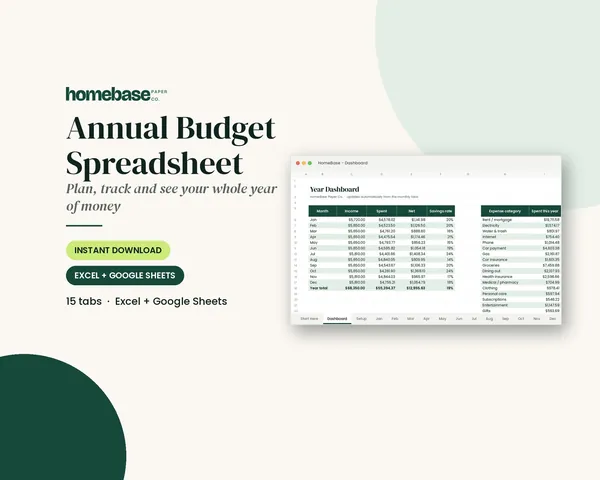
Annual Budget Spreadsheet
See exactly where your money goes every month - without complicated software.
Spreadsheets
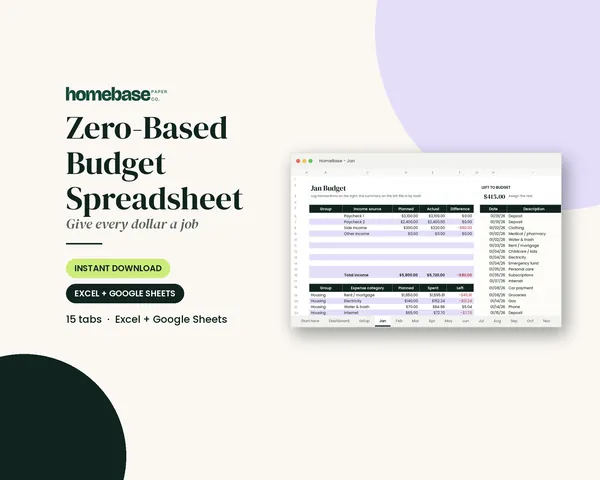
Zero-Based Budget Spreadsheet
The 'Left to budget' counter turns green when every dollar has a job.
Paperback planners
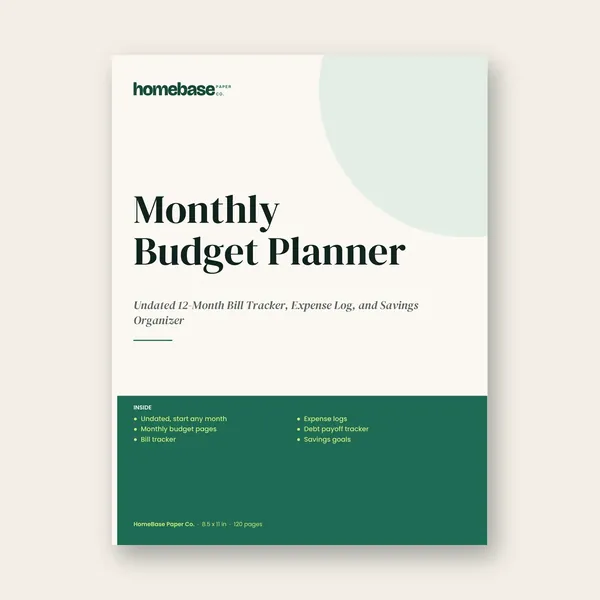
Monthly Budget Planner (Paperback)
Undated 12-Month Bill Tracker, Expense Log, and Savings Organizer
A monthly budget worksheet, or monthly budget template, is a one-page plan for the month: your take-home income at the top, then fixed bills, everyday spending, savings and debt payments, with a planned and an actual column for each line. When planned income minus everything you've assigned equals zero, the worksheet is balanced and every dollar has a job.
For a printed version, our Budget Planner Printable has twelve undated monthly budget pages plus bill, spending, savings and debt trackers.
Below is what a good worksheet includes, a filled-in example and how to use it during the month. To plan the rest of the month, including appointments, bills and events, use a monthly planner alongside the worksheet. If you're new to this, start with what a budget is and a simple example.
Want the math done for you first? Enter your take-home pay and bills in our free budget calculator to see what's left and how your spending compares with the 50/30/20 rule, then copy the numbers onto this worksheet.
What a monthly budget worksheet includes
A useful worksheet has five sections, in this order:
- Income. Every paycheck and other money expected this month, after tax.
- Fixed bills. Housing, utilities, insurance, phone, internet, childcare, car payment.
- Variable spending. Groceries, fuel, household items, personal care, eating out, fun.
- Savings. Emergency fund, sinking funds for yearly costs, other goals.
- Debt payments. Minimums plus any extra payment.
Each line needs two numbers: planned (written on the first of the month) and actual (filled in as you go or at month end). The difference between them is where you learn the most.
The Bureau of Labor Statistics' Consumer Expenditure Survey shows how typical households split spending across categories. For a simple starting split, try the 50/30/20 budget rule.
A filled-in example
Want to see the same idea for a small business or a household month? Read our cash flow statement example.
| Line | Planned | Actual |
|---|---|---|
| Income | $4,600 | $4,600 |
| Rent | $1,550 | $1,550 |
| Electric and water | $210 | $236 |
| Phone and internet | $140 | $140 |
| Car insurance | $120 | $120 |
| Groceries | $700 | $742 |
| Fuel | $220 | $198 |
| Household and personal | $150 | $131 |
| Eating out | $120 | $165 |
| Kids' activities | $110 | $110 |
| Subscriptions | $45 | $45 |
| Sinking funds | $300 | $300 |
| Emergency fund | $200 | $200 |
| Credit card (minimum + extra) | $600 | $600 |
| Fun money | $135 | $63 |
| Left to budget | $0 |
This household planned every dollar. At month end, groceries, eating out and electricity ran over by $113 combined, while fuel, household items and fun money came in $113 under, so the month still balanced. Next month they might move $40 from fun money to groceries, which is a more honest plan.
How to fill it in, step by step
- Write income first, using what will actually land in your account.
- List fixed bills from your bank statement so none are missed.
- Estimate variable spending from the last two or three months, not from what you hope to spend.
- Add savings and debt payments as lines, not as "whatever's left".
- Balance it. If the total is more than income, cut variable lines until it isn't. If it's less, assign the extra to a goal.
- Track during the month. Write purchases in an expense log, or total receipts weekly. A free printable check register also keeps your checking balance current between paydays. Side-hustle sales and costs belong in their own business expense spreadsheet, not on the household worksheet.
- Review at month end, fill the actual column, and carry the lessons into next month's worksheet.
The CFPB's budgeting guide follows the same steps: record income, track spending by category, then build the budget.
Paper or spreadsheet?
Paper worksheets suit people who like a visible plan on the fridge and who stay engaged by writing (our printable planners are made for this, and a printable budget binder keeps the pages together). Spreadsheets add up the columns for you, show over-budget lines in color and keep 12 months side by side. Our comparison of printable vs. spreadsheet budgets goes deeper, and our walkthrough of how to use a budget planner covers the weekly routine.
A monthly bill tracker printable shows what's paid at a glance.
Worksheets we make
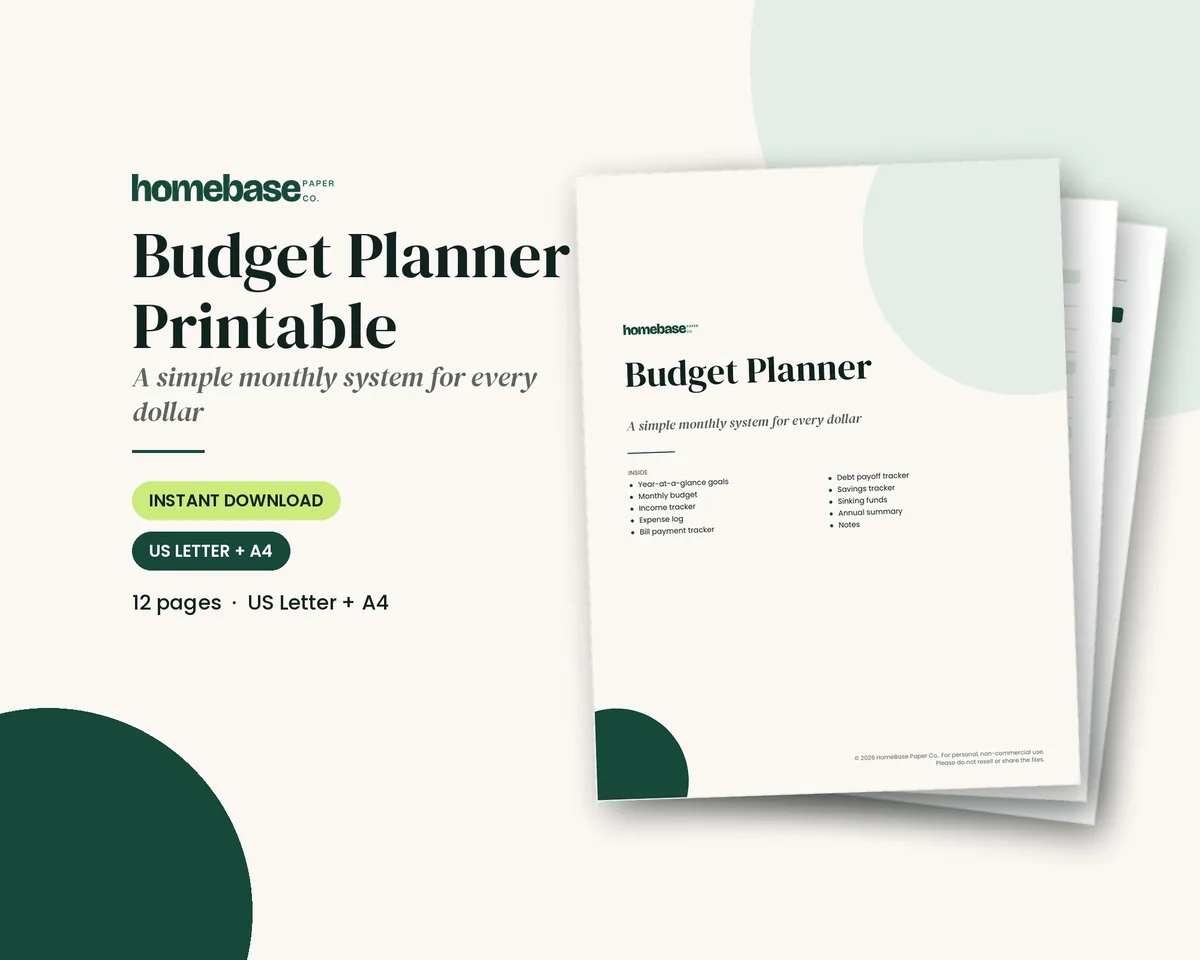
- Budget Planner Printable ($5.99): a monthly budget page plus an income tracker, expense log, bill payment tracker, debt and savings trackers, sinking funds and an annual summary. Undated, so print a fresh worksheet every month.
- Monthly Budget Planner (paperback, coming soon): a bound, undated paperback with a monthly budget that has income and 20 expense categories, a bill tracker, expense logs and a monthly review for each month. Until it's available, use the Budget Planner Printable ($5.99) above.
- Annual Budget Spreadsheet ($6.99): 12 monthly tabs with planned vs. actual by category, over-budget alerts in red and a year dashboard, for Excel and Google Sheets.
- Zero-Based Budget Spreadsheet ($6.99): a "left to budget" counter on every month that tells you when the worksheet is balanced.
To spread irregular costs across all 12 months, see the annual budget template guide.
Monthly budget template examples by method
The same one-page template works with any budgeting method; only the way you fill the plan column changes. Here's how a $4,600 take-home month looks under three common approaches:
| Method | How the template is filled | Example on $4,600 |
|---|---|---|
| 50/30/20 | Split take-home pay into needs, wants and savings or debt payoff | $2,300 needs, $1,380 wants, $920 savings and debt |
| Zero-based | Give every dollar a line until income minus plan equals $0 | Bills, spending, savings and extra debt payments add up to exactly $4,600 |
| Pay yourself first | Set savings first, then budget the rest | $460 (10%) to savings on payday, $4,140 left for everything else |
The 50/30/20 rule is a quick starting point, zero-based budgeting gives every dollar a job, the zero-based budget spreadsheet does the every-dollar math, and the budget calculator checks any of them as you type. The Consumer Financial Protection Bureau's budgeting guide walks through tracking spending first, which makes the plan column much more accurate.
Monthly budget template for couples
Couples can use one template with a few extra lines:
- List both incomes separately so each person sees what they bring in, then total them.
- Mark each bill as joint or individual. Joint bills come out of shared money; individual bills come out of personal money.
- Agree on a personal spending line for each person that needs no explanation. It prevents most budget arguments.
- Set shared goals as savings lines, such as an emergency fund, a vacation or a down payment.
- Hold a short monthly budget meeting to fill in actuals and plan next month. Our guide to budgeting as a couple covers how to run one.
Monthly budget template in Excel or Google Sheets
If you'd rather type than write, set up columns for Category, Planned, Actual and Difference, with a formula such as =B2-C2 in the difference column and =SUM() totals at the bottom of each section. Add one row that subtracts total planned spending from income so you can see at a glance whether the month balances. Copy the tab each month and rename it. Our annual budget spreadsheet does this for twelve months with totals already built in.
Budgeting by paycheck on the same worksheet
If you're paid weekly or every two weeks, split the worksheet into columns by payday. List each bill under the paycheck that arrives before its due date, then divide variable spending between them. Rent due on the 1st might come from the last paycheck of the previous month; the car payment on the 20th from the mid-month check. This stops the common problem of a fully balanced month that still runs short in week two. The paycheck budget planner guide shows the method in detail.
Tips that make the worksheet stick
- Use round numbers for planning. $700 is easier to remember than $683.
- Add a buffer line of $50 to $100 for small surprises.
- Plan irregular months. Some months include a third paycheck, school costs or a birthday. Note them on the worksheet ahead of time.
- Review weekly, not only at month end. Fifteen minutes on Sunday catches overspending while there's still time to adjust.
New to all of this? Our budgeting for beginners guide and zero-based budget guide explain the method behind the worksheet.
Fill in the worksheet together at a monthly family budget meeting, and look for savings with our guide on how to lower monthly bills.
Budgeting for more than one person? Our household budget template guide shows how to set up one shared plan for everyone under your roof.
Filling in the worksheet for the first time? Use our recommended budget percentages as a starting point for each category.
Make the monthly budget a 20-minute job
Twelve undated pages you can print every month: budget, bills, spending, savings and debt.
$5.99 · Instant download. Print at home or fill it in on screen. Or browse the full Budget & Money collection.
Frequently asked questions
What is a monthly budget worksheet? It's a one-page plan for the month that lists take-home income and then assigns it to fixed bills, variable spending, savings and debt payments. A planned and an actual column for each line show where the month went differently from the plan.
What categories should a monthly budget worksheet have? Income, housing, utilities, insurance, phone and internet, groceries, fuel and transport, household and personal items, eating out, kids, subscriptions, savings, sinking funds, debt payments and fun money. Start with 10 to 15 lines and split them later if needed.
How do I balance a monthly budget worksheet? Subtract every planned line from your income. If the result is negative, reduce variable spending until it reaches zero. If it's positive, assign the extra to savings or debt. A balanced worksheet means every dollar has a job.
Is there a printable monthly budget worksheet? Yes, there is a printable monthly budget worksheet from HomeBase. Our Budget Planner Printable includes an undated monthly budget worksheet in US Letter and A4, along with an expense log, bill tracker and savings pages. If you prefer automatic totals, the Annual Budget Spreadsheet works in Excel and Google Sheets.
Is there a printable monthly budget template? Yes, there is a printable monthly budget template from HomeBase. Our Budget Planner Printable has twelve undated monthly budget pages you can use any year, plus bill, spending, savings and debt trackers, so one download covers every month.
Is there a monthly budget template for Google Sheets? Yes, there is a monthly budget template for Google Sheets from HomeBase. Our Annual Budget Spreadsheet has 12 monthly tabs with planned vs. actual by category and a year dashboard, and it works in Excel and Google Sheets.
How do I make a monthly budget template? List your monthly take-home income at the top, then add sections for fixed bills (rent, utilities, insurance, phone), variable spending (groceries, fuel, eating out), savings and debt payments. Give each line a planned amount, track what you actually spend during the month, and compare the two at the end. Income minus planned spending should be zero or more. If you want to test the numbers first, our free budget calculator shows what's left and checks your split against the 50/30/20 rule.
What is the 50/30/20 rule for a monthly budget? The 50/30/20 rule divides take-home pay into 50% for needs such as housing, utilities, groceries and minimum debt payments, 30% for wants like dining out and entertainment, and 20% for savings and extra debt payoff. On $4,600 a month, that's $2,300, $1,380 and $920. It's a guideline rather than a rule; in high-cost areas needs often take more than half, and the fix is usually trimming wants first.
How should couples use a monthly budget template? List both incomes, mark each bill as joint or individual, and agree on a personal spending line for each person that doesn't need to be explained. Put shared goals such as an emergency fund or vacation in as savings lines, and meet once a month to fill in actual spending and plan the next month. Using one shared template keeps both people looking at the same numbers.
Is there a free monthly budget calculator? Yes, there is a free monthly budget calculator. Our free budget calculator lets you enter take-home pay and monthly expenses by category, then shows what's left over, a category breakdown and how your spending compares with the 50/30/20 rule. It runs in your browser, nothing you type is saved or sent anywhere, and you can print the result or copy it onto this worksheet.
Free printable
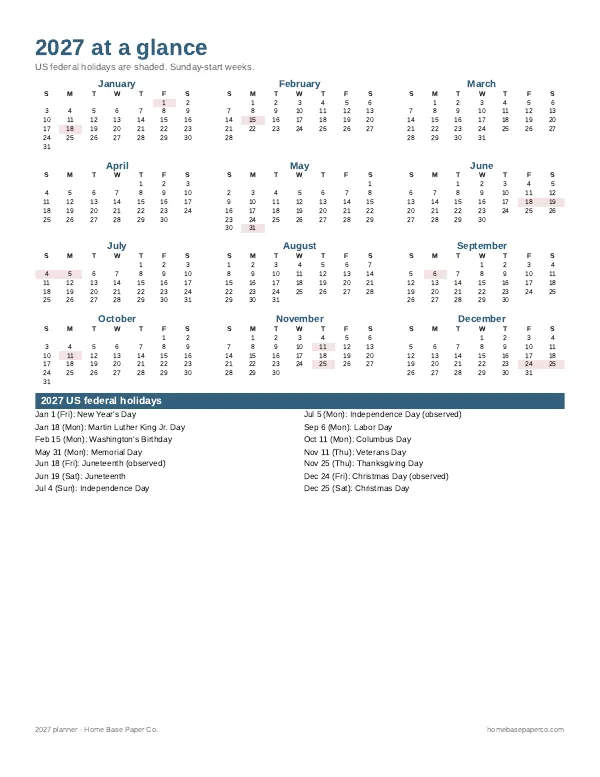
Get organized for the new year: get the free 2027 planner
A 16-page printable 2027 planner with a year-at-a-glance page and monthly calendars with US holidays marked. You'll also get our weekly HomeBase email with simple planning and home organization tips.
Sources
- Consumer Expenditure Survey bls.gov
- Budgeting guide consumerfinance.gov