

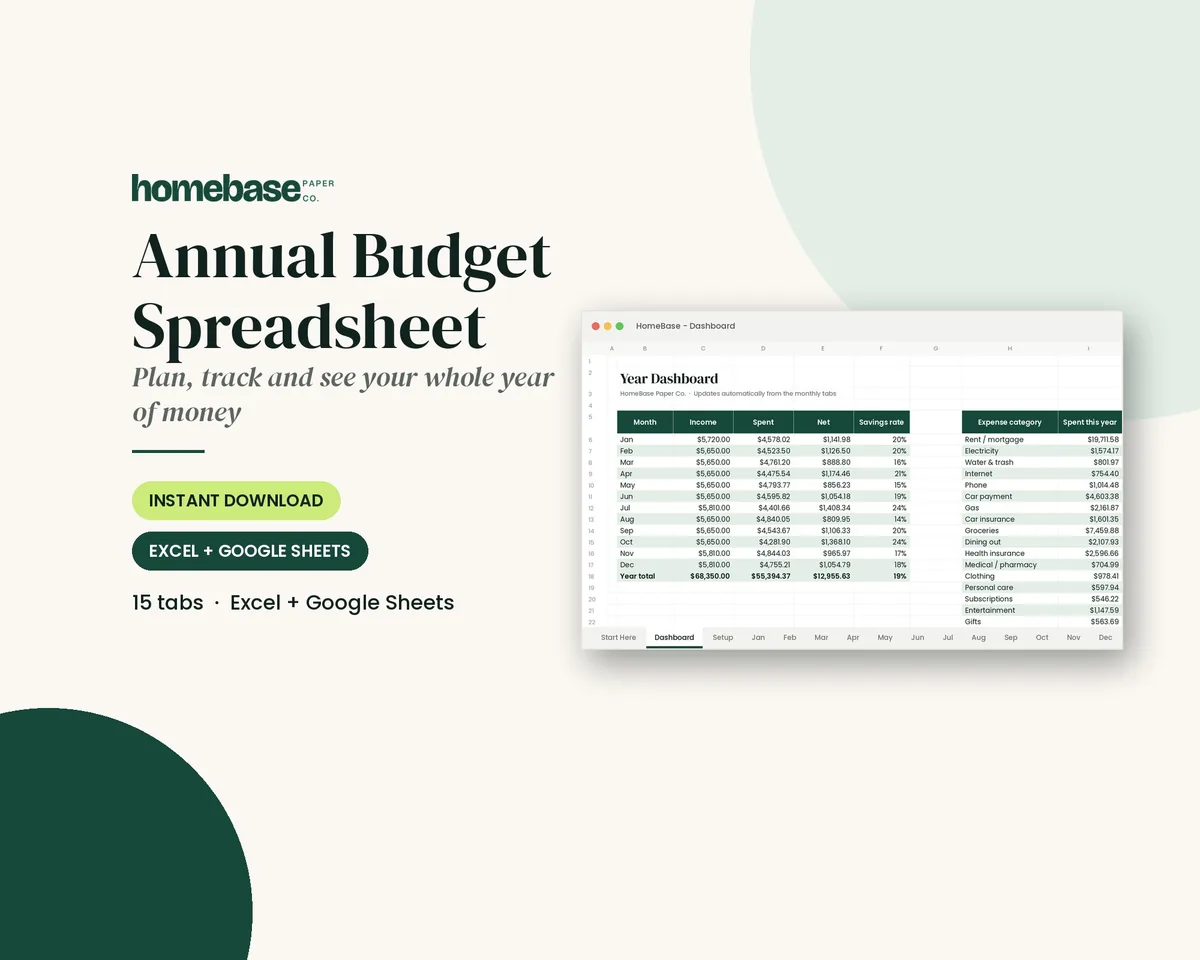
The short answer: An annual budget template puts your whole year on one page: what comes in, what goes out each month and the irregular costs that tend to ambush a monthly budget. With the year mapped out, December gifts and July car registration stop being surprises.
- Layout below: one row per category, 12 month columns and a year total
- For scale: U.S. households averaged $78,535 in spending in 2024, per the BLS
- Free tool: set monthly targets with the free budget calculator
- Next step: the Annual Budget Spreadsheet ($6.99) does the math across 12 monthly tabs.
Our picks for annual budget template
Spreadsheets
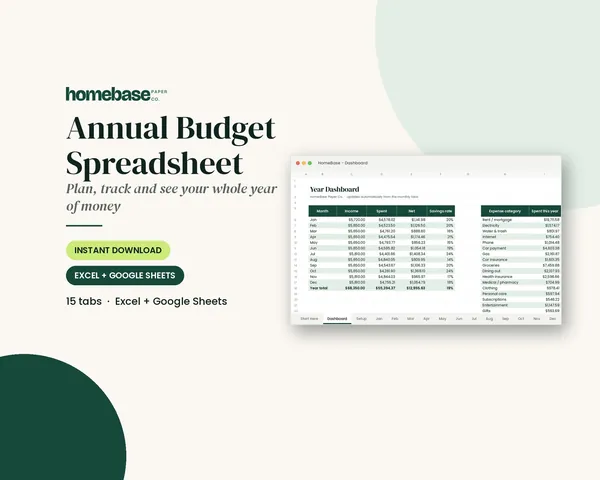
Annual Budget Spreadsheet
See exactly where your money goes every month - without complicated software.
Spreadsheets
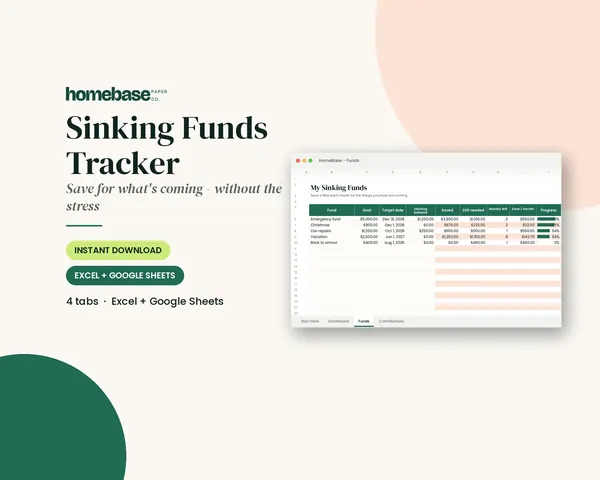
Sinking Funds Tracker
It does the math: how much to set aside each month to hit every goal on time.

Printables
Budget Planner Printable
Twelve undated pages you can print every month: budget, bills, spending, savings and debt.
Here's a layout you can copy, how to fill it in from last year's statements, and how to keep it current month by month.
Want the math done for you? Our Annual Budget Spreadsheet starts with a setup tab for your own categories, then gives you 12 monthly tabs with planned vs. actual and a year dashboard, in Excel or Google Sheets.
For context, the Bureau of Labor Statistics' Consumer Expenditures report for 2024 put average annual spending at $78,535 per household (BLS calls them consumer units), up from $77,158 the year before, with average pre-tax income of $104,207. Your numbers will be different, and they're the ones that matter, but it's a reminder of how much money moves through a household in twelve months.
Why plan the year, not just the month
Monthly budgets work well for regular bills. They break when something shows up once a year: the insurance premium, the holiday season, back-to-school, the annual subscription that renews in March. The Federal Reserve's 2025 household well-being report found 63% of adults would cover a $400 surprise expense with cash or its equivalent, which means many households don't have a cushion when an irregular bill lands.
An annual budget turns those big, rare bills into small monthly amounts.
The annual budget template layout
| Category | Jan | Feb | Mar | Apr | May | Jun | Jul | Aug | Sep | Oct | Nov | Dec | Year total |
|---|---|---|---|---|---|---|---|---|---|---|---|---|---|
| Income | |||||||||||||
| Housing | |||||||||||||
| Utilities | |||||||||||||
| Groceries | |||||||||||||
| Transportation | |||||||||||||
| Insurance | |||||||||||||
| Debt payments | |||||||||||||
| Savings | |||||||||||||
| Irregular costs | |||||||||||||
| Left over |
On paper, this fits on one landscape sheet. In a spreadsheet (see how to create a budget spreadsheet), the totals and the left-over row calculate themselves. Want it ready-made? Our budget Excel template does the totals for you and also works in Google Sheets.
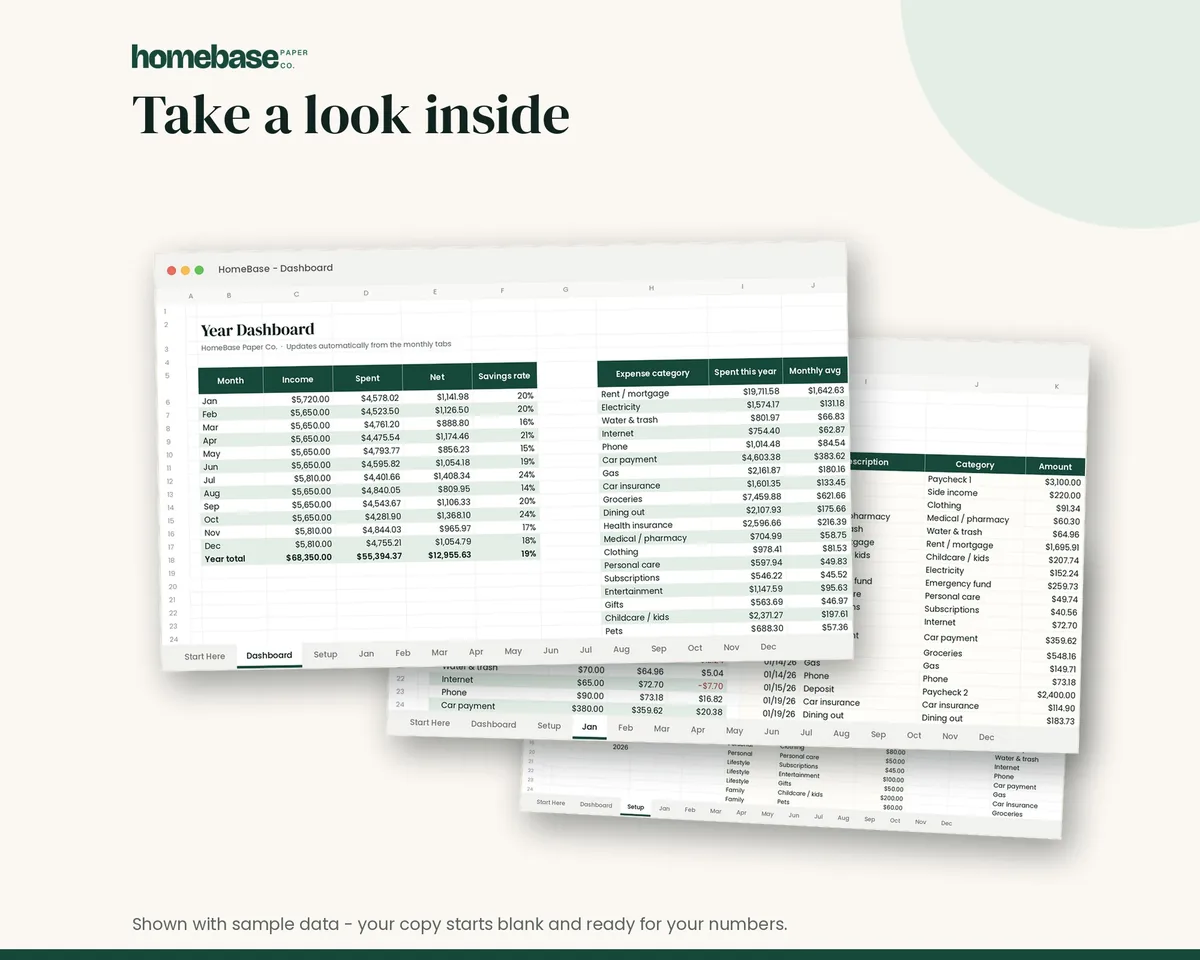
The Annual Budget Spreadsheet ($6.99) is built this way: a setup tab for your categories and plan, 12 monthly tabs (January to December), a transaction log with category dropdowns, planned vs actual by category, over-budget alerts in red and a year dashboard with a chart. It works in Excel and Google Sheets.
Step 1: Gather last year's numbers
Pull 12 months of bank and credit card statements. For each category, add up the year and divide by 12. That's your honest starting point. If you don't have a full year, three months multiplied by four gets you close.
Step 2: List every irregular expense
This is the step that makes an annual budget worth doing. Go month by month and write down anything that doesn't happen every month:
| Irregular expense | Month due | Yearly cost | Monthly set-aside |
|---|---|---|---|
| Car registration | |||
| Car insurance (if paid yearly or twice a year) | |||
| Annual subscriptions and memberships | |||
| Birthdays | Various | ||
| Holidays and Christmas | Nov to Dec | ||
| Back-to-school | Aug | ||
| Medical deductibles and dental | Various | ||
| Home or car maintenance | Various | ||
| Travel |
Divide each yearly cost by 12 and add those set-asides to your monthly plan. The Sinking Funds Tracker ($4.99) tracks up to 20 of these goals with the monthly amount needed to hit each due date. Our sinking funds guide explains the method.
Step 3: Set monthly targets
For each category, write the planned amount in every month. Most categories repeat; irregular ones spike in their month. Then check the left-over row. If any month goes negative, move money from a lighter month or trim a category before the year starts, not after.
If you're paid on an uneven schedule, plan each month's income separately. Months with a third paycheck (for biweekly pay) are a great place to catch up on savings.
Step 4: Track actual spending each month
At the end of each month, log what you actually spent and compare it to the plan. You're looking for patterns, not perfection:
- One category always over? The plan is too low. Raise it and lower something else.
- One category always under? Move the difference to savings or debt.
- A surprise expense? Add it to next year's irregular list.
The budget categories list is useful here if you find spending that doesn't fit your current categories.
Step 5: Do a year-end review
In December, compare the year total for each category to the plan. Three questions set up next year:
- Where did we spend more than planned, and was it worth it?
- Where did we save, and where should that money go next year?
- What irregular expense caught us off guard?
Our end-of-year financial checklist walks through the rest of the year-end tasks, and how to make a budget for the new year picks up in January.
A year-end review is also a good time to update a personal financial statement, which lists what you own and what you owe on one date.
Prefer paper?
Affiliate links: we may earn a small commission. As an Amazon Associate we earn from qualifying purchases. Details.
Some people plan better with a pen; Paper Mate InkJoy gel pens are one option. The Budget Planner Printable ($5.99) has 12 undated pages, including a monthly budget, income, expense log, bill payments, debt payoff, savings, sinking funds and an Annual Summary page for your year at a glance. Print it, keep it in an Avery Durable View 1-inch binder and fill in one month at a time.
Not sure which format suits you? See budget planner printable vs spreadsheet, or start with the monthly budget worksheet if the year feels like too much for now.
Want the whole year on your phone and laptop? See our digital budget planner guide.
See where every dollar goes all year
See exactly where your money goes every month - without complicated software.
$6.99 · Instant download. Print at home or fill it in on screen. Or browse the full Budget & Money collection.
Frequently asked questions
What is an annual budget template? An annual budget template is a plan for your household's money across all 12 months, with yearly income, monthly targets for each category and room for irregular costs like insurance and holidays. The Annual Budget Spreadsheet has a setup tab, 12 monthly tabs and a year dashboard, so you see the whole year at once.
How do I make an annual budget? Make an annual budget by listing your expected income for the year, adding every fixed and variable expense, then adding irregular costs (annual bills, holidays, birthdays, car maintenance) and dividing them by 12. Track actual spending each month and compare it to the plan.
Is an annual budget better than a monthly budget? An annual budget isn't better than a monthly budget; it's a layer on top. The monthly budget handles day-to-day spending, while the annual view catches the irregular expenses that wreck monthly budgets, like car registration or holiday gifts.
What should an annual budget include? An annual budget should include income, housing, utilities, food, transportation, insurance, debt payments, savings, and irregular costs like annual subscriptions, gifts, holidays, travel, medical deductibles and home or car maintenance.
When should I start an annual budget? Start an annual budget in late December or early January, when you can review last year's spending and plan the new one. You can also start any month; an undated or rolling 12-month plan works the same way.
Can I use the Annual Budget Spreadsheet in Google Sheets? Yes, the Annual Budget Spreadsheet works in both Excel and Google Sheets. It includes a Start Here guide, so you can set up categories in a few minutes.
How do I budget for irregular expenses in an annual budget? Budget for irregular expenses by listing each one with its yearly cost and due month, dividing the yearly cost by 12, and setting that amount aside monthly in a sinking fund. When the bill arrives, the money is already waiting.
How do I track spending against my annual budget? Track spending against an annual budget by logging every transaction into its category each month and comparing planned vs actual. The Annual Budget Spreadsheet has a transaction log with category dropdowns and red over-budget alerts.
What is a year-end budget review? A year-end budget review is a look back at how your actual spending compared to your annual budget, category by category. It shows where you overspent, where you saved and what to change for next year.
Is there a printable annual budget? You can print an annual budget using the layout on this page, or use the Budget Planner Printable, which includes an Annual Summary page alongside monthly budget, income and expense pages.
How much does the average household spend in a year? The Bureau of Labor Statistics reported average annual expenditures of $78,535 per consumer unit in 2024, but your own numbers matter far more than the average. Use last year's statements to build your annual budget template.
Free printable
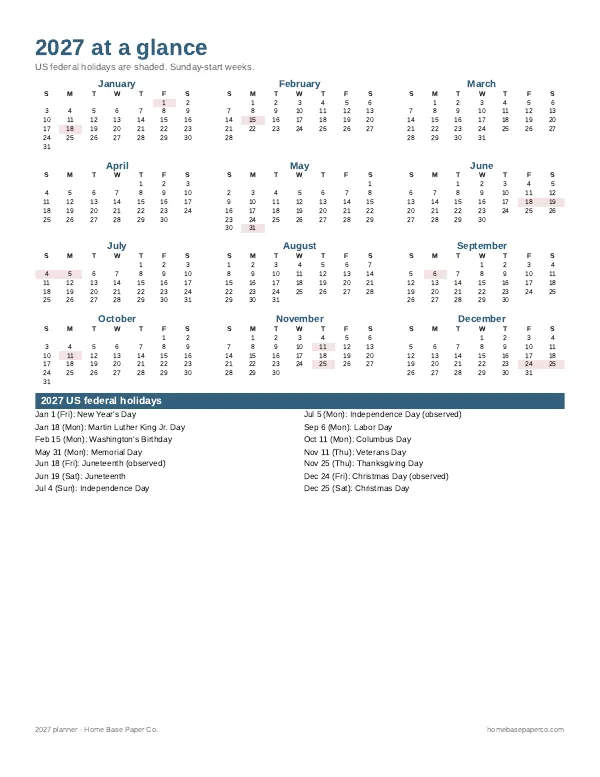
Get organized for the new year: get the free 2027 planner
A 16-page printable 2027 planner with a year-at-a-glance page and monthly calendars with US holidays marked. You'll also get our weekly HomeBase email with simple planning and home organization tips.
Sources
- Consumer Expenditures report for 2024 bls.gov
- 2025 household well-being report federalreserve.gov