

The short answer: to make a budget for the new year, look back at last year's spending, list your monthly income and fixed bills, turn once-a-year costs into monthly savings amounts and give the rest of your income a job. You can do the setup in one evening.
- Yearly costs to monthly: $1,200 for Christmas is $100 a month; a $1,800 vacation is $150
- Example total: $4,500 a year in once-a-year costs is $375 a month
- Book a weekly money check-in; the habit matters more than the template
- Set two or three money goals for the year
- Next step: Plan it with the Annual Budget Spreadsheet ($6.99).
Here's how to make a budget for the new year: look back at last year's spending, list your monthly income and fixed bills, turn once-a-year costs into monthly savings amounts, and give the rest of your income a job. Then book a short weekly check-in, because that habit matters more than the template. You can do the setup in one evening.
Here's the process step by step, with an example.
Step 1: Look back at last year
You can't plan a year without knowing what the last one cost. Download three months of bank and card statements, or the full year if you can, and total the main categories: housing, food, transport, kids, insurance, subscriptions, gifts and fun. Note anything that surprised you.
Pay special attention to costs that came once or twice: car registration, back-to-school, holidays, annual subscriptions, insurance premiums and medical bills. Those are the ones that break monthly budgets.
The CFPB's guide to creating a budget starts the same way: record your income, then log your spending by category to see where your money actually goes.
Step 2: Write down this year's income
List every regular source of income after tax. If your pay varies, use the lowest typical month as your base and treat anything above it as extra to assign when it arrives. If you're paid every two weeks, remember that two months of the year will have three paychecks.
Step 3: List fixed bills
These are the costs that are the same every month: rent or mortgage, car payment, insurance, phone, internet, childcare and minimum debt payments. Put each one on the list with its due date. Seeing them in date order also shows which paycheck should cover which bill (a paycheck budget planner makes this easy to plan).
Step 4: Turn yearly costs into monthly savings
Take the irregular costs from Step 1 and divide each by 12. Save that amount every month in a separate account. These are sinking funds.
Mark each yearly bill on a 2027 calendar so you can see which months need the most saved.
| Yearly cost | Annual total | Monthly savings |
|---|---|---|
| Christmas and gifts | $1,200 | $100 |
| Car registration and repairs | $900 | $75 |
| Back-to-school | $360 | $30 |
| Annual subscriptions | $240 | $20 |
| Vacation | $1,800 | $150 |
| Total | $4,500 | $375 |
This one step turns "surprise" expenses into planned ones.
Step 5: Plan the flexible spending
Now set amounts for groceries, fuel, eating out, household items, personal spending and fun. Use last year's real numbers as the starting point, then adjust. If you want to spend less, cut one or two categories by a clear amount rather than trimming everything a little.
Step 6: Give every remaining dollar a job
Income minus fixed bills, sinking funds and flexible spending leaves a number. Assign it to a goal: emergency fund, extra debt payments, retirement or a specific purchase. When income minus all assignments equals zero, the budget is complete. That's the idea behind a zero-based budget.
Set goals before you set numbers
Most bank and budgeting-software guides start with goals: pick two or three things you want the year's money to do, such as building a starter emergency fund, paying off one card or saving for a trip. Then let those goals decide which lines in the budget get more. A goal with a monthly amount attached ("$250 a month to the emergency fund") is much easier to keep than "save more."
Review monthly and adjust
A new year budget is a first draft. Look at it at the end of each month, compare planned and actual amounts, and move money between categories rather than abandoning the plan. Revise it fully when something big changes: a new job, a move, a new baby or a major purchase. Our monthly budget worksheet gives you a one-page place to do that check.
A simple example
| Line | Monthly |
|---|---|
| Take-home income | $5,200 |
| Fixed bills | $2,950 |
| Sinking funds | $375 |
| Groceries and household | $900 |
| Fuel and transport | $250 |
| Personal and fun | $300 |
| Emergency fund | $250 |
| Extra debt payment | $175 |
| Left to assign | $0 |
Step 7: Book the weekly money check-in
Pick a time each week, 15 minutes is enough, to log spending, check each category and move money if something ran over. Couples can do this together over coffee. A budget that's reviewed weekly gets better each month; one that isn't is usually abandoned by February.
Write each check-in on our free January 2027 calendar, which also has room for bill due dates and paydays.
Use the check-in to review your goals, too. Our free SMART goals template has a tracker with a monthly check-in for each goal.
Pick the format you'll actually use
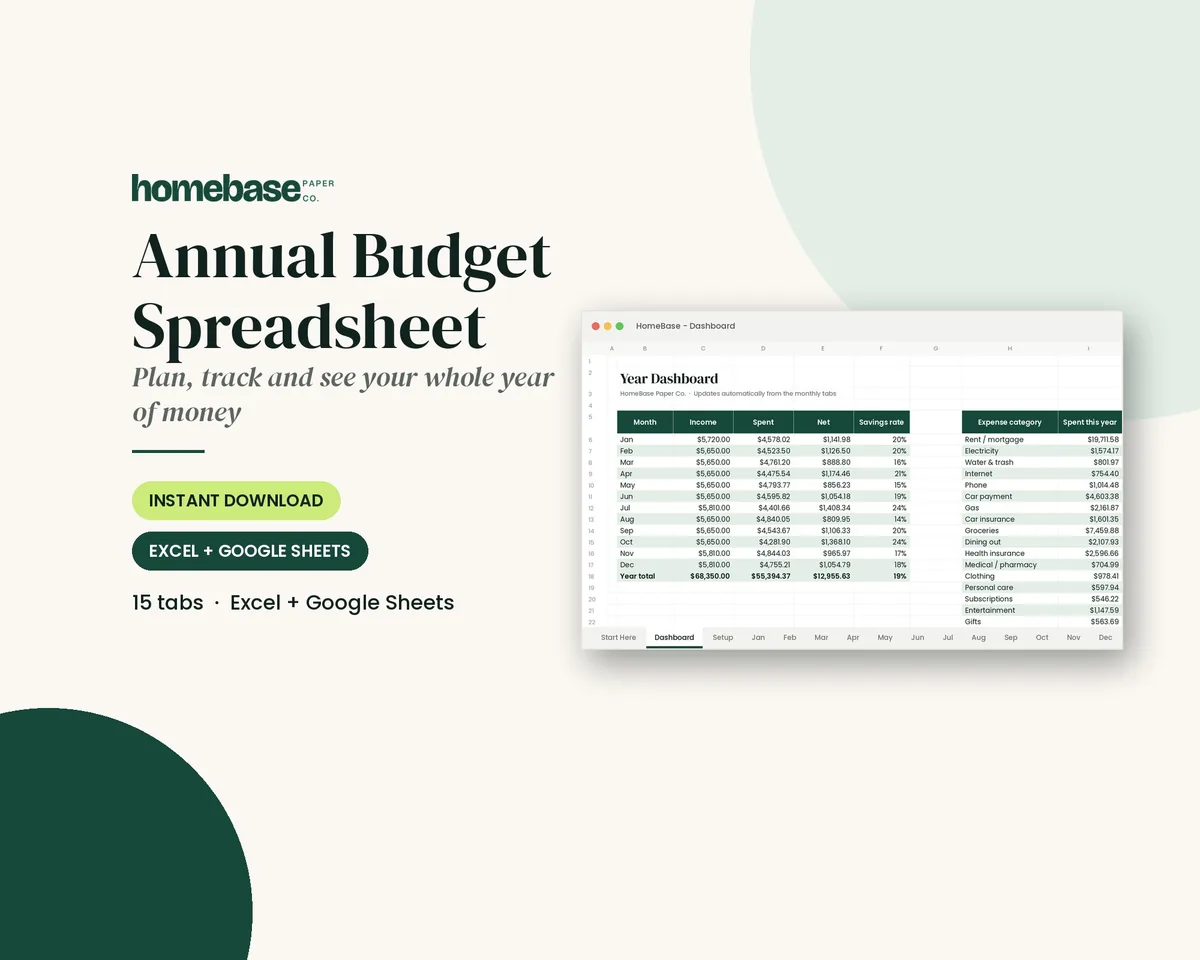
- Spreadsheet: the Annual Budget Spreadsheet ($6.99) has a setup tab, 12 monthly tabs, a transaction log with category dropdowns, planned vs. actual by category, over-budget alerts and a year dashboard. It works in Excel and Google Sheets.
- Printable: the Budget Planner Printable ($5.99) includes money goals for the year, a monthly budget, income tracker, expense log, bill tracker, savings and sinking funds pages and an annual summary.
- Bound book: the Monthly Budget Planner (coming soon) paperback will be undated, with a calendar, monthly budget, bill tracker and expense logs for each month. Until it's available, use the Budget Planner Printable ($5.99) above.
For the sinking funds in Step 4, the Sinking Funds Tracker ($4.99) calculates the monthly amount for up to 20 goals. Everything above, except the paperback, is in the Ultimate Budget Bundle ($19.99).
If your income is irregular
Freelancers, commission earners and shift workers can still budget a year (see how to budget on a variable income). Build the monthly plan on your lowest normal month. When a bigger month arrives, fill these in order: next month's bills, the emergency fund, sinking funds, then goals. Some people keep a "holding" account and pay themselves the same amount on the first of each month from it, which turns a lumpy income into a steady one. If you're self-employed, track business income and costs in their own free business expense spreadsheet and budget from what you pay yourself.
Set two or three money goals for the year
A budget is easier to keep when it's working toward something. Choose no more than three goals, give each a number and a date (our guide on how to set financial goals shows how), and put them at the top of the plan. For example: "$1,000 emergency fund by April", "credit card paid off by September", "Christmas fully saved by November". Each goal then gets a monthly line in the budget, so progress happens automatically.
Money goals often sit next to other new year's resolutions. Our list has 60 ideas and a simple plan for keeping them past February.
To keep those goals in sight all year, see how to make a vision board, including a money vision board.
If you don't have a cushion yet, make it goal one. The CFPB's emergency fund guide explains that even small amounts set aside help you recover faster from unplanned expenses.
Common new year budget mistakes
- Copying someone else's percentages instead of using your own numbers.
- Forgetting irregular costs, which is why so many budgets fail by spring.
- No fun money. A budget with zero room for enjoyment rarely lasts.
- Waiting for a perfect start. Starting on January 8 is fine. Starting at all is what counts.
- Budgeting alone when you share money. If you have a partner, plan together, even if one person does the tracking.
- Never adjusting. Your first month's numbers are guesses. Update them in February using what actually happened.
Paying off holiday balances first? See debt snowball vs. avalanche.
Planning the night itself? See our guide to a family New Year's Eve at home, which ends with a simple family goals activity. Our New Year's Eve planning guide covers traditions and a step-by-step plan.
Make it easier
Tools for this
Spreadsheets
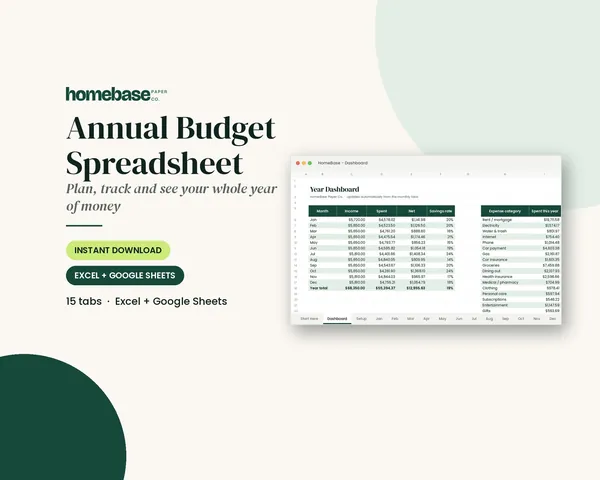
Annual Budget Spreadsheet
See exactly where your money goes every month - without complicated software.

Printables
Budget Planner Printable
Twelve undated pages you can print every month: budget, bills, spending, savings and debt.
Spreadsheets
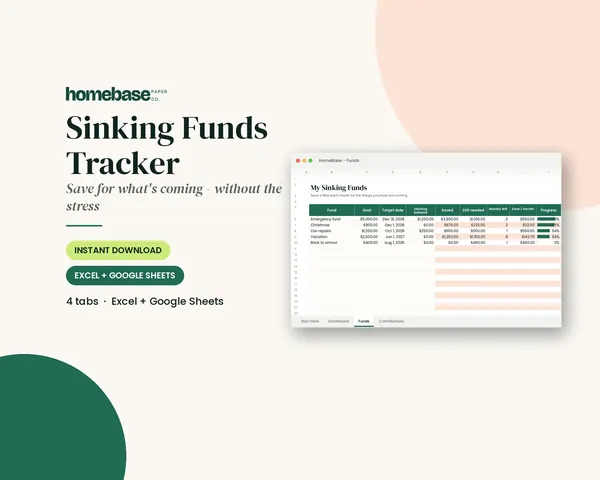
Sinking Funds Tracker
It does the math: how much to set aside each month to hit every goal on time.
Frequently asked questions
How do I make a budget for the new year? Review last year's spending, list this year's take-home income and fixed bills, divide yearly costs by 12 and save that monthly, plan flexible spending, and assign whatever is left to goals. Then hold a 15-minute check-in every week.
What should a yearly budget include? Income, fixed monthly bills, sinking funds for irregular costs like holidays, car repairs and annual subscriptions, flexible spending such as groceries and fuel, savings goals and debt payments. A yearly budget also needs a monthly or weekly review.
Is a budget spreadsheet or printable better for a new year budget? A spreadsheet does the math, keeps 12 months of history and is easy to share with a partner. A printable suits people who stay engaged by writing things down. Many households plan on paper and track totals in a spreadsheet.
When should I start my new year budget? The last week of December is ideal, because you can review the year and plan before January bills arrive. But you can start any time; an undated planner or a spreadsheet works whether you begin on January 1 or mid-month.
How often should I review my new year budget? Review a new year budget at the end of every month, and run a short weekly check-in if you can. Compare planned and actual spending, move money between categories, and rewrite the budget fully after any big life change such as a new job, a move or a new baby.
More from HomeBase
You may also like
Spreadsheets
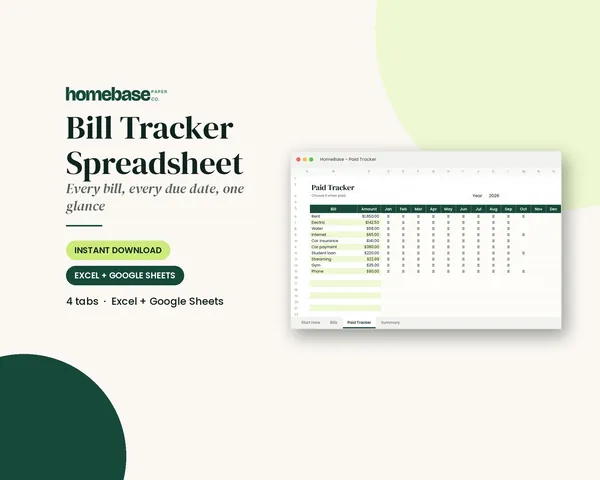
Bill Tracker Spreadsheet
Bills due in 3 days or less light up red, so nothing slips through.
Spreadsheets
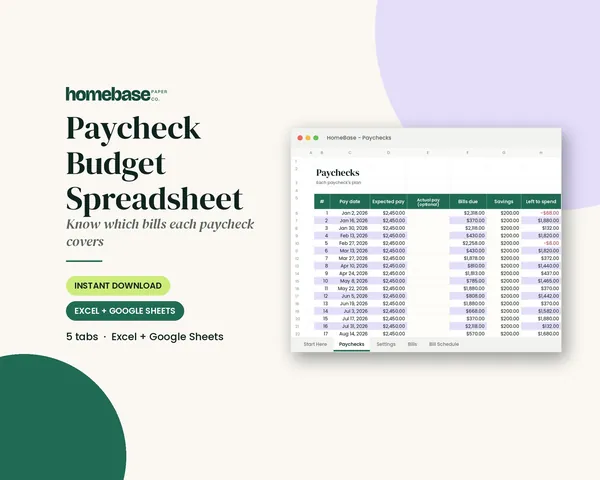
Paycheck Budget Spreadsheet
Enter your bills once. The sheet tells you which paycheck pays each one, all year.
Spreadsheets
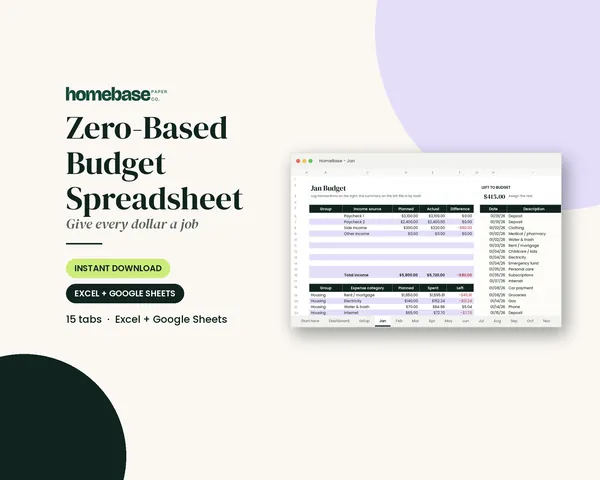
Zero-Based Budget Spreadsheet
The 'Left to budget' counter turns green when every dollar has a job.
Spreadsheets
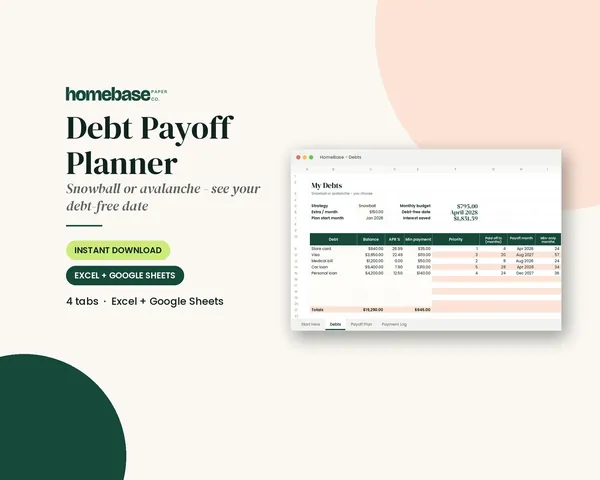
Debt Payoff Planner
Pick snowball or avalanche, add any extra payment, and get your debt-free month instantly.
 Club
Monthly club
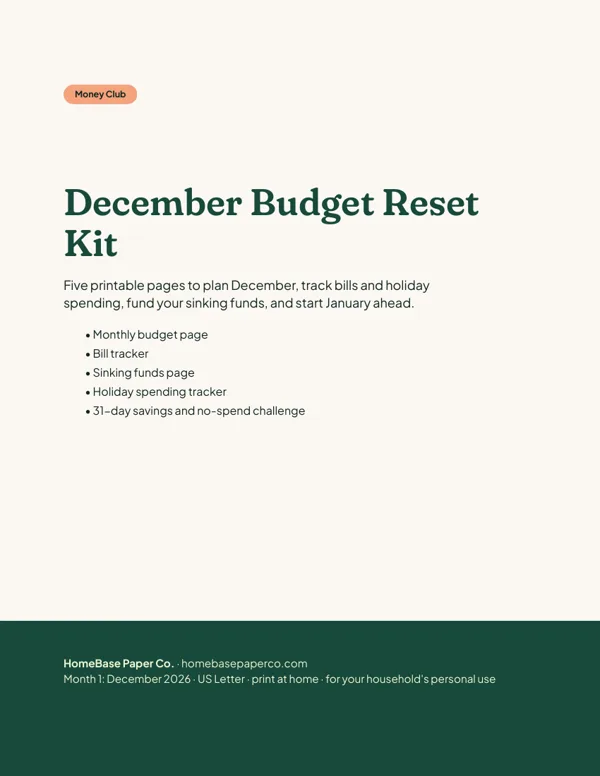
Money Club
Anyone who wants a clear plan for the month's bills, holiday spending and savings.
Free printable
Get the free Holiday Budget Starter Kit
A one-page holiday budget, a gift list with a spending limit for every person, and a 6-week countdown so December stays calm and paid for. You'll also get our weekly HomeBase email with simple holiday planning, budgeting and hosting tips.

Sources
- Guide to creating a budget consumerfinance.gov
- Emergency fund guide consumerfinance.gov