The short answer: The best bullet journal bill tracker ideas are the ones simple enough to update every week: a monthly list with checkboxes, a 12-month grid for fixed bills or a bill calendar that shows due dates next to paydays. Pick one layout, draw it once and check it on the same evening each week. The layout matters less than the habit.
Below are eight layouts that work, what to put on each, and a printable shortcut if you'd rather not draw grids by hand. If you're new to bujo, our bullet journal ideas guide covers the basics first.
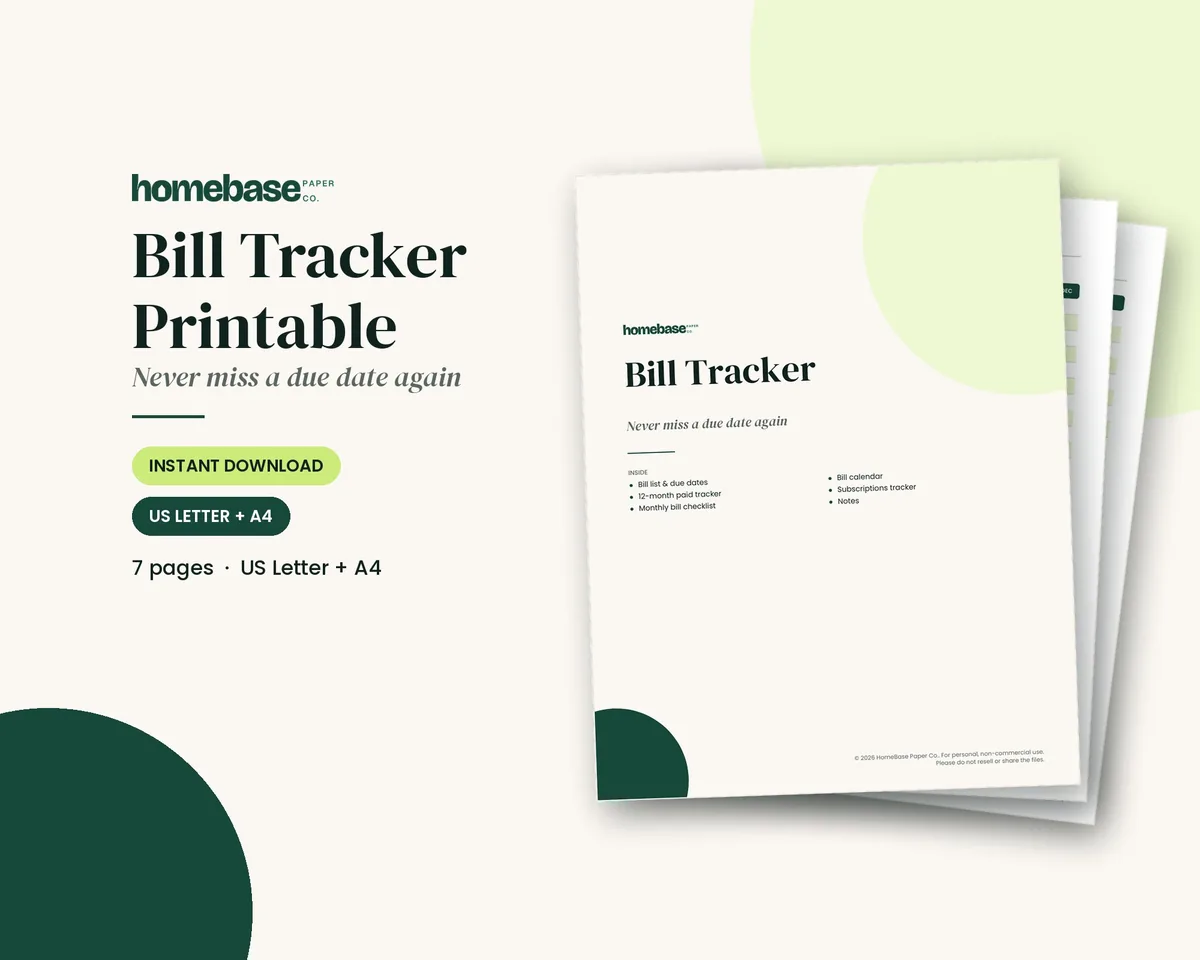
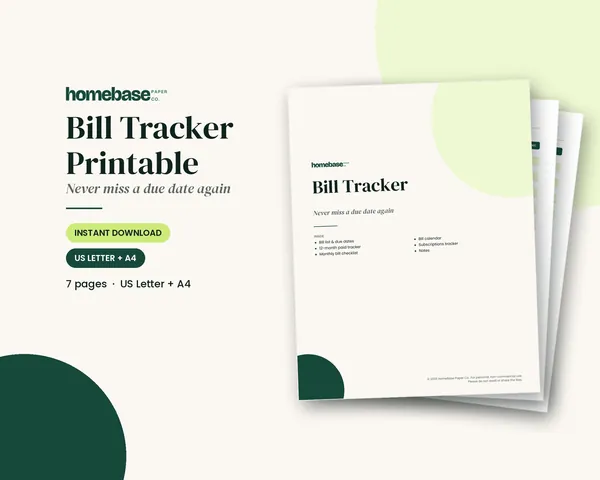
What's included in the Bill Tracker Printable
- My Bills
- 12-Month Paid Tracker
- Monthly Bill Checklist
- Bill Calendar
- Subscriptions
- Notes
Printable PDF, $3.49. Instant download; nothing is shipped. See every page on the product page.
Who it's for
- Bullet journal fans who want their bills in the same notebook as everything else.
- Visual planners who remember due dates better when they draw them.
- Anyone with irregular bills (quarterly insurance, annual subscriptions) that are easy to forget.
- People who started a bujo bill page and gave up, and want a simpler layout that lasts.
How to set up a bullet journal bill tracker, step by step
- Gather every bill. Go through two or three months of bank and card statements and write down every recurring payment, including annual ones and subscriptions.
- Pick one layout. Choose one layout from the ideas below. A simple monthly list or a 12-month grid is the best place to start.
- Draw the frame in pencil. Count the rows you need (one per bill, plus two spare) and sketch the columns lightly before you ink anything.
- Add the details. Fill in each bill's name, due date and usual amount. Mark autopay bills with a small symbol so you know they need checking, not paying.
- Check off as you pay. Tick, color or fill in each box as soon as a bill is paid. A highlighter color per category makes the page readable at a glance.
- Review it every week. Pick one evening a week to check what's due in the next seven days. That habit matters more than the layout.
8 bullet journal bill tracker layouts
1. The simple monthly list. One line per bill: due date, name, amount and a checkbox. It's quick to draw, easy to read and the one most people stick with.
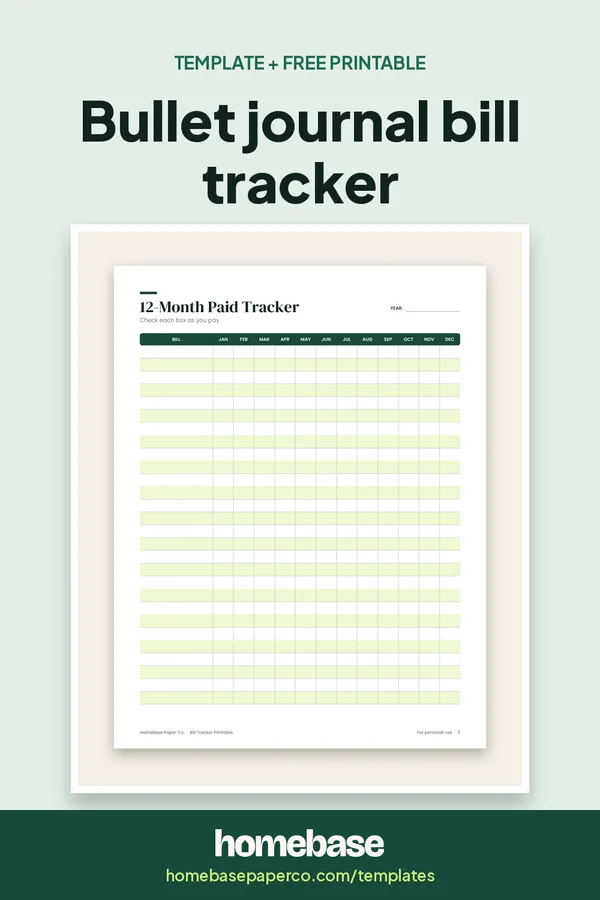
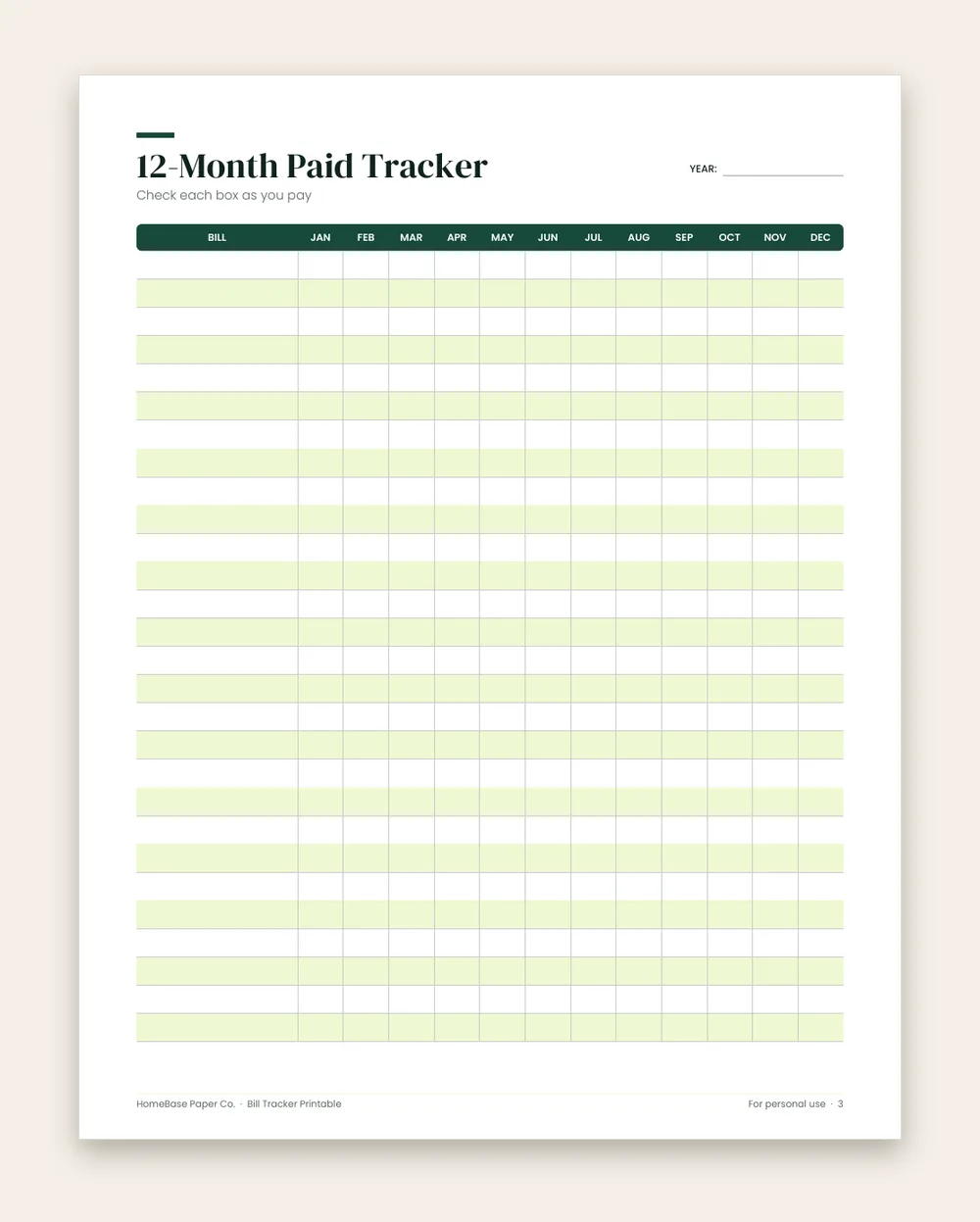
2. The 12-month grid. Bills down the left, months across the top, a box in each cell. Draw it once in January and tick boxes all year. It's great for fixed bills like rent, insurance and phone.
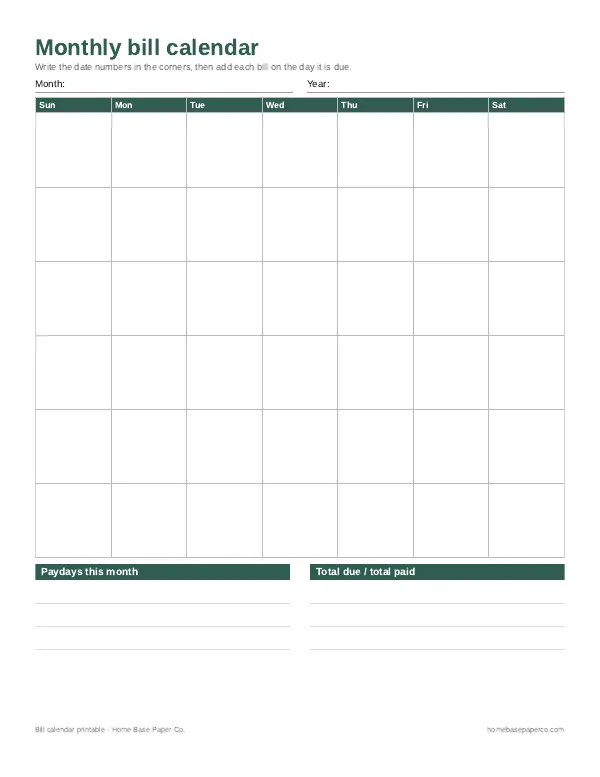
3. The bill calendar. A small month calendar with each bill written on its due date and paydays circled. It shows you which paycheck covers which bills. If drawing a calendar every month sounds like a lot, print our free bill calendar and glue it in.
4. The paycheck split. Two or more columns, one per payday, with the bills each paycheck covers. It's ideal if you're paid every two weeks and money is tight before payday.
5. The thermometer or debt tracker. For a bill you're paying down, such as a credit card or loan, draw a bar or thermometer and color a section each time you make a payment.
6. The subscriptions table. Service, price, billing cycle and renewal date. Review it every quarter. This is the page that catches the free trial that turned into a paid plan.
7. The annual bills page. Car registration, insurance premiums, memberships and other once-a-year costs, with the month each one is due and how much to set aside each month.
8. The color-by-category tracker. Any of the layouts above, with one highlighter color per category: housing, utilities, insurance, debt, subscriptions. Over a few months, it shows where most of your money goes.
What to include on any bill tracker
- The bill name and who it's paid to
- The due date (and the date you actually paid it)
- The usual amount and the actual amount
- An autopay mark, so you check it posted
- A notes space for confirmation numbers and price changes
Tips that keep a bill page going
- Draw two spare rows. You'll always find one more bill.
- Pencil first, pen later. Amounts change; erasing ink ruins a spread.
- Same day, every week. Five minutes on Sunday night beats an hour at month end.
- Don't redesign monthly. A layout you reuse saves time for actually checking bills.
When to switch to a printable or spreadsheet
If you love drawing spreads, keep going. But if the drawing is the reason you stop tracking, a printed page does the same job. The Bill Tracker Printable includes a bill list, a 12-month paid tracker, a monthly checklist, a bill calendar and a subscriptions page, in US Letter and A4. If you'd like the due-date math done for you, the Bill Tracker Spreadsheet shows days left and flags bills that are due soon.
For a fuller paper system, see how to pair a budget planner and monthly bill organizer, or browse all of our templates.
Ready to use
Skip the ruler: printable and spreadsheet bill trackers
 Starter pick
Spreadsheets
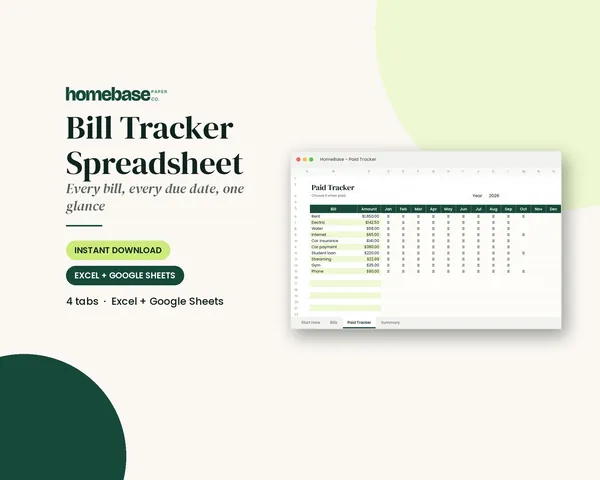
Bill Tracker Spreadsheet
Bills due in 3 days or less light up red, so nothing slips through.
Frequently asked questions
What should a bullet journal bill tracker include? At minimum: the bill name, the due date, the amount and a paid checkbox. Many people add a column for autopay, the account it's paid from and a notes space for confirmation numbers or price changes. Keep it to what you'll actually fill in; a beautiful page you don't update doesn't help.
Should I make a monthly or a yearly bill tracker? A yearly grid is less work, because you draw it once and tick a box each month. A monthly page has more room for amounts and notes. If you're new to tracking bills, start with a yearly grid for fixed bills and a monthly list for the ones that change.
How many pages does a bill tracker take in a bullet journal? A yearly bill grid fits on one page or a two-page spread. A monthly tracker takes one page per month. If you add a bill calendar too, plan on two pages a month.
What's the easiest bill tracker layout to keep up with? The simple monthly list: one line per bill with the due date on the left and a checkbox on the right. It takes five minutes to draw and is easy to update, which is why most people stick with it.
How do I track bills that change every month? Write the usual amount in pencil, then the actual amount in pen once the bill arrives. A notes column for "why it changed" helps you spot rising utility costs or price increases.
How do I track subscriptions in a bullet journal? Give them their own small table: the service, the price, how often it bills and the renewal date. Review the list every three months and cross off anything you don't use.
Can I use a printable bill tracker in my bullet journal? Yes, you can use a printable bill tracker in your bullet journal. Many people print a bill tracker page, trim it and glue or tape it in. If your journal is A5, print at around 70 percent scale on US Letter, or use the A4 file and scale it to fit.
What colors should I use for a bill tracker? One color per category is easiest to read: for example, housing, utilities, insurance, debt and subscriptions. Use the same colors every month so you can scan the page quickly.
Is a bullet journal or a spreadsheet better for bills? A journal keeps you looking at your bills by hand, which helps some people remember them. A spreadsheet shows days left until each due date and totals for you. Our Bill Tracker Spreadsheet flags bills that are due soon in red, if that's the part you need most.
How do I make sure I don't miss a bill? Pair any tracker with a weekly check-in and a calendar of due dates. The tracker shows what's paid; the calendar shows what's coming. Autopay helps for fixed bills, but check that each one went through.
Free printable
Never miss a payment: get the free bill calendar
A printable monthly bill calendar with room for due dates, amounts and paydays, so every payment has a plan before the month starts. You'll also get our weekly HomeBase email with simple budgeting and bill-paying tips.