

The short answer: wedding websites give guests one link for the date, venue, schedule, hotels, RSVP form and registry, so they stop texting you the same questions.
- Must-haves: home, the event, schedule, travel and hotels, RSVP
- Leave off: your home address, very personal stories and events not everyone is invited to
- 10 setup steps, a launch timeline and wording examples
- Privacy and passwords explained below
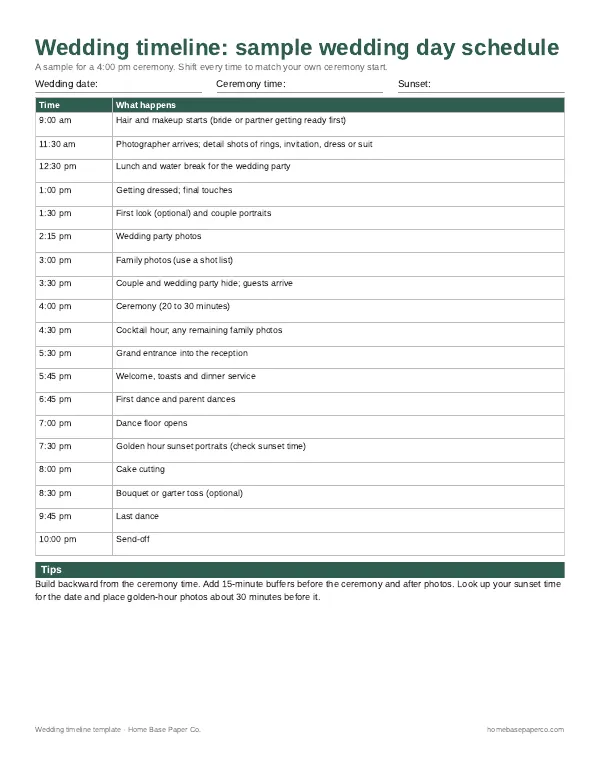
- Next step: Get the free wedding timeline template (we email it to you); want more? The Wedding Planner Checklist is $5.99.
Most couples now use wedding websites as the home base for everything guests need to know. One link holds the date, the venue, the schedule, hotel options, the RSVP form and your registry, so guests stop texting you the same questions. This guide covers what to put on your wedding website, when to launch it, how to build one step by step, wording you can copy, and how to keep it private.
What a wedding website is (and why it saves you time)
A wedding website is a simple site, usually free or low cost, that collects every guest-facing detail in one place. Your paper invitation stays short and elegant. The website carries the practical details that would never fit on a card.
The Emily Post Institute's wedding website tips describe these sites as the hub for your wedding and list the core pages: the event, accommodations, schedules, RSVP and registry. They also advise keeping the site small, since too many pages and too much information confuse guests.
A good site does three jobs:
- Answers questions before they're asked. Dress code, parking, kids, plus-ones and start times all live in one place.
- Collects RSVPs and meal choices. Online replies land in one list instead of a pile of cards and texts.
- Keeps guests updated. If the shuttle time changes, you edit one page instead of messaging 120 people.
What to put on your wedding website
Start with the must-have pages, then add extras only if they help guests. Use this checklist when you build your pages.
| Page | What to include | Must-have or optional |
|---|---|---|
| Home | Your names, date, city and a countdown or welcome line | Must-have |
| The event | Ceremony and reception times, addresses, parking and transportation | Must-have |
| Schedule | Every event all guests are invited to, such as a welcome party or farewell brunch | Must-have |
| Travel and hotels | Room blocks, booking codes, cutoff dates, nearest airport | Must-have if guests travel |
| RSVP | Reply form, meal choices, allergies, accessibility notes | Must-have |
| Registry | Registry links and a short thank-you line | Must-have if you register |
| FAQ | Dress code, kids, plus-ones, weather, photos, gifts | Strongly recommended |
| Our story | How you met, the proposal, a few photos | Optional |
| Wedding party | Names and roles of your attendants | Optional |
| Things to do | Restaurants, sights and coffee spots near the venue | Optional |
| Cultural or religious notes | What to expect during the ceremony and any customs | Optional, very helpful |
Two pages people often forget: a clear dress code line and a kids and plus-ones note. Both prevent awkward conversations later.
What to leave off
Some things don't belong on a public page:
- Events not everyone is invited to. Emily Post warns against posting the rehearsal dinner publicly, because guests may think they're expected.
- Very personal stories. Template prompts about your first kiss make good material for a toast, not for your whole guest list.
- Your home address and phone number. Use a shared email or the site's contact form.
- Registry links on every page. Keep them on one page only.
When to launch your wedding website
Launch your wedding website before your save-the-dates go out, and update it again before invitations mail. Emily Post's guidance is to have it ready before the save-the-date if you can, and definitely before invitations.
| Timing | What to have live |
|---|---|
| 9 to 12 months out | Home page, date, city, and hotel blocks if guests will travel |
| 6 to 8 months out (save-the-dates) | Full event details if known, travel page, FAQ draft |
| 3 months out | Schedule, RSVP form switched on, registry page |
| 6 to 8 weeks out (invitations) | Final times, dress code, transportation, RSVP deadline |
| 2 weeks out | Shuttle times, weather notes, parking, day-of contact |
| After the wedding | A thank-you note and photos |
If you use a wedding planning timeline, add "launch website" next to "order save-the-dates" so the two happen together. Our wedding timeline guide shows where that sits in the full year.
How to make a wedding website, step by step
You don't need any design skills. Most builders let you pick a template, fill in the pages and publish in an evening.
- Gather your details first. List the date, venues, start times, hotel blocks, dress code and registry links in one document. A printed checklist helps here.
- Choose a builder. Compare price, ads, custom domain, password protection, RSVP features and guest privacy (see the next section).
- Pick a short, easy address. Use your names or a mix of names and year, without hyphens or hard spellings.
- Choose a simple design. Match your invitation colors or fonts if you can, so the site feels connected to your paper suite.
- Build the must-have pages. Home, event, schedule, travel, RSVP, registry and FAQ.
- Write your FAQ. Answer the 10 questions you're most likely to get by text.
- Set your privacy settings. Decide on a password, turn off search indexing if you want, and limit what the guest list can see.
- Test the RSVP form. Have two friends reply on a phone and a laptop to check that answers come through.
- Publish and share the link. Put it on your save-the-dates and on an enclosure card with your invitation.
- Update as plans change. Check the site once a month, and weekly in the last six weeks.
How to choose a wedding website builder
Many builders are free, and some charge for extras. Compare them on features, not looks:
- Ads: Some free plans show ads or the builder's branding on your pages.
- Custom domain: A paid plan may let you use your own address.
- Password protection: Useful if you want only invited guests to see details.
- RSVP tools: Look for meal choices, custom questions, plus-one controls and an export to a spreadsheet.
- Guest privacy: Pick one that keeps your guests' contact details private, as Emily Post recommends.
- Registry links: Check that you can link more than one registry.
- Mobile view: Most guests will open the site on a phone, so preview it there.
Wedding website examples by wedding type
You don't need to copy someone else's site. Match the page list to the kind of wedding you're having.
Small local wedding (under 60 guests). Home, event details, RSVP, registry and a short FAQ. Five pages are plenty. Put parking and the dress code on the event page.
Destination wedding. Add a full travel page with airports, passport reminders, room block cutoff dates and local transportation. Add a schedule for every day guests are there, plus a "things to do" page. Launch early, because guests need time to book flights and request time off.
Weekend wedding with several events. List each event on the schedule page with its time, place and dress code. Only post events that every guest is invited to. Send separate invitations for anything smaller.
Cultural or religious ceremony. Add a page explaining the order of the ceremony, any customs guests take part in, and what to wear in a house of worship. Guests who are new to the tradition will thank you.
Wedding website wording examples
These short lines are ready to copy and adjust.
Welcome message: "We're so happy you're here! We can't wait to celebrate with you in Charleston on June 12, 2027. Everything you need is on this site."
RSVP note: "Please reply by April 15. If you have a food allergy or need help getting around the venue, let us know in the notes box."
Adults-only wedding: "We love your little ones, but our celebration will be adults only. Thank you for understanding."
Plus-ones: "We're keeping our guest list small, so we can only include guests named on your invitation."
Registry page: "Your presence is the greatest gift. If you'd like to give something, here are our registries. Thank you for thinking of us!"
Unplugged ceremony: "We're asking guests to put phones away during the ceremony. Our photographer will share pictures afterward."
Dress code: "Cocktail attire. The ceremony is on grass, so block heels or flats are a smart choice."
For card wording after the big day, our wedding card message ideas cover what guests can write.
Privacy, passwords and offline guests
Your site is public unless you protect it. A few simple steps keep it safe:
- Add a password and print it on the enclosure card, or share it only by message.
- Hide the site from search engines if your builder offers that setting.
- Skip exact home addresses and personal phone numbers.
- Don't post live travel details that show when your home will be empty.
- Remember offline guests. Emily Post reminds couples that not everyone goes online. Mail printed details to grandparents or anyone who prefers paper, and accept phone RSVPs for them.
Wedding website etiquette for RSVPs and registries
Where to share the address. Emily Post's advice is to keep the website off the invitation itself and share it on the response card, a small enclosure card or the save-the-date. A simple reply-card line works: "You may also reply on our wedding website."
Registry links. According to Emily Post's guide to registries, registry details never go on the wedding invitation. Use the website to send guests to your registry instead. Keep the links on one page, not front and center, and add a thank-you line. Our wedding registry ideas list can help you build a list with a wide range of prices.
Thank-you notes. You can post a thank-you message and photos after the wedding. It doesn't replace handwritten thank-you notes for gifts.
How guests find a couple's wedding website
Guests often search "wedding website find a couple by name". Here's what to tell them, or what to do as a guest:
- Check the save-the-date or enclosure card first. The address is usually printed there.
- Search inside the builder. Most large wedding website and registry sites have a "find a couple" search by first and last name.
- Try both names and the wedding month. Couples often list under one partner's name.
- Ask the couple or a family member. If the site is password protected, you'll need the password anyway.
If you're the couple, make your site easy to find by using both full names in your profile and turning on the builder's couple search, unless you want it private.
Keep the website and your planning in sync
The website shows guests the final answers. Behind it, you need a place to track the decisions that feed it: vendor times, guest replies, meal counts and costs.
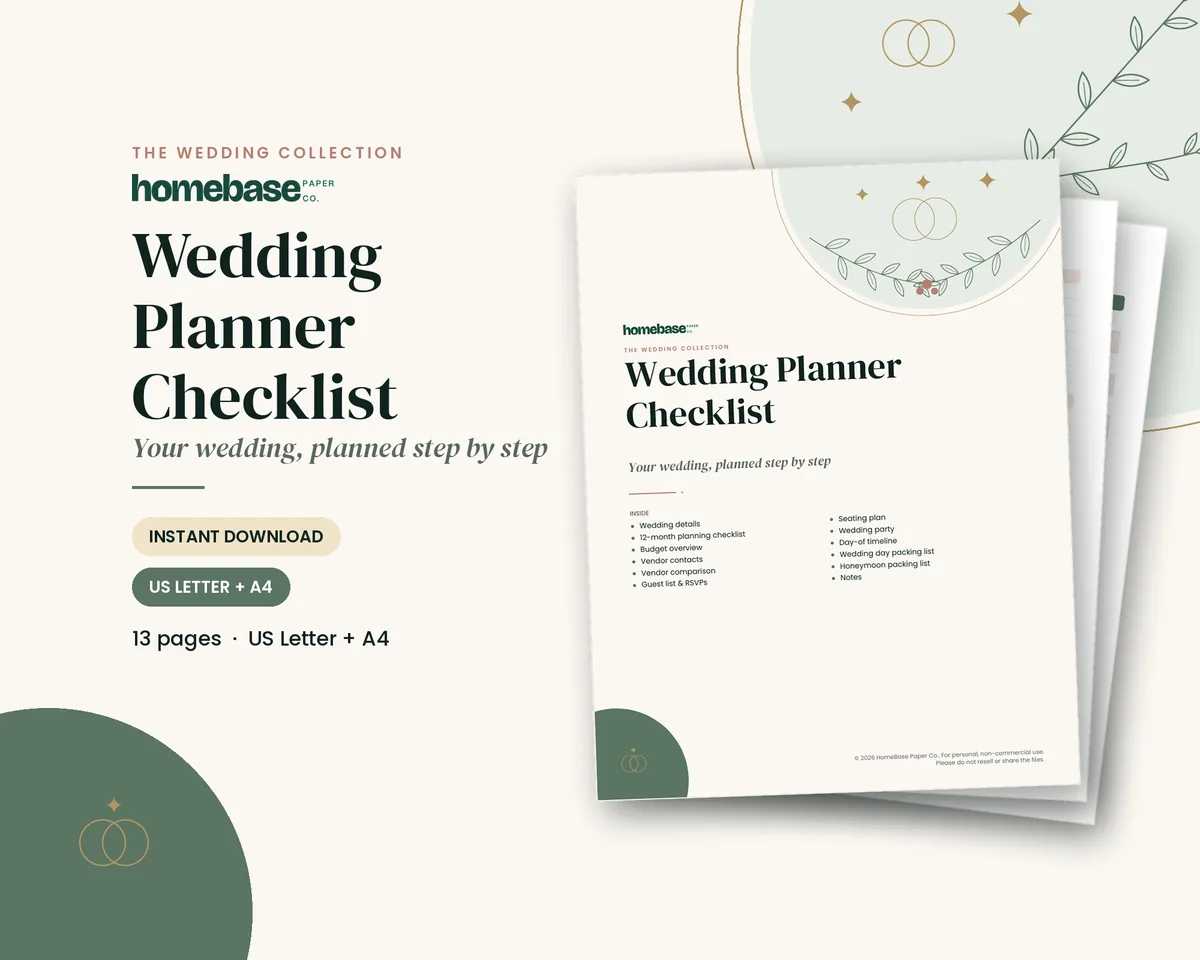
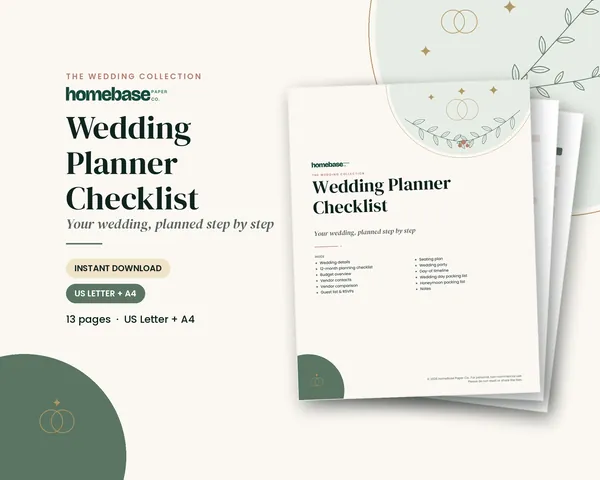
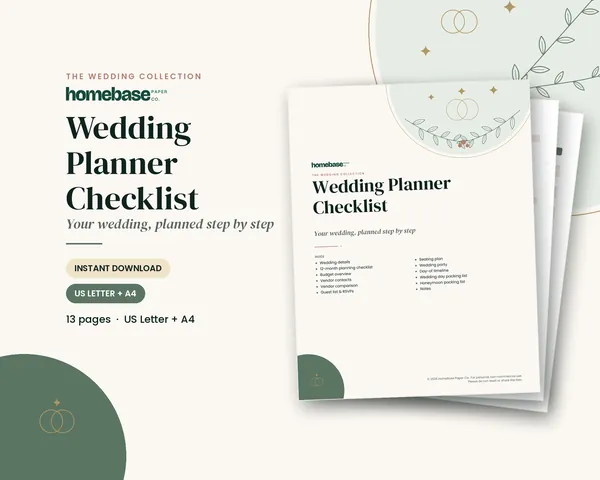
The Wedding Planner Checklist ($5.99) is a 13-page printable with a planning checklist, budget overview, vendor contacts and comparison, guest list and RSVP pages, a seating plan, wedding party details, a day-of timeline and packing lists. Its guest list and RSVP pages pair well with online replies, so you can copy final counts in one place. See the Wedding Planner Checklist.
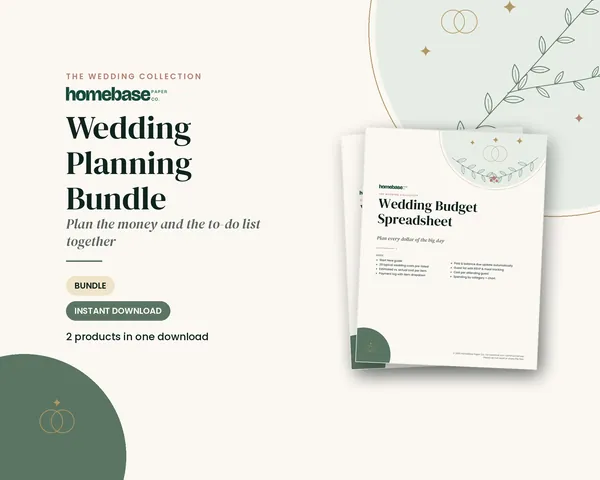
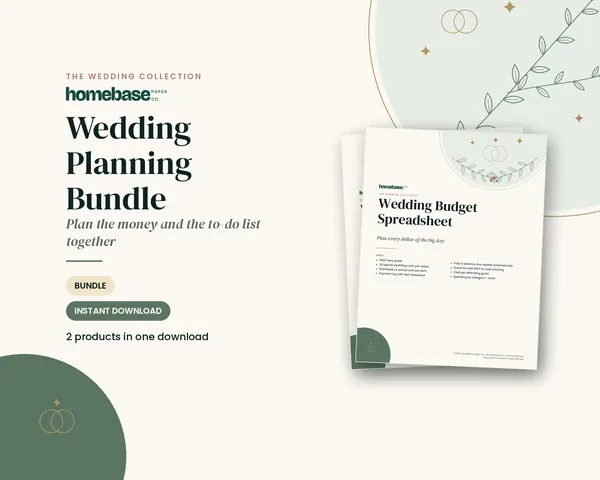
The Wedding Planning Bundle ($8.99, regularly $12.98 when bought separately) adds the Wedding Budget Spreadsheet for Excel and Google Sheets, with guest list RSVP and meal tracking and cost per guest. Get the Wedding Planning Bundle.
Browse all wedding planners and printables, the full printable collection or our bundles. Want a free start? Grab our wedding timeline template or the wedding seating chart template.
For the big picture, read how to plan a wedding, set numbers with how to budget for a wedding, and build your list with the wedding guest list template. Planning far from home? Our destination wedding guide covers travel pages in more detail.
Make it easier
Tools for this
Printables
Wedding Planner Checklist
A 12-month checklist plus budget, vendors, guest list, seating, day-of timeline and packing lists.
 Save 31%
Bundles
Wedding Planning Bundle
The Wedding Budget Spreadsheet and the 13-page Wedding Planner Checklist together - for less than buying them separately.
Frequently asked questions
What should be on a wedding website? A wedding website should have your date, venue details, schedule, travel and hotel info, an RSVP form, registry links and an FAQ. Optional pages include your story, the wedding party and local things to do. Keep it to a few clear pages so guests find answers fast.
When should you make your wedding website? Make your wedding website before you send save-the-dates. Emily Post advises having it ready before the save-the-date if you can, and definitely before invitations go out. Add details over time as plans firm up.
Do you really need a wedding website? A wedding website isn't required, but it saves time for most couples. It answers repeat questions, collects RSVPs in one list and lets you update details in one place. Small weddings can manage with printed cards and a group message.
Should the wedding website go on the invitation? Emily Post recommends keeping the wedding website off the invitation itself. Print it on the save-the-date, the reply card or a small enclosure card instead, so the invitation stays focused on inviting your guests.
Can you put registry links on a wedding website? Yes, the wedding website is the right place for registry links. Keep them on one registry page, not on every page, and add a thank-you line. Registry details should never be printed on the wedding invitation.
Are wedding websites free? Many wedding websites are free to build. Paid plans usually add a custom domain, remove ads or branding, or add extra design and RSVP features. Compare ads, privacy and RSVP tools before you choose.
How do I find a couple's wedding website by name? Check the save-the-date or enclosure card first, since the address is usually printed there. Most large wedding website and registry builders also have a find-a-couple search by first and last name. If the site has a password, ask the couple or a family member.
Should a wedding website be password protected? A password is a good idea if you want only invited guests to see times and places. Print the password on the enclosure card or share it by message. You can also hide the site from search engines if your builder offers that setting.
What should I not put on my wedding website? Leave off events not every guest is invited to, such as the rehearsal dinner, plus your home address, personal phone numbers and very private stories. Also avoid repeating registry links on every page.
How do you word an adults-only wedding on a website? Keep the adults-only line short and warm, such as: We love your little ones, but our celebration will be adults only. Thank you for understanding. Put it on the FAQ and RSVP pages.
Can guests RSVP on a wedding website? Yes, most wedding websites include an RSVP form with meal choices and a notes box for allergies or accessibility needs. Add a line to the printed reply card so guests know they can reply online, and take phone replies from offline guests.
What do you put on the home page of a wedding website? Put your names, wedding date, city and a short welcome message on the home page. Add one clear button to the RSVP or details page, so guests reach the key information in one tap.
What happens to a wedding website after the wedding? After the wedding you can post photos and a thank-you message, then take the site down or keep it as a keepsake. An online thank-you never replaces handwritten thank-you notes for gifts.
How do I keep my wedding website and planning organized? Track every detail in one planner, then copy final answers to the site. The Wedding Planner Checklist ($5.99) has guest list, RSVP, vendor and day-of timeline pages, and the Wedding Planning Bundle ($8.99) adds a budget spreadsheet with RSVP and meal tracking.
More from HomeBase
You may also like
Spreadsheets
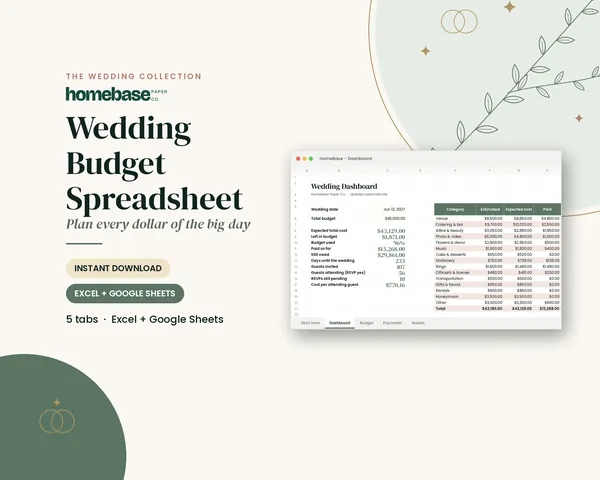
Wedding Budget Spreadsheet
Enter each payment once - the sheet shows what you've paid, what you still owe, and what's left of your budget.

Printables
Budget Planner Printable
Twelve undated pages you can print every month: budget, bills, spending, savings and debt.
 Save 33%
Bundles
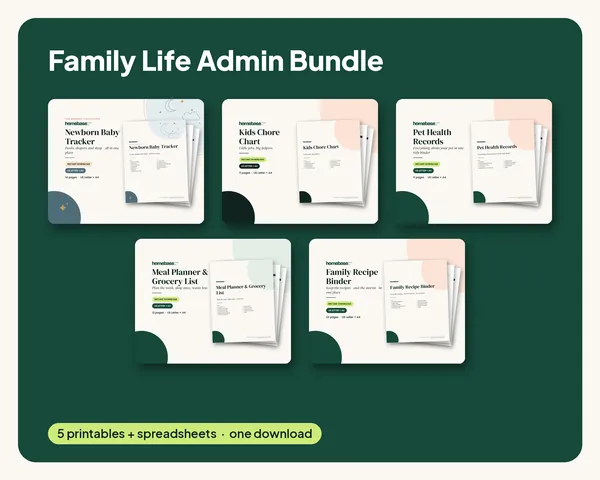
Family Life Admin Bundle
Baby logs, chore charts, pet records, meal plans and family recipes in one tidy set.
 Club
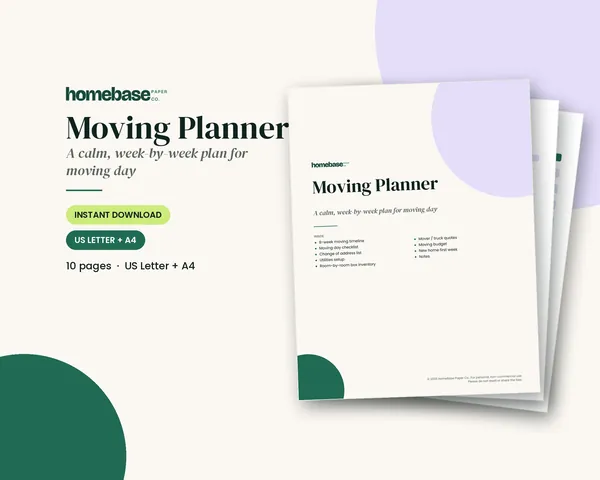
Monthly club
Planner & Calendar Club
Anyone who wants a monthly calendar, bill calendar and meal plan ready to print.
Free printable
Plan the big day step by step: get the free wedding timeline
A printable wedding planning timeline, from 12+ months out to the week of, plus a day-of schedule page. You'll also get our weekly HomeBase email with wedding and shower planning tips.
Sources
- Emily Post Institute: Wedding website tips emilypost.com
- Emily Post Institute: All about registries emilypost.com