

The short answer: the best meal planning app depends on where your recipes come from. Plan to Eat ($49 a year) is best if you save recipes from blogs, AnyList ($9.99–$14.99 a year) is best for a shared family grocery list, Paprika (one-time $4.99 on iPhone) is best if you hate subscriptions, eMeals ($59.99 a year for dinners) is best if you want someone else to pick the menu, and Samsung Food is a free starting point.
- Prices checked November 5, 2026 on each company's own site (table below)
- Pick by job: your recipes → Plan to Eat or Paprika · a shared list → AnyList · done-for-you menus → eMeals or Samsung Food+
- No-app option: a printable plan on the fridge that everyone can see, like the Meal Planner & Grocery List ($3.99, one-time). Weighing a kit instead of an app? See our meal delivery services price comparison.
Our picks for meal planning app
 Starter pick
Printables
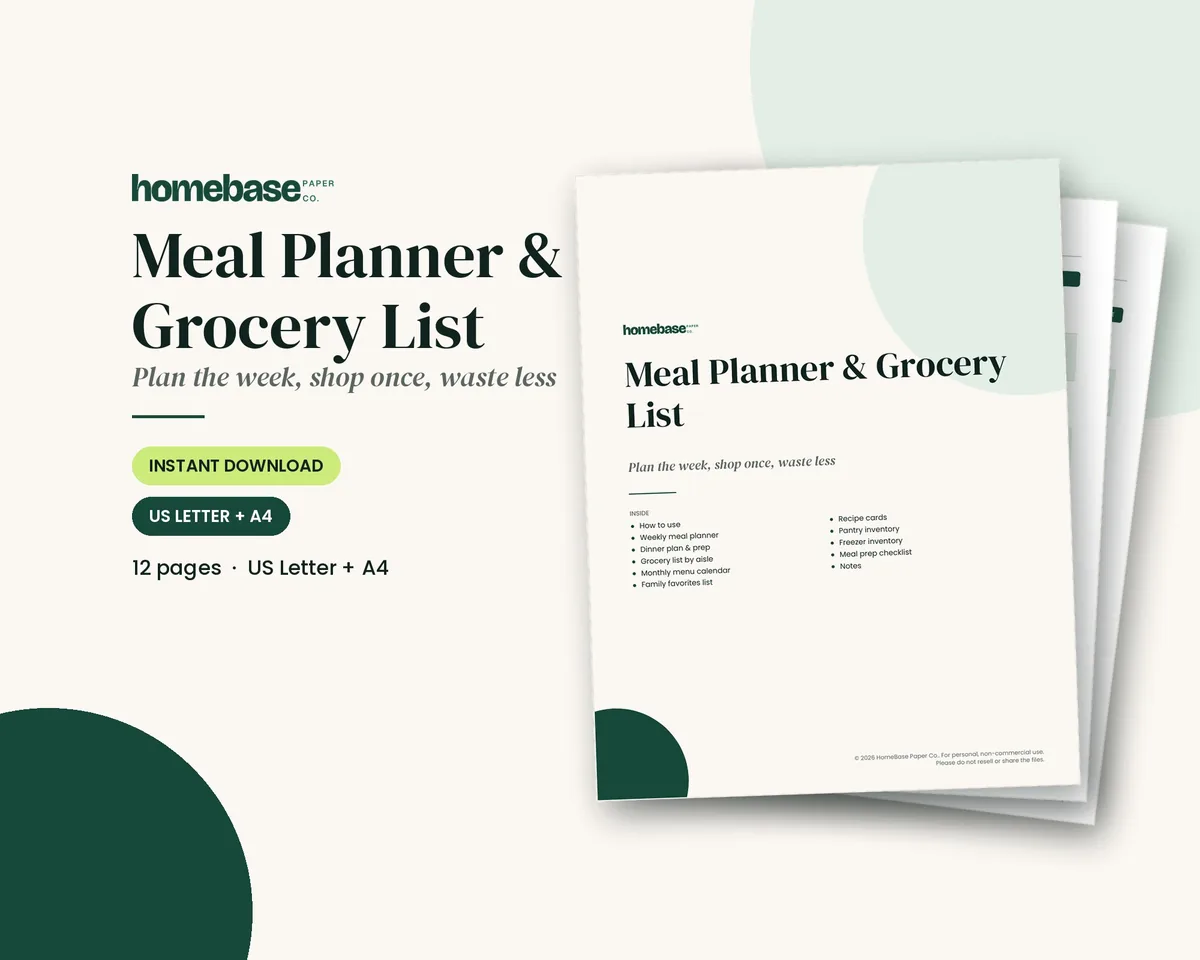
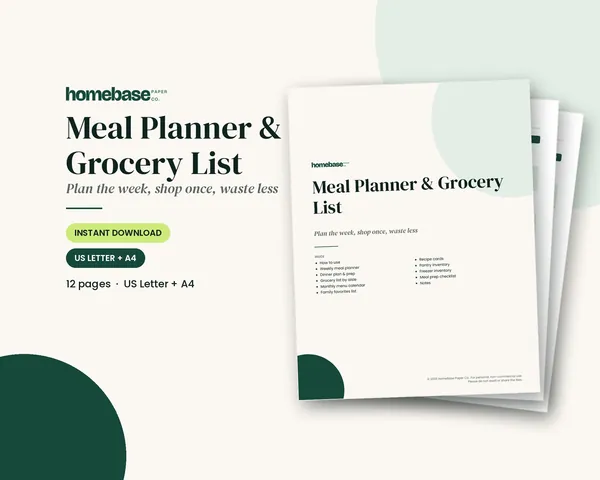
Meal Planner & Grocery List
Weekly meals, a grocery list sorted by aisle, and pantry and freezer inventories so you shop once and waste less.
Printables
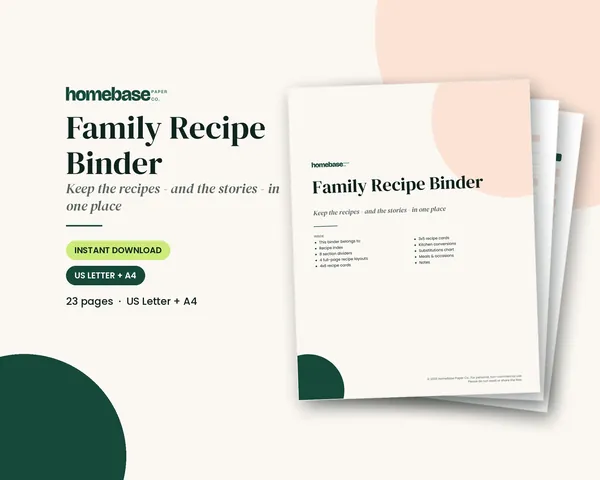
Family Recipe Binder
Section dividers, four recipe page layouts with room for the family story, 4x6 and 3x5 cards and a conversion chart - print it or type into the fillable version.
 Save 33%
Bundles
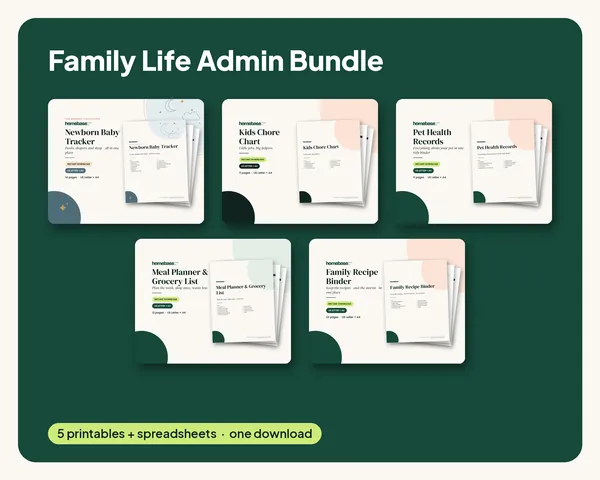
Family Life Admin Bundle
Baby logs, chore charts, pet records, meal plans and family recipes in one tidy set.
Below: a price comparison, what each app is best for, free options, how to choose and when paper works better than an app.
Meal planning apps compared: prices and features
| App | Price (US) | Free option | Best for | Price source |
|---|---|---|---|---|
| Plan to Eat | $5.95/month or $49/year on the website ($54.99/year through the Apple App Store) | 14-day free trial, no card needed; no free plan | Saving your own recipes from any website and dragging them onto a calendar | plantoeat.com |
| AnyList | Free lists; AnyList Complete $9.99/year individual or $14.99/year household | Yes (shared lists) | A shared family grocery list; the meal-planning calendar is a Complete feature | anylist.com |
| Paprika 3 | One-time $4.99 on iPhone/iPad; $29.99 on Windows; each platform sold separately | No subscription | Paying once and keeping recipes offline | App Store, paprikaapp.com |
| eMeals | Dinner plan $35.99 for 3 months or $59.99 for 12 months; breakfast and lunch add-ons extra | — | Done-for-you weekly dinner menus with a grocery list | eMeals support |
| Samsung Food | Free app; Samsung Food+ $6.99/month or $59.99/year | Yes; Food+ has a 7-day free trial | Browsing recipes free; Food+ adds tailored 7-day meal plans and removes ads | Samsung Food help |
| Printable planner | Meal Planner & Grocery List: $3.99 one-time | Free recipe book (we email it to you) | A plan the whole house sees on the fridge, no logins | HomeBase |
Price tip: Plan to Eat says buying on its website costs $5 less a year than buying through the Apple App Store. Check whether the app you pick has a similar web discount before subscribing.
Best meal planning app for each kind of household
Best for saving your own recipes: Plan to Eat
Plan to Eat has no recipe library of its own. You clip recipes from blogs and social posts, drag them onto a meal planning calendar, and it builds a grocery list organized by store and aisle. One subscription covers your household on iPhone, Android and the web. At $49 a year it costs about $4.08 a month, and it does not auto-renew the yearly plan unless you turn that on.
Best for a shared family grocery list: AnyList
AnyList's free version handles shared, synced shopping lists. AnyList Complete ($9.99 a year, or $14.99 for a household) adds the meal planning calendar, web and Mac access, recipe import from websites, recipe scaling and a running price total for your list, which is handy for grocery budgeting.
Best with no subscription: Paprika 3
Paprika is a one-time purchase per platform: $4.99 for iPhone and iPad together, $29.99 on Windows, with other platforms sold separately. It includes a daily, weekly and monthly meal planner, grocery lists that combine ingredients and sort by aisle, a pantry tracker and recipe import from websites.
Best for done-for-you menus: eMeals
If deciding what to cook is the hard part, eMeals sends weekly dinner menus with a shopping list. The dinner plan is $59.99 for 12 months or $35.99 for 3 months, and breakfast and lunch plans cost extra.
Best free meal planning app to start: Samsung Food
Samsung Food is a free app for saving recipes and planning meals. Samsung Food+ ($6.99 a month or $59.99 a year, with a 7-day free trial) adds tailored 7-day meal plans, saved meal plan templates and an ad-free app.
Free meal planning app options
| Option | What's free | Catch |
|---|---|---|
| Samsung Food | Recipe saving and planning | Tailored 7-day plans and ad-free use need Food+ |
| AnyList | Shared, synced grocery lists | The meal planning calendar needs AnyList Complete |
| Plan to Eat | 14 days | No free plan after the trial |
| Your phone's notes or calendar app | Everything | No grocery list built from recipes |
| A printable planner | The free recipe book and grocery list template | You write it by hand |
How to choose a meal planning app
- Where do your recipes live? Blogs and Pinterest point to Plan to Eat, AnyList Complete or Paprika. If you don't have go-to recipes, pick eMeals or Samsung Food.
- Who shops? If two adults split the shopping, a synced shared list (AnyList, Plan to Eat) beats anything else.
- What does it cost per year? Compare yearly prices: $9.99–$14.99 (AnyList), $49 (Plan to Eat), $59.99 (eMeals dinner or Samsung Food+), or $4.99 once (Paprika on iPhone).
- Will you actually open it? Try the free version or trial for two full weeks of planning before paying.
- Does it build the grocery list for you? This saves the most time. Every paid app above does.
Meal planning app vs a printable planner
| App | Printable | |
|---|---|---|
| Cost | $0–$60 a year | One-time; ours is $3.99 |
| Grocery list | Built automatically from recipes | Written by hand, sorted by aisle |
| Family can see it | Only people with the app and login | Anyone who walks past the fridge |
| Recipe import | Yes | No; keep favorites in a binder |
| Works without a phone | No | Yes |
Many families use both: an app to save recipes and a printed weekly plan on the fridge so everyone knows what's for dinner. Our paper vs digital planner comparison goes deeper, and how to meal plan covers the weekly routine whichever tool you pick. Whichever app you pick, the weekly habit still starts with our meal planning overview.
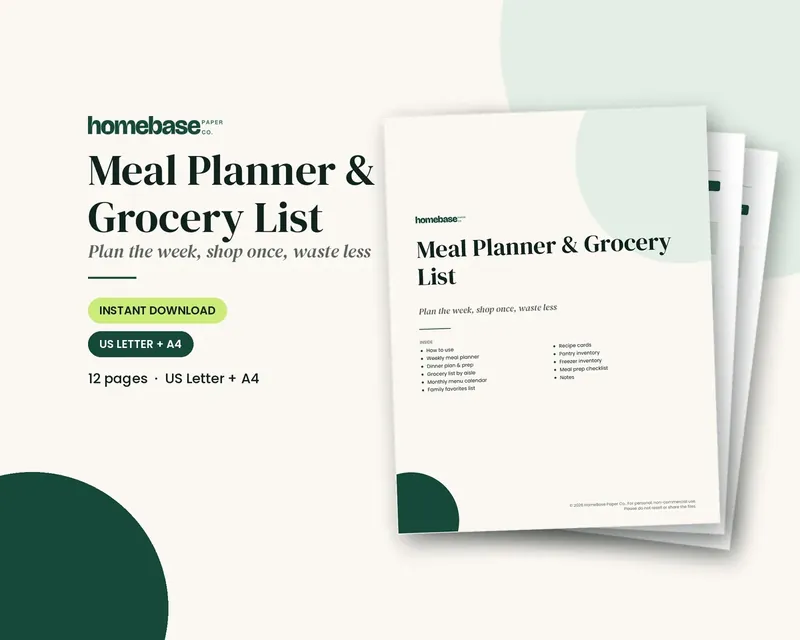
The Meal Planner & Grocery List ($3.99) is a one-time printable with a weekly meal plan and an aisle-sorted grocery list, no subscription. Keep tested recipes in the Family Recipe Binder ($6.99), or get both in the Family Life Admin Bundle ($15.99, $23.95 bought separately). For a month at a glance, try the monthly meal planner, and see meal planning on a budget to cut the grocery bill. Browse all printables.
Plan the week's meals and shop once
Weekly meals, a grocery list sorted by aisle, and pantry and freezer inventories so you shop once and waste less.
$3.99 · Instant download. Print at home or fill it in on screen. Or browse the full Home & Organizing collection.
Frequently asked questions
What is the best meal planning app? The best meal planning app depends on your household. Plan to Eat ($49 a year) is best for saving your own recipes, AnyList ($9.99 to $14.99 a year) is best for a shared family grocery list, Paprika is best if you want a one-time purchase, and eMeals is best if you want done-for-you dinner menus.
Is there a free meal planning app? Samsung Food is a free recipe and meal planning app, and AnyList's free version covers shared grocery lists. Plan to Eat has a 14-day free trial with no card required but no free plan. Samsung Food+ and AnyList Complete are the paid upgrades.
How much does Plan to Eat cost? Plan to Eat costs $5.95 a month or $49 a year on its website, after a 14-day free trial with no credit card required. Buying through the Apple App Store costs $54.99 a year. Prices were checked on November 5, 2026.
How much does AnyList cost? AnyList is free for shared lists. AnyList Complete, which adds the meal planning calendar, web access and recipe import, costs $9.99 a year for an individual or $14.99 a year for a household.
Is Paprika a subscription? Paprika 3 is a one-time purchase per platform, not a subscription: $4.99 on iPhone and iPad and $29.99 on Windows, with other platforms sold separately. It includes a meal planner, grocery lists and recipe import.
How much does eMeals cost? eMeals' dinner plan costs $35.99 for 3 months or $59.99 for 12 months. Breakfast and lunch plans are add-ons, and the All Day plan with all three meals is $39.98 for 3 months or $99.98 for 12 months.
Is a meal planning app better than a paper planner? An app builds the grocery list for you and imports recipes, while a printed planner on the fridge lets the whole family see what's for dinner with no login. Many families use both: an app for recipes and a printed weekly plan.
What should I look for in a meal planning app? Look for an app that imports recipes from where you already find them, builds a grocery list automatically, syncs with whoever else shops, and fits your yearly budget. Use the free version or trial for two full weeks before paying.
Does HomeBase have a meal planner? HomeBase has a Meal Planner & Grocery List printable for $3.99 (one-time) with a weekly meal plan and an aisle-sorted grocery list, with no subscription. It also comes in the Family Life Admin Bundle for $15.99, compared with $23.95 bought separately.
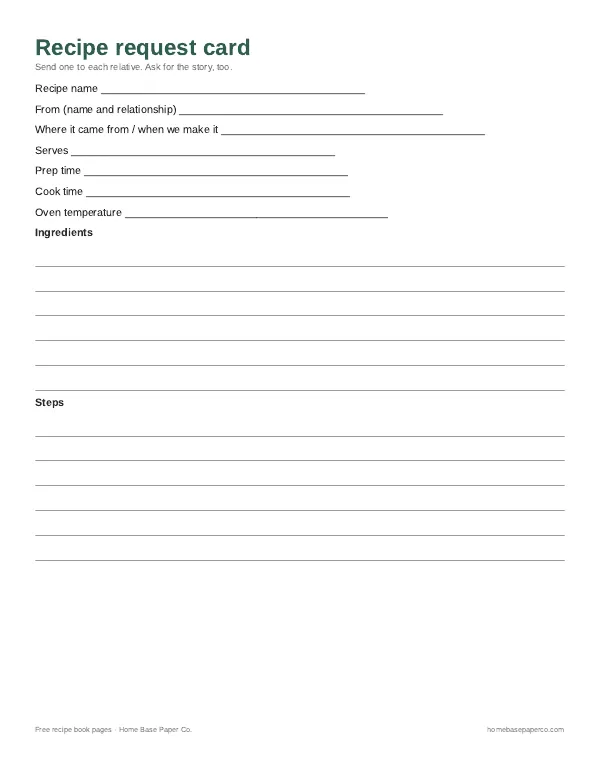
Free printable
Save the family favorites: get the free recipe book pages
Printable recipe pages and a recipe request card to send to relatives, so the dishes everyone loves end up in one book. You'll also get our weekly HomeBase email with easy meal planning ideas and family recipe tips.
Sources
- Plan to Eat: Pricing plantoeat.com
- AnyList: About AnyList Complete anylist.com
- Apple App Store: Paprika Recipe Manager 3 apps.apple.com
- Paprika Recipe Manager for Windows paprikaapp.com
- EMeals: How much does eMeals cost? support.emeals.com
- Samsung Food Help: What's Included in Your Samsung Food+ Subscription support.samsungfood.com