

The short answer: an org chart (organizational chart) is a diagram of who reports to whom: one box per person or role, with lines running from the leader down to each team member. You can build one free in Word or PowerPoint (Insert, SmartArt, Hierarchy) or in Google Sheets from a two-column list of names and managers.
- 5 types: hierarchical, flat, matrix, divisional and team-based; most small teams need a simple hierarchical or flat chart
- Fastest method: list each person and their manager in two columns, then let Google Sheets or Excel draw the chart, and edit the list when people change
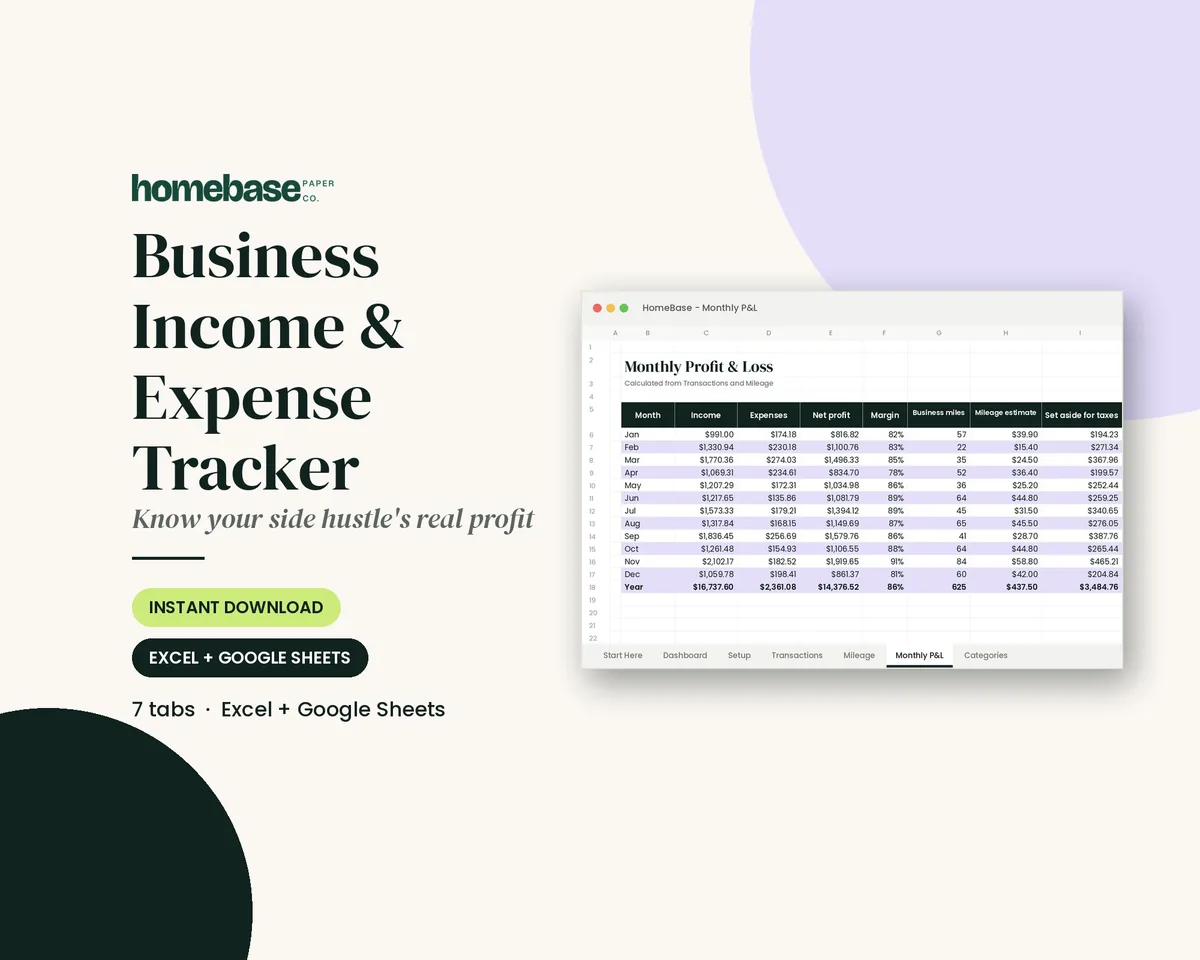
- Free next step: get the free job description template (we email it to you) so every box on the chart has a written role. Tracking what a hire costs? The Business Income & Expense Tracker is $7.99
Our picks for org chart
Spreadsheets
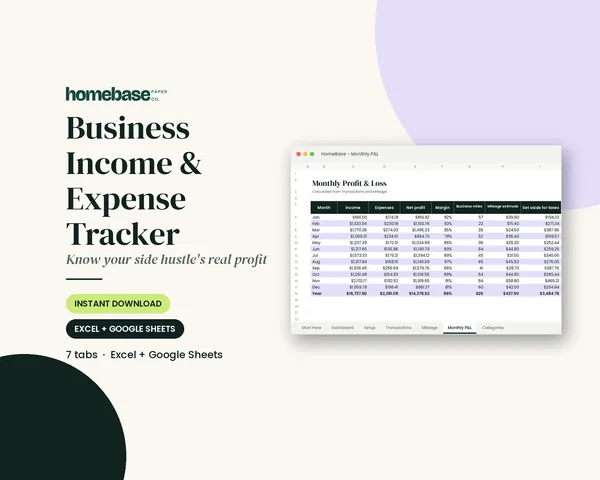
Business Income & Expense Tracker
Log sales, expenses and business miles - see your monthly profit, category totals for tax time and how much to set aside.
Tool steps were checked November 14, 2026, against Microsoft Support and Google Docs Editors Help. Below: the 5 types, what goes in each box, how to build a chart in four free tools, and six layouts you can copy.
The 5 types of org charts
| Type | What it looks like | Best for | Watch out for |
|---|---|---|---|
| Hierarchical | A top-down tree: owner, managers, staff | Most small businesses, schools, clubs | Can hide cross-team work |
| Flat (horizontal) | One leader, everyone else on one or two levels | Startups and teams under about 15 people | One person can end up with too many direct reports |
| Matrix | People report to a function manager and a project lead (two lines) | Agencies, construction, project-based work | Two bosses need clear rules on who decides |
| Divisional | Separate branches by product, location or customer | Multi-location businesses, franchises | Duplicate roles across branches |
| Team-based (network) | Small groups around projects, linked to a coordinator | Volunteer groups, events, PTAs | Changes often; keep it updated |
What to put in each box
| Field | Required? | Example |
|---|---|---|
| Name | Yes | Dana Lopez |
| Job title | Yes | Office Manager |
| Department or team | Helpful | Operations |
| Reports to | Yes (it's the line on the chart) | Owner |
| Contact | Optional | Ext. 102 or email |
| Photo | Optional | Headshot, for big or remote teams |
| Status | Optional | "Open role," "part-time," "contractor" |
Keep boxes short. Full duties, hours and pay belong in a job description, not on the chart.
Make an org chart free in Word, PowerPoint, Google Sheets or Excel
Word or PowerPoint (SmartArt)
- Go to Insert, then SmartArt.
- Choose Hierarchy, pick Organization Chart, and click OK.
- Click a box and type a name and title, or type into the Text pane.
- To add people, select a box and use SmartArt Design, then Add Shape (Above, Below, Before, After or Assistant).
Those steps come from Microsoft's SmartArt guide, which works in Word, PowerPoint, Excel and classic Outlook. In PowerPoint you can also start from a designed template: File, then New, search "org chart," and click Create, per Microsoft's PowerPoint org chart page.
Google Sheets (built from a list)
- In column A, list every person or role. In column B, list who they report to. Leave the top person's column B blank.
- Optional: in column C, add a note (title or phone) that shows when someone hovers over a box.
- Select the columns, go to Insert, then Chart, and set the chart type to Organizational chart.
- To change box size or color, double-click the chart and open Customize, then Org.
That layout matches Google's organizational chart help page. To use the chart in a Google Doc, insert it from Sheets so it stays linked to your list.
Excel
Use Insert, SmartArt, Hierarchy the same way as in Word. For a large team, keep the two-column name-and-manager list in a sheet anyway; it's your master copy for updates.
Free online diagram tools
Canva, Lucidchart and draw.io all offer org chart templates you can drag and drop. Free plans and limits change often, so check each tool's current plan before you build a large chart there.
6 org chart layouts to copy
Copy any table into Google Sheets (column A, column B) and turn it into a chart with the steps above, or use it as your outline in SmartArt.
1. Small business (about 8 people)
| Role | Reports to |
|---|---|
| Owner | |
| Office Manager | Owner |
| Sales Lead | Owner |
| Operations Lead | Owner |
| Bookkeeper (part-time) | Office Manager |
| Sales Associate | Sales Lead |
| Technician 1 | Operations Lead |
| Technician 2 | Operations Lead |
2. Restaurant or cafe
| Role | Reports to |
|---|---|
| Owner / General Manager | |
| Kitchen Manager | Owner / General Manager |
| Front-of-House Manager | Owner / General Manager |
| Line Cooks | Kitchen Manager |
| Dishwasher | Kitchen Manager |
| Servers | Front-of-House Manager |
| Host | Front-of-House Manager |
3. Nonprofit or church committee
| Role | Reports to |
|---|---|
| Board Chair | |
| Executive Director | Board Chair |
| Treasurer | Board Chair |
| Program Coordinator | Executive Director |
| Volunteer Coordinator | Executive Director |
| Volunteers | Volunteer Coordinator |
4. PTA or school volunteer group
| Role | Reports to |
|---|---|
| President | |
| Vice President | President |
| Secretary | President |
| Treasurer | President |
| Fundraising Chair | Vice President |
| Events Chair | Vice President |
| Room Parent Lead | Vice President |
5. Event or wedding planning team
| Role | Reports to |
|---|---|
| Event Lead | |
| Budget Keeper | Event Lead |
| Vendor Contact | Event Lead |
| Day-Of Coordinator | Event Lead |
| Setup Crew | Day-Of Coordinator |
| Guest Greeter | Day-Of Coordinator |
6. Household responsibilities
| Job area | Owner |
|---|---|
| Household lead (runs the weekly check-in) | |
| Bills and budget | Household lead |
| Meal planning and groceries | Household lead |
| School and activity paperwork | Household lead |
| Car and home maintenance | Household lead |
| Pet care and appointments | Household lead |
For the household version, a short weekly family meeting is the easiest way to keep owners current, and how to organize your finances helps whoever owns the bills box.
Tips for a clear org chart
- One line per person. Unless you truly run a matrix, everyone gets one "reports to."
- Titles over names for planning. Draft by role first, then add names; open roles show what to hire next.
- Date it. Add "Updated [month, year]" in a corner so nobody trusts an old copy.
- Keep the list as the source. Edit the name-and-manager list, not the drawing, and the chart redraws itself in Sheets.
- Pair it with a timeline. For projects, a Gantt chart template or timeline template shows when work happens, while the org chart shows who owns it.
Plan the team and the budget together
Before you add a box, know what it costs. A business plan template lays out the roles you'll need, and the Business Income & Expense Tracker ($7.99) logs sales and expenses and shows monthly profit, so you can see whether a new hire fits. Starting out? See how to start a small business. Browse all spreadsheets or Home & organizing printables.
Frequently asked questions
What is an org chart? An org chart (organizational chart) is a diagram that shows who reports to whom in a group. Each box is a person or role, and the lines between boxes show reporting relationships, from the top leader down to each team member. Companies, nonprofits, schools, volunteer groups and even families use them.
What are the 5 types of org charts? The 5 common types are hierarchical (a top-down tree), flat (few layers between the leader and the team), matrix (people report to both a function manager and a project lead), divisional (separate branches by product, region or customer) and team-based (small groups organized around projects). Most small businesses use a hierarchical or flat chart.
How do I make an org chart in Word or PowerPoint? In Word or PowerPoint, go to Insert, then SmartArt, choose Hierarchy and pick Organization Chart. Type a name and title into each box, and use Add Shape (Above, Below, Before or After) on the SmartArt Design tab to add people. PowerPoint also has ready-made org chart templates under File, then New.
How do I make an org chart in Google Sheets? Put each person's name in column A and their manager's name in column B, leaving the top person's manager cell blank. Select both columns, go to Insert, then Chart, and set the chart type to Organizational chart. An optional third column adds notes that show when you hover over a box.
What should be in each box of an org chart? At minimum, each box needs a name and a job title. Many teams also add the department, a photo, an email or phone extension, and a note for open positions. Keep it short enough to read at a glance; put full duties in a separate job description.
How many people should report to one manager? There's no fixed number. It depends on how much coaching each role needs and how similar the jobs are. If one box on your chart has far more lines under it than the others, and that person is always the bottleneck, add a team lead or split the group.
How often should you update an org chart? Update the org chart any time someone joins, leaves or changes roles, and review the whole chart at least once a quarter. Building it from a simple name-and-manager list in Google Sheets or Excel makes updates a 2-minute job.
Can a family use an org chart? Yes. A simple family or household org chart can show who owns which job: bills, meal planning, school paperwork, car maintenance, pet care. It's less about bosses and more about making sure every recurring task has one clear owner.
What can a small business owner pair with an org chart? The Business Income & Expense Tracker ($7.99) from HomeBase Paper Co. is an Excel or Google Sheets file for logging sales, expenses and miles, with monthly profit totals, so you can see whether a new hire fits before adding a box to the chart. Pair it with our free job description template, which we email to you.
Newsletter
Get the HomeBase email
Fresh tips three times a week, Mon/Wed/Fri, with our deals and new products, from printables, spreadsheets and bundles to paperback planners and apparel, plus simple home, money and planning tips.
Sources
- Microsoft Support: Create an organization chart in Office by using SmartArt support.microsoft.com
- Microsoft Support: Create an org chart in PowerPoint support.microsoft.com
- Google Docs Editors Help: Organizational charts support.google.com