

The short answer: the apps to earn money that pay the most are the ones where you do real work: delivery, driving, local tasks, pet care, freelance and selling apps. Survey and rewards apps are easier to start but pay small amounts.
- Work apps: DoorDash, Uber Eats, Instacart, Uber, Lyft, TaskRabbit, Rover
- Selling apps: cash for items you own, find or make, minus fees and shipping
- Starter plan: one work app for income, one selling app for clutter and one saving app for shopping you already do
- Before you start: check real pay per hour, watch for red flags and set aside money for taxes
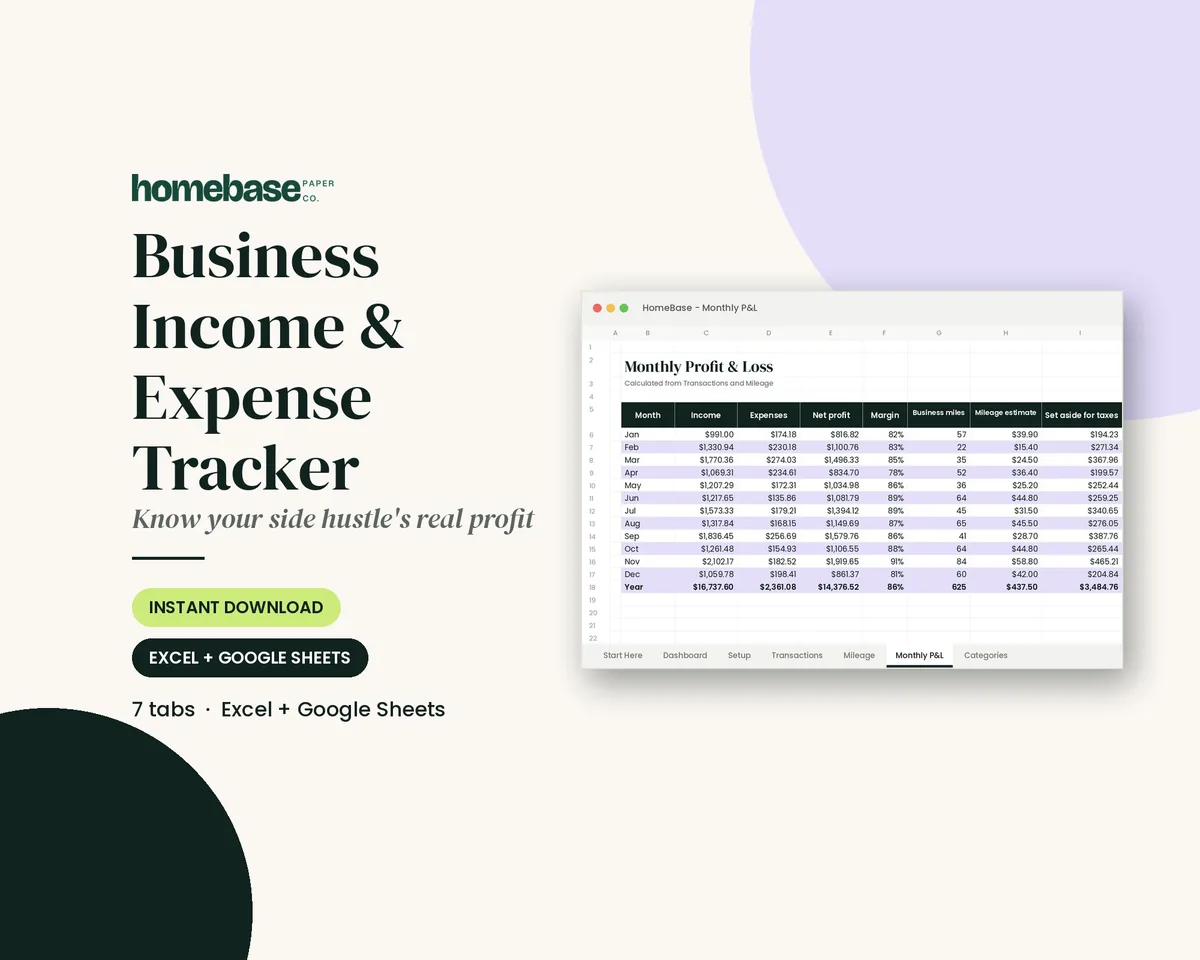
- Next step: Get the free Holiday Budget Starter Kit (we email it to you); want more? The Business Income & Expense Tracker is $7.99.
The apps to earn money that pay the most are the ones where you do real work: delivery and driving apps, local task and pet care apps, freelance marketplaces and selling apps. Survey, testing and rewards apps are easier to start but pay small amounts for your time, and cash back apps don't pay you to work at all; they give back part of what you already spend. Pick one work app for real income, one selling app to turn clutter into cash and one saving app for the shopping you do anyway.
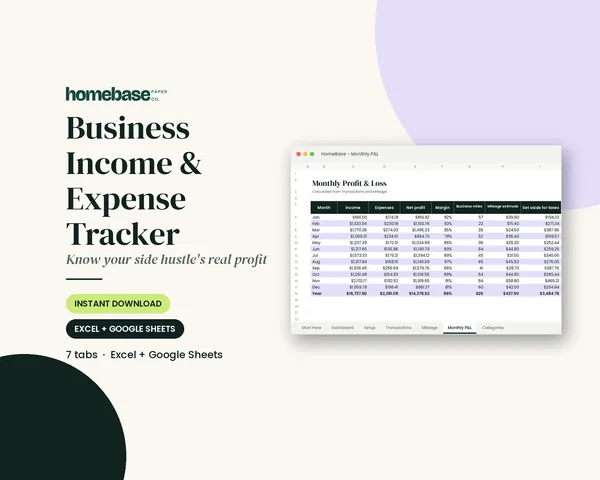
Whatever you earn, track it from the first dollar. The Business Income & Expense Tracker ($7.99) logs your app payouts, costs and miles, then shows your real monthly profit and how much to set aside for taxes. Browse all of our Spreadsheets for more money tools.
This guide groups 30 well-known apps by how much effort they take, so you can see at a glance which ones fit your schedule. If you'd rather make money at a computer, our how to make money online guide covers more ways, and our side hustle ideas list goes beyond apps.
How money-making apps actually pay
Every app on a phone that promises money falls into one of four types. Knowing the type tells you more about the likely pay than any ad does.
| Type | You get paid for | Typical pay pattern | Best for |
|---|---|---|---|
| Work apps | Deliveries, rides, tasks, pet care, freelance projects | Per job, plus tips on many apps | Real side income |
| Selling apps | Items you own, find or make | Sale price minus the app's fee and shipping | One-time cash or a small resale side gig |
| Research apps | Testing websites, taking studies, giving opinions | Per test or study, in cash or points | Spare evenings at home |
| Rewards apps | Surveys, offers, watching or shopping | Points that turn into gift cards or PayPal cash | Spare minutes, small amounts |
A fifth group, cash back apps, saves you money on purchases rather than paying you for time. They're useful, but they only "earn" when you spend.
The full list: 30 apps to earn money, grouped by effort
These are well-known, widely used apps. Pay, rules and availability change, and many depend on your city, so open each app's own requirements page before you sign up.
Group 1: Delivery and driving apps (most effort, most pay)
These pay per trip or delivery, and tips can be a big part of it. You need a reliable vehicle (or a bike in some cities), a smartphone and usually a background check. DoorDash, for example, requires Dashers to be at least 18, or 19 in some states.
- DoorDash: deliver restaurant and store orders.
- Uber Eats: food and grocery delivery on the Uber platform.
- Instacart: shop for and deliver grocery orders.
- Shipt: shop for and deliver orders from partner stores.
- Amazon Flex: deliver packages in scheduled blocks.
- Spark Driver: deliver Walmart orders.
- Uber: drive people for booked rides.
- Lyft: drive people for booked rides.
Driving apps look the best on paper, but your car does a lot of the work. Fuel, wear and insurance come out of every dollar, so track miles from day one.
Group 2: Local tasks and care apps (steady work, set your own rates)
You offer a service near you and clients book you. Ratings and repeat customers matter a lot here.
- TaskRabbit: furniture assembly, mounting, moving help and errands.
- Rover: dog walking, pet sitting and drop-in visits.
- Wag: dog walking and pet care.
- Care.com: babysitting, senior care, tutoring and housekeeping jobs.
Group 3: Freelance apps (skill-based, highest ceiling)
If you can write, design, edit, keep books, build spreadsheets or do admin work, freelance marketplaces connect you with clients. Platform fees come out of what you earn, and the first few jobs take the longest to land.
- Upwork: hourly and fixed-price projects from clients who post jobs.
- Fiverr: you list set "gigs" with set prices and buyers come to you.
Group 4: Selling apps (fastest one-time cash)
Selling what you already own is often the quickest money an app can bring in, because the item is already paid for. Every app takes a fee or charges for shipping, so check its fee page before you price.
- Facebook Marketplace: local pickup for furniture, baby gear and household items.
- OfferUp: local and shipped sales of everyday items.
- eBay: shipped sales of almost anything, including collectibles and parts.
- Poshmark: clothes, shoes and accessories.
- Mercari: shipped sales of household items, toys and clothes.
- Decluttr: trade in phones, tech, games and media for a set price.
Group 5: Testing and research apps (at-home, small but real)
You give feedback on websites and apps or take part in research studies. There are more people than tests, so expect to qualify for some and not others.
- UserTesting: record yourself using a website or app and talking through it.
- Prolific: take academic and market research studies.
- Respondent: paid interviews and studies, often for specific jobs or industries.
Group 6: Survey and rewards apps (least effort, least pay)
These pay in points for surveys, offers and small tasks. They suit waiting rooms and car-line minutes, not rent money.
- Swagbucks: surveys, offers and shopping rewards.
- Survey Junkie: surveys for points you cash out.
- InboxDollars: surveys, offers and email rewards.
Group 7: Cash back apps (save on what you already buy)
These don't pay you for time. They give back a slice of money you were going to spend anyway, which makes them worth having alongside a work app.
- Rakuten: cash back for shopping online through its app or extension.
- Ibotta: cash back on specific grocery and household items.
- Fetch: points for scanning receipts, redeemed for gift cards.
- Upside: cash back on gas, groceries and dining nearby.
Our full guide to cash back apps covers how to stack them for Black Friday and Christmas shopping.
Starter version: 3 apps to start with this week
You don't need 30 apps. Most people do best with three, one from each job below.
| Job | Pick one | Why |
|---|---|---|
| Real income | A work app from Group 1, 2 or 3 | This is where the hourly pay is |
| Quick cash | A selling app from Group 4 | Turns things you don't use into money now |
| Savings | A cash back app from Group 7 | Gives back part of what you already spend |
Then run it for 30 days before you add anything else:
- Week 1: sign up for your work app and finish its onboarding and checks.
- Week 1: list five things you no longer use on one selling app.
- Week 2: set up your cash back app and use it on one regular purchase.
- Weeks 2 to 4: log every payout and every cost the day it happens.
- Day 30: work out your real hourly pay and decide which app stays.
How to tell what an app really pays per hour
The number an app shows you is not what you keep. Use this four-step check on any work app.
- Add up gross pay for a week, including tips.
- Subtract costs: fuel, phone data, supplies, platform fees and shipping.
- Count all your hours, including waiting, driving back and packing.
- Divide what's left by your hours.
Here is the math with made-up numbers, just to show the method. Say a delivery app paid you $300 in a week, and you spent $60 on fuel and $10 on extra phone data. That leaves $230. If you were logged in for 20 hours, your real pay was $11.50 an hour before taxes, not the $15 the gross number suggests. Run the same math on your own numbers before you decide an app is worth it.
Red flags: how to spot a fake money-making app
Most of the apps above are household names, but the category draws copycats. The FTC's advice on fake job offers warns that a job promising a lot of money in a short time with little work is almost certainly fake. Watch for these signs:
- You have to pay to start or to cash out. Real apps pay you; they don't charge a deposit, a "training" fee or a withdrawal fee to release your money.
- Huge promises for tiny tasks. "Earn $500 a day watching videos" is fiction.
- Odd permissions. A survey app doesn't need your contacts or your banking password.
- Reshipping or check "jobs." Receiving packages to repack and send on, or depositing a check and sending part back, are classic fake jobs.
- No clear payout terms. A real app lists its minimum cash-out, its payment methods and who can join.
- Pressure to recruit. If the money mostly comes from signing up friends, walk away.
Before you install anything new, search the app's name plus "complaints" and read reviews from several places, not just its own store page.
Taxes on app income: what to know before you start
Money from apps counts as income. The IRS gig economy tax center says you must report gig income even if it's part-time or side work, and even if no tax form is sent to you. That includes delivery, driving, tasks and selling goods online.
You may also get a Form 1099-K. The IRS guide to understanding Form 1099-K explains that payment apps and online marketplaces must send one when your payments for goods or services go over $20,000 in more than 200 transactions, though they may send one for less. The IRS notes that this includes personal items, like clothing or furniture, sold at a gain, so keep what you paid for bigger items if you know it.
Simple habits keep tax time calm:
- Log every payout the day it lands, by app.
- Keep receipts for costs like supplies, shipping and phone data.
- Track your miles if you drive for an app.
- Move a share of each payout into a separate savings account for taxes.
- Ask a tax professional what applies to you, especially in your first year.
How to budget money from earning apps
App income goes up and down, so don't plan your bills around your best week. Budget on your lowest typical month and treat anything above it as extra. Our guide to budgeting with irregular income walks through that method step by step.
A simple plan for each payout:
| Share of each payout | Where it goes |
|---|---|
| First | Tax savings, set aside right away |
| Second | Costs to keep earning (fuel, fees, supplies) |
| Third | Your goal: debt, emergency fund or a holiday fund |
| Last | Fun money, so it stays worth doing |
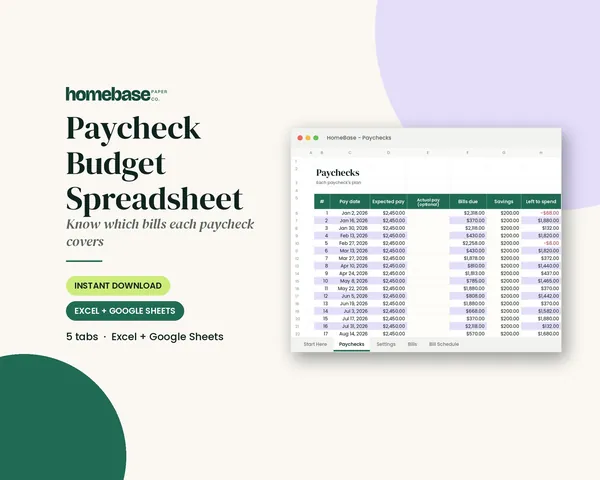
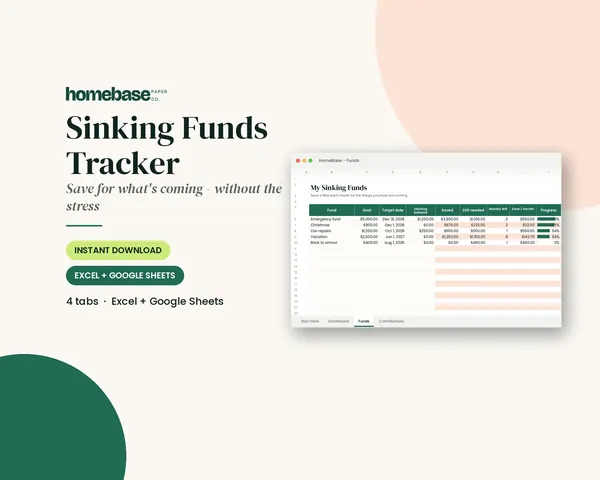
If you want to see exactly which paycheck covers which bill, the Paycheck Budget Spreadsheet ($5.99) maps every bill to the paycheck that pays it, which makes it easy to slot app income in as a bonus. Saving app income for something specific, like Christmas or car repairs? The Sinking Funds Tracker ($4.99) tells you how much to set aside each month to hit each goal on time. Want all of our budget spreadsheets at once? The Ultimate Budget Bundle is $19.99, down from $46.42 for the items bought separately.
If your goal is holiday money, start with our free Holiday Budget Starter Kit: 3 printable US Letter pages, emailed to you when you join our list.
Which app type fits your life
| If you have | Try | Skip |
|---|---|---|
| A car and free evenings | Delivery or driving apps | Survey apps for real income |
| A love of animals | Rover or Wag | Driving if your car is unreliable |
| A skill you already use at work | Upwork or Fiverr | Apps that pay in points |
| A full closet or garage | Selling apps | Paying for "reseller" courses |
| Only spare minutes | Testing, survey or rewards apps | Anything that charges to join |
| Regular shopping trips | Cash back apps | Spending more to earn cash back |
Quick checklist before you download a money app
- It's free to join and free to cash out
- Its payout minimum and methods are written down
- Its permissions match what it does
- Recent reviews mention real payouts
- You know what it costs you to earn (fuel, fees, time)
- You have a place to log payouts and costs
- You know where the money goes when it lands
Apps to earn money work best when you choose them on purpose: one for real income, one for quick cash and one for savings. Track every payout, do the hourly math after 30 days and keep only the apps that are worth your time.
Make it easier
Tools for this
Spreadsheets
Business Income & Expense Tracker
Log sales, expenses and business miles - see your monthly profit, category totals for tax time and how much to set aside.
Spreadsheets
Paycheck Budget Spreadsheet
Enter your bills once. The sheet tells you which paycheck pays each one, all year.
Spreadsheets
Sinking Funds Tracker
It does the math: how much to set aside each month to hit every goal on time.
Frequently asked questions
What are the best apps to earn money? The best apps to earn money are work apps where you're paid per job, like DoorDash, Instacart, TaskRabbit, Rover, Upwork and Fiverr. Selling apps such as Facebook Marketplace, eBay and Poshmark are the fastest way to raise one-time cash. Survey and rewards apps are easier but pay much less for your time.
Which money-making apps pay real cash? Most well-known work and selling apps pay real cash to your bank account or debit card. Delivery, driving, task, pet care and freelance apps pay per job, and selling apps pay out after a sale. Many survey and rewards apps pay in points that you turn into PayPal cash or gift cards once you reach a minimum.
How can I earn money on my phone with apps? You can earn money on your phone by doing gig work booked through an app, selling things you own, testing websites or taking surveys. Gig work pays the most but needs a car or a skill and your time. Testing and survey apps fit spare minutes at home but pay small amounts.
Are there free money-making apps that are legit? Yes, real money-making apps are free to join and free to cash out. If an app asks for a deposit, a training fee or a withdrawal fee before it releases your money, treat it as fake and walk away. The FTC warns that jobs promising lots of money for little work are almost certainly fake.
How much can you make with apps to earn money? What you make depends on the type of app, your area and your hours, so work out your own real hourly pay. Add up a week of payouts, subtract costs like fuel, fees and supplies, then divide by every hour you were logged in. Work apps usually beat survey apps by a wide margin.
What is the best money-making app for beginners? For most beginners, a selling app is the easiest first step because the items are already paid for and there's no onboarding. List five things you no longer use on Facebook Marketplace or Mercari this week. Then add one work app that fits your schedule, like Rover if you love animals.
Do I have to pay taxes on money from apps? Yes, money you earn through apps is taxable income, even if it's side work and even if no tax form is sent to you. The Business Income & Expense Tracker ($7.99) logs payouts, costs and miles and shows how much to set aside for taxes each month. Ask a tax professional what applies to you.
Will a money app send me a 1099 form? A payment app or online marketplace must send a Form 1099-K when your payments for goods or services go over $20,000 in more than 200 transactions, and it may send one for less. Delivery and freelance platforms may send other 1099 forms. Report all your app income either way.
How do I keep track of income from several apps? Log every payout the day it lands, by app, along with any costs and miles. The Business Income & Expense Tracker ($7.99) does this in one Excel or Google Sheets file and totals your real monthly profit. It also shows a monthly amount to set aside for taxes.
How do I spot a fake money-making app? A fake money-making app usually charges you to start or to cash out, promises big pay for tiny tasks or asks for permissions it doesn't need. Reshipping packages and depositing checks to send money back are classic fake jobs. Search the app's name plus "complaints" before you install it.
Are survey apps worth it? Survey apps are worth it only for spare minutes, not for real income. They pay in points for each survey you qualify for, and you can be screened out partway through. Use them in waiting rooms or the car line, and put your serious hours into a work or selling app.
Are cash back apps a way to earn money? Cash back apps save you money rather than pay you for work. Rakuten, Ibotta, Fetch and Upside give back part of what you already spend, so they help only on purchases you'd make anyway. Never buy something extra just to get the cash back.
How should I budget money from earning apps? Budget money from earning apps based on your lowest typical month and treat anything above it as extra. The Paycheck Budget Spreadsheet ($5.99) maps each bill to the paycheck that covers it, so app income becomes a clear bonus. Set aside tax money first, then send the rest to a goal.
Can I save for Christmas with money-making apps? Yes, app income makes a good holiday fund if you move it out of checking as soon as it lands. The Sinking Funds Tracker ($4.99) shows how much to save each month to reach your Christmas goal on time. For a free start, get the Holiday Budget Starter Kit, 3 printable pages emailed to you.
More from HomeBase
You may also like

Printables
Budget Planner Printable
Twelve undated pages you can print every month: budget, bills, spending, savings and debt.
Spreadsheets
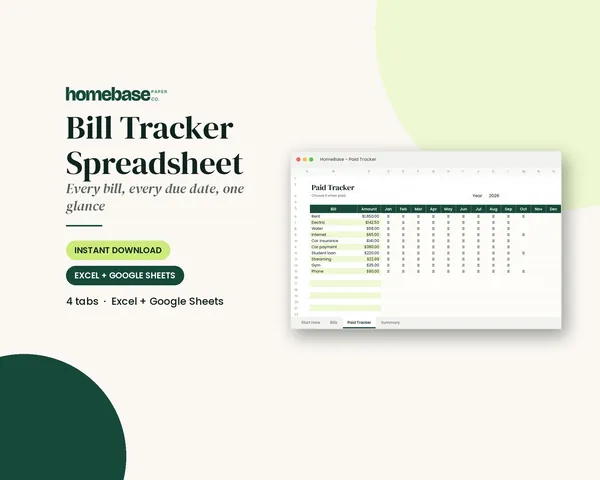
Bill Tracker Spreadsheet
Bills due in 3 days or less light up red, so nothing slips through.
Spreadsheets
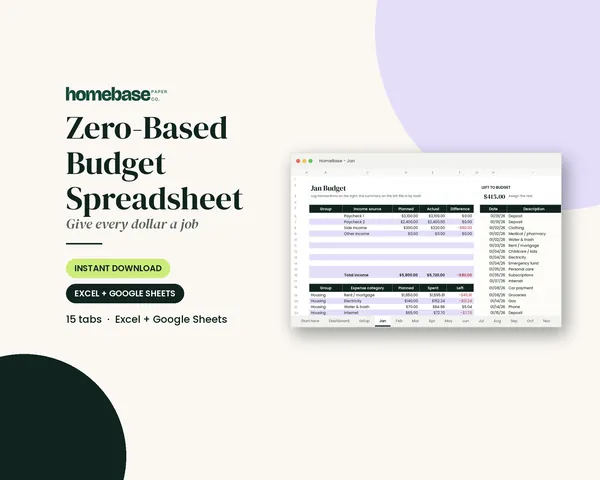
Zero-Based Budget Spreadsheet
The 'Left to budget' counter turns green when every dollar has a job.
Spreadsheets
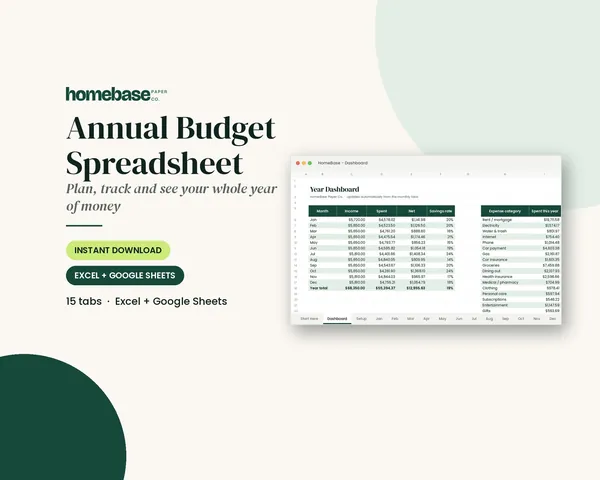
Annual Budget Spreadsheet
See exactly where your money goes every month - without complicated software.
 Club
Monthly club
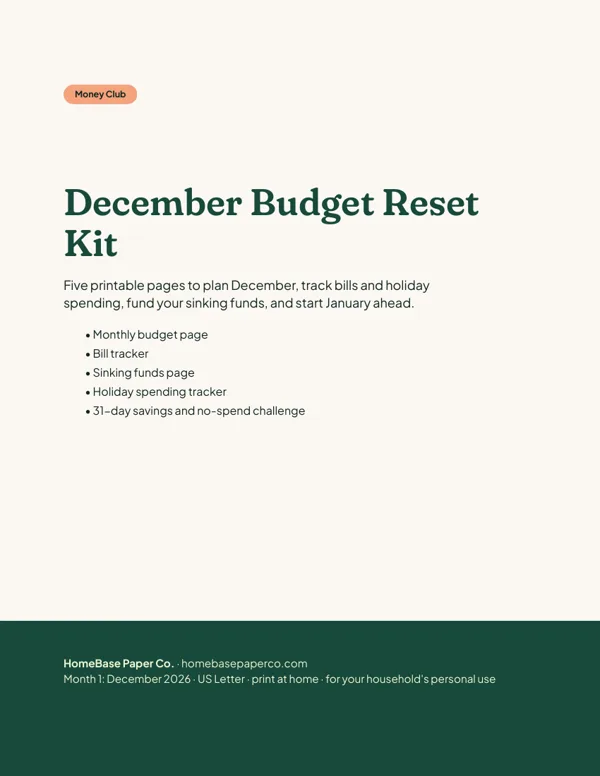
Money Club
Anyone who wants a clear plan for the month's bills, holiday spending and savings.
Free printable
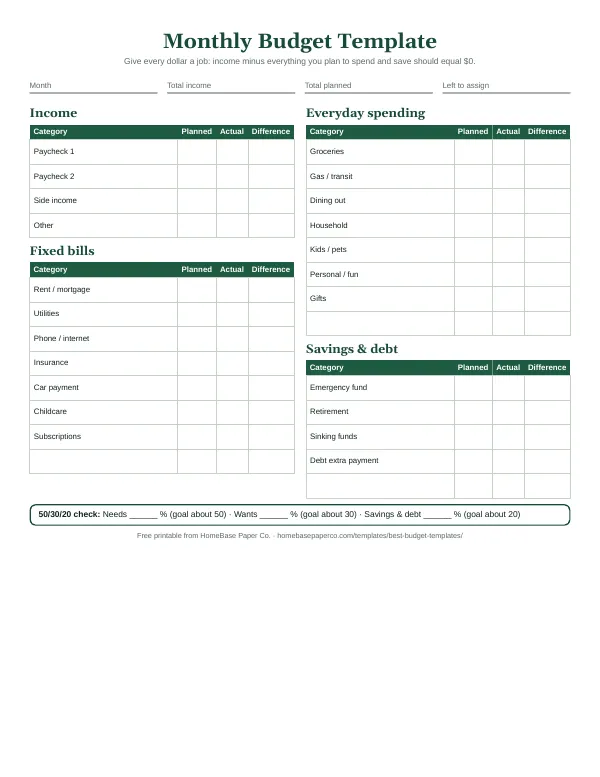
Give every dollar a job: get the free monthly budget template
A printable zero-based monthly budget: income, bills, everyday spending and savings on one page, with a planned vs. actual column. You'll also get our weekly HomeBase email with simple budgeting and bill-paying tips.
Sources
- FTC: Job offer warning signs consumer.ftc.gov
- IRS: Gig economy tax center irs.gov
- IRS: Understanding your Form 1099-K irs.gov