The short answer: to read a pay stub, start at the top: check your name, pay period and pay date, find gross pay, then go through pre-tax deductions, taxes and after-tax deductions. What's left is net pay, the amount that lands in your bank account.
- Budget with net pay, not gross pay
- Taxes: federal income tax, Social Security, Medicare and any state or local tax
- Pre-tax deductions: 401(k), health premiums, HSA and FSA
- Check for mistakes: hours, pay rate and overtime rate, and nothing new or missing since last check
- Next step: Plan it with the Paycheck Budget Spreadsheet ($5.99).
To read a pay stub, start at the top and work down. Check that your name, the pay period and the pay date are right. Next, find gross pay: everything you earned before anything comes out. Then go through the deductions: pre-tax benefits like a 401(k) or health insurance, taxes (federal income tax, Social Security, Medicare and any state or local tax) and after-tax deductions. What's left is net pay, the amount that actually lands in your bank account. Net pay is the number your budget should be built on.
Below: every section of a typical stub, an abbreviations decoder, a worked example with real math, a mistake checklist, and how to budget from net pay. Every dollar amount is an example, so swap in your own numbers.
What's on a pay stub?
Most pay stubs, paper or in a payroll app, have the same six parts, even when the labels differ.
| Section | What it shows | What to check |
|---|---|---|
| 1. Employee and employer info | Your name, employee ID, often the last four digits of your Social Security number, your employer's name | Spelling and ID are right; your full SSN shouldn't be printed |
| 2. Pay period and pay date | The days you worked for this check, and the day you're paid | The dates match your timesheet or schedule |
| 3. Earnings | Hours, pay rate, regular pay, overtime, PTO, bonus, commission; adds up to gross pay | Hours and rate are right; overtime is at the right rate |
| 4. Taxes | Federal, Social Security, Medicare, state and local withholding | Nothing new or missing compared with last check |
| 5. Deductions | Pre-tax benefits (401(k), health, HSA) and after-tax ones (Roth 401(k), union dues, garnishments) | Amounts match what you signed up for |
| 6. Net pay and YTD | Take-home pay for this check, plus year-to-date totals for every line | Net pay matches your bank deposit |
Surprisingly, federal law doesn't require a pay stub at all. The U.S. Department of Labor's Fair Labor Standards Act FAQ says employers must keep accurate records of hours worked and wages paid, but the FLSA does not require them to give employees pay stubs. Many states do, so if you aren't getting one, check your state labor department's rules and ask payroll or HR.
How to read a pay stub, line by line
Step 1: Check your personal info and pay period
Make sure your name and address are right, since your W-2 comes from the same payroll record. Then check the pay period dates. If a week is wrong or missing, everything below it will be off too.
Step 2: Read the earnings section and find gross pay
Each type of pay gets its own line, usually with hours, a rate and an amount:
- Regular (REG): your normal hours times your hourly rate, or your salary divided by the number of pay periods.
- Overtime (OT): hours over 40 in a workweek. For covered, nonexempt workers, federal law requires at least one and a half times your regular rate.
- PTO, bonus, commission or tips: each on its own line.
Add them up and you get gross pay, your salary divided into pay periods. A salary of $52,000 paid biweekly works out to $2,000 gross per paycheck ($52,000 ÷ 26). That's not what you take home, and planning around it is the most common budgeting mistake.
Step 3: Find your pre-tax deductions
Pre-tax deductions come out of your gross pay before some or all taxes are figured, which lowers your taxable wages. The most common:
- Traditional 401(k) or 403(b): lowers the wages used for federal income tax, but Social Security and Medicare are still taken on it.
- Health, dental and vision premiums through a cafeteria (Section 125) plan: usually lower the wages used for income tax and FICA.
- HSA and FSA contributions made through payroll: generally the same treatment as cafeteria-plan premiums.
- Commuter benefits: transit and parking benefits taken pre-tax.
That's why a stub may show different federal, Social Security and Medicare "wages" numbers. They're not errors; each tax uses its own base.
Step 4: Read the tax withholding lines
Federal income tax (FED, FIT or FWT) is an estimate of your yearly income tax, spread across your paychecks. Your employer figures it from the Form W-4 you filled out and IRS withholding tables. If your refund is always huge, or you always owe, this is the line to adjust.
FICA stands for the Federal Insurance Contributions Act. It's two taxes, and they often show up as two lines:
| FICA tax | Common labels | Employee rate | Limit |
|---|---|---|---|
| Social Security | SS, SOC SEC, OASDI, FICA-SS | 6.2% | Only on wages up to $184,500 in 2026 and $192,300 in 2027 |
| Medicare | MED, MEDI, FICA-MED, HI | 1.45% | No wage limit |
| Additional Medicare | ADDL MED | 0.9% more | Withheld on wages over $200,000 in a calendar year |
The IRS lays out these rates in Topic No. 751, Social Security and Medicare withholding rates: 6.2% each for employee and employer for Social Security, 1.45% each for Medicare, and the extra 0.9% Additional Medicare Tax on wages over $200,000. Your employer separately matches the regular Social Security and Medicare taxes; the IRS says there is no employer match for Additional Medicare Tax. The Social Security Administration publishes the yearly wage cap on its contribution and benefit base page. If you earn above the cap, the Social Security line drops to $0 late in the year and your checks get bigger. To see what that tax pays for later, read our guide to Medicare.
State and local tax (SIT, LOC, CITY) depends on where you live and work. Some states have none; some cities add their own. A few states also take disability (SDI), paid family leave (PFL) or unemployment (SUI) contributions.
Step 5: Read after-tax deductions
After-tax deductions come out once taxes have been figured, so they don't lower your taxable wages. Common ones are Roth 401(k) contributions, union dues, extra life or disability insurance you chose, payroll charitable giving and garnishments such as child support. If you see a garnishment you weren't expecting, ask payroll for the paperwork right away.
Step 6: Confirm net pay and the deposit
Net pay is gross pay minus every tax and deduction. If you split direct deposit (DD) between accounts, each amount is listed. Make sure the total that arrived matches net pay to the cent.
Step 7: Read the YTD column
Every line has a year-to-date (YTD) total: what you've earned or paid on that line since January 1 (or since you started, if later). YTD federal withholding shows how much tax you've already prepaid. YTD 401(k) shows how close you are to your savings goal. And your last stub of the year should line up with the W-2 you get in January.
Pay stub abbreviations decoder
Here are the abbreviations you're most likely to see. Labels vary, so if one isn't clear, ask payroll or HR.
See a holiday line on your stub? Our guide to holiday pay explains how holiday hours and premium rates are usually calculated.
| Abbreviation | Means | Type |
|---|---|---|
| REG, HRS, RATE | Regular pay, hours worked, hourly rate | Earnings |
| OT | Overtime pay | Earnings |
| PTO, VAC, SICK, HOL | Paid time off, vacation, sick or holiday pay | Earnings |
| GTL | Group-term life insurance (the taxable value of employer-paid coverage over $50,000) | Imputed income, added for tax only |
| FED, FIT, FWT, FED W/H | Federal income tax withheld | Tax |
| SS, OASDI, SOC SEC | Social Security tax | Tax (FICA) |
| MED, MEDI, HI | Medicare tax (on some stubs, MED means medical insurance) | Tax (FICA) |
| SIT, SWT, ST | State income tax | Tax |
| LOC, LIT, CITY, SCH | Local, city or school district tax | Tax |
| SDI, PFL, FLI, SUI | State disability, paid family leave, unemployment | Tax or state program |
| 401K, 403B, PRE-TAX RET | Traditional retirement contribution | Pre-tax deduction |
| ROTH, 401K ROTH | Roth retirement contribution | After-tax deduction |
| HSA, FSA, DCFSA | Health savings, flexible spending, dependent care FSA | Usually pre-tax |
| MED/DEN/VIS, HLTH | Medical, dental, vision premiums | Usually pre-tax |
| STD, LTD, VOL LIFE | Short- or long-term disability, voluntary life | Often after-tax |
| GARN, CS | Garnishment, child support | After-tax deduction |
| DD, NET | Direct deposit, net pay | Take-home |
Worked example: reading a biweekly pay stub
Here's an example stub for someone paid $25 an hour, 80 hours, every two weeks. The federal and state withholding amounts are made-up examples. Yours depend on your W-4, your state and IRS tables.
Paid on the 15th and the last day of the month instead? See our guide to semi monthly pay, which shows how each check is figured from a yearly salary.
| Line | This period | How it's figured |
|---|---|---|
| Regular pay (80 hrs × $25) | $2,000.00 | Gross pay |
| 401(k) at 5% (pre-tax) | −$100.00 | 5% of gross |
| Medical premium (pre-tax, Section 125) | −$80.00 | Plan cost |
| Social Security | −$119.04 | 6.2% × $1,920 (gross minus medical) |
| Medicare | −$27.84 | 1.45% × $1,920 |
| Federal income tax | −$135.00 | Example, from W-4 and IRS tables on $1,820 |
| State income tax | −$55.00 | Example |
| Voluntary life (after-tax) | −$6.00 | Plan cost |
| Net pay | $1,477.12 | What hits the bank |
Notice three things. First, FICA is figured on $1,920, not $2,000, because the medical premium is exempt but the 401(k) isn't. Second, federal tax is figured on $1,820, because both pre-tax deductions come off first. Third, this person "makes $2,000 a paycheck" but takes home about 74% of it. A budget built on $2,000 would be short more than $500 every payday.
How to check your pay stub for mistakes
Run this two-minute checklist every payday.
- Hours and rate match your schedule or timesheet (an army time chart helps if your time clock uses 24-hour times)
- Overtime is listed and paid at the right rate
- PTO you used shows up, and your PTO balance (if listed) went down by the right amount
- No new deduction you didn't sign up for
- Benefit amounts match your enrollment (especially after open enrollment in January)
- State and local taxes are for the place you actually live and work
- Net pay matches your bank deposit
- YTD totals went up by exactly this period's amounts
If something's off, raise it with payroll in writing and keep a copy. Keep stubs until you've matched them to your W-2. Our guide on how long to keep documents covers what to keep after that.
Also check your withholding once a year. The IRS recommends using its Tax Withholding Estimator every January and after big life changes like a new job, marriage, a new baby or a home purchase. It asks for your most recent pay stubs and can give you a pre-filled Form W-4.
Why the pay stub may not match one bank deposit
Start with the net pay line for this pay period, then compare it with all the payments issued for that payday. A year-to-date total or taxable-wages line is not the amount you should expect in one deposit. Check the pay date as well as the date range worked: a payroll period can end before the payment reaches your account.
| What you see | What to check before calling payroll |
|---|---|
| One bank deposit is lower than net pay | Is part of the pay directed to savings or a second account? |
| Two deposits arrive on one payday | Does their sum equal this period's net pay? |
| An expense repayment is shown separately | Is the reimbursement included in this payment or issued separately? |
| Employer contributions appear on the stub | Are those informational amounts rather than employee deductions? |
| A tax or benefit total looks unusually large | Are you reading the current-period column or the YTD column? |
| Gross pay is unchanged but net pay fell | Which current-period deduction or withholding changed? |
For an illustrative split deposit, a stub with $1,500 net pay might direct $1,200 to checking and $300 to savings. Neither deposit alone equals net pay; together they do. Do not enter $1,500 as income and then count the $300 transfer again as additional income in your budget.
A payroll question that is easy to investigate
Send payroll the pay date, pay-period dates, the line label, expected amount and amount shown. For an hours issue, include your approved timesheet or schedule. For a deduction issue, include the benefit election or payroll notice you are comparing with the stub. Use a secure employer channel and avoid sending a full Social Security number or bank account number in ordinary email.
A useful message is: "For the November 13 pay date, the current-period deduction labeled ___ is ___. My election shows ___. Please confirm the calculation and how any correction will be paid." This is a message template, not a promise that a correction will appear on the next check.
Keep the disputed amount out of your available spending until the correction is actually paid. The guide to organizing bills helps you cover due dates while an issue is being resolved, and the paycheck budgeting guide explains how to assign the net amount you have received.
Gross vs. net pay: which one do you budget with?
Budget with net pay, always. Gross pay is useful for loan applications, rent checks and retirement percentages. Net pay is what you can actually spend.
Need a monthly figure for a rental or loan application? See gross monthly income for the formulas for salary, hourly and other pay.
| Gross pay | Net pay | |
|---|---|---|
| What it is | Everything earned before deductions | What's left after taxes and deductions |
| Where you see it | Offer letter, top of the earnings section | Bottom of the stub, your bank deposit |
| Use it for | Rent and loan applications, 401(k) percentages | Your budget, bill plan and savings plan |
| Example | $2,000 | $1,477.12 |
If your net pay changes from check to check (hourly shifts, overtime, commissions), budget from your lowest normal net pay of the last few months. Treat anything above it as extra for savings or debt. Our guide to budgeting with irregular income goes deeper on that.
How to budget your paycheck from your pay stub
Once you know your real net pay, here's the short version:
- Write down net pay per paycheck. Use the bottom line, not the salary. In the example, that's $1,477.12.
- Know your pay schedule. Biweekly means 26 paychecks a year, so two months a year have three. Weekly is 52 and semimonthly is 24. The biweekly budget template guide has full pay calendars.
- Budget a normal month from two paychecks, not the yearly average. That's $2,954.24 in the example. The yearly average ($38,405.12 ÷ 12 = $3,200.43) would overstate what you have in most months.
- Assign each bill to the paycheck before its due date, so no single check gets buried. Our paycheck budget planner guide walks through the bill-by-payday method step by step.
- Give savings a line on every check, even a small one. See pay yourself first.
- Update your net pay number after any change on your stub, like a raise, new January benefits, the Social Security cap or a new W-4.
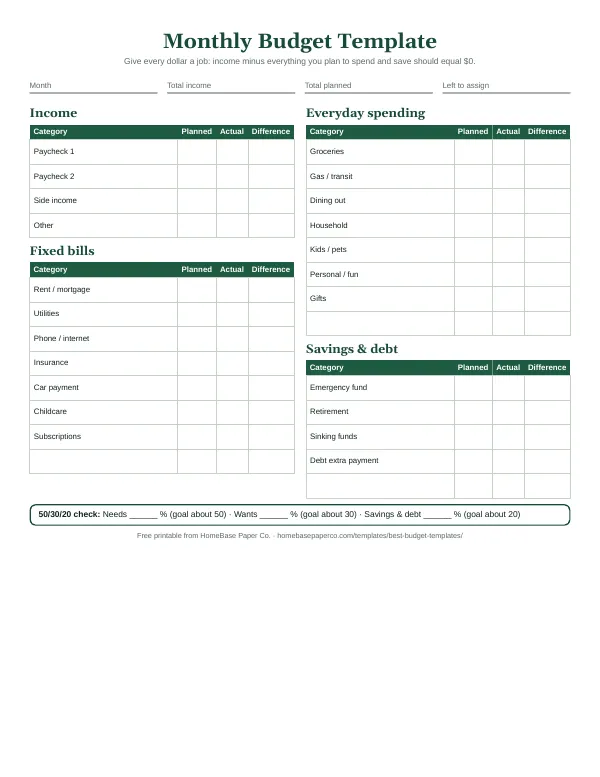
To split net pay into categories, try the 50/30/20 budget or a zero-based budget. Both start from take-home pay, not salary.
Why I care about this
I'm Malaysia. I grew up in Detroit as the oldest of three, the one my family leaned on to keep everything coordinated. I've also worked as an executive assistant and as an HR associate. Money stress often starts with a number nobody fully understood, and for most families that number is the pay stub. Once you can read it, you know exactly what you have to work with. It's the first step toward financial wellness.
Budget your take-home pay with the Paycheck Budget Spreadsheet
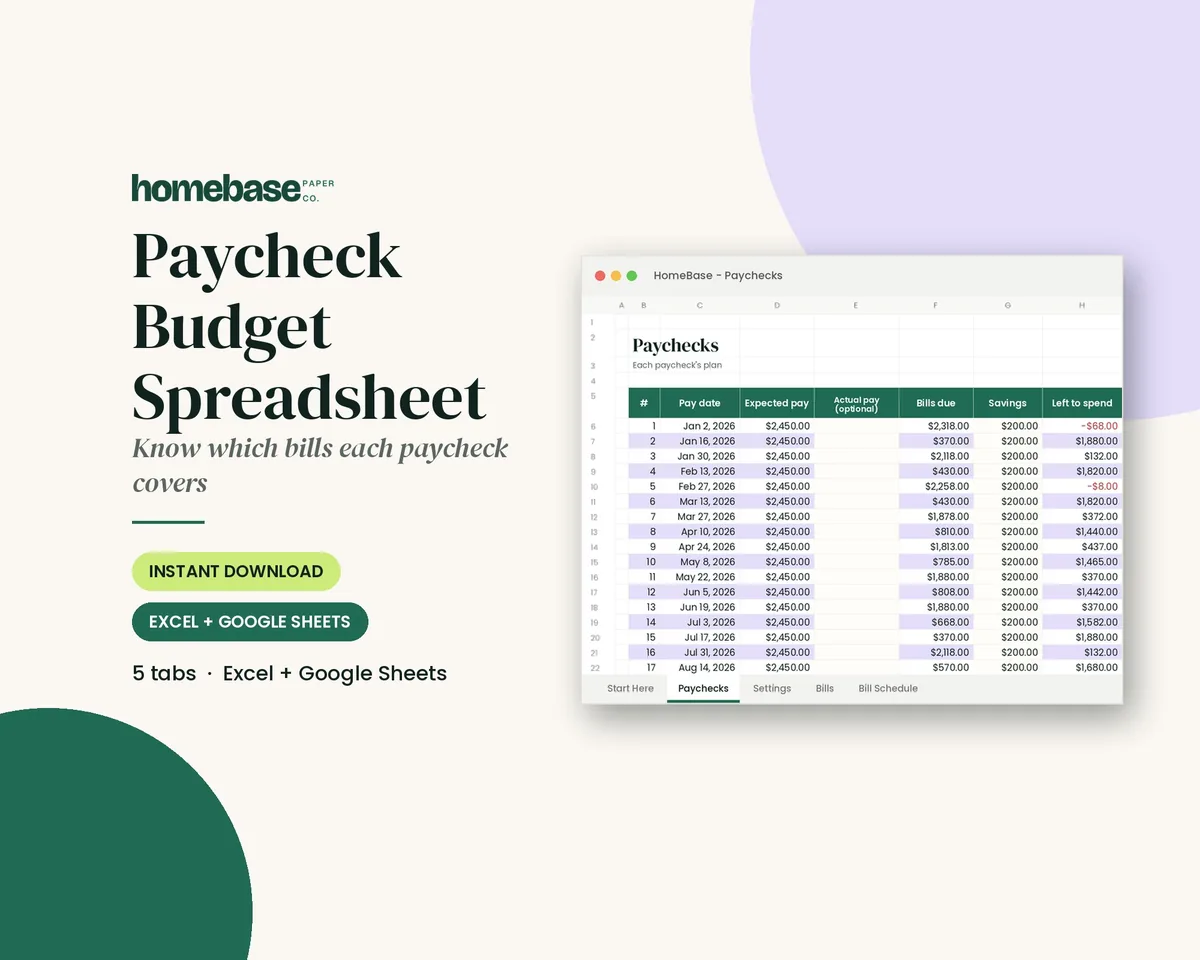
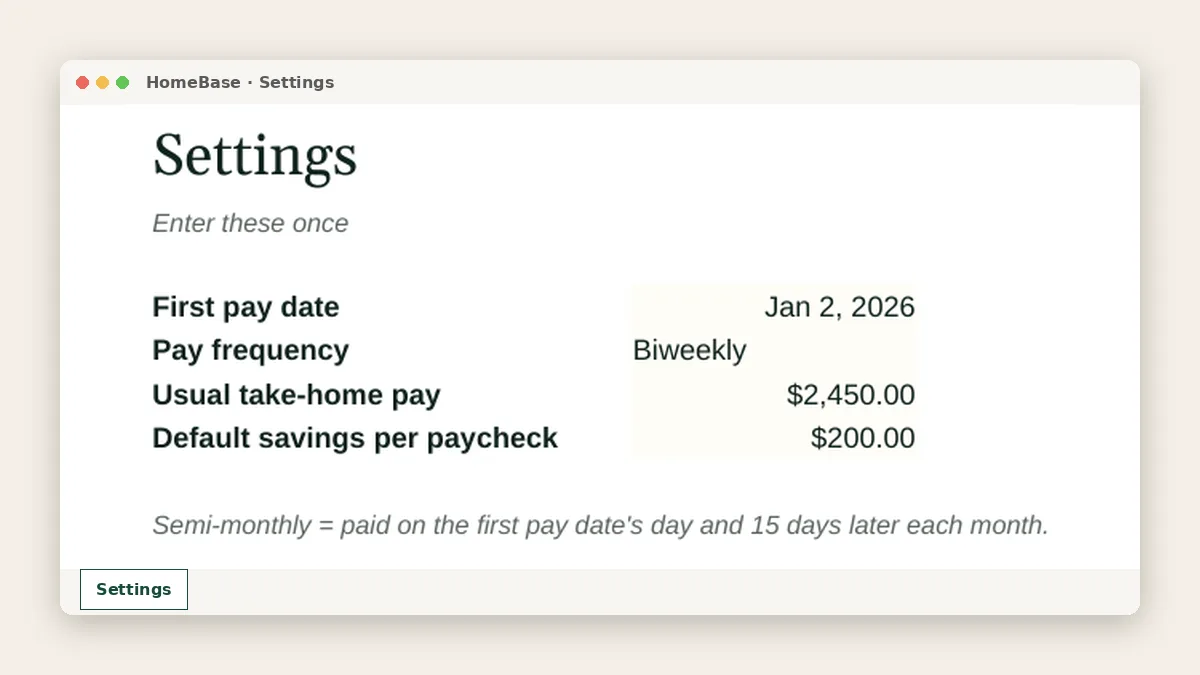
The Paycheck Budget Spreadsheet ($5.99) is built around the number at the bottom of your pay stub. You enter your usual take-home pay, your pay frequency and your first pay date once, and it:
- works for weekly, biweekly, semimonthly or monthly pay and calculates your pay dates for the year
- lets you record the actual net pay from each stub when it differs from usual
- schedules your bills for 12 months and assigns each one to the paycheck before it's due
- shows bills due, savings and left-to-spend for every paycheck, with paid checkmarks
It works in Excel and Google Sheets. Want the full system? The Ultimate Budget Bundle ($19.99, $46.42 if bought separately) includes the Paycheck Budget Spreadsheet plus the annual, zero-based, debt payoff, bill tracker and sinking funds spreadsheets and two printables. Browse every template in Spreadsheets or see all sets in Bundles. For the holidays, grab the free Holiday Budget Starter Kit: three US Letter pages, emailed after you join our list.
Make it easier
Tools for this
Spreadsheets
Paycheck Budget Spreadsheet
Enter your bills once. The sheet tells you which paycheck pays each one, all year.
 Save 57%
Bundles
Ultimate Budget Bundle
All 6 spreadsheets + both printable planners - for less than half the price of buying them separately.
Spreadsheets
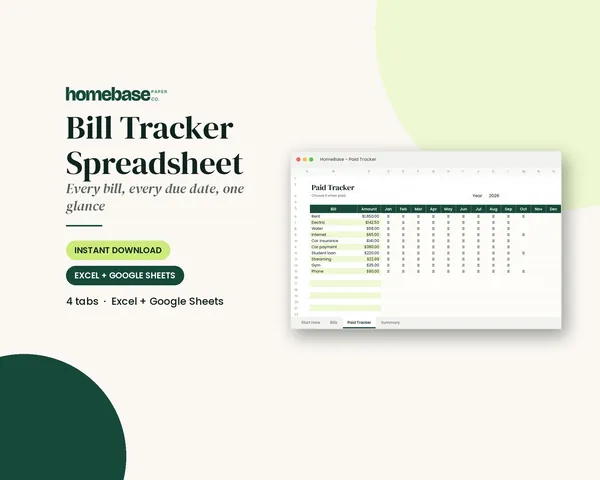
Bill Tracker Spreadsheet
Bills due in 3 days or less light up red, so nothing slips through.
Frequently asked questions
How do you read a pay stub? Read it top to bottom: your info and pay period, earnings (which add up to gross pay), taxes, pre-tax and after-tax deductions, then net pay and the year-to-date column. Net pay at the bottom is your take-home pay, and it should match your bank deposit to the cent.
What is the difference between gross pay and net pay? Gross pay is everything you earned before deductions; net pay is what's left after taxes and deductions. In our example, $2,000 gross became $1,477.12 net. Always build your budget on net pay, because that's the money you can actually spend.
What is FICA on my pay stub? FICA is Social Security and Medicare tax, which together fund those two federal programs. The employee share is 6.2% for Social Security, up to the yearly wage cap ($184,500 in 2026 and $192,300 in 2027), plus 1.45% for Medicare with no cap. Your employer pays a matching amount.
What does YTD mean on a pay stub? YTD means year to date: the running total for each line since January 1, or since your start date if you were hired this year. Use it to see how much tax you've prepaid, track 401(k) savings and check that your last stub of the year matches your W-2.
What are pre-tax deductions on a pay stub? Pre-tax deductions come out of gross pay before some or all taxes are calculated, which lowers your taxable wages. Common ones are traditional 401(k) contributions, health, dental and vision premiums, and HSA or FSA contributions. A traditional 401(k) lowers federal income tax but not Social Security and Medicare tax.
What do the abbreviations on my pay stub mean? The most common are FED or FIT (federal income tax), SS or OASDI (Social Security), MED (Medicare), SIT (state income tax), REG (regular pay), OT (overtime), YTD (year to date) and NET (take-home pay). MED can also mean medical insurance on some stubs, so check which section it's in.
Why is my net pay so much lower than my salary? Your salary is gross pay, and taxes plus benefits come out before you're paid. Federal and state income tax, Social Security, Medicare, retirement contributions and insurance premiums can easily take a quarter or more of each check. Your pay stub shows exactly where every dollar went.
How do I budget using my pay stub? The Paycheck Budget Spreadsheet ($5.99) turns the net pay on your stub into a paycheck-by-paycheck plan that assigns every bill to the paycheck before it's due. Enter your usual take-home pay once, budget a normal month from your regular number of paychecks, and it schedules your bills for the whole year.
Why did my take-home pay change when my hours didn't? Usually a deduction or tax changed. Common causes are new benefit elections in January, a new W-4, a change in your 401(k) percentage, a raise that hasn't reached your bank yet, or your Social Security tax stopping after you passed the yearly cap. Compare this stub with the last one line by line.
How do I know if my federal withholding is right? Use the IRS Tax Withholding Estimator with your most recent pay stubs. The IRS suggests checking every January and after big changes like a new job, marriage, a new baby or buying a home. If the estimate is off, it can give you a pre-filled Form W-4 for your employer.
Is my employer required to give me a pay stub? Your employer isn't required by federal law to give you a pay stub. The Department of Labor says the Fair Labor Standards Act requires employers to keep accurate pay records but does not require them to provide pay stubs. Many states do require a pay statement, so check your state labor department's rules.
What is GTL on my pay stub? GTL stands for group-term life insurance. It's the taxable value of employer-paid life coverage above $50,000. It isn't cash you receive; it's added to your wages so the right amount of tax is figured, which is why it can look like earnings and then disappear from net pay.
How long should I keep my pay stubs? Keep each pay stub at least until you've matched it to your W-2 in January. After that, keep the W-2 with your tax records. Hold on to recent stubs longer if you're applying for a loan or an apartment, since lenders and landlords often ask for them.
What should I do if my pay stub is wrong? Raise it with payroll or HR in writing right away, with a copy of the stub and your timesheet or schedule. Ask payroll how and when a confirmed error, such as missing overtime or a wrong deduction, will be corrected. Update your budget's net pay number once the correction is actually paid.
Why is my direct deposit smaller than the net pay on my pay stub? A direct deposit may be smaller than the pay stub’s net pay when payroll splits the payment between accounts. Compare all deposits issued for that pay date and check the direct-deposit instructions. If their total still differs from this period’s net pay, ask payroll to reconcile the difference.
More from HomeBase
You may also like

Printables
Budget Planner Printable
Twelve undated pages you can print every month: budget, bills, spending, savings and debt.
Spreadsheets
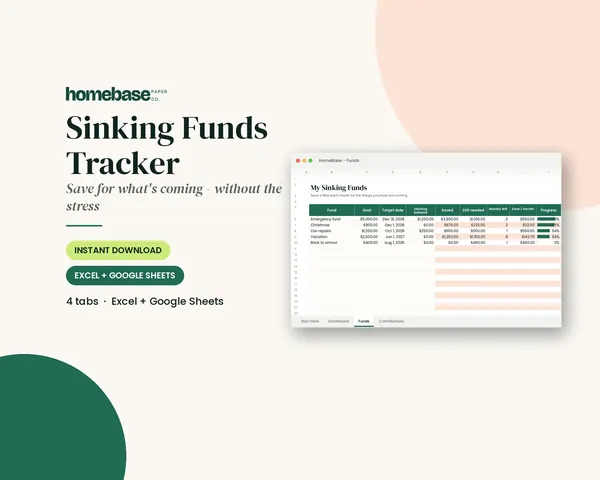
Sinking Funds Tracker
It does the math: how much to set aside each month to hit every goal on time.
Spreadsheets
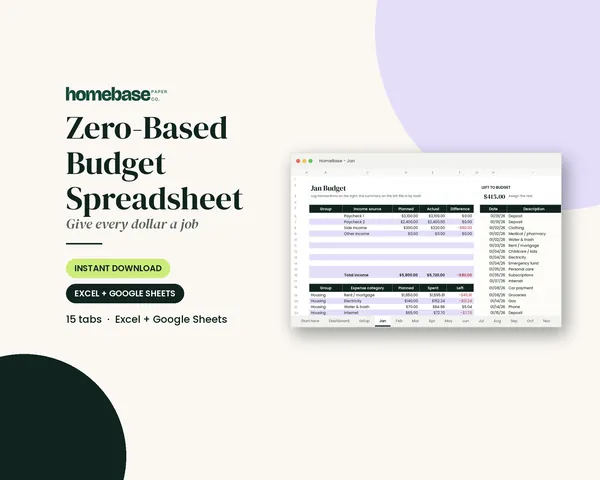
Zero-Based Budget Spreadsheet
The 'Left to budget' counter turns green when every dollar has a job.
Spreadsheets
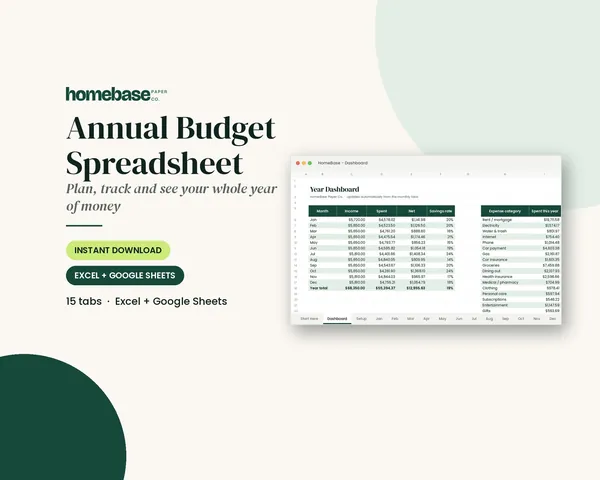
Annual Budget Spreadsheet
See exactly where your money goes every month - without complicated software.
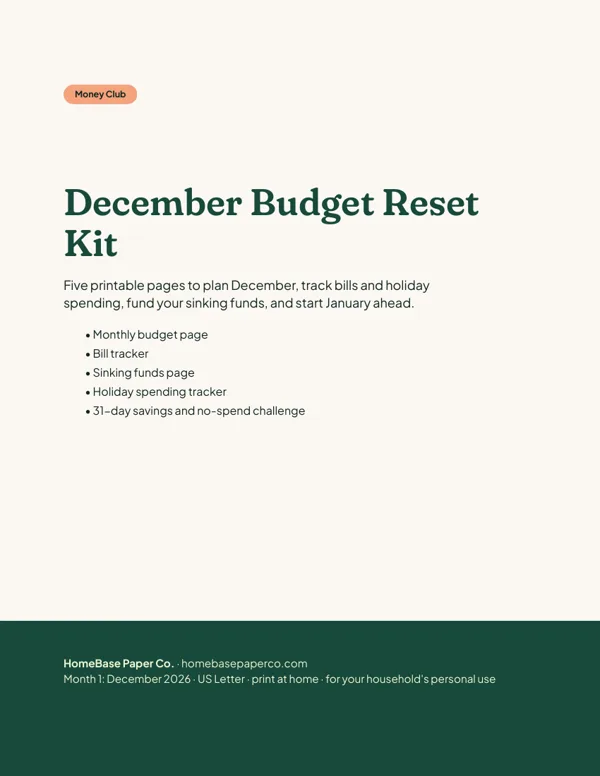 Club
Monthly club
Money Club
Anyone who wants a clear plan for the month's bills, holiday spending and savings.
Free printable
Give every dollar a job: get the free monthly budget template
A printable zero-based monthly budget: income, bills, everyday spending and savings on one page, with a planned vs. actual column. You'll also get our weekly HomeBase email with simple budgeting and bill-paying tips.